
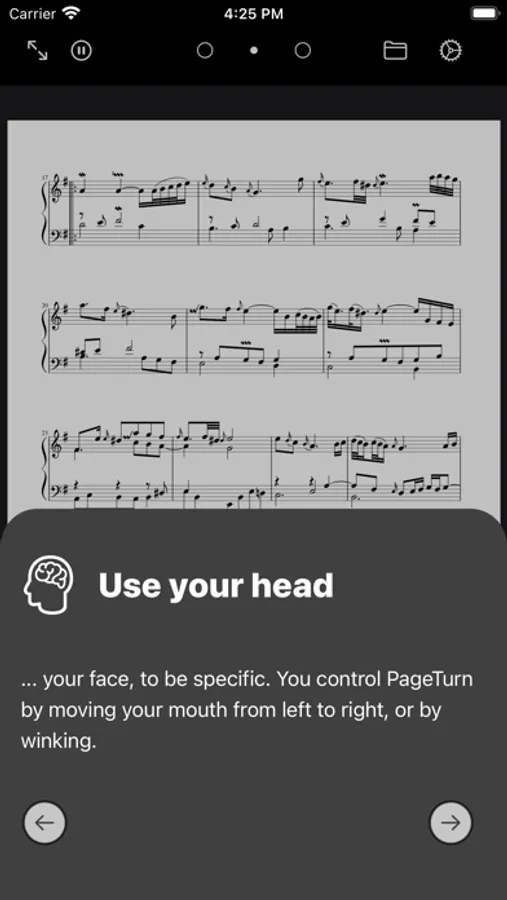
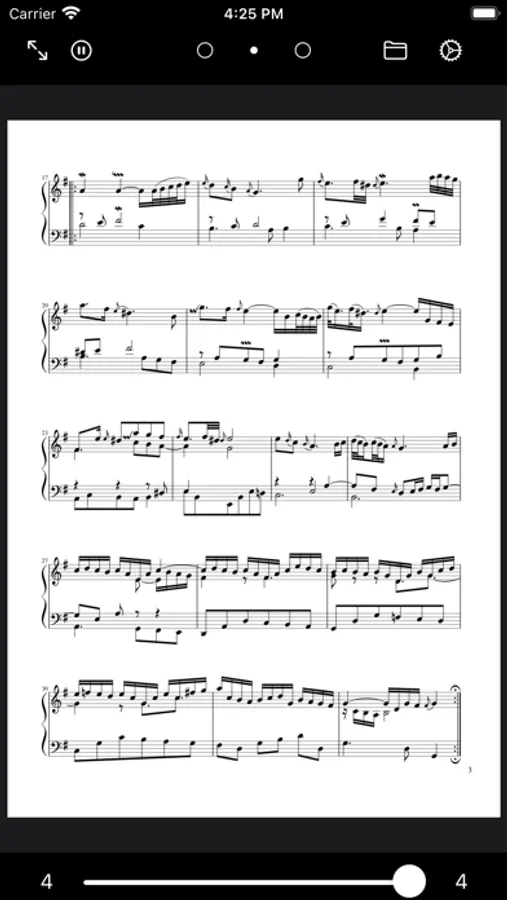
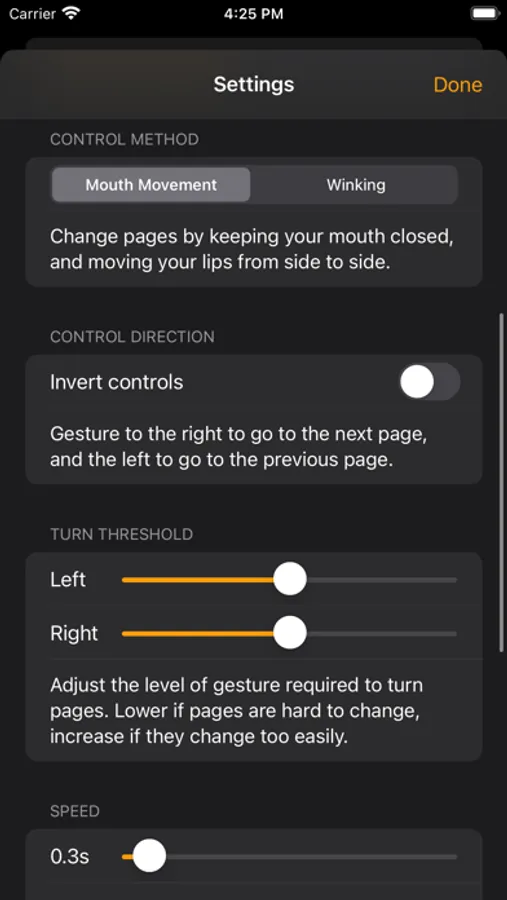
In this app, you can navigate PDFs using facial gestures and control your digital sheet music hands-free. Includes facial recognition for navigation and tools for note-taking and highlighting.
AppRecs review analysis
AppRecs rating 4.2. Trustworthiness 81 out of 100. Review manipulation risk 22 out of 100. Based on a review sample analyzed.
★★★★☆
4.2
AppRecs Rating
Ratings breakdown
5 star
70%
4 star
7%
3 star
5%
2 star
8%
1 star
10%
What to know
✓
Low review manipulation risk
22% review manipulation risk
✓
Credible reviews
81% trustworthiness score from analyzed reviews
✓
High user satisfaction
77% of sampled ratings are 4+ stars (4.2★ average)
About PageTurn
PageTurn works great with your Apple Pencil, too. It's perfect for making notes and highlights directly on sheet music and other documents.
PageTurn Screenshots
Tap to Rate:
Reviews for PageTurn
Nawwwwwwwww67
Annotation feature not working
Writing this in the hopes someone can help me. The app is great for page turns but I cannot get the annotation feature to work. Can’t justify buying an app that doesn’t allow marking or notes. I will update this review if I hear back from the developer.
Gremmertandrea
Annotate broken
The annotation feature doesn’t work. I have emailed weeks ago and not heard back. The sensitivity features seem to change and need adjustment regularly. Sad to admit I haven’t been brave enough to use during performance for lack of confidence in the app. I really want it to work. Hopefully I can hear back from the developer soon and get help to make it work.