
AppRecs review analysis
AppRecs rating 4.0. Trustworthiness 72 out of 100. Review manipulation risk 23 out of 100. Based on a review sample analyzed.
★★★★☆
4.0
AppRecs Rating
Ratings breakdown
5 star
65%
4 star
0%
3 star
0%
2 star
6%
1 star
29%
What to know
✓
Low review manipulation risk
23% review manipulation risk
✓
Credible reviews
72% trustworthiness score from analyzed reviews
✓
Good user ratings
65% positive sampled reviews
About Map Redirect for Map Links
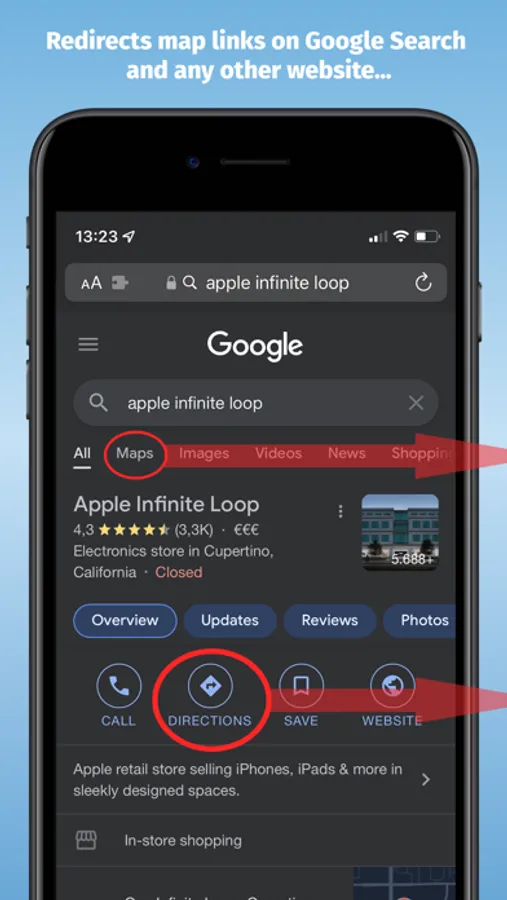
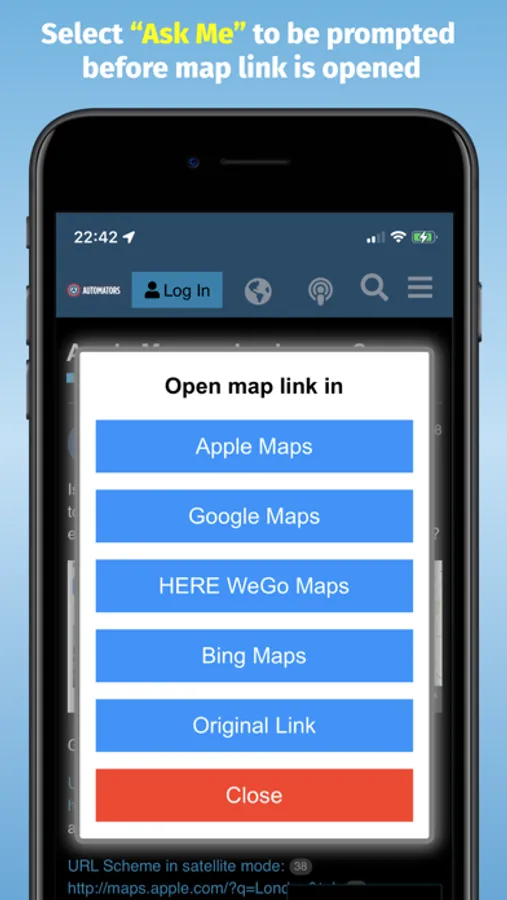
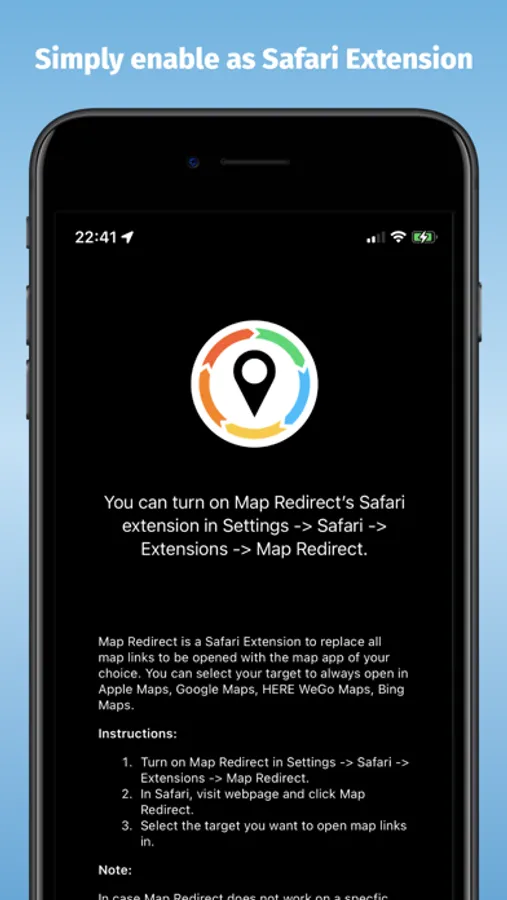
Map Redirect will automatically redirect you to the maps app of your choice. If you select "Ask Me" a prompt will appear to ask you where to open the link.
Works on Google Search pages and any other webpage. No need to copy/paste addresses anymore.
Instructions:
1. Download Map Redirect from the App Store
2. Go to Settings → Safari → Extensions. Enable Map Redirect as Safari Extension
3. Open Safari. Search for location. For example, type London
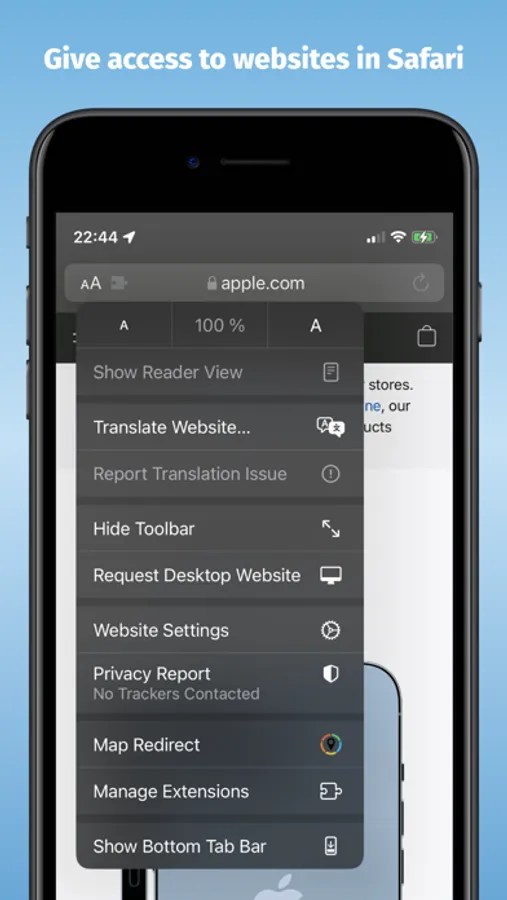
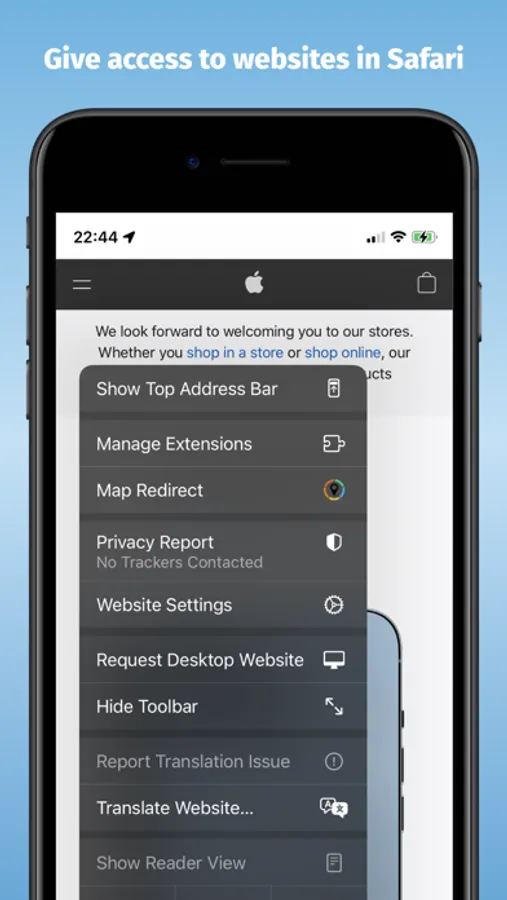
4. Click on Context menu (the symbol "aA"). Click on Map Redirect to give it access to the webpage you are visiting.
5. The extension needs to read and alter the web page to change the map links. If asked for access, you may select to allow it for one day or to always allow.
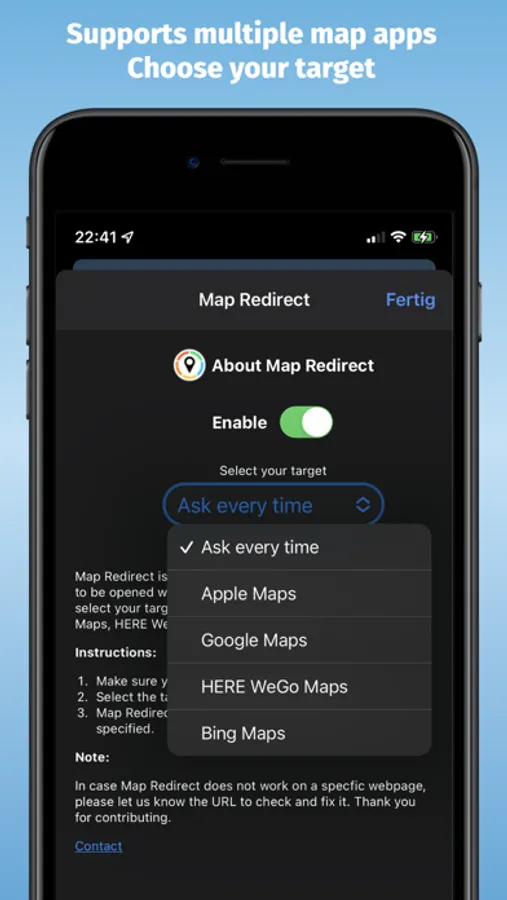
6. In the Map Redirect popup, you can select your target. For example: select Apple Maps
7. Map Redirect will now scan the webpage for map links and convert them to be opened in Apple Maps.
8. Click on any map link
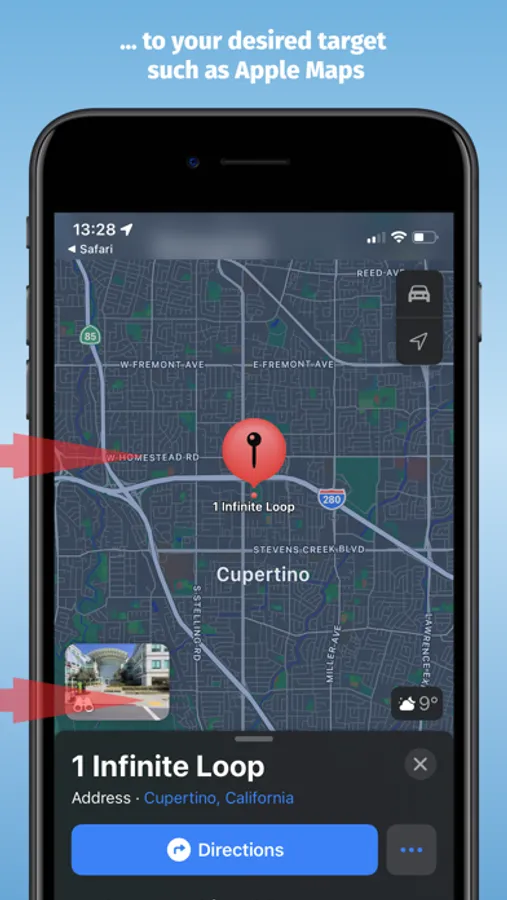
9. Map Redirect will now take you to London in Apple Maps
Note:
Map links on websites can appear in various forms with different parameters. Map Redirect tries to detect and convert them as much as possible to your desired target. Therefore, Map Redirect requires permission to read and alter the web page to change the map links. If asked for access, you may select to allow it for one day or to always allow.
In case Map Redirect does not work on a specific webpage, please contact us and let us know the URL to check and fix it. Thank you for contributing.
*HERE WeGo deeplinking support is limited to only links with geo-coordinates
*Bing maps will use Apple Maps on iPhones
*Waze Deeplinking support is limited to searching from your current location to what is around you
Privacy:
Map Redirect does not use any trackers of any sort, nor does it keep, track, sell, rent, or share any information on you throughout your use of the app with any third parties. All processing happens locally on the webpage you visit with the extension. No data is transferred to any central server. For any questions, feel free to contact us directly.
Map Redirect for Map Links Screenshots
Tap to Rate:
Reviews for Map Redirect for Map Links
Mherb24
Being able to see sensitive info
Why does a map redirect extension need to be able to see passwords and credit card info along with my browsing history?
Tox Uthat
Broken
Map Redirect for Map Links was great for redirecting Google Maps to Apple Maps for privacy. Instructions and functionality broke with iOS 18 (Sep 2024), ~15+ months non-functional. App Store listing misleads users. Per guidelines, fix for iOS 18+ or remove. Your work helped many