AppRecs review analysis
AppRecs rating 2.3. Trustworthiness 86 out of 100. Review manipulation risk 22 out of 100. Based on a review sample analyzed.
★★☆☆☆
2.3
AppRecs Rating
Ratings breakdown
5 star
29%
4 star
0%
3 star
0%
2 star
14%
1 star
57%
What to know
✓
Low review manipulation risk
22% review manipulation risk
✓
Credible reviews
86% trustworthiness score from analyzed reviews
⚠
Mixed user feedback
Average 2.3★ rating suggests room for improvement
About CalibCat: Calibrate Screen
Note the app is to calibrate the screen of the notebook/desktop/tablet rather than the screen of the phone.
To use the app, first, you need a desktop app CalibCat Display. (CalibCat Display has its own other features; please check its page on your desktop app store for details.)
You will also need to refill quotas, the price of which is listed in the In-App Purchases section in the app store (with discounts for variant packs).
[About CalibCat]
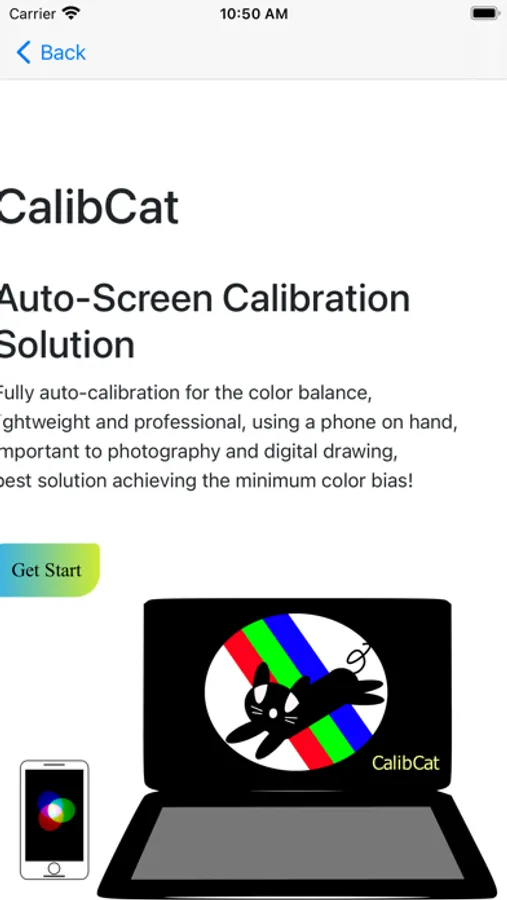
Screen calibration is important for the daily use of computers while critical to digital painting, photo manipulation, graphic design, character drawing, environment modeling, as well as other photography and video editing works - No matter for a professional, an amateur, or a learner, a calibrated screen without color bias can be essential.
- Do you just get a new laptop or a second-hand one but feel troubled about the color on the screen?
- Do you worry if the color you see on the screen is different from that on your colleagues' or customers’?
- Do you want to tune your screen to match consistent color standards with minimal bias?
If so, you should calibrate your screen right away!
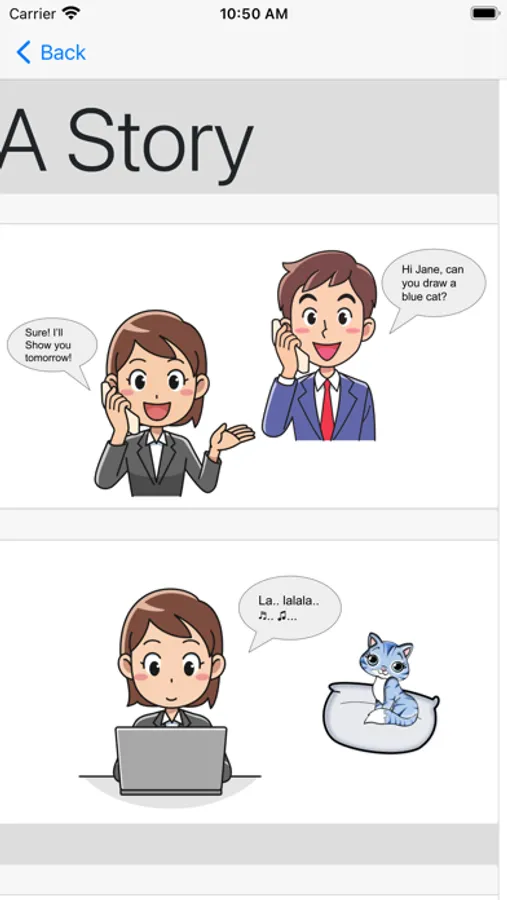
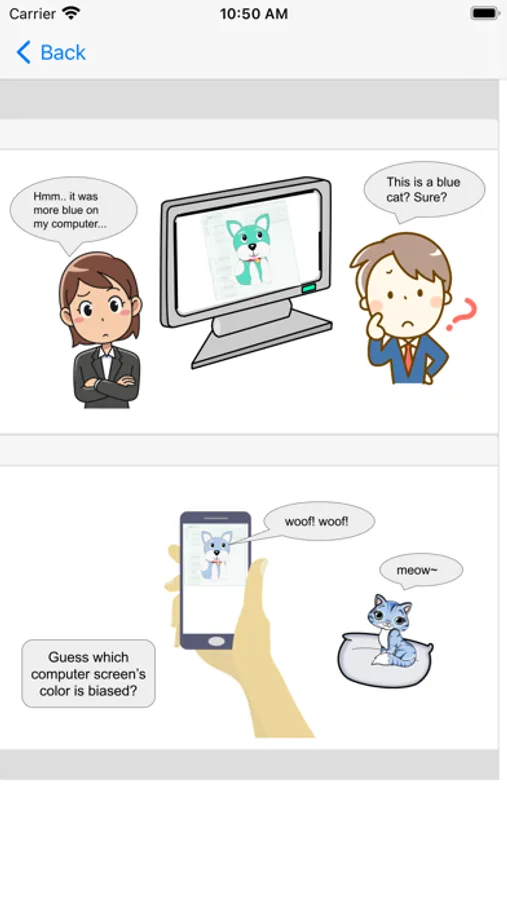
However, manual adjustment /calibration can be time-consuming, lack uniform measure, and tricky. Because human eyes are good at adapting to the environment, in many scenarios, people can not be sure if it is the same color that they picked the last time precisely. On the other hand, purchasing dedicated calibration hardware requires extra expenses and waiting time and can cost more than a high-spec display.
To save your time and multi-path attempts, we introduce CalibCat as a fast auto-calibration solution, in which we bring state-of-the-art research results and provide affordable schemes for the general public.
Now what you need is a quality-assured camera, but wait, you already got one on your iPhone/iPad, right? If so, let CalibCat do the remaining dirty work!
Before installing the app, make sure you have 1) a functional camera on the iPhone/iPad and 2) a counter-part desktop software (CalibCat Display).
CalibCat: Calibrate Screen Screenshots
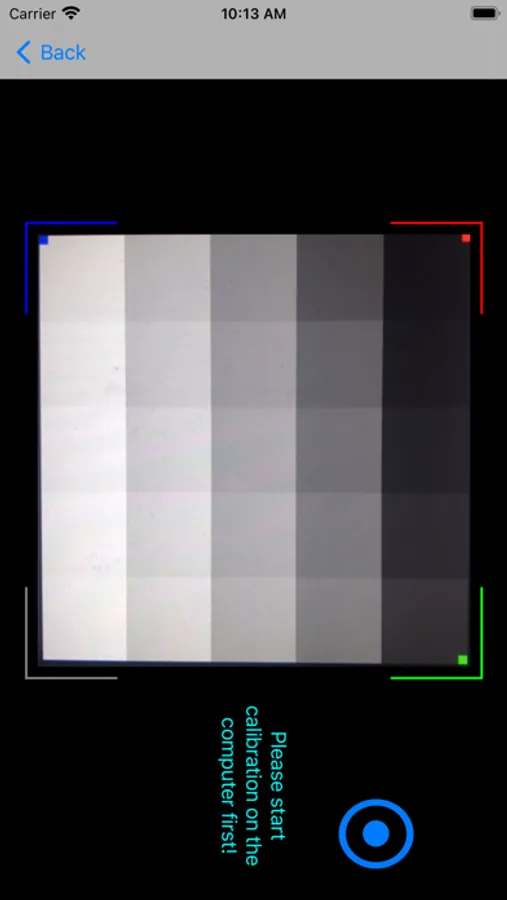
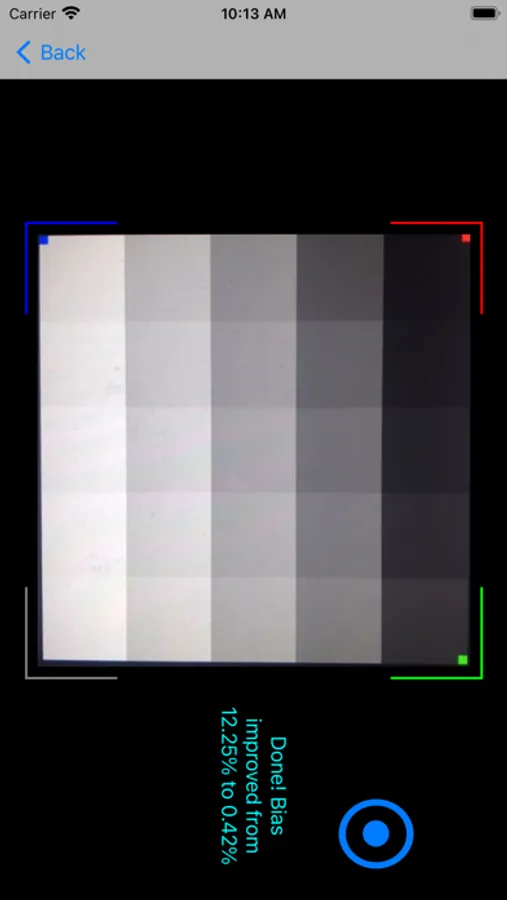
Tap to Rate:
Reviews for CalibCat: Calibrate Screen
Jughtggtygggy
Throws a fee at you the moment you try to use it
If you’re gonna make an app paid do it on the AppStore first and give at least some credits when you open it. I’m not going to use something the deceives the user by baiting to be free and then switches when you try to use it
##314##
Stay away from this app, as you will be scammed
This app is not what it claims to be. It Hass to be purchased in order to use here on the App Store but once you make the purchase, you’re gonna have to make another purchase for a desktop version of it in order for the app to work there’s no mention of that whatsoever and that extra desktop version of the app is another 1099 I would just stay away from this, it’s misleading it’s deceptive and it’s dishonest. I think they should be removed from the App Store or they need to revise the software to just one anyways I asked for a refund because of those shenanigans do not buy this app. Ultimately Apple should be responsible for screen calibration for the iPad pros for professional photographers that’s just how I feel about.