ScreenReact: Record Gameplay
Saturday Technologies, Inc
4.5 ★
rating
Free
In this screen recording app, you can capture your screen and overlay face cam videos with adjustable positioning. Includes microphone support, app audio capture, and fast export options to camera roll.
About ScreenReact: Record Gameplay
Record your screen and overlay face cam.
How to use:
1. Start screen recording in-app or import a video.
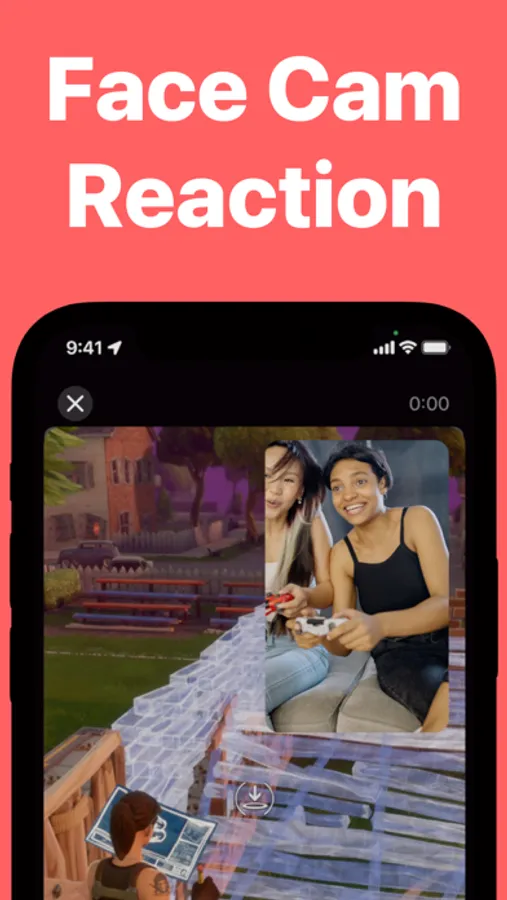
2. Record face cam reactions.
3. Export to camera roll.
Features:
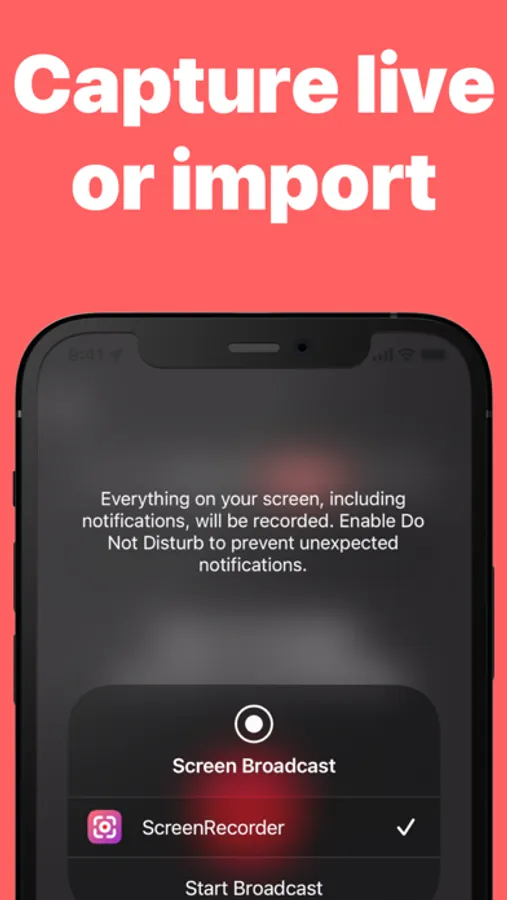
• Screen record from anywhere (press-and-hold from control center and choose Screen Recorder app).
• Include microphone for commentary.
• Pick up app audio (e.g. sounds from a game app).
• Record and overlay face cam videos.
• Position face-cam in any corner.
• Quick process and export to camera roll.
Great for:
• Game walk-throughs
• App/iPhone tutorials
• Training videos
• Making content for TikTok/YouTube/Twitch/etc
Pro:
The app is free to use, but additional functionality requires an in-app purchase. See in-app for details.
Privacy Policy: https://www.saturdaytechnologies.com/privacy
Terms of Use: https://www.saturdaytechnologies.com/terms
How to use:
1. Start screen recording in-app or import a video.
2. Record face cam reactions.
3. Export to camera roll.
Features:
• Screen record from anywhere (press-and-hold from control center and choose Screen Recorder app).
• Include microphone for commentary.
• Pick up app audio (e.g. sounds from a game app).
• Record and overlay face cam videos.
• Position face-cam in any corner.
• Quick process and export to camera roll.
Great for:
• Game walk-throughs
• App/iPhone tutorials
• Training videos
• Making content for TikTok/YouTube/Twitch/etc
Pro:
The app is free to use, but additional functionality requires an in-app purchase. See in-app for details.
Privacy Policy: https://www.saturdaytechnologies.com/privacy
Terms of Use: https://www.saturdaytechnologies.com/terms
ScreenReact: Record Gameplay Screenshots
Tap to Rate: