In this screen recorder app, you can capture your screen activity and add face camera overlays while adjusting recording settings like resolution and bitrate. Includes video editing tools, watermarks, and options to share directly to social media platforms.
About Screen Recorder : FaceCam App
Screen Recorder: FaceCam App is an application for screencasting and live streaming from a mobile phone. Whether you are taking online classes, or are a content creator, this app can help you to make kinds of media presentations for your audience.
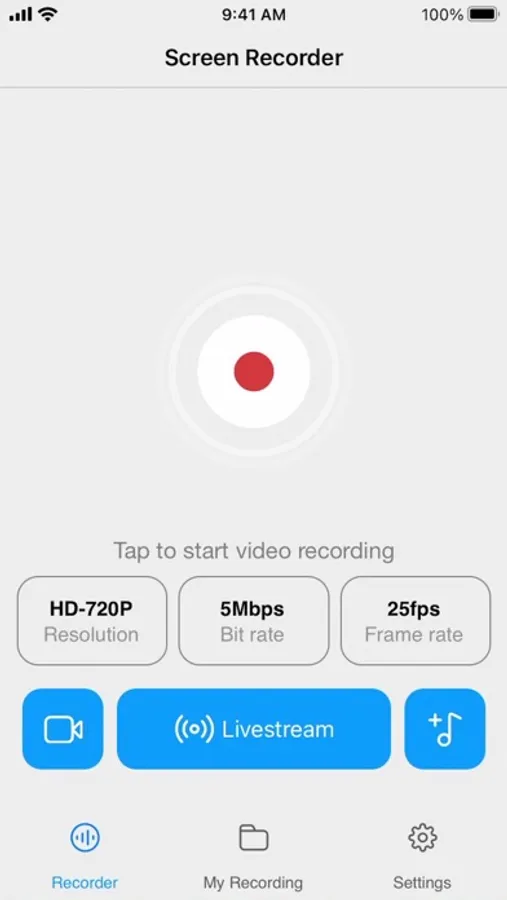
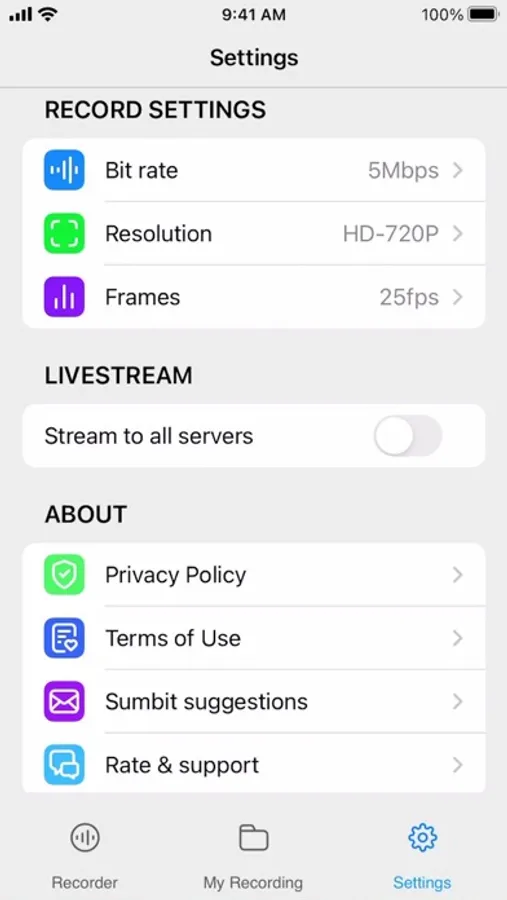
The app contains settings to adjust the resolution, bitrate, and framerate before you start recording. With this, it is easy to decide if your record would be in high definition (HD), standard definition(SD), or low definition(LD) audio and video.
You can edit your clips on the go by trimming or cropping out unwanted parts of the frames, using the timeline to visualize the tracks. You can do more by adjusting the playback speed. For visual effects, watermarks, and filters are available. Download this assistive app to mirror your movies, games, presentations, and any content whether free or private in one touch.
Features
Screen recording from your phone
Screencast to social media platforms
Adjust video quality and resolution
Edit videos with ease and simplicity
Watermarks and filters for visual effects
The app contains settings to adjust the resolution, bitrate, and framerate before you start recording. With this, it is easy to decide if your record would be in high definition (HD), standard definition(SD), or low definition(LD) audio and video.
You can edit your clips on the go by trimming or cropping out unwanted parts of the frames, using the timeline to visualize the tracks. You can do more by adjusting the playback speed. For visual effects, watermarks, and filters are available. Download this assistive app to mirror your movies, games, presentations, and any content whether free or private in one touch.
Features
Screen recording from your phone
Screencast to social media platforms
Adjust video quality and resolution
Edit videos with ease and simplicity
Watermarks and filters for visual effects
Screen Recorder : FaceCam App Screenshots
Tap to Rate: