
eLife Connect
Emirates Telecommunications Corporation
1.7 ★
6 ratings
Free
AppRecs review analysis
AppRecs rating 1.7. Trustworthiness 50 out of 100. Review manipulation risk 31 out of 100. Based on a review sample analyzed.
★☆☆☆☆
1.7
AppRecs Rating
Ratings breakdown
5 star
17%
4 star
0%
3 star
0%
2 star
0%
1 star
83%
What to know
⚠
Mixed user feedback
Average 1.7★ rating suggests room for improvement
About eLife Connect
It includes the following features:
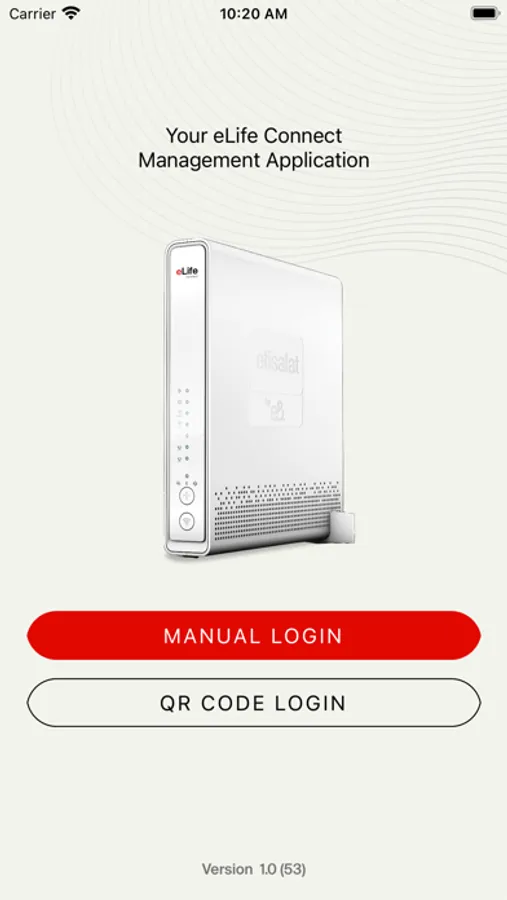
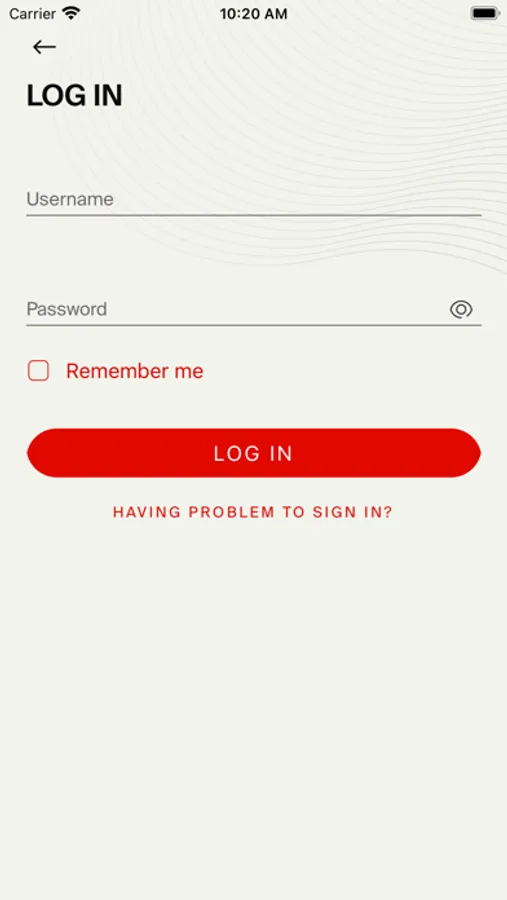
.Login to your eLife Connect Router instantly. It supports the fingerprint authentication; login to the application has not been as simple before.
(make sure the phone and the OS you are using are compliant)
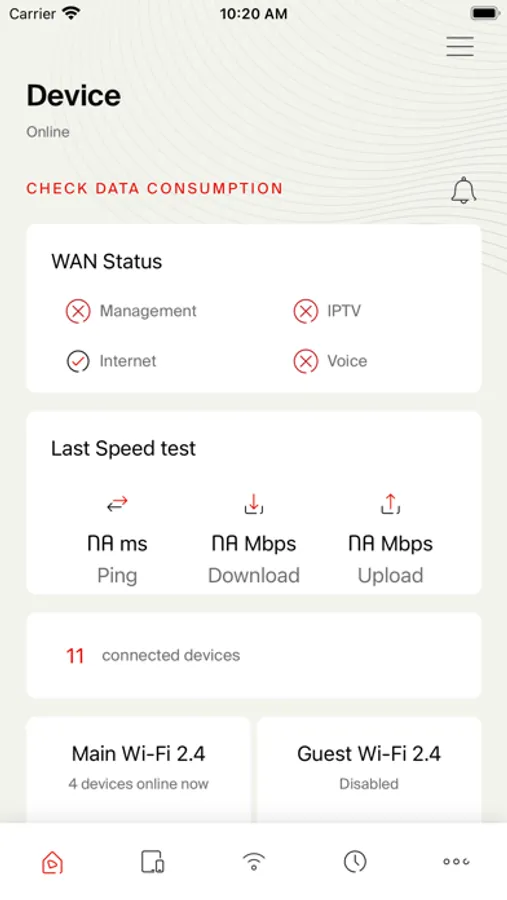
.Dashboard, will be able to:
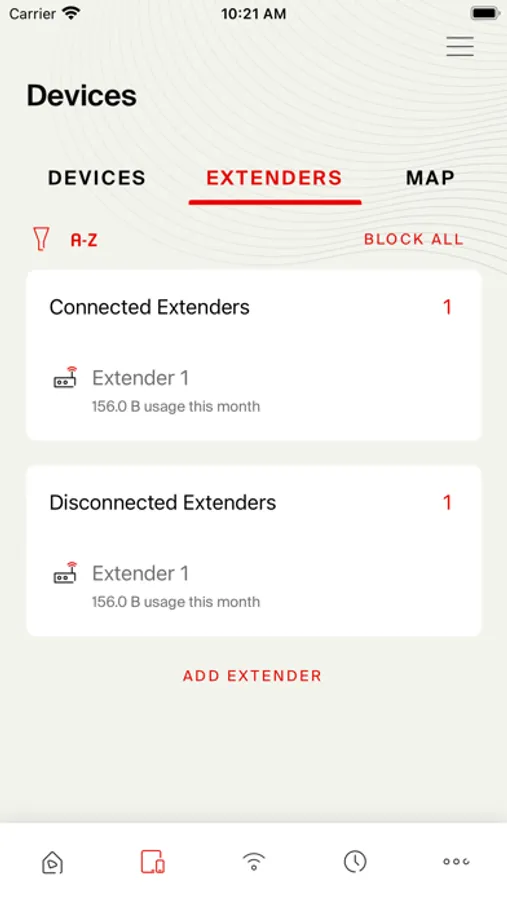
.Check your connectivity
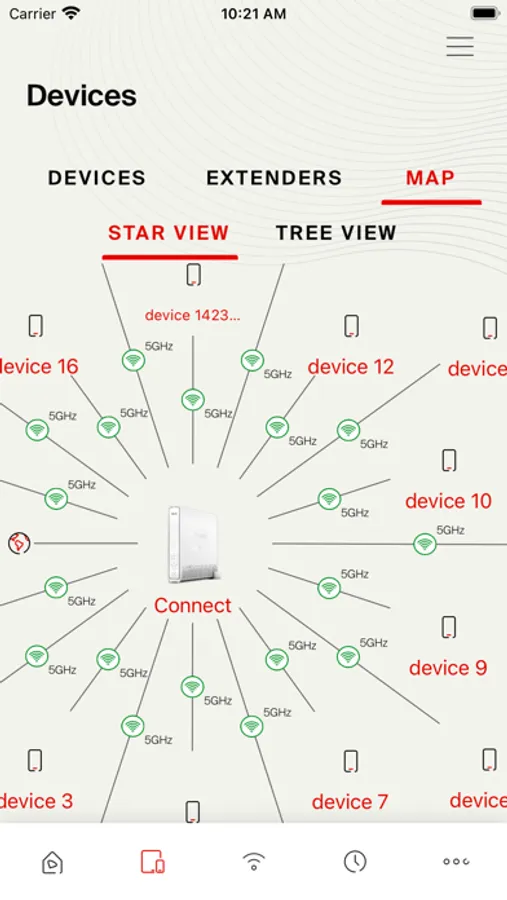
.Check how many devices are currently connected
.Display the result of the latest Speed test you have performed
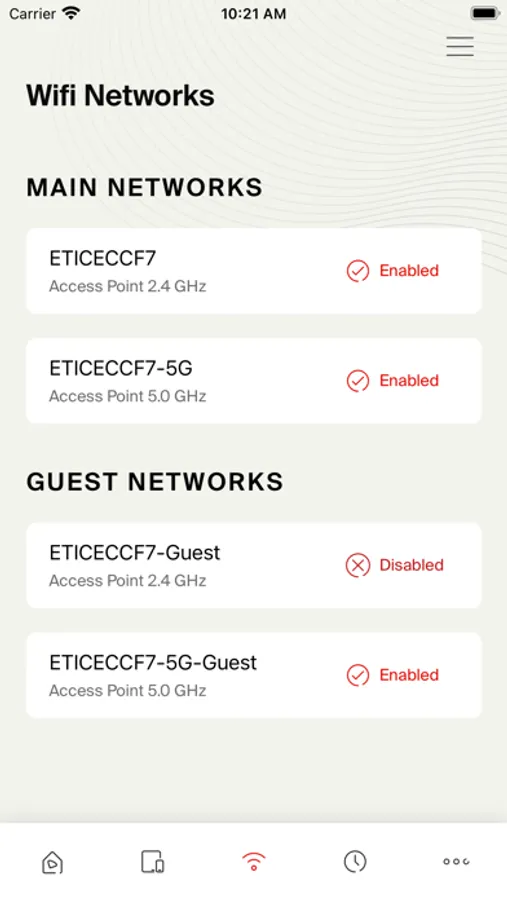
.Enable/ disable Main or Guest Wi-Fi as well as display the related QR code
.Display how many schedules you have set
.To check how many devices are blocked
.Data real time acquisition.
.Get notified every time a change occurs on a device:
.New device connected/disconnected
.CPU outage
.Memory saturated
.Wi-Fi password has changed
.New Mesh AP has been added to your Mesh network
.Changing your Wi-Fi networks (Main and Guest) settings becomes very easy.
Change the SSID, Password, the channel, frequency bandwidth and the security mode.
Limit the number of devices connected to your Guest Wi-Fi.
Set the maximum bandwidth allocated to your guest Wi-Fi.
Enable the Band Steering, so you don’t have to wonder whether you are connected to the optimal band or not
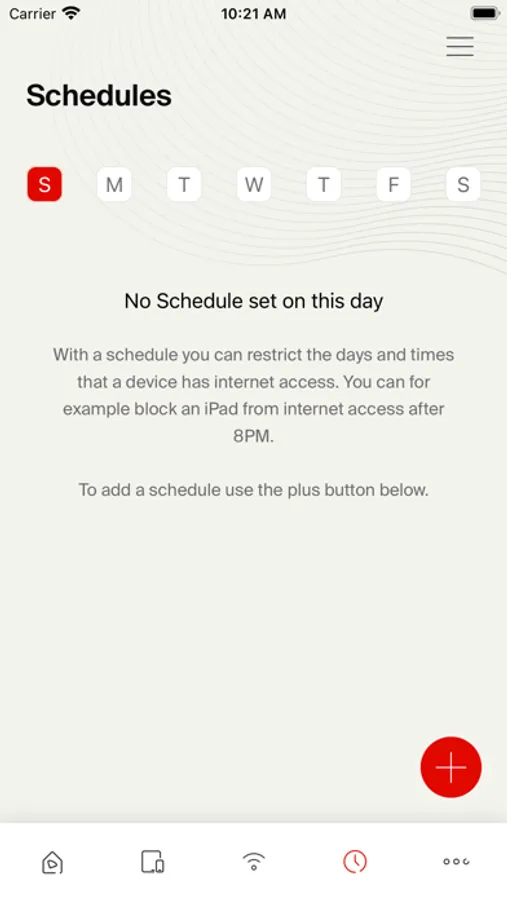
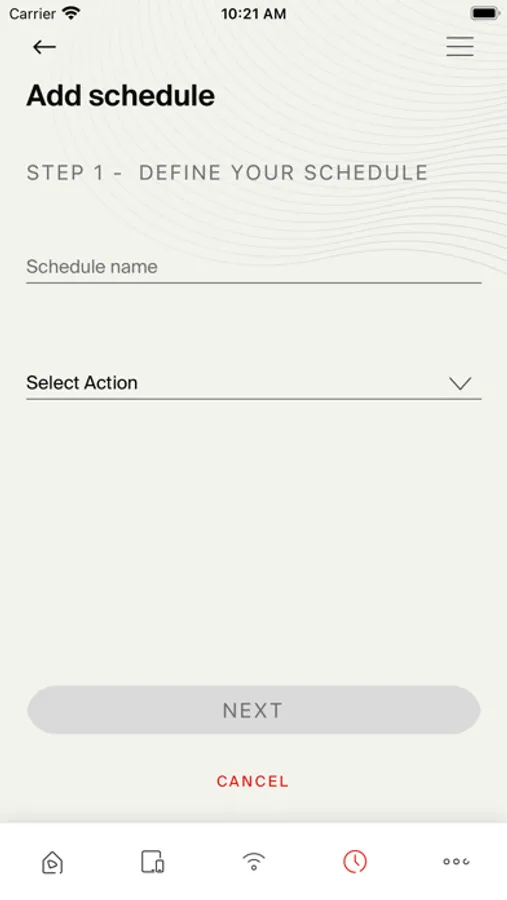
.Create and customize schedulers to deactivate any service on a particular device. Thanks to this feature you can now:
.Prohibit one device (or more) connected over Wi-Fi from accessing the HSI service
.Prohibit one device (or more) connected through Ethernet cable from accessing the HIS service/IPTV
.Disable the WAN interface so none of the connected devices will reach the triple play services
.Schedule auto- reboot of your device
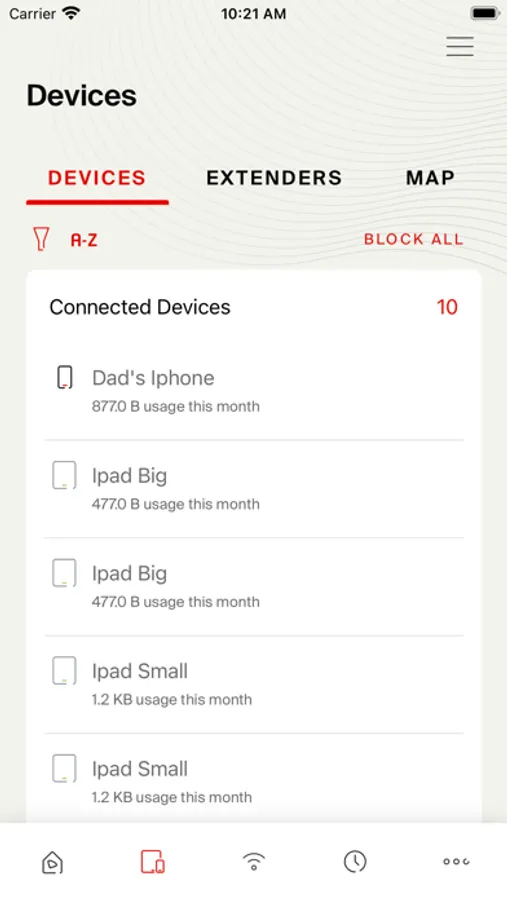
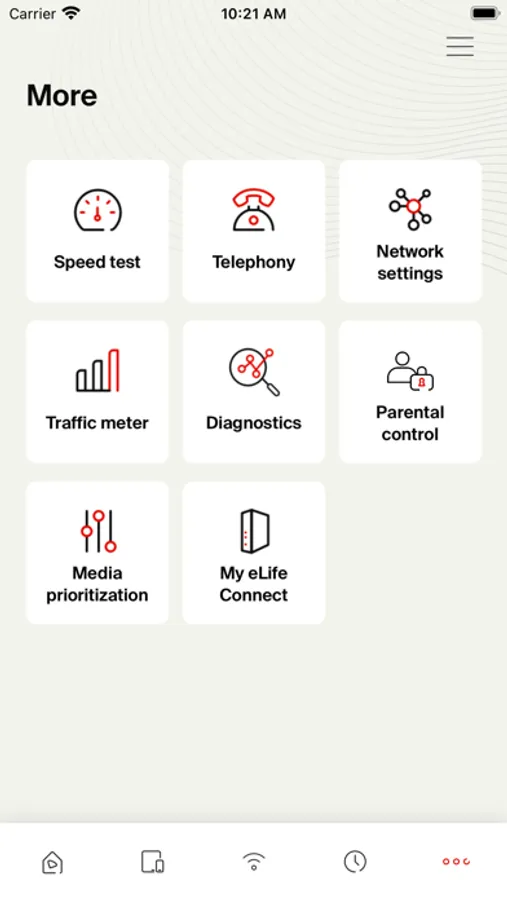
.Explore “More” Section and you will be able to:
.Perform Speed test
.Check your Network settings (WAN, LAN)
.Set Port Forwarding rules
.Perform some diagnostics on your network through the device by running: Ping test, Traceroute, DNS Lookup and display routing table
.At the traffic meter section, you will be able to check your consumption since last boot as well as the last reset values.
Check how long your device has been running.
.Specify the websites you would like to block block some devices and check the parental control history.
.Check the Health of your device, perform reset factory, store the current configuration, and restore it anytime etc…
eLife Connect Screenshots
Tap to Rate:
Reviews for eLife Connect
Mad7md2
The worst
The camera cant focus, no matter what i do. The username give me that its wrong but its impossible since i wrote it down with the case sensitive letters, there is no other way to login or send forgot password or username option. Its made to be used by idiots and cant wait for elon musk to take over the world with his amazing starlink internet you guys will go bankrupt.
Sdarkdy
Does not work
Barcode or manual login is not working