
AppRecs review analysis
AppRecs rating 3.7. Trustworthiness 65 out of 100. Review manipulation risk 29 out of 100. Based on a review sample analyzed.
★★★☆☆
3.7
AppRecs Rating
Ratings breakdown
5 star
0%
4 star
0%
3 star
0%
2 star
0%
1 star
100%
What to know
✓
Low review manipulation risk
29% review manipulation risk
About ClassLink Verify
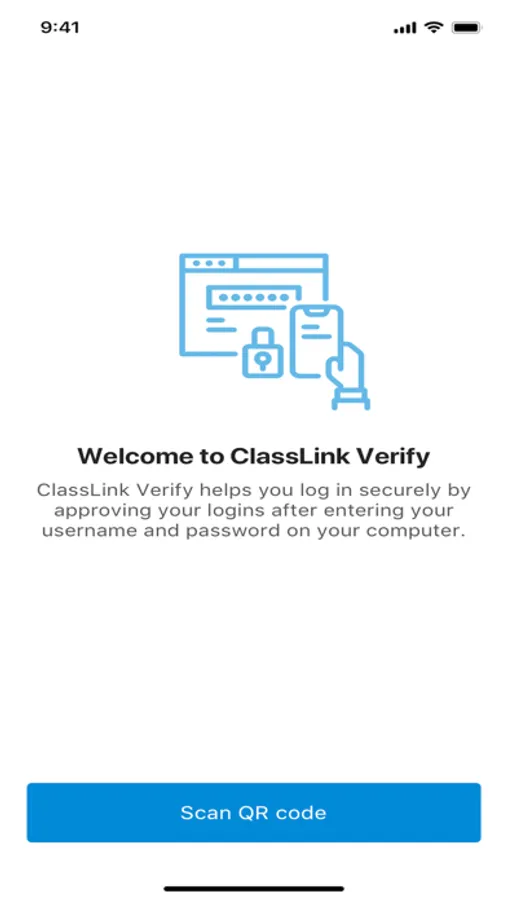
With ClassLink Verify you can generate verification codes to use in addition to your passwords when signing in to your account—adding an extra layer of data security.
ClassLink Verify works with any application requiring 2-Step Verification to sign in to your account.
Features include:
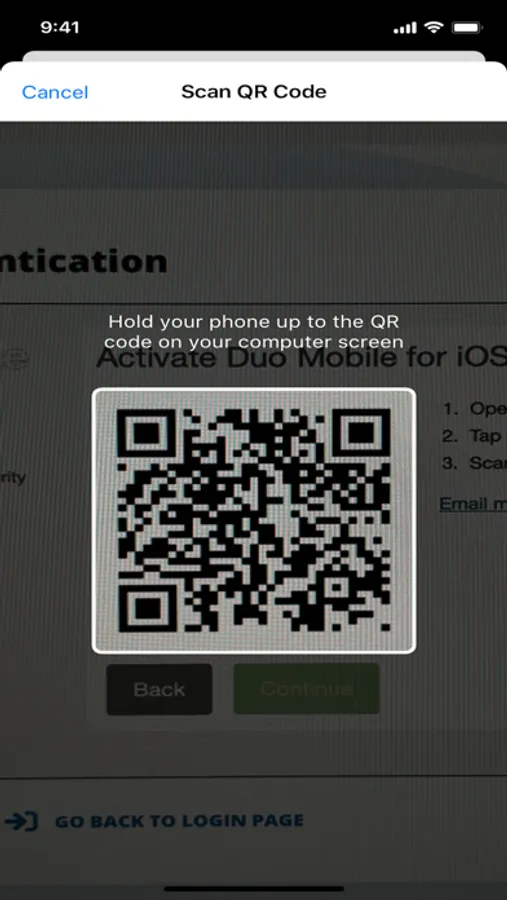
- Automatic setup via QR code
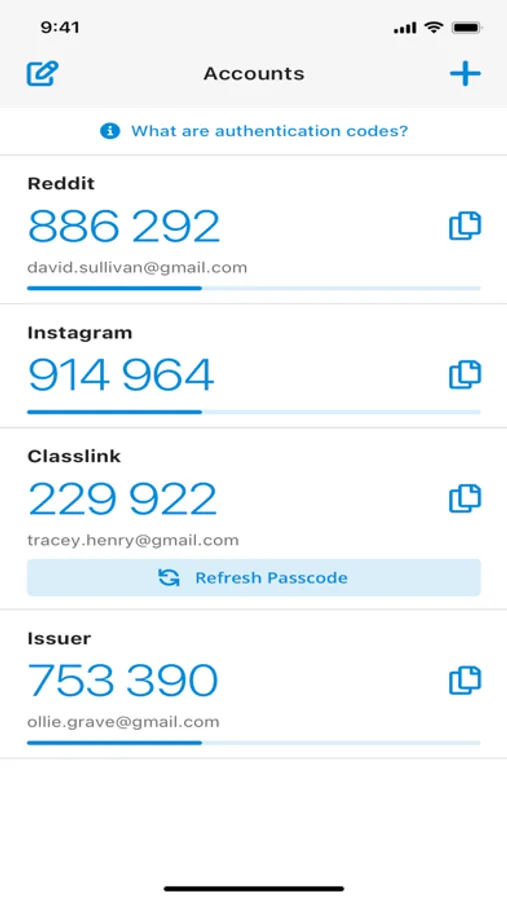
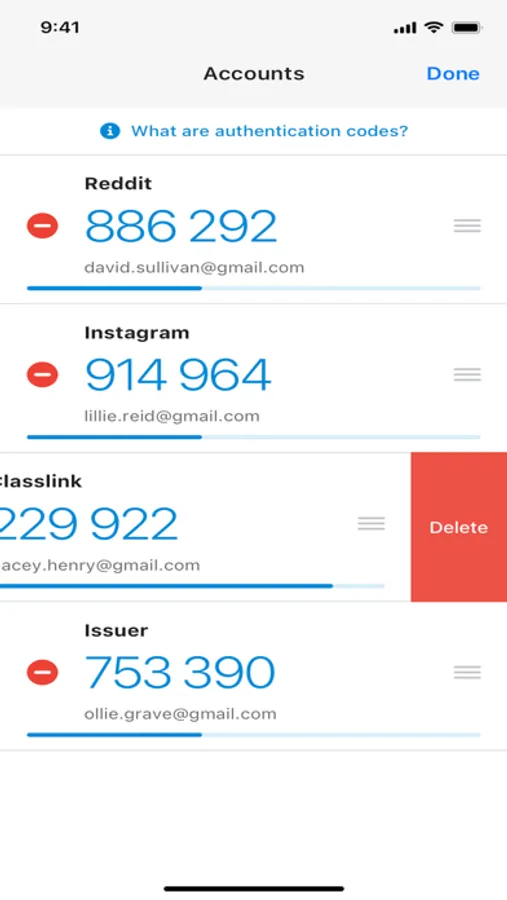
- Support for multiple accounts
- Support for TOTP and HOTP algorithms
To use Verify with ClassLink LaunchPad, you will need to enable 2-Step Verification on your ClassLink Account. Visit https://help.classlink.com/s/article/Two-Factor-Authentication to get started.
ClassLink Verify works with any application requiring 2-Step Verification to sign in to your account.
Features include:
- Automatic setup via QR code
- Support for multiple accounts
- Support for TOTP and HOTP algorithms
To use Verify with ClassLink LaunchPad, you will need to enable 2-Step Verification on your ClassLink Account. Visit https://help.classlink.com/s/article/Two-Factor-Authentication to get started.
ClassLink Verify Screenshots
Tap to Rate:
Reviews for ClassLink Verify
Z3usFury
Doesn’t work for students
Title. You should be able to put your user and pass and that should let you use it instead of this system