With this web app, you can access school resources with single sign-on and navigate multiple cloud drives easily. Includes integration with Google Drive, O365, OneDrive, Dropbox, Box, and network folders.
AppRecs review analysis
AppRecs rating 4.3. Trustworthiness 76 out of 100. Review manipulation risk 22 out of 100. Based on a review sample analyzed.
★★★★☆
4.3
AppRecs Rating
Ratings breakdown
5 star
69%
4 star
12%
3 star
3%
2 star
2%
1 star
14%
What to know
✓
Low review manipulation risk
22% review manipulation risk
✓
Credible reviews
76% trustworthiness score from analyzed reviews
✓
High user satisfaction
81% of sampled ratings are 4+ stars (4.2★ average)
About ClassLink LaunchPad
Your school or organization must have CLASSLINK LAUNCHPAD WEB EDITION for this app to work.
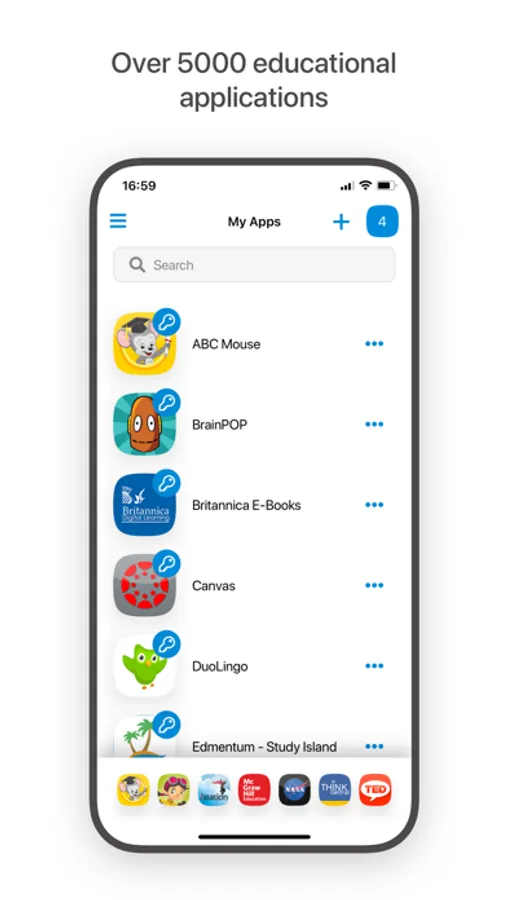
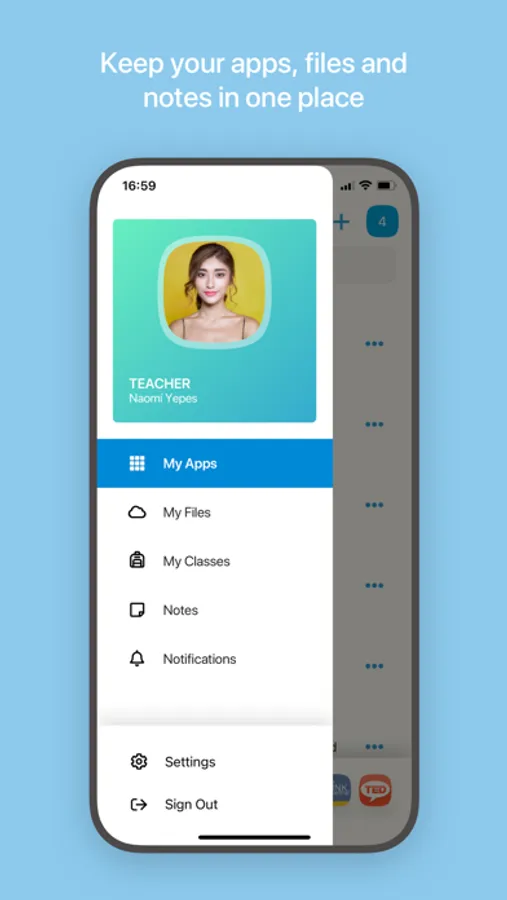
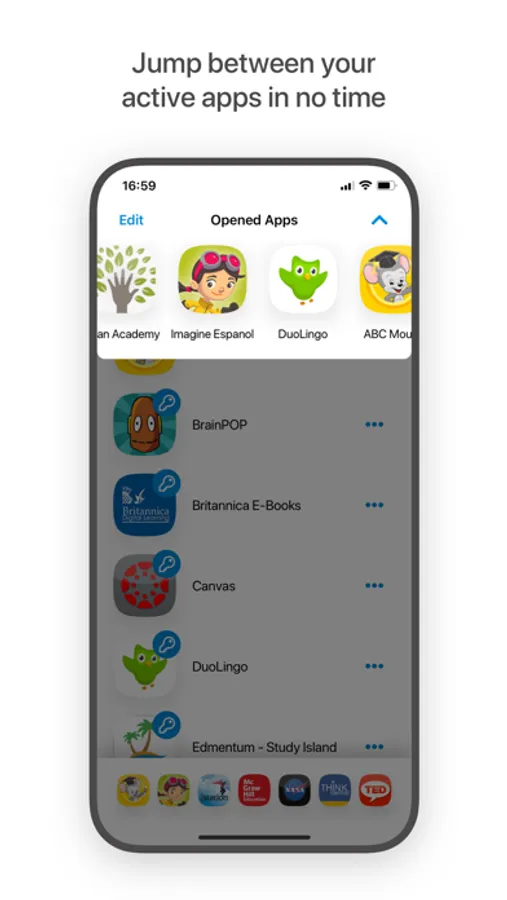
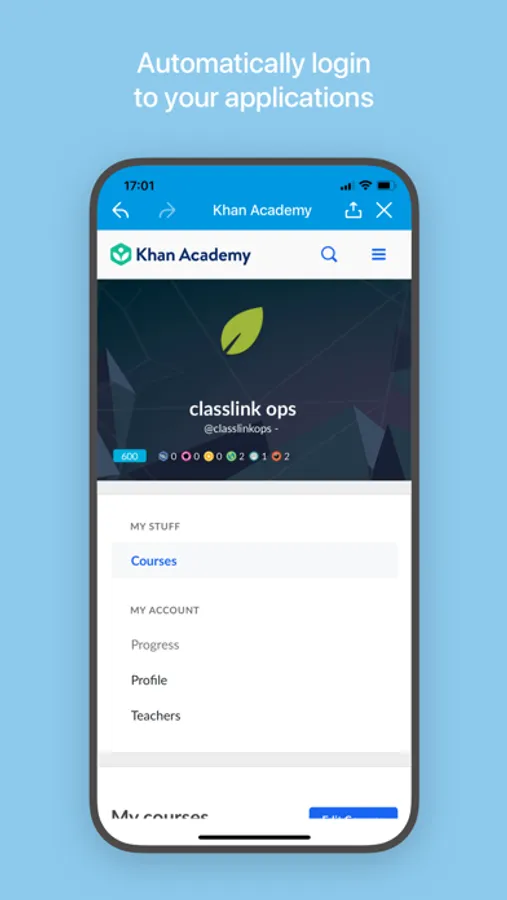
ClassLink LaunchPad gives you personalized, single sign-on access to all your school resources. With one click, you can have instant access to any of thousands of learning, productivity, and educational apps. With LaunchPad you spend more time learning, and less time logging in.
ClassLink LaunchPad gives you real time access to your cloud drives and any mapped Active Directory folder including:
Google Drive
O365 and OneDrive
Dropbox
Box
Your school network folders
Many different devices are showing up in classrooms and everyone expects simple, 24/7 access. Accessible from any device, LaunchPad is built for education and ideal for 1to1 and BYOD initiatives.
ClassLink LaunchPad gives you personalized, single sign-on access to all your school resources. With one click, you can have instant access to any of thousands of learning, productivity, and educational apps. With LaunchPad you spend more time learning, and less time logging in.
ClassLink LaunchPad gives you real time access to your cloud drives and any mapped Active Directory folder including:
Google Drive
O365 and OneDrive
Dropbox
Box
Your school network folders
Many different devices are showing up in classrooms and everyone expects simple, 24/7 access. Accessible from any device, LaunchPad is built for education and ideal for 1to1 and BYOD initiatives.
ClassLink LaunchPad Screenshots
Tap to Rate:
Reviews for ClassLink LaunchPad
STOP USING THE AI PLEASEEEE
Why wont it work
So I’m a student at calisburg elementry at Woodvine, so I’m trying to upload videos on my google classroom it only worked 2 times but it wont work at all, im doing the review from home.
Skibidi67mangophonk
Wasn’t skibidi enough
When I tried to open my skibidi toilet, it didn’t let me