Wifi Analyzer Network Analyzer
LE NGUYEN QUANG PHUOC
4.4 ★
3K ratings
Free
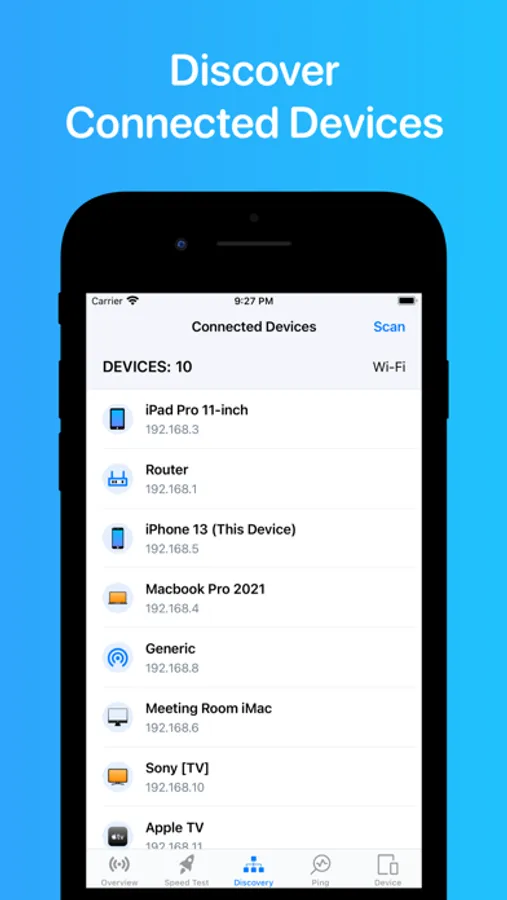
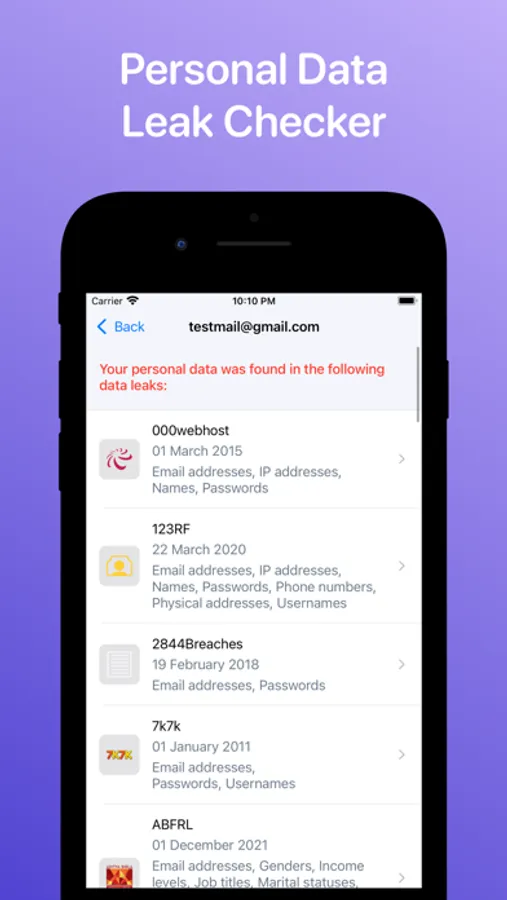
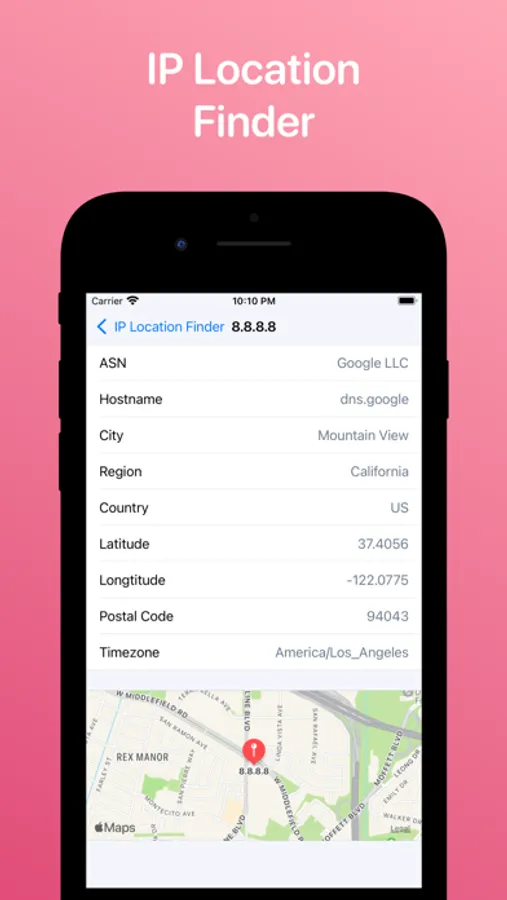
With this network analyzer app, you can scan Wi-Fi networks, discover connected devices, and test network speeds. Includes network details, device information, and diagnostic tools.
AppRecs review analysis
AppRecs rating 3.9. Trustworthiness 75 out of 100. Review manipulation risk 25 out of 100. Based on a review sample analyzed.
★★★☆☆
3.9
AppRecs Rating
Ratings breakdown
5 star
72%
4 star
12%
3 star
6%
2 star
3%
1 star
7%
What to know
✓
Low review manipulation risk
25% review manipulation risk
⚠
Ad complaints
Many low ratings mention excessive ads
⚠
Pricing complaints
Many low ratings mention paywalls or pricing
About Wifi Analyzer Network Analyzer
▲ Main features:
- Discovers all devices connected to the network.
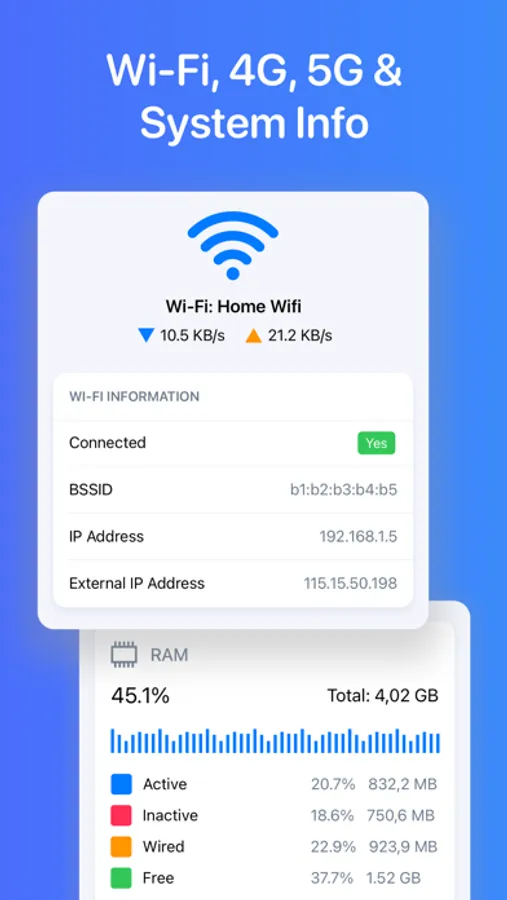
- Network information: Default gateway, Wi-Fi network, Cell (3G, LTE) network, ...
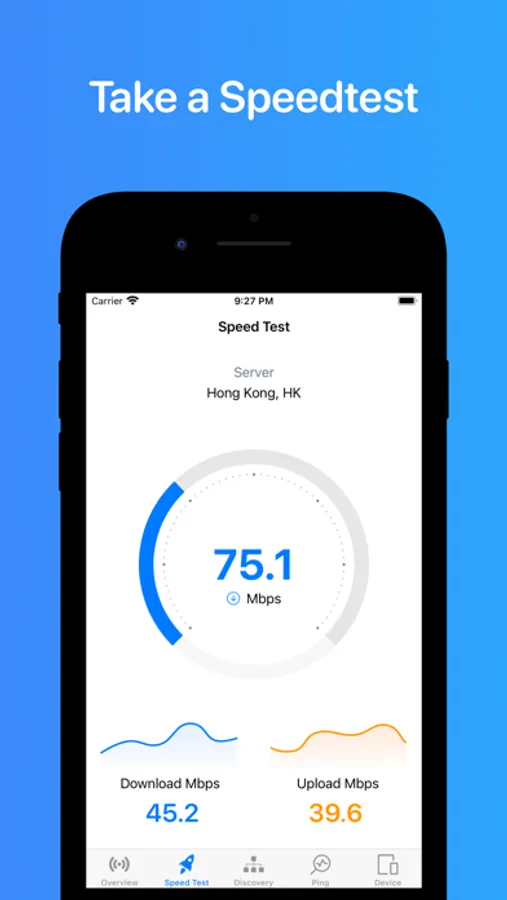
- Test your download & upload speed
- One-tap to test speed for 2G, 3G, 4G, 5G, DSL, ADSL, and Wi-Fi.
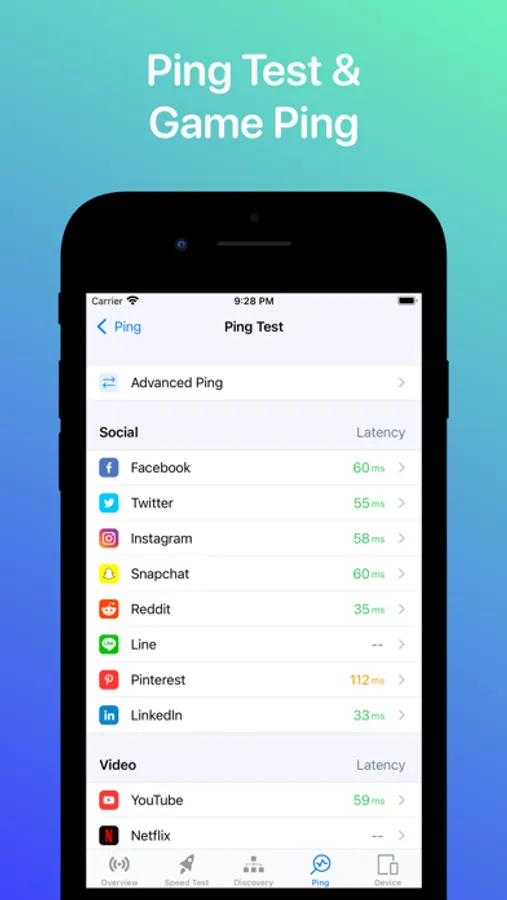
- Ping test & Game Ping.
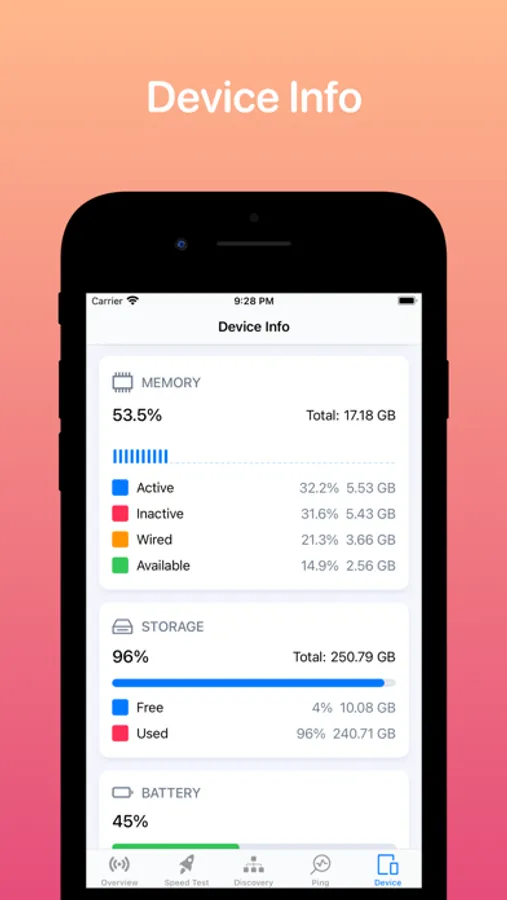
- View system info: CPU, memory, storage, device info, ...
- Real-time network speed and traffic.
- Network tools: Traceroute, DNS, WHOIS, Find open ports
▲ Simple, intuitive, and modern design.
ADDITIONAL SUBSCRIPTION INFORMATION:
Subscription price:
- 1 week: $2.99
- 1 month: $5.99 (3 days free trial)
- Lifetime: $14.99
- Subscription may be canceled at any time within the iTunes and App Store Apple ID Settings. All prices include applicable local sales taxes.
- Payment will be charged to iTunes Account at confirmation of purchase.
- Subscription automatically renews unless auto-renew is turned off at least 24-hours before the end of the current period.
- The account will be charged for renewal within 24-hours prior to the end of the current period, and identify the cost of the renewal.
- Subscriptions may be managed by the user and auto-renewal may be turned off by going to the user's Account Settings after purchase.
- No cancellation of the current subscription is allowed during active subscription period.
- Any unused portion of a free trial period, if offered, will be forfeited when the user purchases a subscription to that publication, where applicable
Privacy policy: https://sites.google.com/view/tlabs91
Terms of service: https://sites.google.com/view/tlabs-termofservice
Wifi Analyzer Network Analyzer Screenshots
Tap to Rate:
Reviews for Wifi Analyzer Network Analyzer
Mauricki Rondy
Actual theft
I outright bought this app 3 years ago. I need to use it today to track down some WiFi channel interference only to find that: 1. they removed that feature, 2. they want money again (every month), 3. Their restore purchases button does nothing. Probably best to avoid if you expect to get what you pay for.
Mighty Q......
Useful, but heavily restricted by iOS
This app isn’t bad, but it’s important to understand that iOS does not allow third-party apps to scan for nearby Wi-Fi networks, view channels, or analyze 2.4/5 GHz signals. Because of Apple’s limitations, the app can only show details about the network your phone is currently connected to