
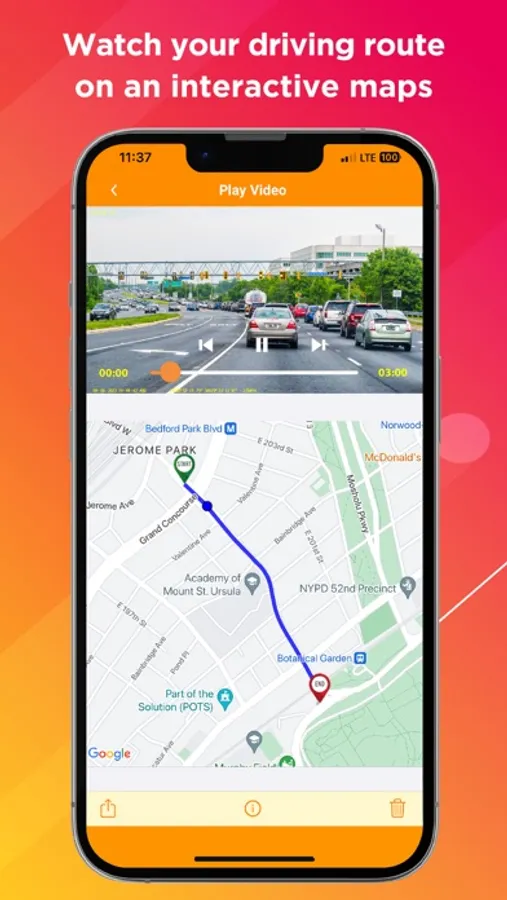
In this app, you can view live video feeds, access recorded footage, and configure your dash cam settings. Includes remote firmware updates, video sharing, and GPS tracking features.
AppRecs review analysis
AppRecs rating 4.2. Trustworthiness 74 out of 100. Review manipulation risk 24 out of 100. Based on a review sample analyzed.
★★★★☆
4.2
AppRecs Rating
Ratings breakdown
5 star
75%
4 star
6%
3 star
4%
2 star
3%
1 star
12%
What to know
✓
Low review manipulation risk
24% review manipulation risk
✓
Credible reviews
74% trustworthiness score from analyzed reviews
✓
High user satisfaction
81% of sampled ratings are 4+ stars (4.3★ average)
About Rove Dash Cam
Enjoy the Beautiful and Seamless ROVE APP for Your ROVE Dash Cam in 2025
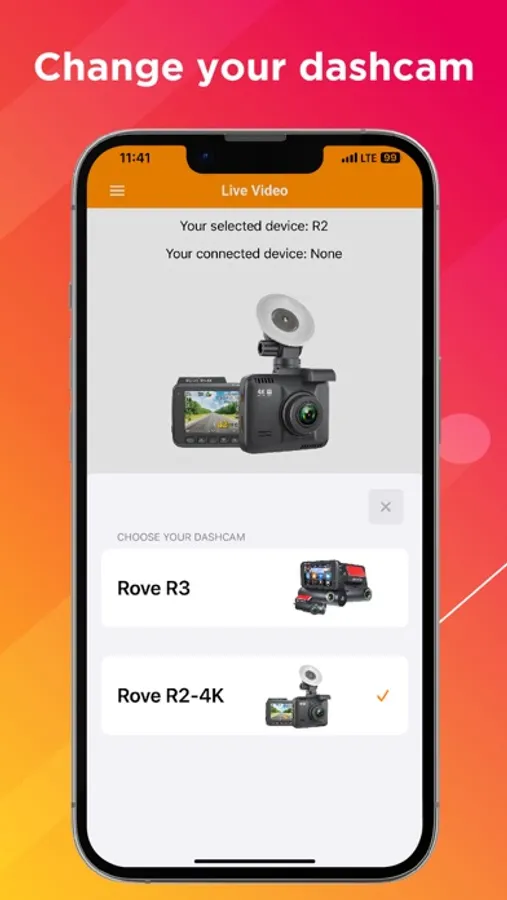
The ROVE Dash Cam app is designed to work with the ROVE R2-4K, ROVE R2-4K PRO, ROVE R2-4K-DUAL, and ROVE R3 models.
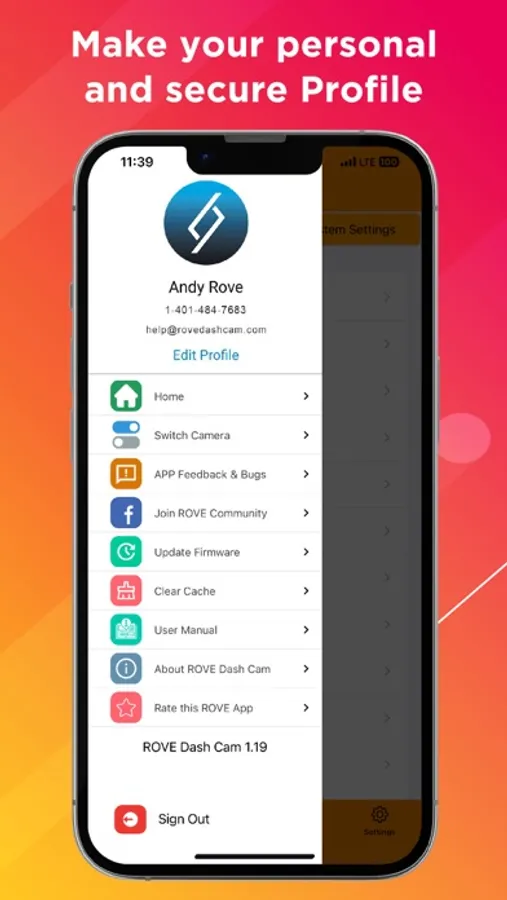
This app connects your ROVE dash cameras to your smartphone wirelessly via the WiFi feature. This allows you to access live video within a 10-meter range from the dash cam, configure your dash cam settings, update firmware remotely, and much more. You can also download and share recorded videos with friends and family via all common sharing platforms.
Features of the ROVE App
The app contains four main sections:
1. LIVE VIDEO - View, start, or stop live video recordings from your ROVE dash cam directly on your smartphone.
2. DASHCAM VIDEO - Access recorded videos and photos on your smartphone.
3. LOCAL VIDEO - Access downloaded footage and images on your smartphone, and share them via all common sharing platforms, including WhatsApp, Facebook, and more. You can view the live location and speed on Google Maps using the built-in GPS feature.
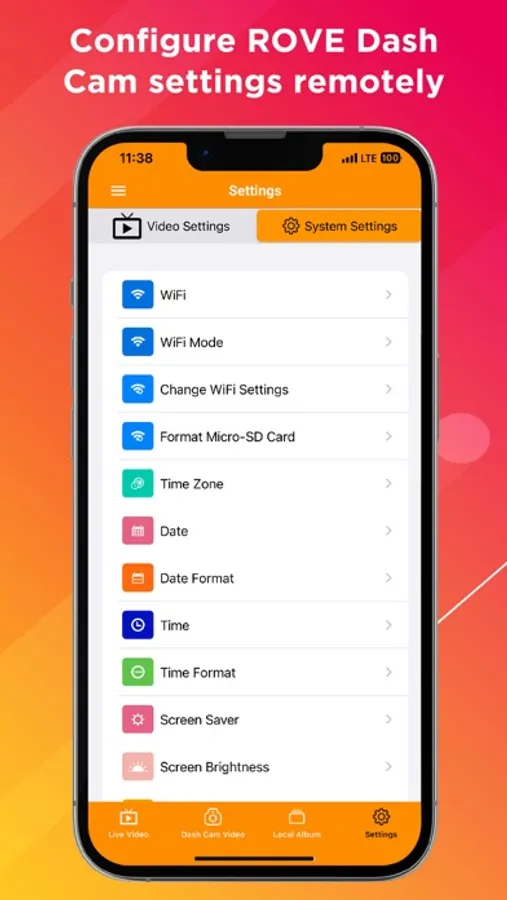
4. DASH CAM SETTING - Modify dash cam video settings and system settings directly from your smartphone, allowing you to easily configure your dash cam on a larger screen.
Connecting the ROVE App is Simple
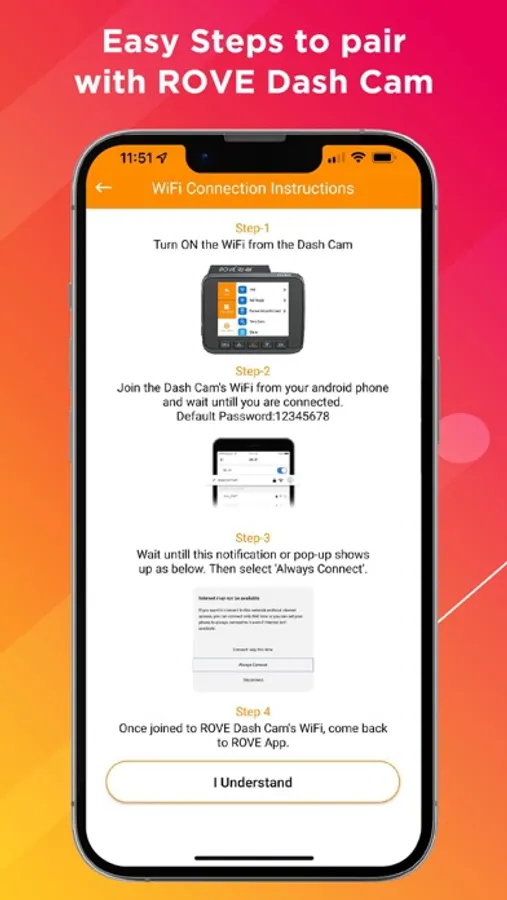
STEP 1 - Turn on the WiFi feature on your ROVE dash cam.
STEP 2 - On your iPhone, go to Settings, then WiFi, and join the ROVE Dash Cam’s WiFi network. The default password is “12345678.”
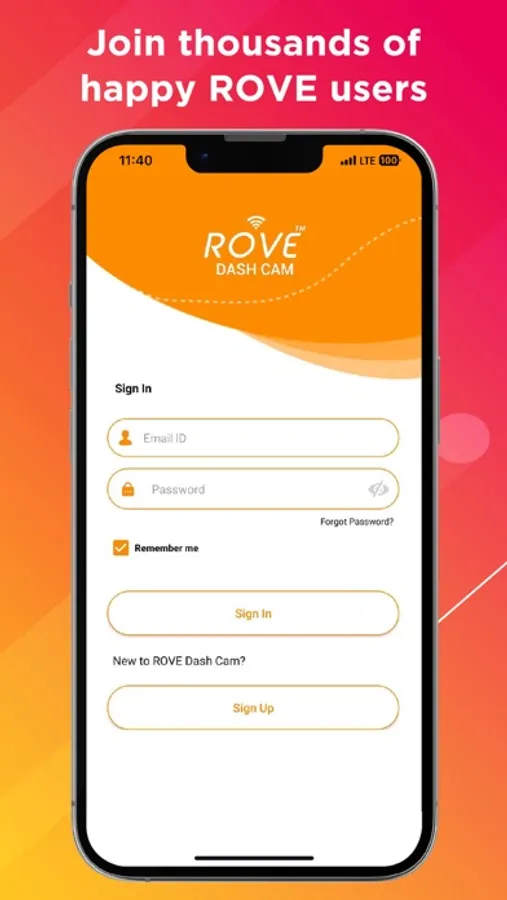
STEP 3 - Once the connection is successful, open the ROVE app. If you are a first-time user, create an account. Then sign in and follow the on-screen setup instructions to add your new ROVE Dash Cam.
Thank you, and enjoy the all-new ROVE APP!
Cheers!
The ROVE iOS Team
The ROVE Dash Cam app is designed to work with the ROVE R2-4K, ROVE R2-4K PRO, ROVE R2-4K-DUAL, and ROVE R3 models.
This app connects your ROVE dash cameras to your smartphone wirelessly via the WiFi feature. This allows you to access live video within a 10-meter range from the dash cam, configure your dash cam settings, update firmware remotely, and much more. You can also download and share recorded videos with friends and family via all common sharing platforms.
Features of the ROVE App
The app contains four main sections:
1. LIVE VIDEO - View, start, or stop live video recordings from your ROVE dash cam directly on your smartphone.
2. DASHCAM VIDEO - Access recorded videos and photos on your smartphone.
3. LOCAL VIDEO - Access downloaded footage and images on your smartphone, and share them via all common sharing platforms, including WhatsApp, Facebook, and more. You can view the live location and speed on Google Maps using the built-in GPS feature.
4. DASH CAM SETTING - Modify dash cam video settings and system settings directly from your smartphone, allowing you to easily configure your dash cam on a larger screen.
Connecting the ROVE App is Simple
STEP 1 - Turn on the WiFi feature on your ROVE dash cam.
STEP 2 - On your iPhone, go to Settings, then WiFi, and join the ROVE Dash Cam’s WiFi network. The default password is “12345678.”
STEP 3 - Once the connection is successful, open the ROVE app. If you are a first-time user, create an account. Then sign in and follow the on-screen setup instructions to add your new ROVE Dash Cam.
Thank you, and enjoy the all-new ROVE APP!
Cheers!
The ROVE iOS Team
Rove Dash Cam Screenshots
Tap to Rate:
Reviews for Rove Dash Cam
en yoreño
Good
Muy buena cámara, la recomiendo
fix your site
Camera is fine app sucks
I have to constantly reset my camera to actually access the recordings. I tried to get a recording from today and it will constantly show there wasn’t nothing recorded today until I unplug and turn the camera off and on again multiple times