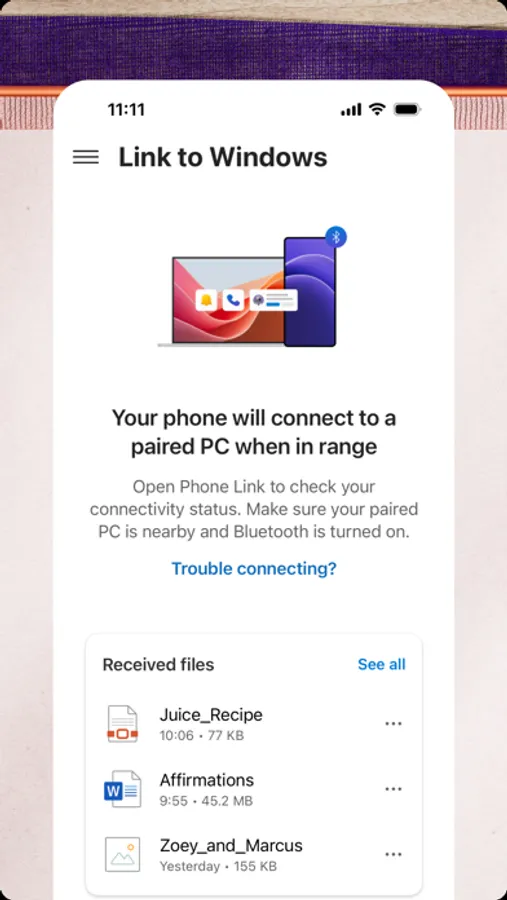
With this app, you can connect your iPhone to your Windows PC to manage calls, messages, and notifications. Includes file sharing, contact viewing, and notification management features.
AppRecs review analysis
AppRecs rating 3.9. Trustworthiness 73 out of 100. Review manipulation risk 32 out of 100. Based on a review sample analyzed.
★★★☆☆
3.9
AppRecs Rating
Ratings breakdown
5 star
57%
4 star
15%
3 star
10%
2 star
6%
1 star
13%
What to know
✓
Credible reviews
73% trustworthiness score from analyzed reviews
✓
Good user ratings
71% positive sampled reviews
✓
Authentic reviews
Natural distribution, no red flags
About Link to Windows
Enjoy these Phone Link features on your PC:
• Make and receive calls
• Manage your phone's notifications
• Read and reply to text messages
• View your phone contacts
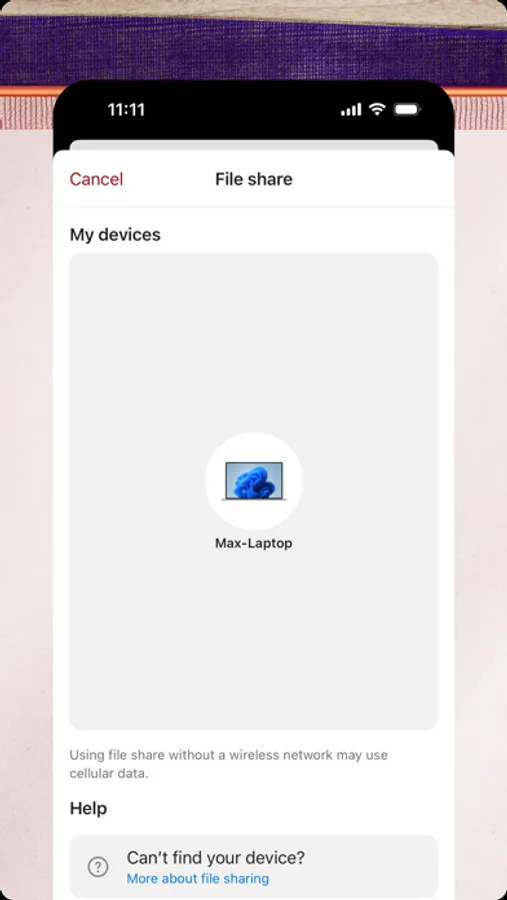
• Share files between your phone and PC
Phone Link for iOS requires iPhone running iOS 16 or higher, and a PC with Bluetooth Low Energy (BLE) support running Windows 10 (with the May 2019 Update or later) or Windows 11. Not available for iPad (iPadOS) or MacOS.
By installing this app, you agree to the Microsoft Terms of Use https://go.microsoft.com/fwlink/?LinkID=246338 and Privacy Statement https://go.microsoft.com/fwlink/?LinkID=248686
Link to Windows Screenshots


Tap to Rate:
Reviews for Link to Windows
hstrange83
Needs work for iPhone Users
This is way better than it used to be but as an iPhone user, I would like to see some additional features. How about adding the option to login with Apple ID so it’s linked to the Apple account vs a Bluetooth connection. Messages are only there if the phone is connected so you don’t have full conversations. Also, give it the option to transfer files between devices. We need an “air drop” style feature. Then your PC / iPhone communications would be on par with using a Mac.
Chuck says 911
Works for me
I prefer the laptop keyboard over phone pecking. Takes me less time to make the same number of mistakes.