
Erase: AI Background Remover
Shopsense Retail Technologies Limited
3.8 ★
33 ratings
Free
AppRecs review analysis
AppRecs rating 3.8. Trustworthiness 77 out of 100. Review manipulation risk 22 out of 100. Based on a review sample analyzed.
★★★☆☆
3.8
AppRecs Rating
Ratings breakdown
5 star
48%
4 star
24%
3 star
3%
2 star
6%
1 star
18%
What to know
✓
Low review manipulation risk
22% review manipulation risk
✓
Credible reviews
77% trustworthiness score from analyzed reviews
✓
Good user ratings
73% positive sampled reviews
About Erase: AI Background Remover
Features:
* Automatic Background Removal
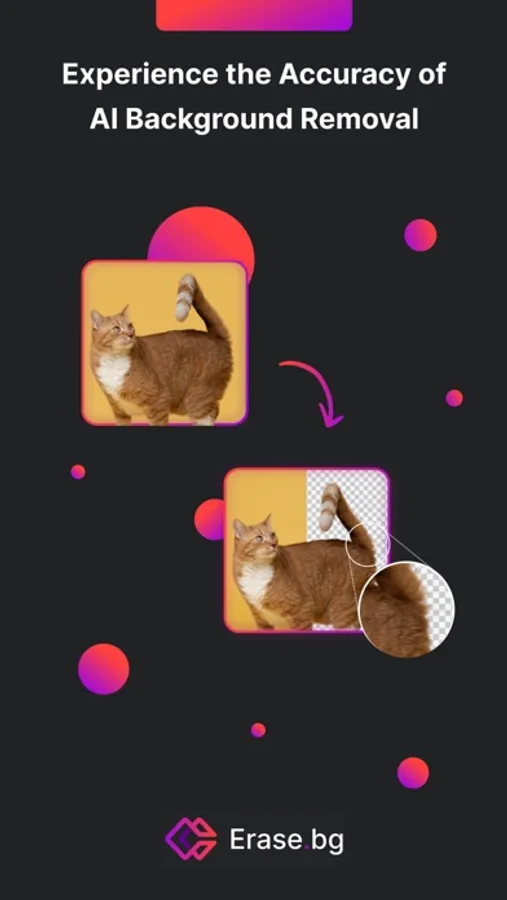
Erase.bg removes image background automatically using our powerful AI technology.
* Amazing Results
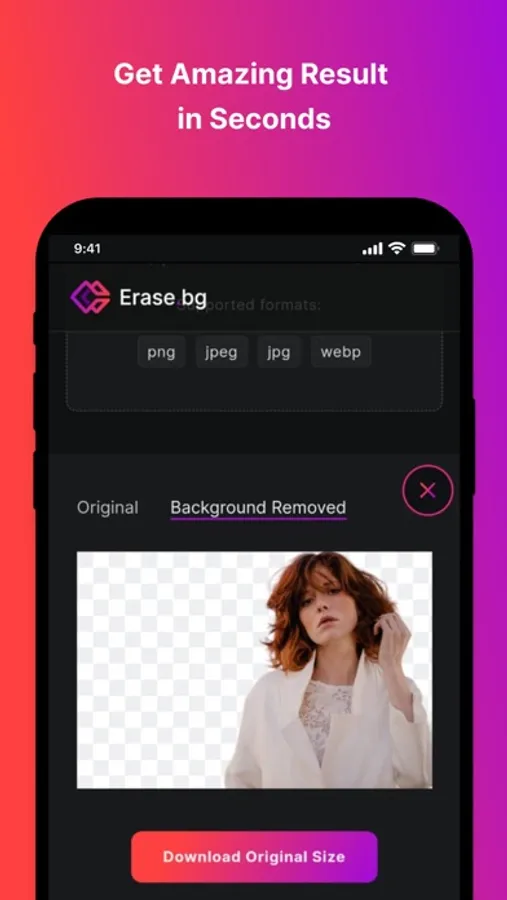
You will notice that our background removal tool handles challenging sections in images such as hair and other tricky parts exceptionally well.
* Time Saving
Erase.bg removes the image background in just few seconds, saving lot of time. Moreover, you can easily remove backgrounds using our tool from anywhere, anytime.
* Download Image
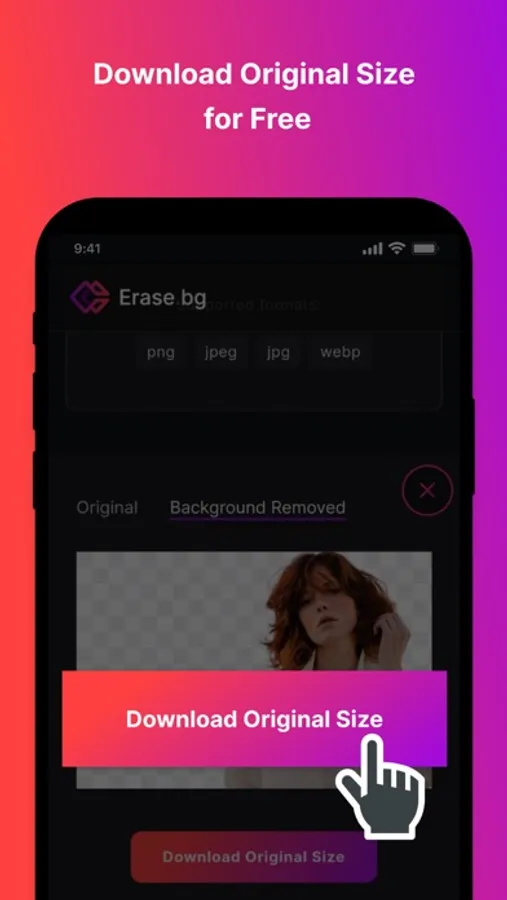
You can easily download the transformed image in its original resolution.
* It’s Free
This background removal service is completely free of charge.
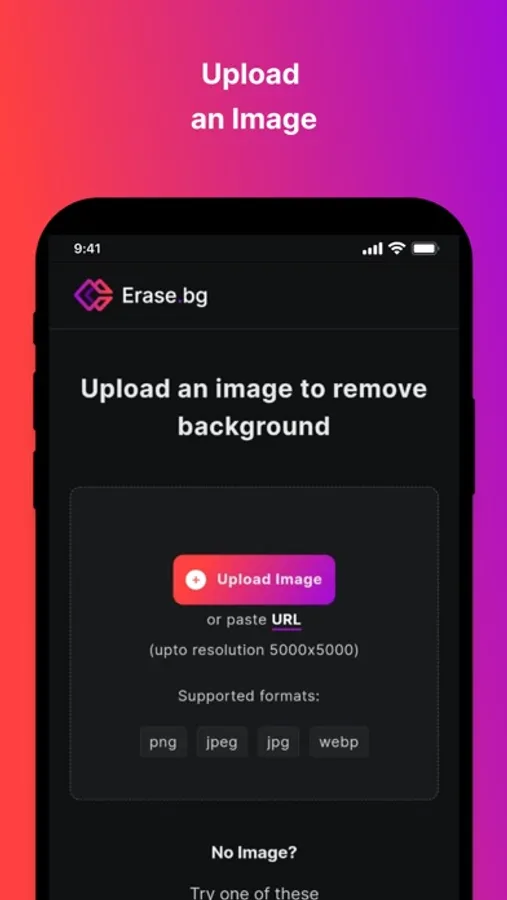
You can also use our website www.erase.bg to remove backgrounds directly from web.
So, try it now on your phone and remove background from your images like a Pro using Erase.bg. We are eager to know your feedback.
PixelBin Discord Channel: https://discord.com/invite/gXmJcfjDhW
Terms and Conditions: https://www.erase.bg/terms-of-use
Privacy policy: https://www.erase.bg/privacy-policy
Erase: AI Background Remover Screenshots
Tap to Rate:
Reviews for Erase: AI Background Remover
Lagrive333
Worked: not anymore
In the past I could save a created photo. Not anymore. Total con job.
𝐰𝐚𝐭𝐞𝐫𝐦𝐞𝐥𝐨𝐧🦋
Really good! But.. just ONE problem
Erase.bg does a great job at automatically detecting and removing backgrounds from images with impressive accuracy. It uses AI technology to identify the subject of the image and cleanly removes the background, making it easy for users to create transparent images or replace the background entirely. However, the app can be a bit sketchy to use—there’s no clear “X” button to exit certain screens, so users often have to close the app and reopen it just to navigate away or click off a screen. This minor inconvenience can be a bit frustrating, but the background removal feature itself generally works well. 4 stars :3