
AppRecs review analysis
AppRecs rating 3.8. Trustworthiness 74 out of 100. Review manipulation risk 37 out of 100. Based on a review sample analyzed.
★★★☆☆
3.8
AppRecs Rating
Ratings breakdown
5 star
50%
4 star
13%
3 star
13%
2 star
13%
1 star
13%
What to know
✓
Credible reviews
74% trustworthiness score from analyzed reviews
✓
Good user ratings
63% positive sampled reviews
About CSV File Viewer - Smart CSV
More than a basic csv reader, it's your comprehensive CSV file explorer. Uncover all this with Smart CSV Viewer:
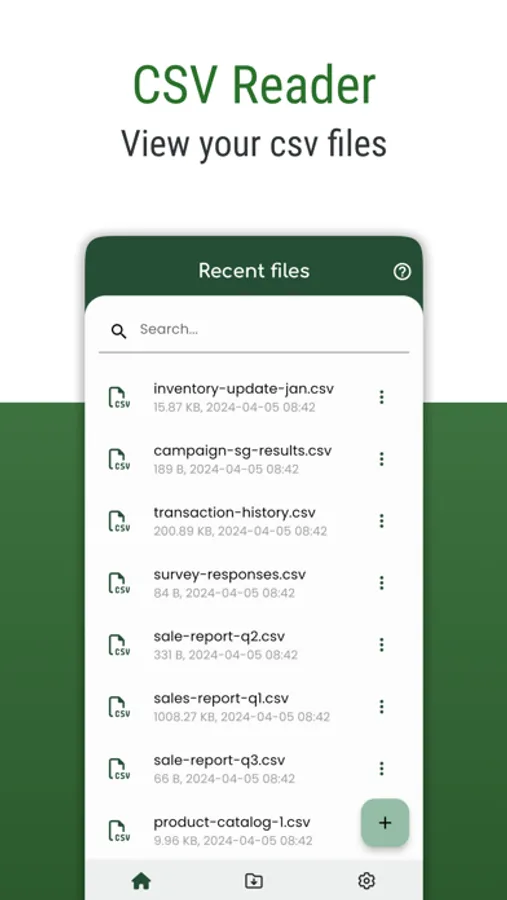
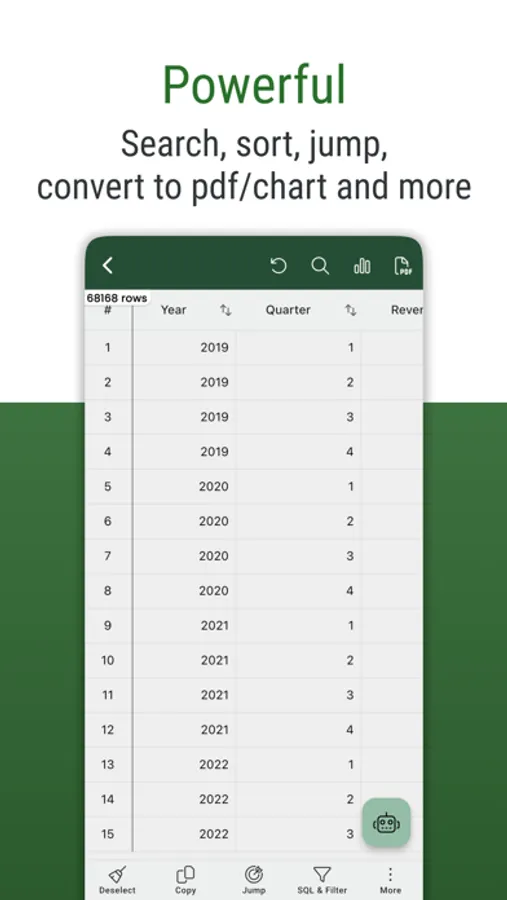
- Easy to view your CSV files. (Support both csv - comma/tab - tsv files format)
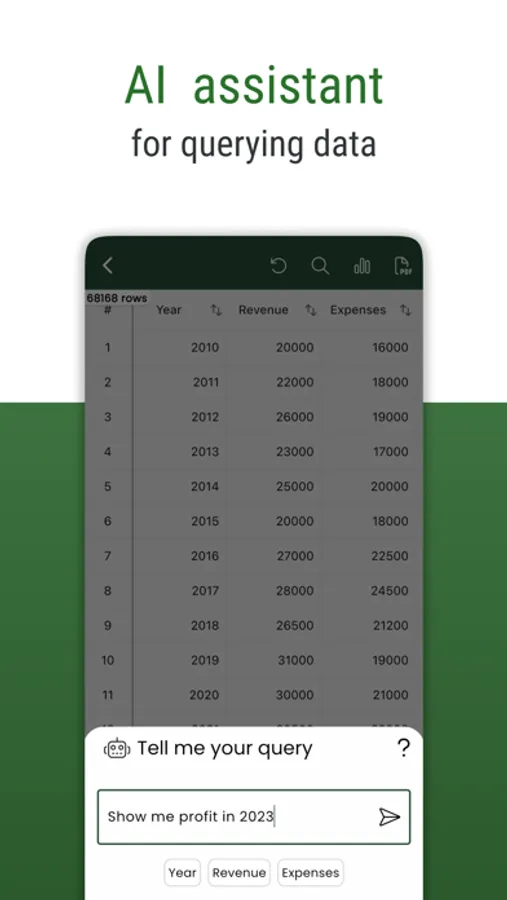
- Use AI Assistant to query CSV content.
- Show column image URL as an image.
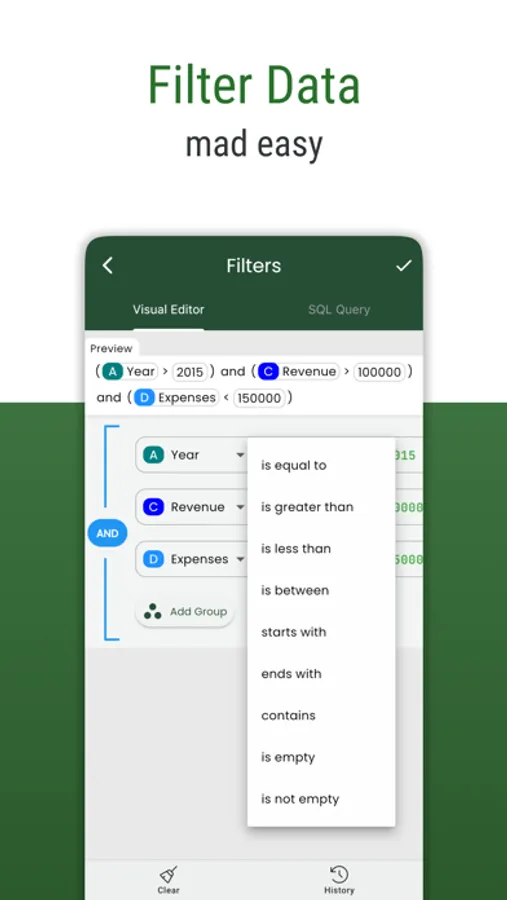
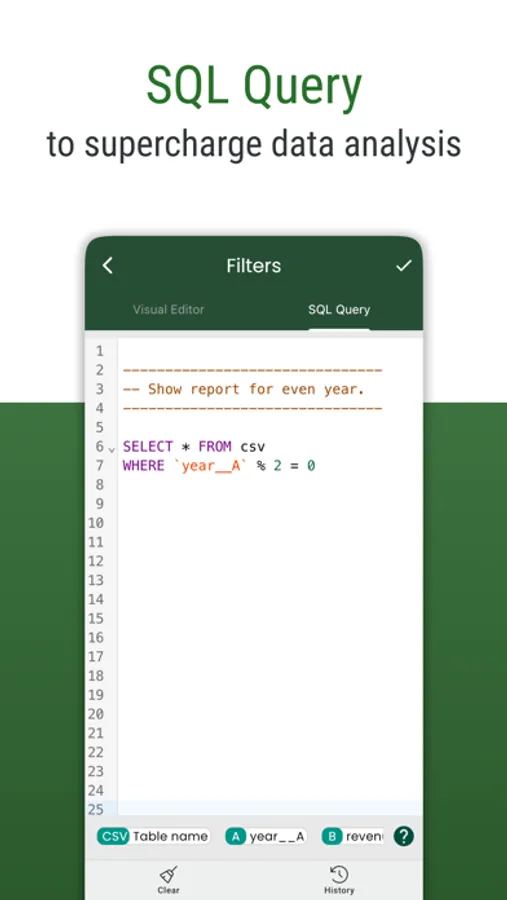
- Query your CSV by using SQL query.
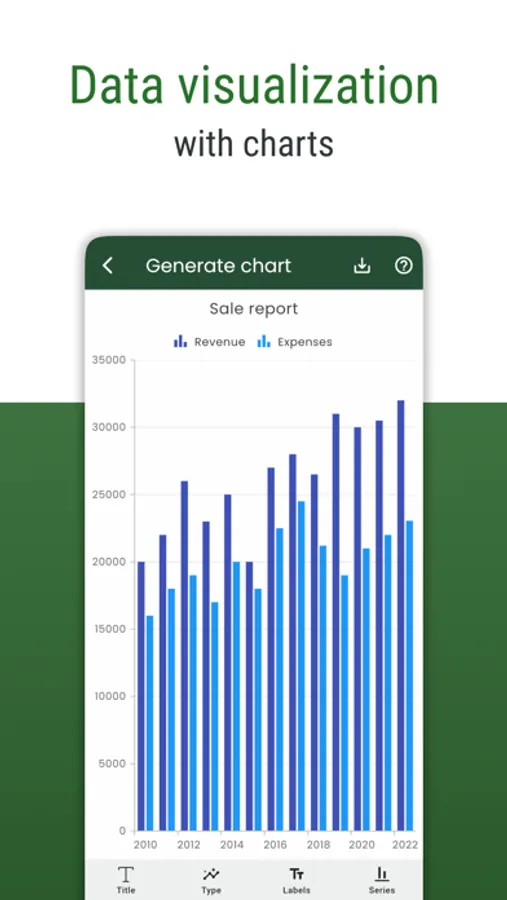
- Create chart from csv data.
- Convert to pdf file. A CSV file can be custom data and style to convert to a pdf file as you want.
- Manage all the exported files and share them with your friends.
- Easy to filter with Visual filter.
- Easy to search your content.
- Copy the selected rows.
- and more.
# FAQ
- Q: Which chart types are supported?
- A: Currently, Smart CSV Viewer support column chart, bar chart, line chart, area chart, spline chart, scatter chart, step line chart, and step area chart.
---
- Q: What do you mean by “customizable”?
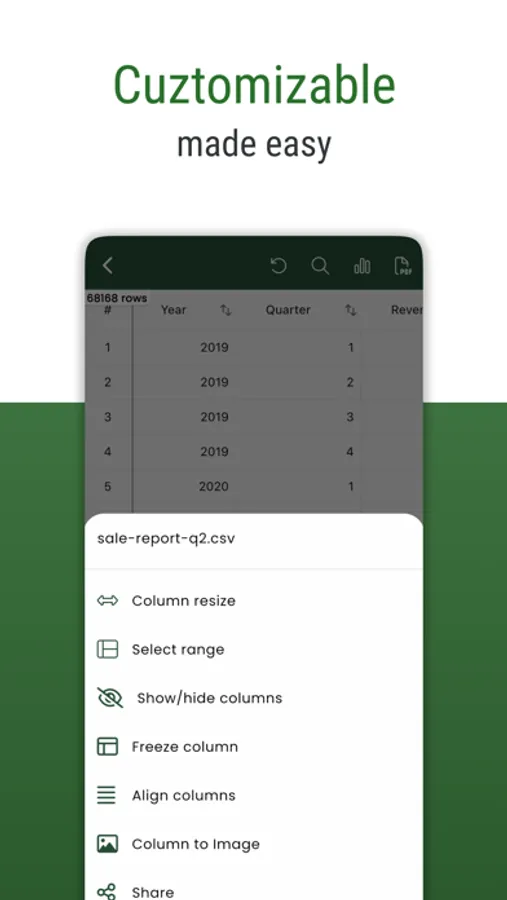
- A: In Smart CSV Viewer you can custom as much as you can. For example, when you only want to copy a part of data in a row, you can use the “filter” feature to exclude it. You can extract data by column. When you export to a pdf file, you can custom the style (color scheme) to match your expectation. More than a CSV converter tool, now you can change the look of your pdf file by styling it.
---
- Q: How to resize/change the column width?
- A: You can resize the column width by using one of the following methods:
- Long-press on the header, and then drag the resize indicator to change the column width.
- Click on the resize icon. The resize dialog will appear, allowing you to set a specific column width value so that all columns will have the same width. Alternatively, you can enable automatic resizing, and the app will adjust the column size automatically.
If you have any questions, don't hesitate to contact us:
Email: imuosdev@gmail.com
We hope you are more productive with Smart CSV!
---
Terms of Use: https://mygems.app/term
Privacy Policy: https://mygems.app/privacy
- Easy to view your CSV files. (Support both csv - comma/tab - tsv files format)
- Use AI Assistant to query CSV content.
- Show column image URL as an image.
- Query your CSV by using SQL query.
- Create chart from csv data.
- Convert to pdf file. A CSV file can be custom data and style to convert to a pdf file as you want.
- Manage all the exported files and share them with your friends.
- Easy to filter with Visual filter.
- Easy to search your content.
- Copy the selected rows.
- and more.
# FAQ
- Q: Which chart types are supported?
- A: Currently, Smart CSV Viewer support column chart, bar chart, line chart, area chart, spline chart, scatter chart, step line chart, and step area chart.
---
- Q: What do you mean by “customizable”?
- A: In Smart CSV Viewer you can custom as much as you can. For example, when you only want to copy a part of data in a row, you can use the “filter” feature to exclude it. You can extract data by column. When you export to a pdf file, you can custom the style (color scheme) to match your expectation. More than a CSV converter tool, now you can change the look of your pdf file by styling it.
---
- Q: How to resize/change the column width?
- A: You can resize the column width by using one of the following methods:
- Long-press on the header, and then drag the resize indicator to change the column width.
- Click on the resize icon. The resize dialog will appear, allowing you to set a specific column width value so that all columns will have the same width. Alternatively, you can enable automatic resizing, and the app will adjust the column size automatically.
If you have any questions, don't hesitate to contact us:
Email: imuosdev@gmail.com
We hope you are more productive with Smart CSV!
---
Terms of Use: https://mygems.app/term
Privacy Policy: https://mygems.app/privacy
CSV File Viewer - Smart CSV Screenshots
Tap to Rate:
Reviews for CSV File Viewer - Smart CSV
Sam-I-Am-Again
Does everything you need it to do (but demo mode is annoying:)
This app is practically flawless after you’ve paid for it. The SQL filter mode doesn’t really work that well under demo mode. Overall, a really good experience once you’ve paid. I recommend the $2.99 version just to develop a taste for it. I’m trying to purchase the lifetime option but don’t see it anywhere.
Arcanabhakti
👍
👍