With this video converter and compressor app, you can convert videos to various formats, extract audio, and compress files to reduce size. Includes support for multiple codecs, batch processing, and preset settings.
AppRecs review analysis
AppRecs rating 4.3. Trustworthiness 77 out of 100. Review manipulation risk 29 out of 100. Based on a review sample analyzed.
★★★★☆
4.3
AppRecs Rating
Ratings breakdown
5 star
84%
4 star
8%
3 star
3%
2 star
2%
1 star
3%
What to know
✓
Low review manipulation risk
29% review manipulation risk
⚠
Ad complaints
Many low ratings mention excessive ads
⚠
Pricing complaints
Many low ratings mention paywalls or pricing
About Video Converter, Compressor
Alternatively, you can use it as an audio extractor from video to mp3, m4a, wav, aif, flac.
This app supports a wide range of video and audio codecs, including Flash, HEVC, VP9, AV1, MPEG2, MPEG4, H.264, H.265, AAC, and FLAC.
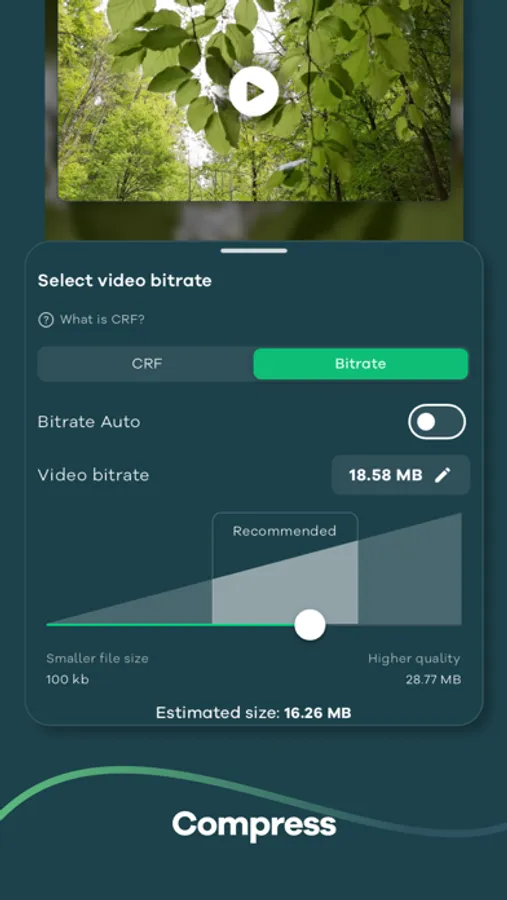
This app also includes a powerful video compressor that can compress your videos to reduce file size without any loss in quality.
You can import batch videos to convert and compress at the same time.
Common Use cases:
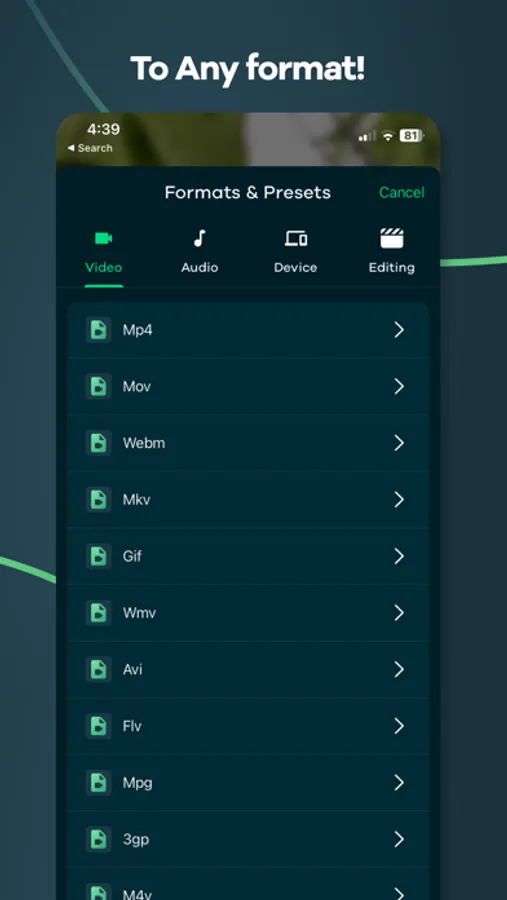
- Convert Video to MP4, MOV, Flash, WebM, and more
- Mp3 converter ( Extract audio from video, video to mp3 converter )
- Video compress (Shrink video size)
- Convert Video to Gif
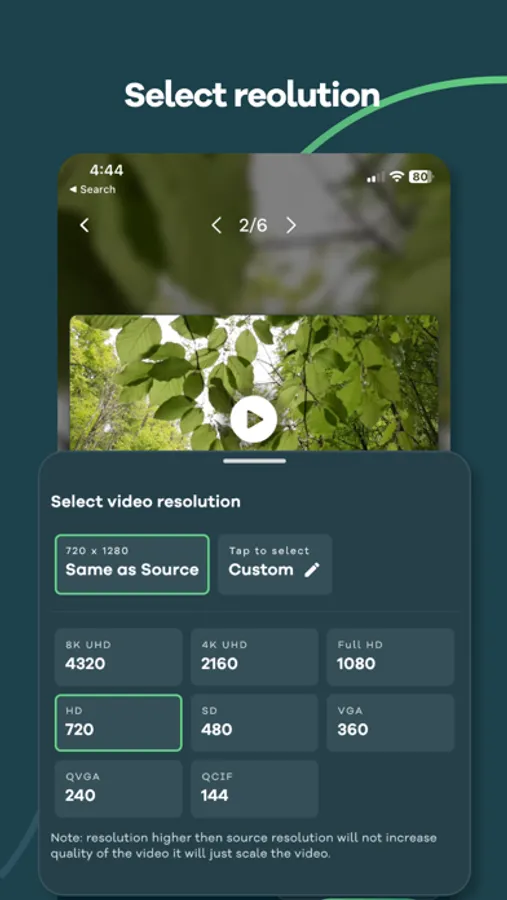
- Change Video Resolution or Video frames per second
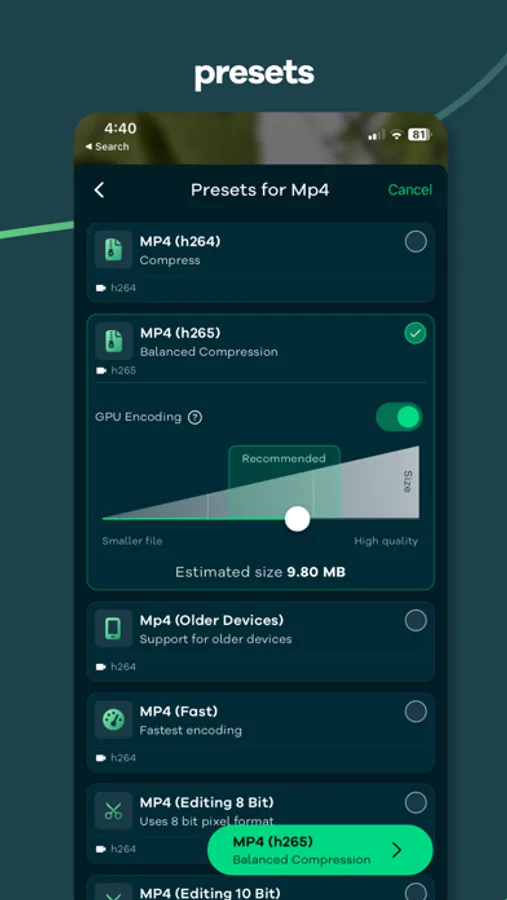
We have also included over 25+ presets (Pre defined settings) so that you don't have to go through complicated export settings.
For example:
- Preset that prioritize video quality
- Optimized for speed and reasonable quality
- For video editing purpose that preserve the alpha channel of the video with higher bitrate
- Preset that support for older devices
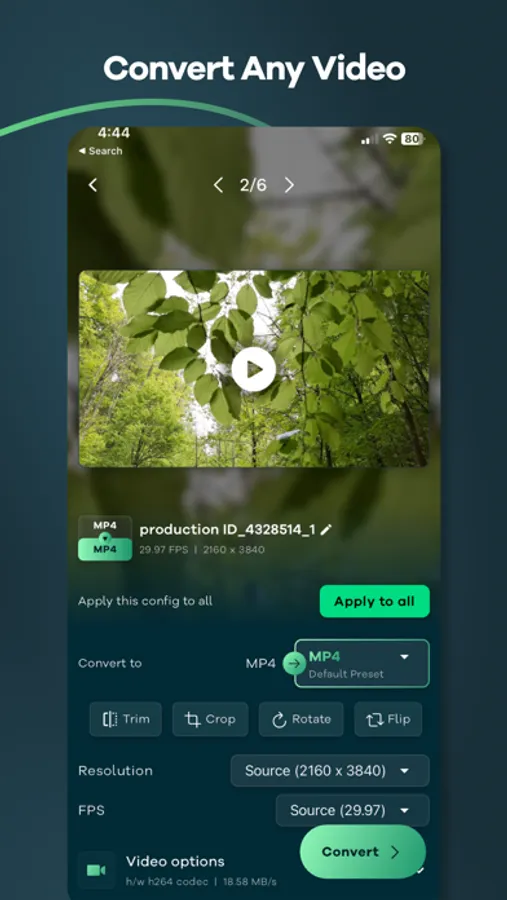
This app allows you to tweak all the settings like bitrate, video codec, audio codec, resolution, FPS, pixel format, audio track, Crop, Rotate, Trim, Flip and so much more.
How to use:
1. Import video by tapping the Gallery or File button or drag and drop.
2. Select the output format by tapping the "Format" button, After selecting the format app will choose the best quality settings for the selected format.
3. Tap the "Convert" button to start conversion.
We are actively working hard on this project and we try to include more and more feature as fast as possible we how you like our app.
So what are you waiting for? Give it a try, It's free!
This project uses the code of ffmpeg.org and you can download the source code from https://remux.app/source and review the build steps from readme.md.
Privacy Policy: https://remux.app/privacy_policy
Terms and Conditions: https://remux.app/terms_and_conditions
Video Converter, Compressor Screenshots
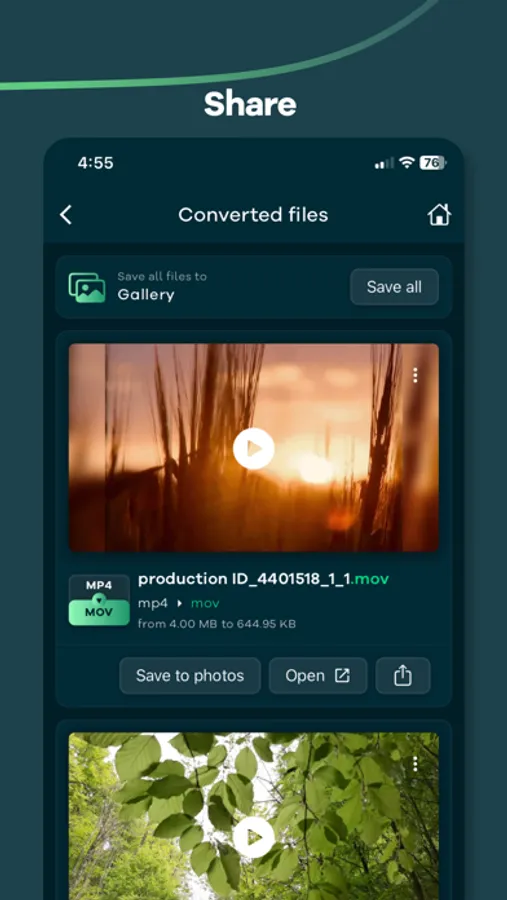
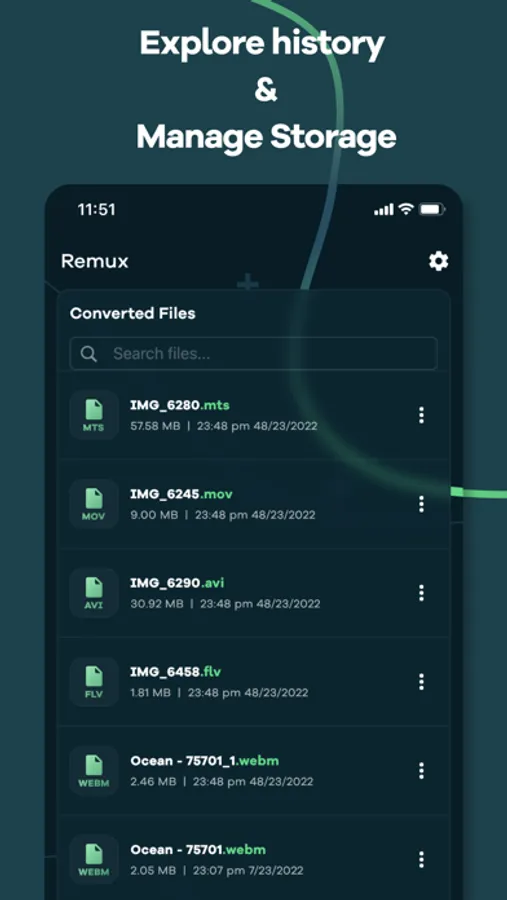
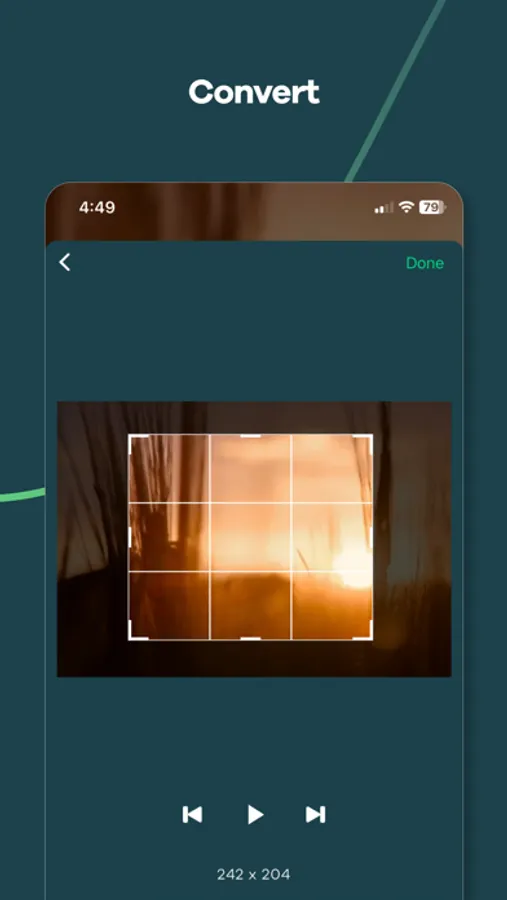
Tap to Rate:
Reviews for Video Converter, Compressor
jerdynn
App stopped working on my end
I can no longer convert files, the file select screen stays up after I hit open and stays that way with no indication of processing, and attepting to change any app settings yields the same result. I was able to covert mabe 5 files before this occured
dgatwood
Free means free
This app literally demands money as soon as you launch it. Apple needs to crack down on apps that require a paid subscription for functionality. Just charge for the app if you’re going to do that. At least be honest and up front about it being useless without paying for a subscription.