With this video converter app, you can select input files, choose output formats, and convert videos or audio files quickly. Includes support for multiple formats, cloud and local conversions, and file management.
AppRecs review analysis
AppRecs rating 4.1. Trustworthiness 76 out of 100. Review manipulation risk 26 out of 100. Based on a review sample analyzed.
★★★★☆
4.1
AppRecs Rating
Ratings breakdown
5 star
80%
4 star
6%
3 star
2%
2 star
1%
1 star
10%
What to know
✓
Low review manipulation risk
26% review manipulation risk
✓
Credible reviews
76% trustworthiness score from analyzed reviews
⚠
Pricing complaints
Many low ratings mention paywalls or pricing
About The Video Converter
Quickly convert your videos to nearly any video or audio format!
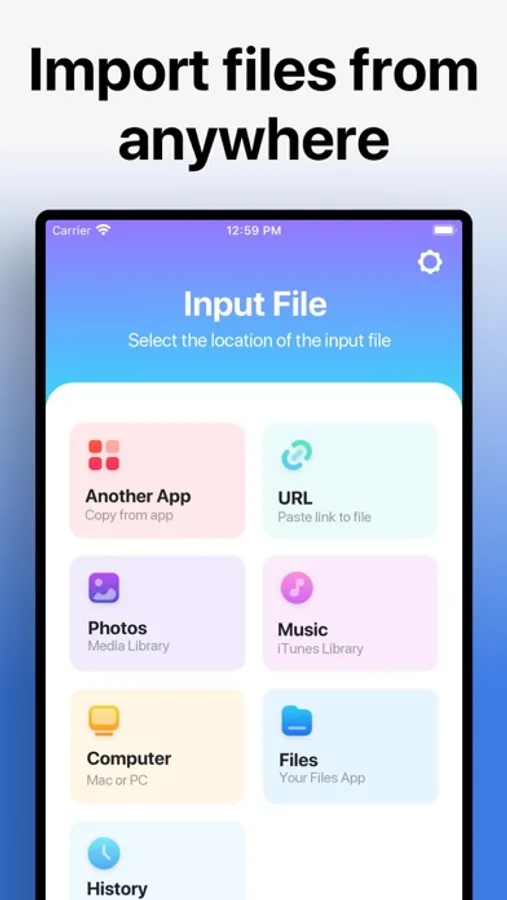
1. Select your input file
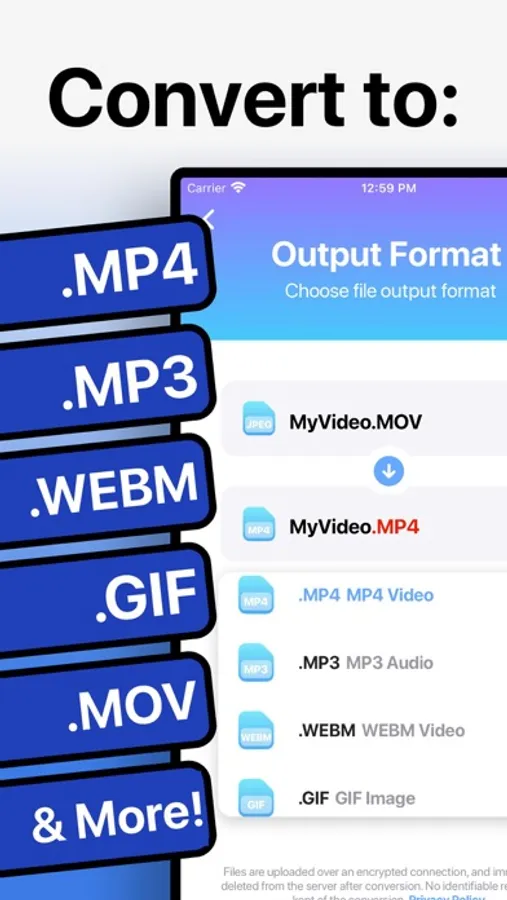
2. Choose your output format ( MP4, MP3, AVI, M4A etc. )
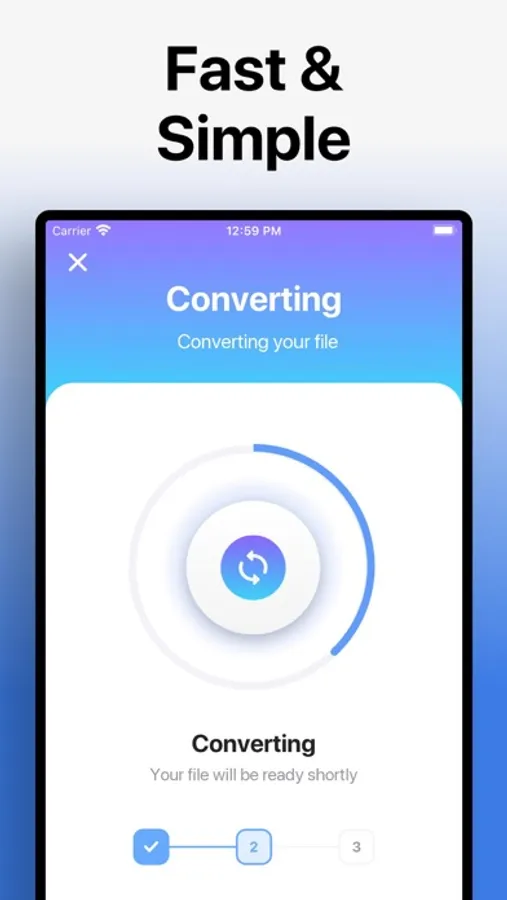
3. Convert! It will only take a few seconds.
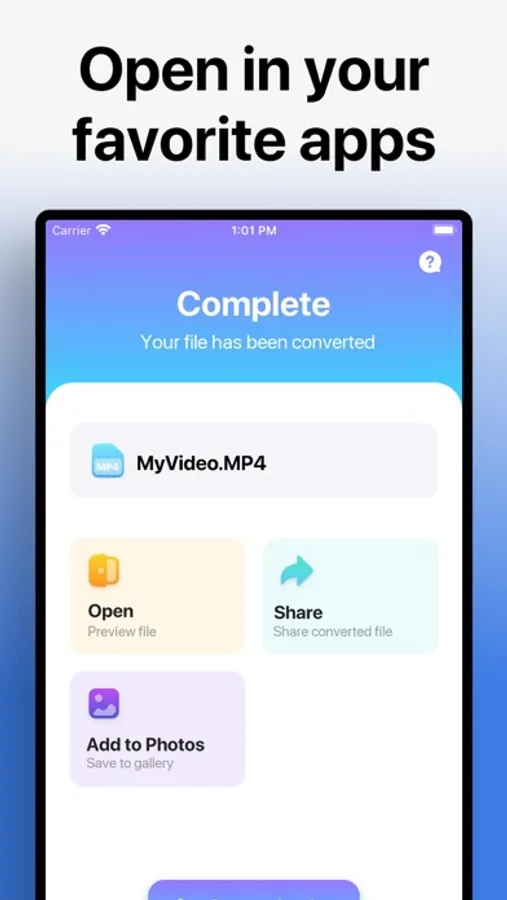
4. Save your file, or open it in your favorite app!
Here are the video and audio output formats you can choose from:
MP4, MP3, WEBM, GIF, MOV, WMV, 3G2, AAC, AVI, FLAC, FLV, M4A, MKV, WAV, MPG
You can convert from dozens of input formats, here are some of the most popular formats we support converting from:
MOV, MP4, WEBM, M4A, AVI, TS, MTF, GIF, WMV, MP3, MKV MPG, 3GP and many more!
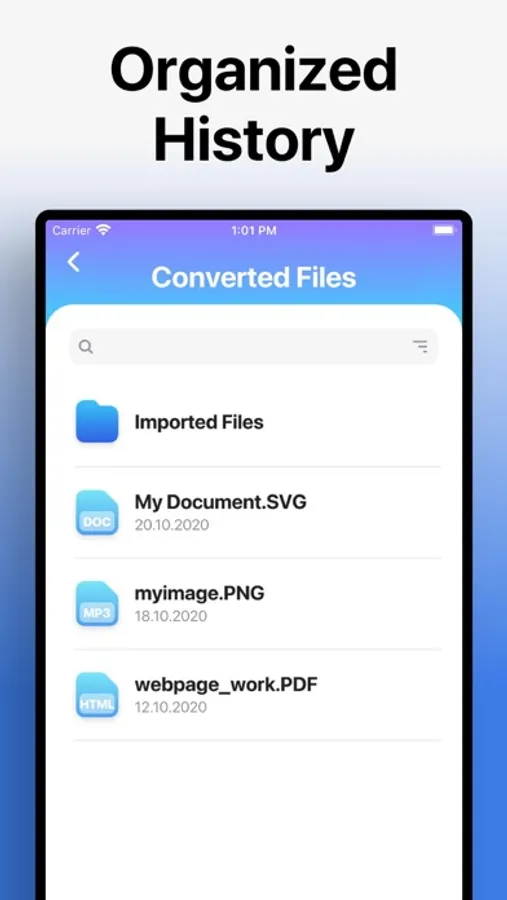
Save, Share or View your converted videos in your favorite apps immediately. You can even browse your previously converted files with our in-app file browser.
After conversion, you can immediately AirDrop your files right to your Mac or another device.
Conversions usually take less than 15 seconds!
Conversion is done on a secure cloud server, which makes conversion easier, faster and much more battery-friendly. You must have an internet connection to use this app. Files are immediately deleted from the server after conversion. While the files are immediately deleted after conversion or cancellation, you should be aware that by using this app, you agree that your files will be sent over to internet from the app to the conversion server.
We've also recently added support for local conversions for many popular conversion types. These conversions don't require a server, and are usually done almost instantly! We are continuing to add support for more local conversions with each update.
This app includes an optional auto-renewable subscription (Premium Pass): Premium Pass beings with a free trial period, then an auto-renewable monthly subscription when trial ends. Payment will be charged to your Apple account at confirmation of purchase and will automatically renew (at the duration/price selected) unless auto-renew is turned off at least 24 hrs before the end of the current period. Account will be charged for renewal within 24-hours prior to the end of the current period. Current subscription may not be cancelled during the active subscription period; however, you can manage your subscription and/or turn off auto-renewal by visiting your Apple Account Settings after purchase. Any unused portion of the free initial period will be forfeited when you purchase a subscription.
Privacy Policy: https://float.support/the-video-converter/privacy
Terms of Use: https://float.support/the-video-converter/terms
1. Select your input file
2. Choose your output format ( MP4, MP3, AVI, M4A etc. )
3. Convert! It will only take a few seconds.
4. Save your file, or open it in your favorite app!
Here are the video and audio output formats you can choose from:
MP4, MP3, WEBM, GIF, MOV, WMV, 3G2, AAC, AVI, FLAC, FLV, M4A, MKV, WAV, MPG
You can convert from dozens of input formats, here are some of the most popular formats we support converting from:
MOV, MP4, WEBM, M4A, AVI, TS, MTF, GIF, WMV, MP3, MKV MPG, 3GP and many more!
Save, Share or View your converted videos in your favorite apps immediately. You can even browse your previously converted files with our in-app file browser.
After conversion, you can immediately AirDrop your files right to your Mac or another device.
Conversions usually take less than 15 seconds!
Conversion is done on a secure cloud server, which makes conversion easier, faster and much more battery-friendly. You must have an internet connection to use this app. Files are immediately deleted from the server after conversion. While the files are immediately deleted after conversion or cancellation, you should be aware that by using this app, you agree that your files will be sent over to internet from the app to the conversion server.
We've also recently added support for local conversions for many popular conversion types. These conversions don't require a server, and are usually done almost instantly! We are continuing to add support for more local conversions with each update.
This app includes an optional auto-renewable subscription (Premium Pass): Premium Pass beings with a free trial period, then an auto-renewable monthly subscription when trial ends. Payment will be charged to your Apple account at confirmation of purchase and will automatically renew (at the duration/price selected) unless auto-renew is turned off at least 24 hrs before the end of the current period. Account will be charged for renewal within 24-hours prior to the end of the current period. Current subscription may not be cancelled during the active subscription period; however, you can manage your subscription and/or turn off auto-renewal by visiting your Apple Account Settings after purchase. Any unused portion of the free initial period will be forfeited when you purchase a subscription.
Privacy Policy: https://float.support/the-video-converter/privacy
Terms of Use: https://float.support/the-video-converter/terms
The Video Converter Screenshots
Tap to Rate:
Reviews for The Video Converter
manley345
Consistent, fast, convenient
Does exactly what it says on the tin, never run into an issue. 5/5
vgjdhjj
I Don’t Care For It.
I got this so I could reduce the size of my videos that Apple records in but all it did was increase the size no matter what format I used. Except for 3g which is an absolutely low quality file.