In this transcription app, users can convert live speech to text during conversations and meetings. Includes features such as real-time transcribing, adjustable display modes, and export options.
AppRecs review analysis
AppRecs rating 4.0. Trustworthiness 81 out of 100. Review manipulation risk 21 out of 100. Based on a review sample analyzed.
★★★★☆
4.0
AppRecs Rating
Ratings breakdown
5 star
78%
4 star
9%
3 star
6%
2 star
2%
1 star
5%
What to know
✓
Low review manipulation risk
21% review manipulation risk
✓
Credible reviews
81% trustworthiness score from analyzed reviews
⚠
Pricing complaints
Many low ratings mention paywalls or pricing
About Live Transcribe +
Live Transcribe + is your own Personal Assistant for transcribing live speech and voice to text. Leveraging almost-instant Artificial Intelligence technologies, Live Transcribe + provides quality, instant speech to text and dictation, readable transcriptions with just a tap of a button.
Use Live Transcribe + to transcribe or live caption voice to text for classrooms, business meetings, doctor’s appointments, shopping, events, and more. Live Transcribe + speech-to-text app makes transcribing any live communication easy for friends, family, and organizations to be inclusive, accessible and ADA compliant!
Built for simplicity and ease of use. (Not associated with Google.)
All The Features are Available Freely on the Live Transcribe + until transcription is done for 5 times, then the features will require a paid subscription.
Simple to Use
• Transcribe in real time (even when offline) with high accuracy
• Scroll back to grab a quote or revisit a point
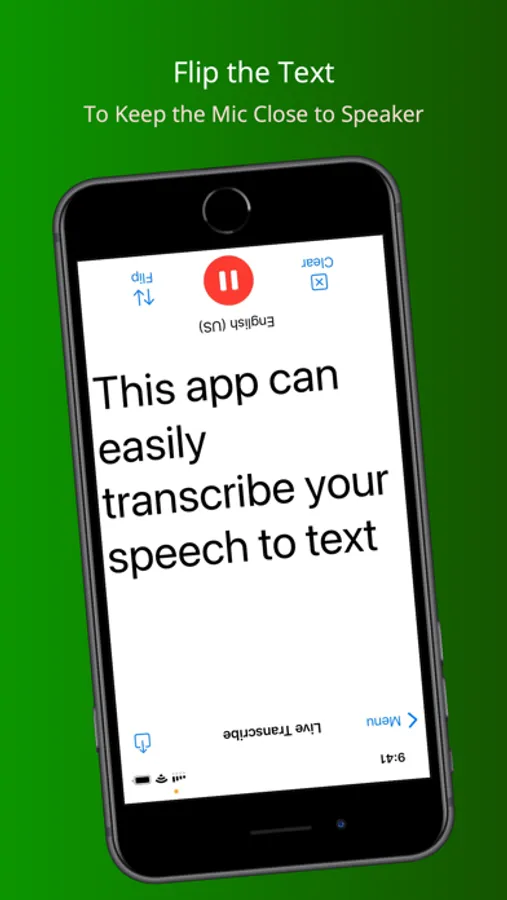
• Input audio via built-in mic or Bluetooth device
• Tap once and continuously transcribe from speech to text for as long as you’d like without limits (requires subscription after 5 times)
• Voice typing made easy
Capture Every Word
• Easily dictate on the mic and convert the voice to text using dictation
• The speaker can use bluetooth headphones for increased accuracy even in noisy environments
Easy to Read
• Focus on what’s being said
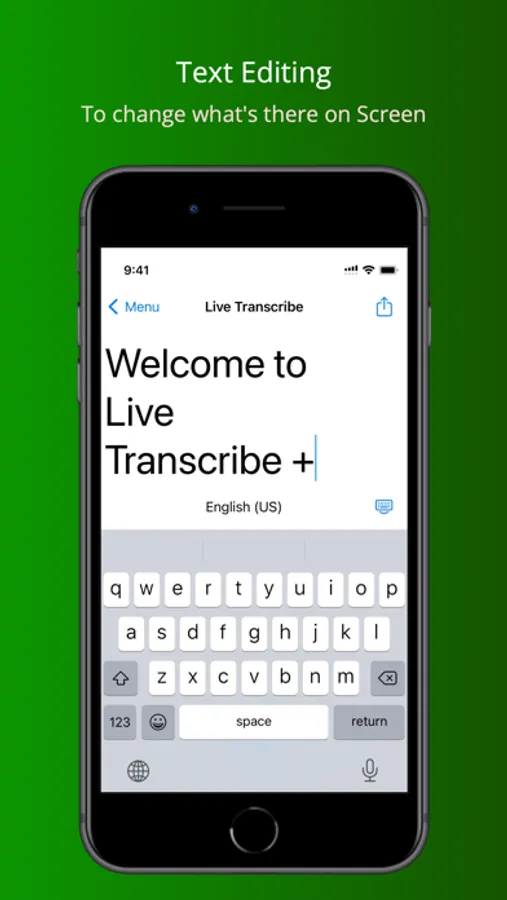
• Add new lines automatically or manually to break up the text
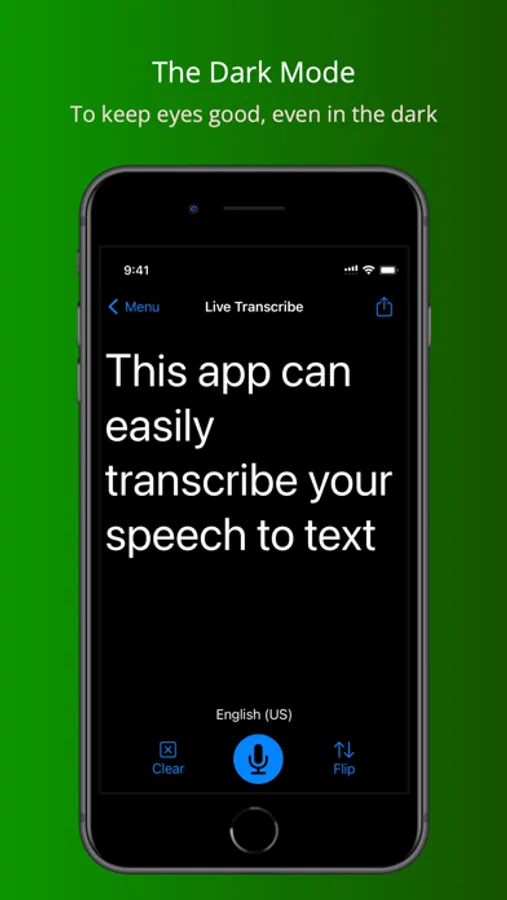
• Easily Read Text in Both Light and Dark Mode
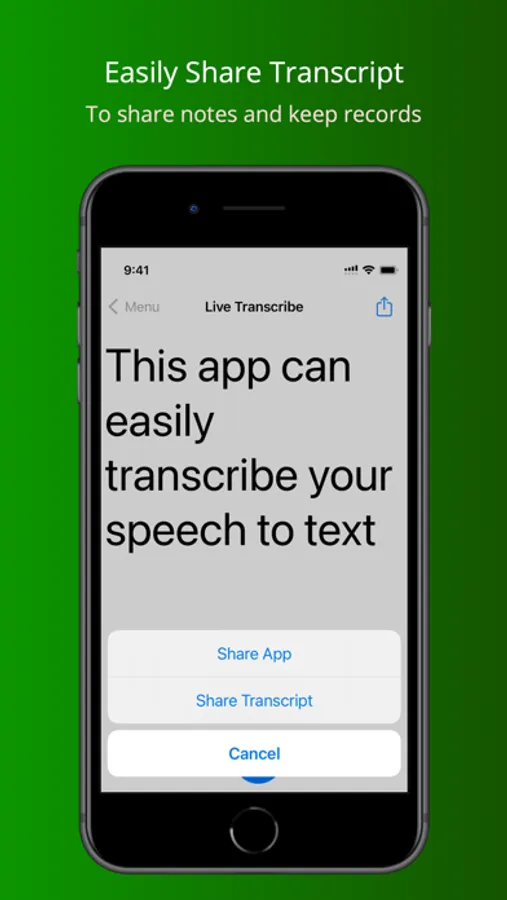
• Export Text after dictation
Many Uses of Live Transcribe +
• Take meeting notes automatically
• Share meeting minutes and summary with teammates
• Record and transcribe interviews, lectures, podcasts, videos, webinars, keynotes
• Provide live captioning to deaf, hard-of-hearing, ESL people, and anyone with accessibility needs
To have access to the "Live Transcribe + Full Access" functionality, you can choose between a monthly and yearly auto-renewable subscription. This is a recurring transaction that will be charged to your iTunes Account at confirmation of purchase and will automatically renew unless you cancel it at least 24 hours before the end of your subscription. Renewals will be charged the same cost within 24 hours prior to the end of the current period. You can manage your subscriptions and auto-renewal can be turned off by going to your iTunes Account Settings after purchase.
Terms of Service (EULA) : https://www.apple.com/legal/internet-services/itunes/dev/stdeula/
Privacy Policy: https://zerovik.com/privacy-policy-for-live-transcribe
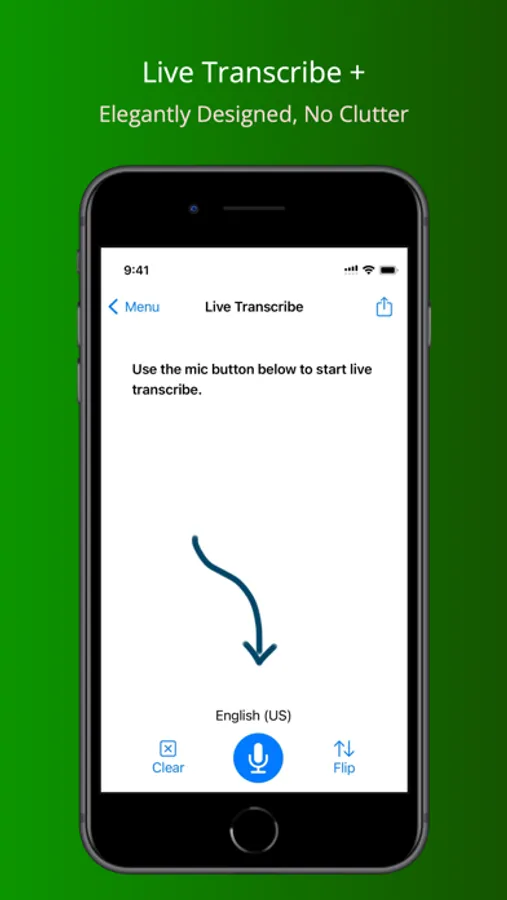
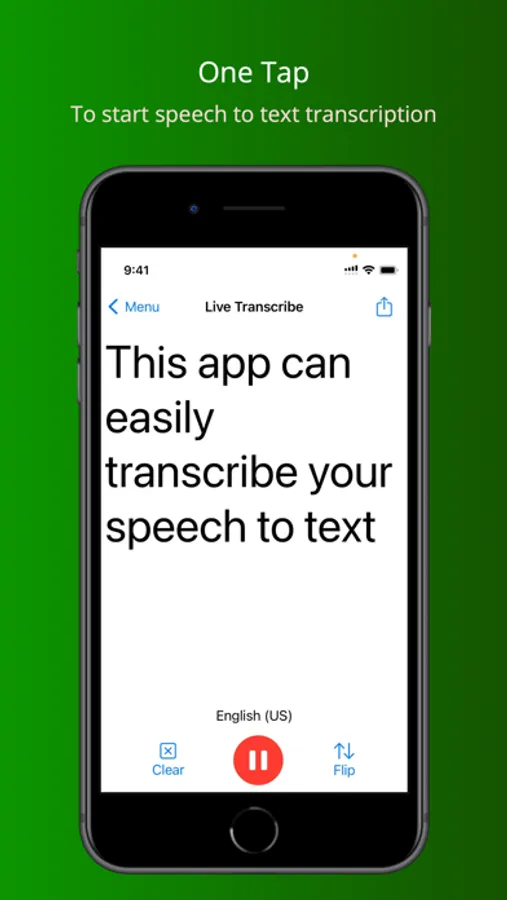
Live Transcribe + Screenshots
Tap to Rate:
Reviews for Live Transcribe +
Cheyenne Captain
Miss types a lot of words
Should allow users to create a dictionary of words spoken a lot like Google live transcribe. Google live transcribe is the BEST because of the dictionary. I have made this request numerous times and never get a response. Unfortunately, Google live transcribe does not work on IOS.
Jack Numan
How do I get the $3/month
Only option working is $29/month