Screen Mirroring Smart View
Pin Creation Technology Co., Ltd.
4.5 ★
24 ratings
Free
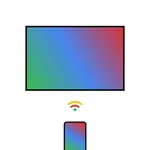
In this screen mirroring app, you can connect your phone to a TV using Wi-Fi or DLNA and cast videos, pictures, and audio. Includes support for web file sharing and local media playback.
AppRecs review analysis
AppRecs rating 4.5. Trustworthiness 0 out of 100. Review manipulation risk 0 out of 100. Based on a review sample analyzed.
★★★★☆
4.5
AppRecs Rating
Ratings breakdown
5 star
71%
4 star
13%
3 star
13%
2 star
0%
1 star
4%
What to know
✓
High user satisfaction
83% of sampled ratings are 4+ stars (4.5★ average)
About Screen Mirroring Smart View
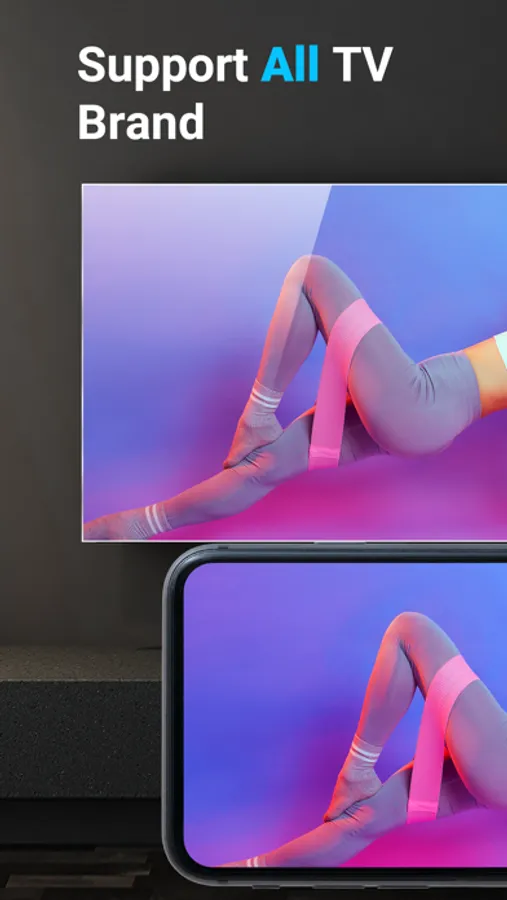
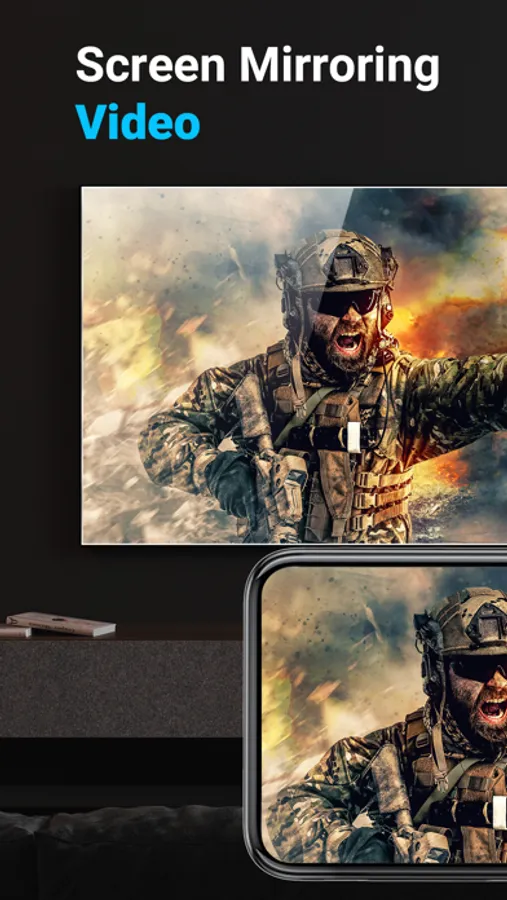
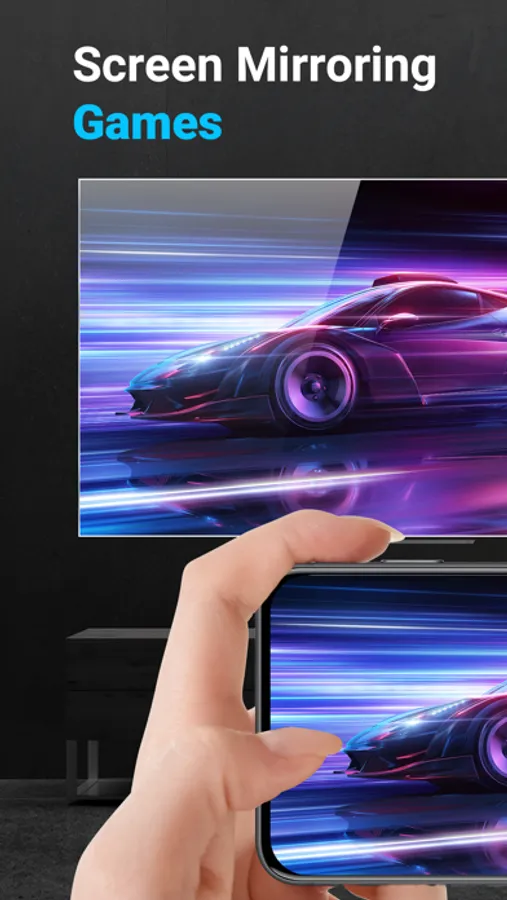
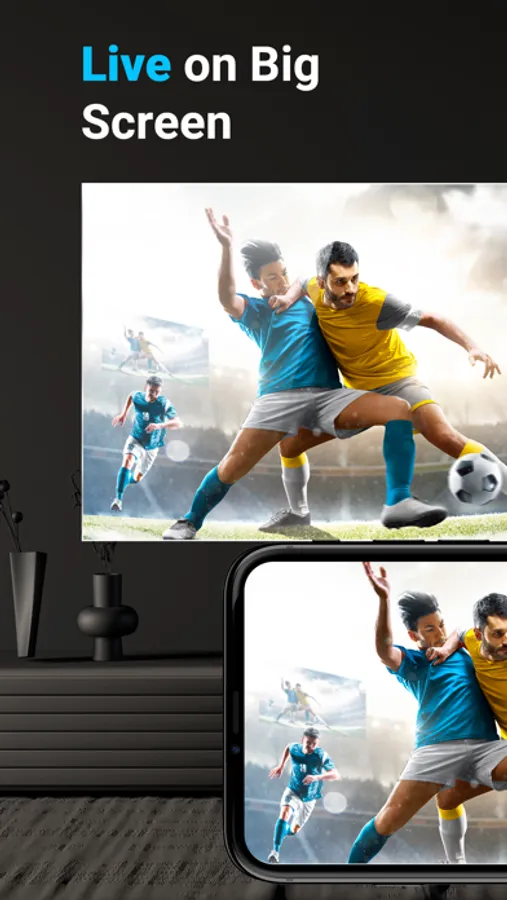
This is the best Screen Mirroring App - Smart View, which helps to screen mirror for all tv, provide you a Big Screen experience that you can make a small screen share to a bigger screen, including web video cast, picture cast, audio cast, live share, and you can anycast all the web or local files you want.
Features:
Shot Phone to the Big Screen
Simple steps to mirror link Phone and TV
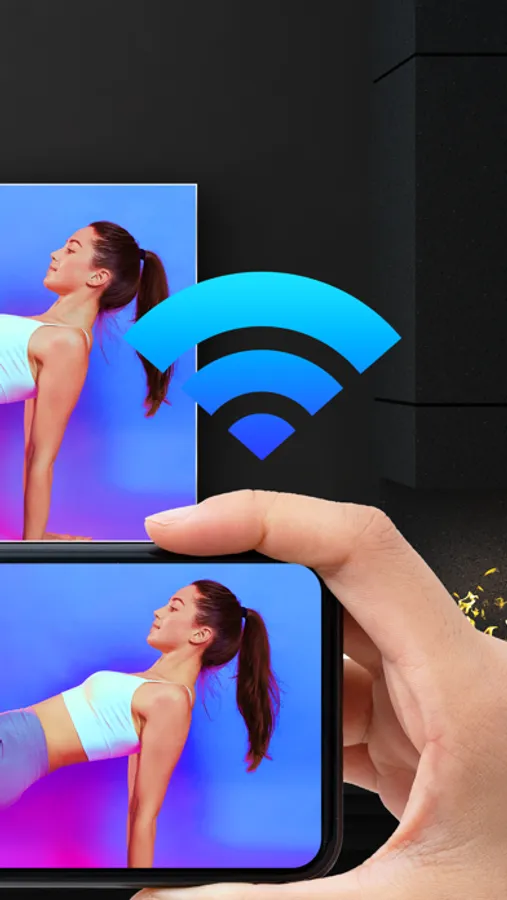
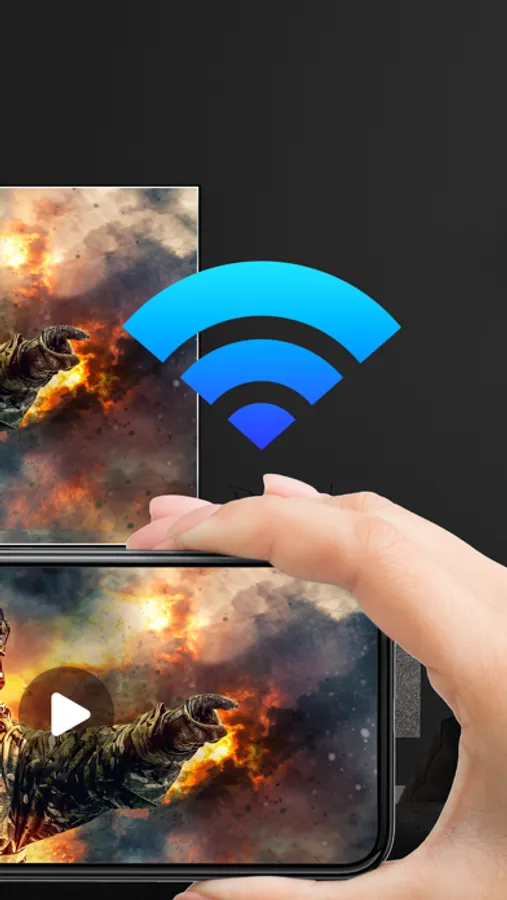
Mirror phone to TV via DLNA and Wi-Fi
Subscription Instructions:
1. Users can only obtain user rights such as video projection and ad removal after becoming members through paid subscription.
2. Subscription period: annual membership, monthly membership, weekly membership (3-day free trial).
3. Subscription price: subject to the in-app package price.
4. Payment: After confirming the purchase and payment, the iTunes account will be recorded.
5. The iTunes account will be deducted within 24 hours before the expiration date. After the deduction is successful, the subscription period will be postponed to the next subscription period.
6. If you need to cancel the continuous subscription, please turn off the continuous subscription at least 24 hours before the subscription period.
7. Open the Apple phone [Settings] → Click [iTunes Store and App Store] → Click [Apple ID] → [View Apple ID] → [Subscription], and choose to cancel the subscription. If you do not turn off the subscription at least 24 hours before the end of the subscription period, this subscription will be automatically renewed.
Privacy Policy: https://www.pintrontech.com/PrivacyPolicy.html
Terms of Use: https://www.pintrontech.com/termsofuse.html
Disclaimer: This Screen Mirroring App is not affiliated with any of the trademarks mentioned here.
Features:
Shot Phone to the Big Screen
Simple steps to mirror link Phone and TV
Mirror phone to TV via DLNA and Wi-Fi
Subscription Instructions:
1. Users can only obtain user rights such as video projection and ad removal after becoming members through paid subscription.
2. Subscription period: annual membership, monthly membership, weekly membership (3-day free trial).
3. Subscription price: subject to the in-app package price.
4. Payment: After confirming the purchase and payment, the iTunes account will be recorded.
5. The iTunes account will be deducted within 24 hours before the expiration date. After the deduction is successful, the subscription period will be postponed to the next subscription period.
6. If you need to cancel the continuous subscription, please turn off the continuous subscription at least 24 hours before the subscription period.
7. Open the Apple phone [Settings] → Click [iTunes Store and App Store] → Click [Apple ID] → [View Apple ID] → [Subscription], and choose to cancel the subscription. If you do not turn off the subscription at least 24 hours before the end of the subscription period, this subscription will be automatically renewed.
Privacy Policy: https://www.pintrontech.com/PrivacyPolicy.html
Terms of Use: https://www.pintrontech.com/termsofuse.html
Disclaimer: This Screen Mirroring App is not affiliated with any of the trademarks mentioned here.
Screen Mirroring Smart View Screenshots
Tap to Rate: