TV Cast Mirror for Chromecast
Rounding Squares BV
4.4 ★
878 ratings
Free
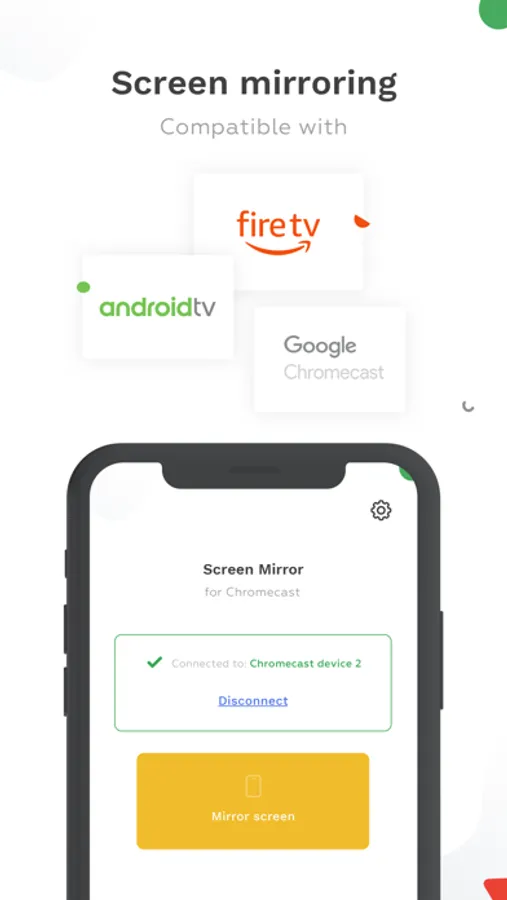
Use this screen mirroring app to connect your phone to Chromecast and stream content. Includes device detection and orientation switching features.
AppRecs review analysis
AppRecs rating 4.4. Trustworthiness 71 out of 100. Review manipulation risk 27 out of 100. Based on a review sample analyzed.
★★★★☆
4.4
AppRecs Rating
Ratings breakdown
5 star
76%
4 star
7%
3 star
6%
2 star
1%
1 star
10%
What to know
✓
Low review manipulation risk
27% review manipulation risk
✓
Credible reviews
71% trustworthiness score from analyzed reviews
⚠
Ad complaints
Many low ratings mention excessive ads
About TV Cast Mirror for Chromecast
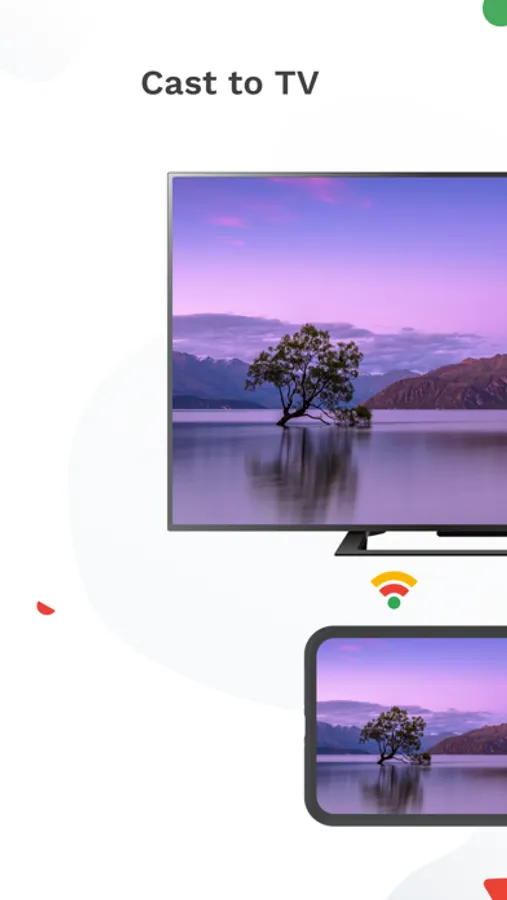
- Mirror your phone screen to your TV with Chromecast!
- Watch your Photos & Videos, Browse the web, Cast your app to a TV...
HOW DOES IT WORK:
- Download the app
- Choose which cast device to Connect to
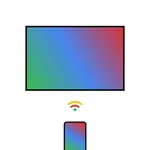
- Start mirroring and watch the stream from your phone screen to the TV
- To stop mirroring, there are two options: (1) click on the red top bar/button that you will see on your iPhone or iPad. Or (2) Open the app and click on 'Stop Mirroring'.
FEATURES:
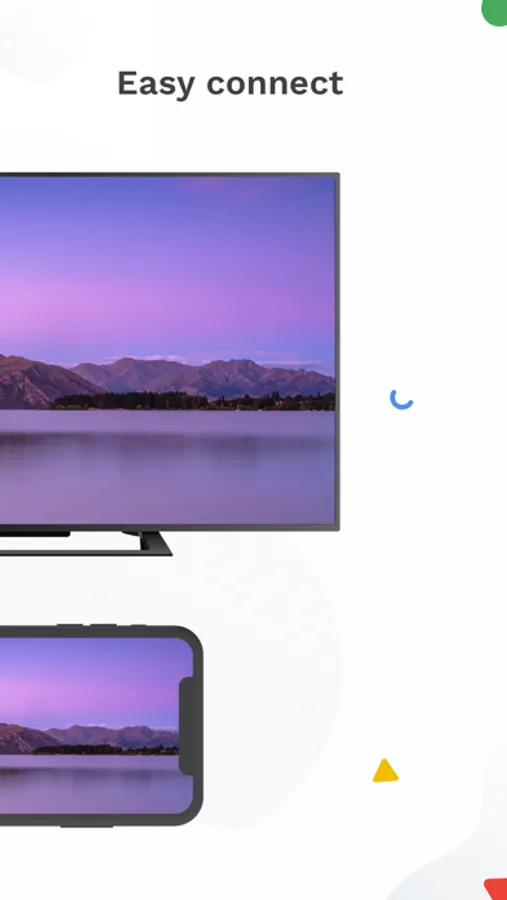
- Easy to setup: the app will identify available devices on your network. Just choose which one the app connects to
- Portrait/Landscape: the app will automatically switch between portrait or landscape orientation depending on availability and compatibility
COMPATIBILITY:
The app is compatible with:
- All versions of Google ChromeCast (1st, 2nd, 3rd generation and Ultra 4K)
- Every device or TV with Chromecast built-in: Xiaomi MI Box, NVIDIA Shield TV, Sony, TCL, Vizio, Sharp, Philips, Hisense, Skyworth, Soniq... Check https://www.google.com/chromecast/built-in/ for more information.
- Gaming consoles
- All versions of Fire TV
NOTES:
- WiFi Network: Your iPhone/iPad and your Chromecast must be connected to the same wifi to enable screen mirroring
- Privacy: Even though there are notifications about Screen Recording, we do access any recording you make. It is only streamed to your Chromecast device.
- DRM Restriction: Be aware that some Apps do not allow the screen to be captured (like Amazon Prime or Netflix). So the TV screen will be black.
DISCLAIMER:
Chromecast is a trademarks of Google LLC. The app is not affiliated with Google or any other trademark mentioned. This is for informational purposes only intended for the user.
Fire TV is a trademark of Amazon. This app is not affiliated with Amazon or any other trademark mentioned. This is for informational purposes only intended for the user.
Privacy Policy: https://roundingsquares.com/privacy/
Terms of Services: https://roundingsquares.com/terms/
- Watch your Photos & Videos, Browse the web, Cast your app to a TV...
HOW DOES IT WORK:
- Download the app
- Choose which cast device to Connect to
- Start mirroring and watch the stream from your phone screen to the TV
- To stop mirroring, there are two options: (1) click on the red top bar/button that you will see on your iPhone or iPad. Or (2) Open the app and click on 'Stop Mirroring'.
FEATURES:
- Easy to setup: the app will identify available devices on your network. Just choose which one the app connects to
- Portrait/Landscape: the app will automatically switch between portrait or landscape orientation depending on availability and compatibility
COMPATIBILITY:
The app is compatible with:
- All versions of Google ChromeCast (1st, 2nd, 3rd generation and Ultra 4K)
- Every device or TV with Chromecast built-in: Xiaomi MI Box, NVIDIA Shield TV, Sony, TCL, Vizio, Sharp, Philips, Hisense, Skyworth, Soniq... Check https://www.google.com/chromecast/built-in/ for more information.
- Gaming consoles
- All versions of Fire TV
NOTES:
- WiFi Network: Your iPhone/iPad and your Chromecast must be connected to the same wifi to enable screen mirroring
- Privacy: Even though there are notifications about Screen Recording, we do access any recording you make. It is only streamed to your Chromecast device.
- DRM Restriction: Be aware that some Apps do not allow the screen to be captured (like Amazon Prime or Netflix). So the TV screen will be black.
DISCLAIMER:
Chromecast is a trademarks of Google LLC. The app is not affiliated with Google or any other trademark mentioned. This is for informational purposes only intended for the user.
Fire TV is a trademark of Amazon. This app is not affiliated with Amazon or any other trademark mentioned. This is for informational purposes only intended for the user.
Privacy Policy: https://roundingsquares.com/privacy/
Terms of Services: https://roundingsquares.com/terms/
TV Cast Mirror for Chromecast Screenshots
Tap to Rate:
Reviews for TV Cast Mirror for Chromecast
This.app.pmo
DONT DOWNLOAD CHAT
I’m giving it a one star cuz I can’t give a review with a 0
unhappy gamer ffxvane
Does not work with Chromecast
Does not work with Chromecast at all