AppRecs review analysis
AppRecs rating 3.9. Trustworthiness 67 out of 100. Review manipulation risk 24 out of 100. Based on a review sample analyzed.
★★★☆☆
3.9
AppRecs Rating
Ratings breakdown
5 star
65%
4 star
6%
3 star
6%
2 star
0%
1 star
24%
What to know
✓
Low review manipulation risk
24% review manipulation risk
✓
Good user ratings
71% positive sampled reviews
About VSDC
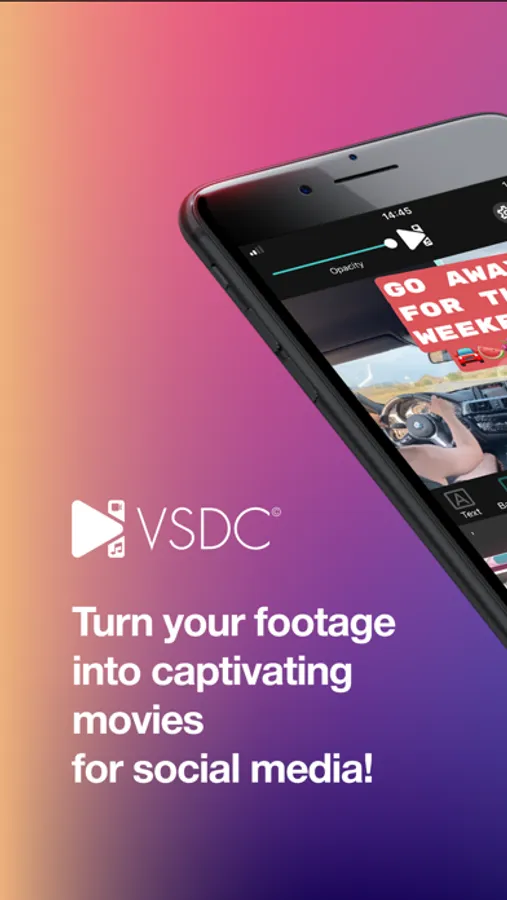
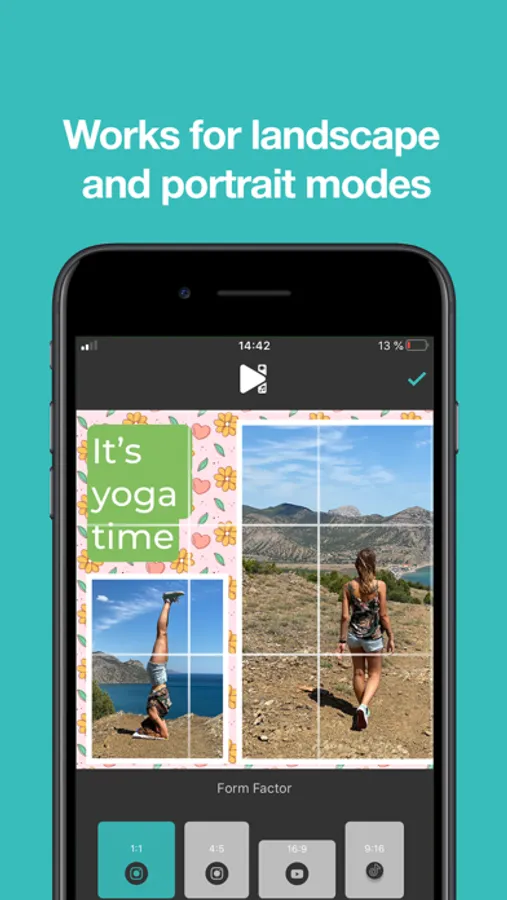
Turn your footage into captivating movies for social media! VSDC is perfect for quick basic tasks like video cutting, cropping, and rotating, but it also has your back when you need advanced tools for picture-in-picture effect, speed adjustment, and voiceovers.
EVERYTHING YOU NEED TO EDIT A VIDEO:
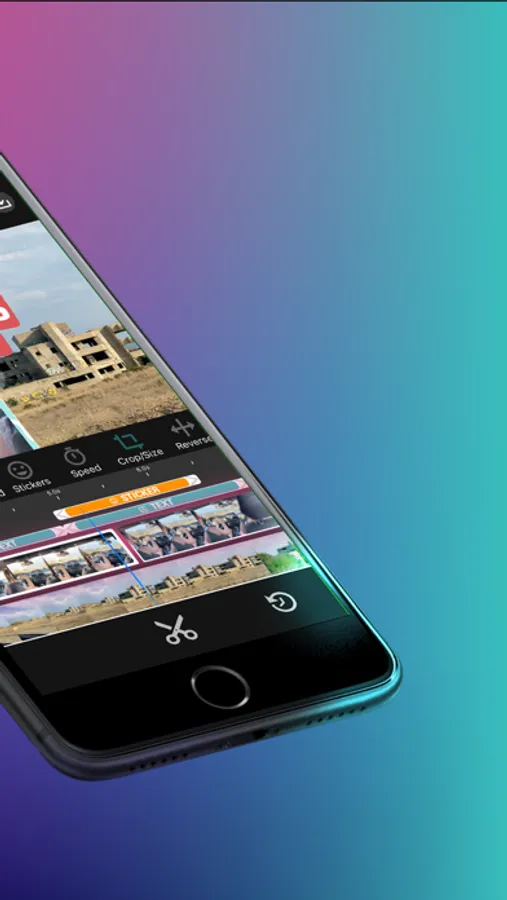
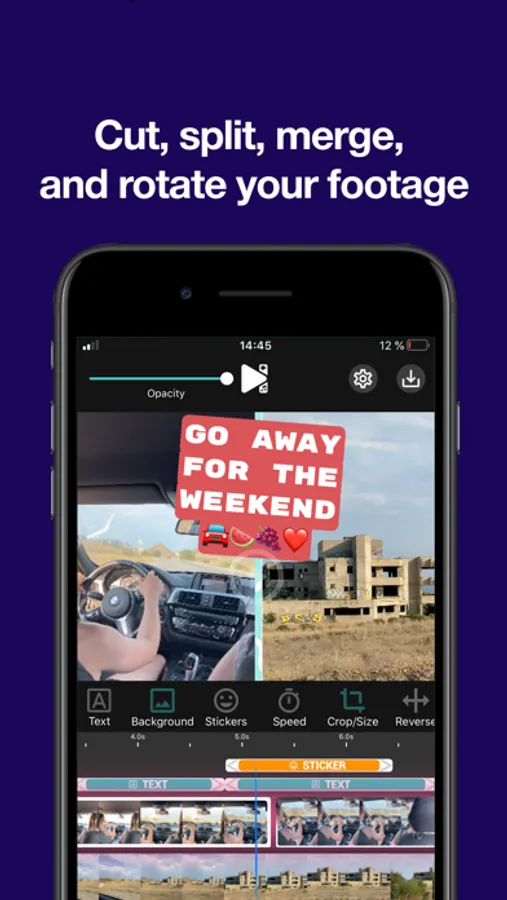
● Cut, split, merge, and rotate your footage
● Speed up, slow down, or reverse video
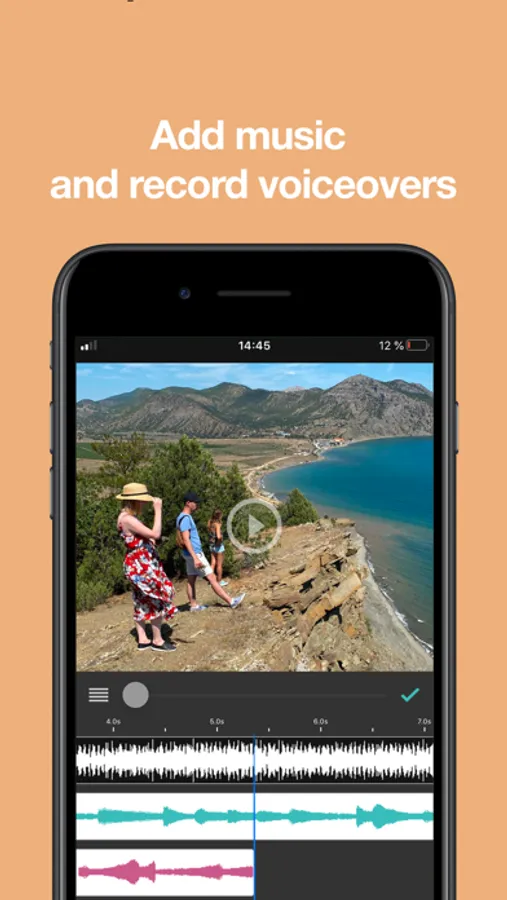
● Add music and set the volume
● Record voiceovers
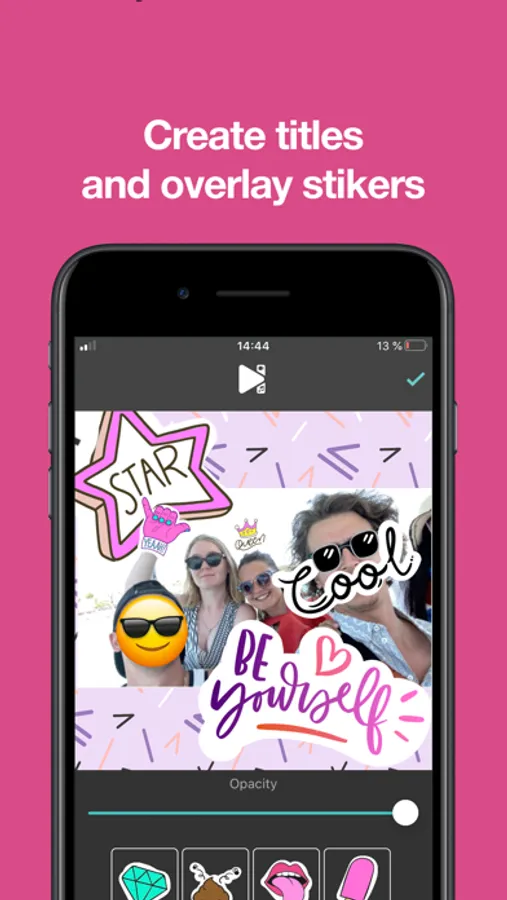
● Create titles & text objects
● Apply backgrounds & quick filters
● Overlay stickers and watermarks
BENEFITS OF VSDC SUBSCRIPTION:
● Export your video without a watermark
● Create transition effects between videos
● Access a built-in library of high-quality audio tracks
● Get priority technical support within 48 hours (business days)
● Get new advanced features with each new version release
You can continue using VSDC for free, however, your videos will have a semi-opaque VSDC logo watermark in the bottom right corner, and you’ll have no access to the music library.
SUBSCRIPTION OPTIONS AND TERMS:
● Choose among monthly subscription, annual subscription, or perpetual license
● Monthly and annual subscriptions come with a 7-day free trial period
● You iTunes account will be charged at the end of the trial period, with the amount based on the subscription you’ve selected
● Unless the auto-renewal option is disabled, the subscription renews automatically within 24 hours prior to the end of the current subscription period
● To manage your subscriptions and turn off automatic renewal, go to your account settings
Terms of use: https://www.videosoftdev.com/terms-and-conditions
Privacy policy: https://www.videosoftdev.com/privacy-policy
EVERYTHING YOU NEED TO EDIT A VIDEO:
● Cut, split, merge, and rotate your footage
● Speed up, slow down, or reverse video
● Add music and set the volume
● Record voiceovers
● Create titles & text objects
● Apply backgrounds & quick filters
● Overlay stickers and watermarks
BENEFITS OF VSDC SUBSCRIPTION:
● Export your video without a watermark
● Create transition effects between videos
● Access a built-in library of high-quality audio tracks
● Get priority technical support within 48 hours (business days)
● Get new advanced features with each new version release
You can continue using VSDC for free, however, your videos will have a semi-opaque VSDC logo watermark in the bottom right corner, and you’ll have no access to the music library.
SUBSCRIPTION OPTIONS AND TERMS:
● Choose among monthly subscription, annual subscription, or perpetual license
● Monthly and annual subscriptions come with a 7-day free trial period
● You iTunes account will be charged at the end of the trial period, with the amount based on the subscription you’ve selected
● Unless the auto-renewal option is disabled, the subscription renews automatically within 24 hours prior to the end of the current subscription period
● To manage your subscriptions and turn off automatic renewal, go to your account settings
Terms of use: https://www.videosoftdev.com/terms-and-conditions
Privacy policy: https://www.videosoftdev.com/privacy-policy
VSDC Screenshots
Tap to Rate:
Reviews for VSDC
tana_higha
Vertical video struggles but worth it
Me: tries to edit vertical video VSDC: defaults to landscape Also VSDC: "Rotate tool exists bro" 5 mins later: dopamine hit when it works Still better than iMovie
Tarver Max
Switched for free and sharper export
Switched from Premiere Rush cause no sub. Miss some presets BUT the HDR export looks sharper? Motion tracking is clunky but gets job done. Free = no cọmplaints tbh.