With this video editing app, you can assemble clips, adjust effects, and add audio or images. Includes features for color correction, video stabilization, speed control, and various export formats.
AppRecs review analysis
AppRecs rating 3.8. Trustworthiness 79 out of 100. Review manipulation risk 25 out of 100. Based on a review sample analyzed.
★★★☆☆
3.8
AppRecs Rating
Ratings breakdown
5 star
59%
4 star
11%
3 star
7%
2 star
4%
1 star
18%
What to know
✓
Low review manipulation risk
25% review manipulation risk
✓
Credible reviews
79% trustworthiness score from analyzed reviews
✓
Good user ratings
70% positive sampled reviews
About VideoPad - Video Editor
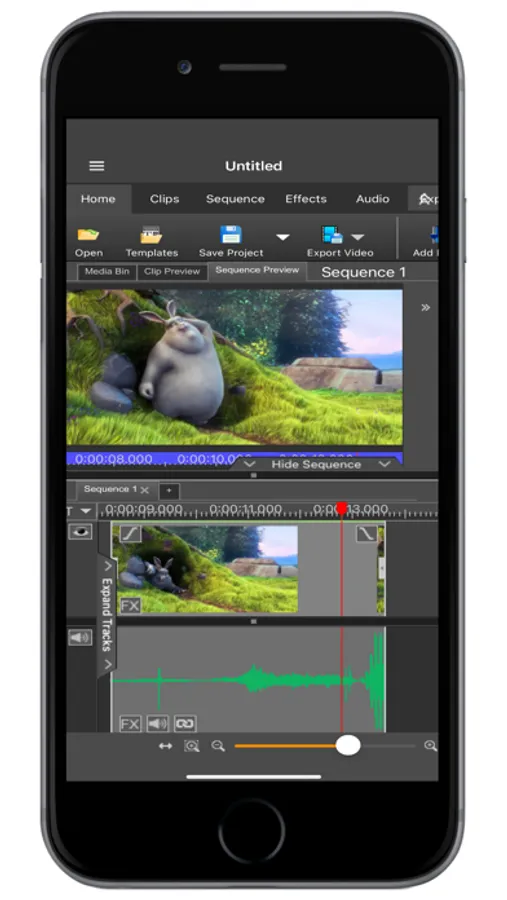
VideoPad Video Editor is a full-feature video editor anyone can use. VideoPad is designed to intuitive for a friendly user experience. Using VideoPad, you can create professional quality videos in minutes!
Complete Video Optimization:
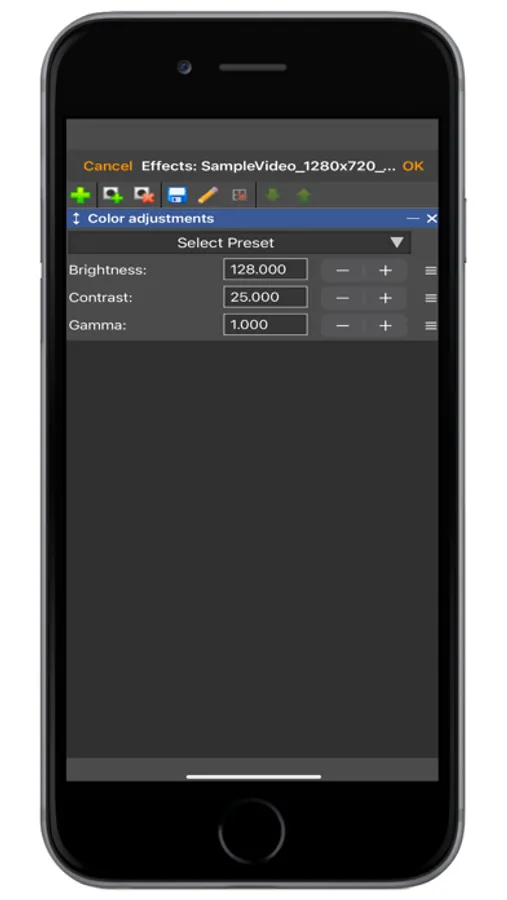
*Fine-tune color and other visual effects
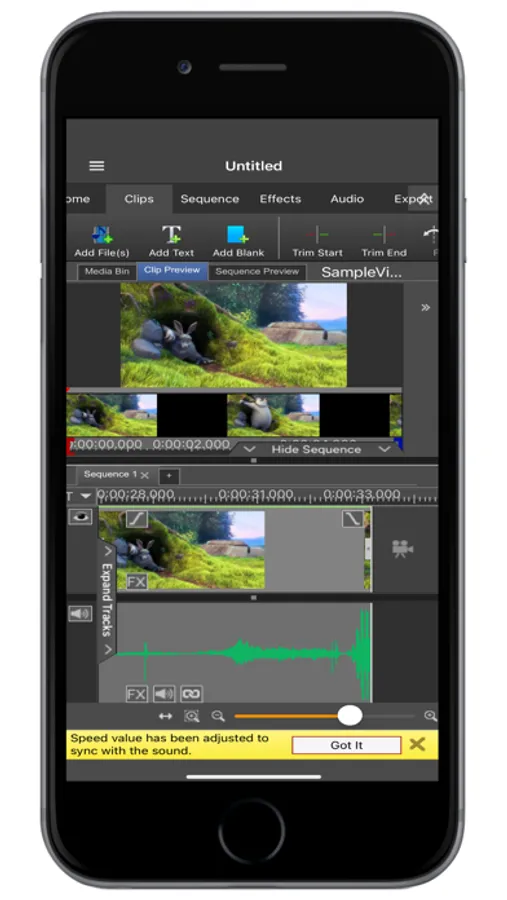
*Slow down, speed up or reverse video clip playback
*Reduce camera shake with video stabilization
*Add photos and digital images to your sequences
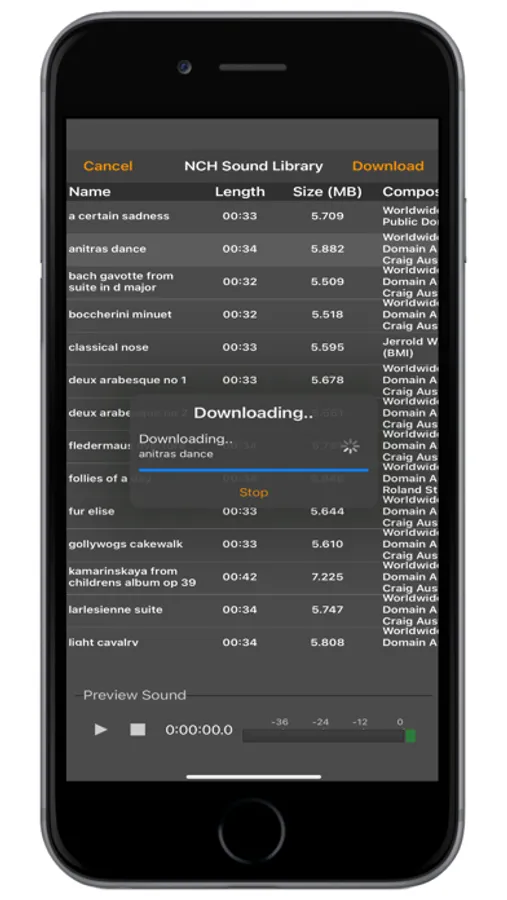
*Add audio to give your video a soundtrack or narration
Supported Input Formats:
*Import Video - avi, mpeg, wmv, divX, Xvid, mpeg, mp4, and more!
*Import Images - bmp, gif, jpg, png, tif and more!
*Import Audio - wav, mp3, m4a, mid, and more!
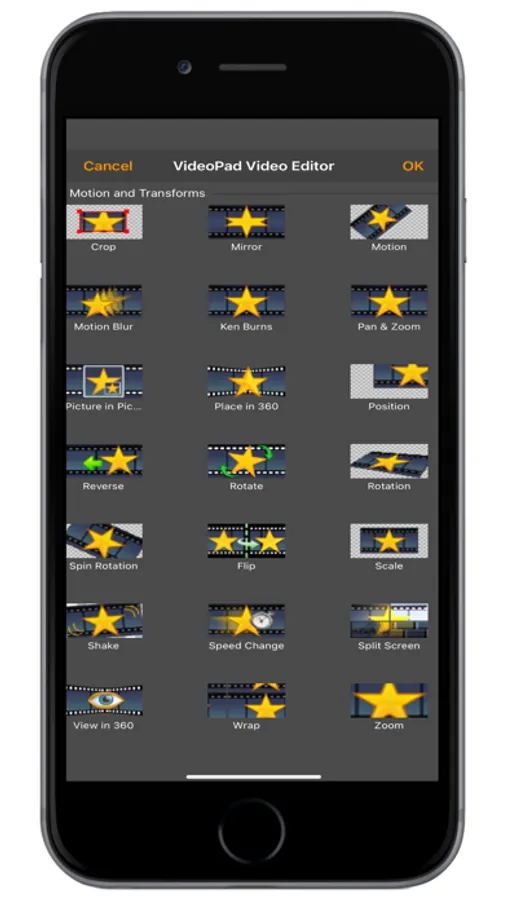
With VideoPad Video Editor for iOS you can also apply a wide variety of clip effects, transitions, speed adjustments, and many more!
Complete Video Optimization:
*Fine-tune color and other visual effects
*Slow down, speed up or reverse video clip playback
*Reduce camera shake with video stabilization
*Add photos and digital images to your sequences
*Add audio to give your video a soundtrack or narration
Supported Input Formats:
*Import Video - avi, mpeg, wmv, divX, Xvid, mpeg, mp4, and more!
*Import Images - bmp, gif, jpg, png, tif and more!
*Import Audio - wav, mp3, m4a, mid, and more!
With VideoPad Video Editor for iOS you can also apply a wide variety of clip effects, transitions, speed adjustments, and many more!
VideoPad - Video Editor Screenshots
Tap to Rate:
Reviews for VideoPad - Video Editor
Copyrighted app
Add streaminggggg
Add streamminggg that’s the reason I downloaded itttttt
Jace Alexander Derez Harrison
Ok
It’s Ok, Just Fix Where It Autocorrects The Gradient Map