
AppRecs review analysis
AppRecs rating . Trustworthiness 58 out of 100. Review manipulation risk 27 out of 100. Based on a review sample analyzed.
★
AppRecs Rating
Ratings breakdown
5 star
100%
4 star
0%
3 star
0%
2 star
0%
1 star
0%
What to know
✓
High user satisfaction
100% of sampled ratings are 5 stars
About Change Video Speed for Safari
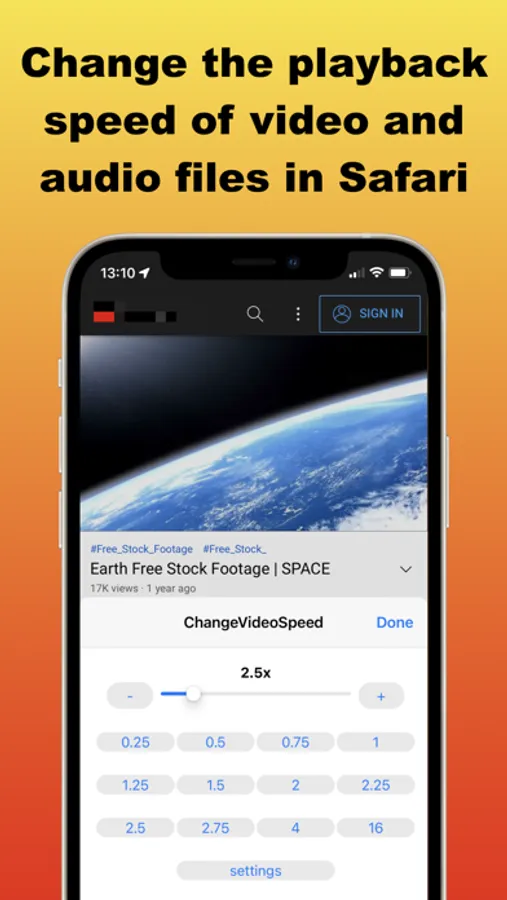
Easily control the playback speed of HTML5 videos and audio across websites in Safari. This Safari extension offers quick controls, rich customization options, and convenient keyboard shortcuts.
Key Features:
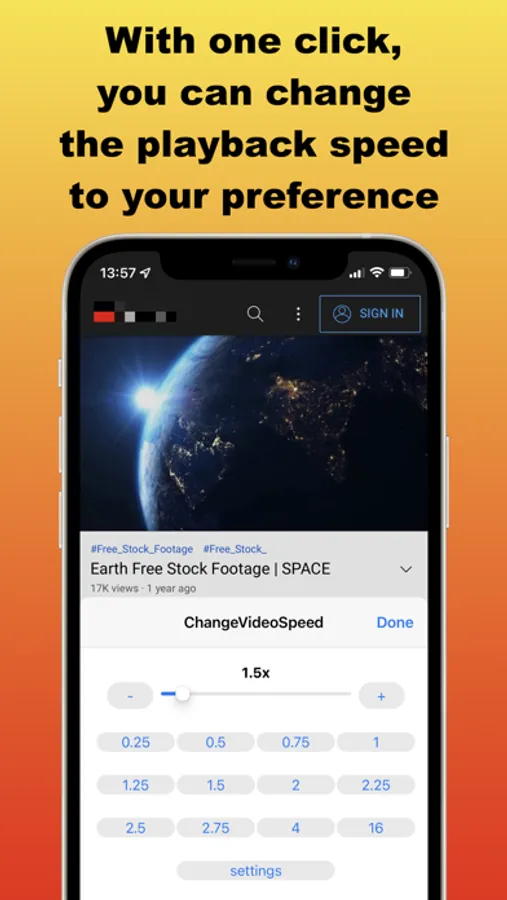
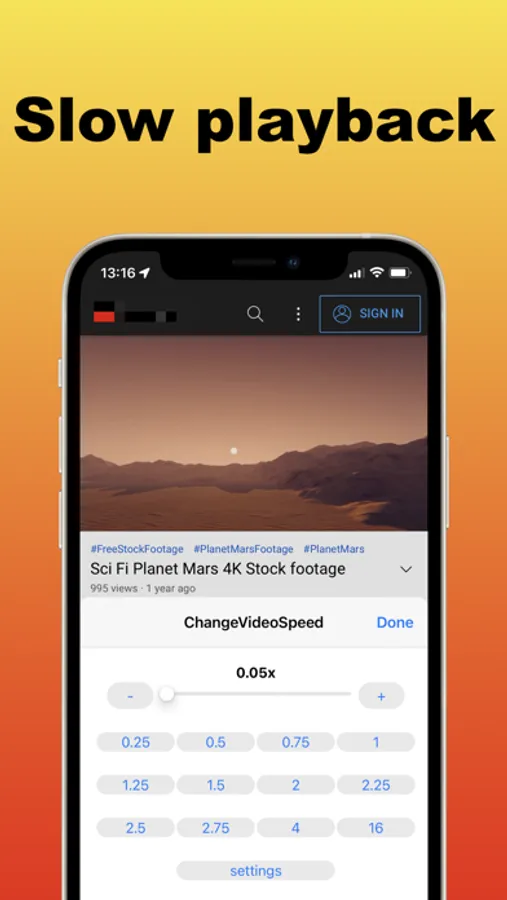
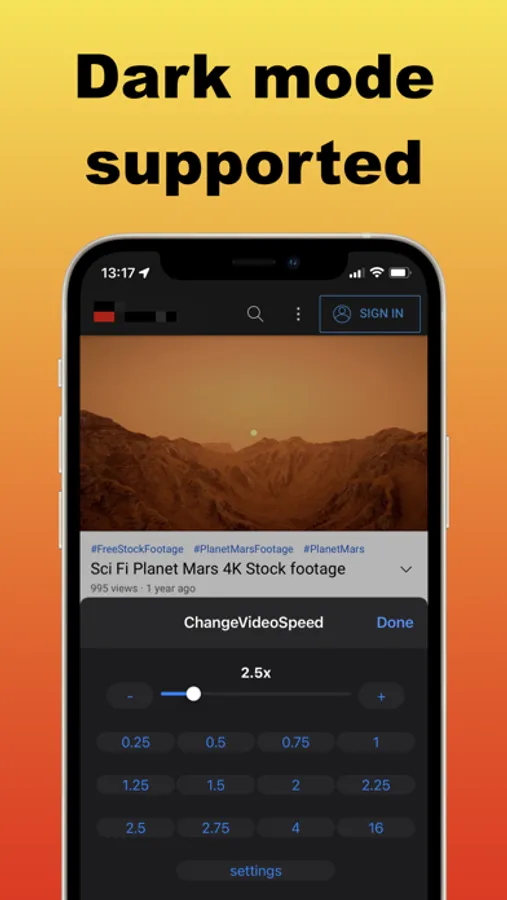
• Quick Popup Controls – Adjust speed instantly with a slider, plus +/- buttons and customizable preset buttons.
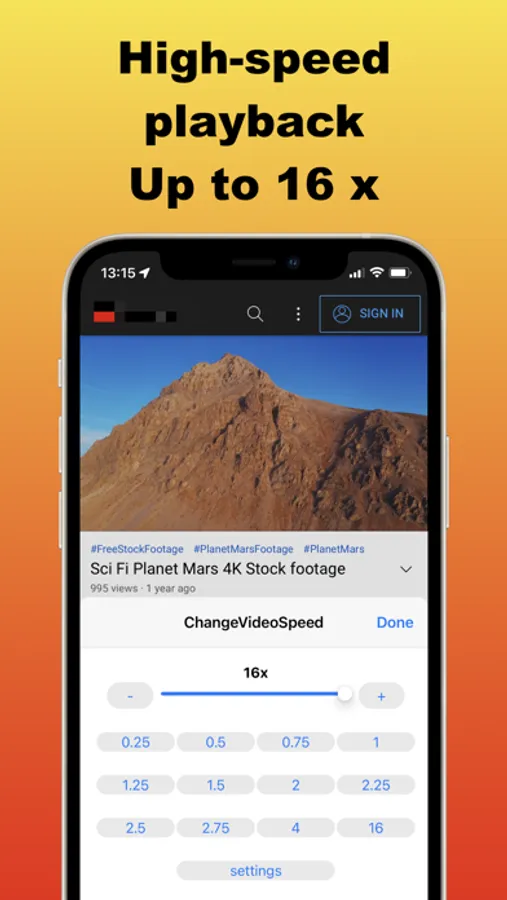
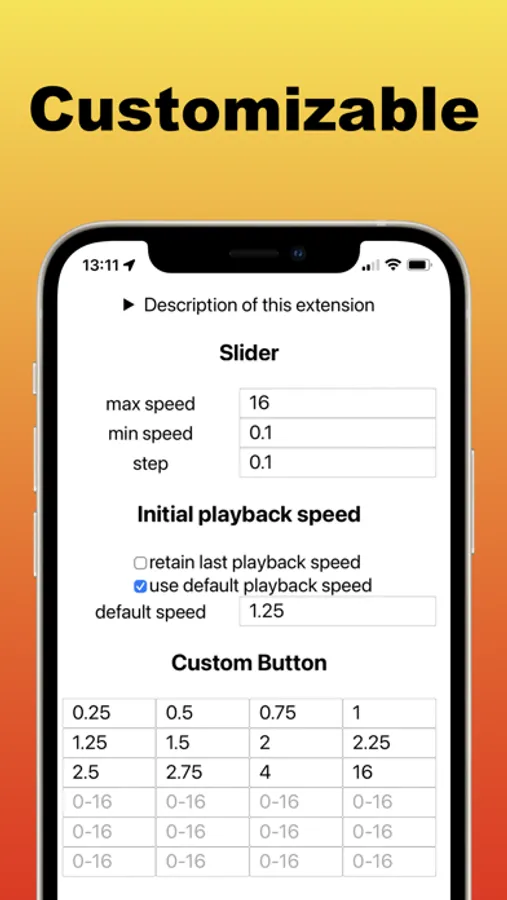
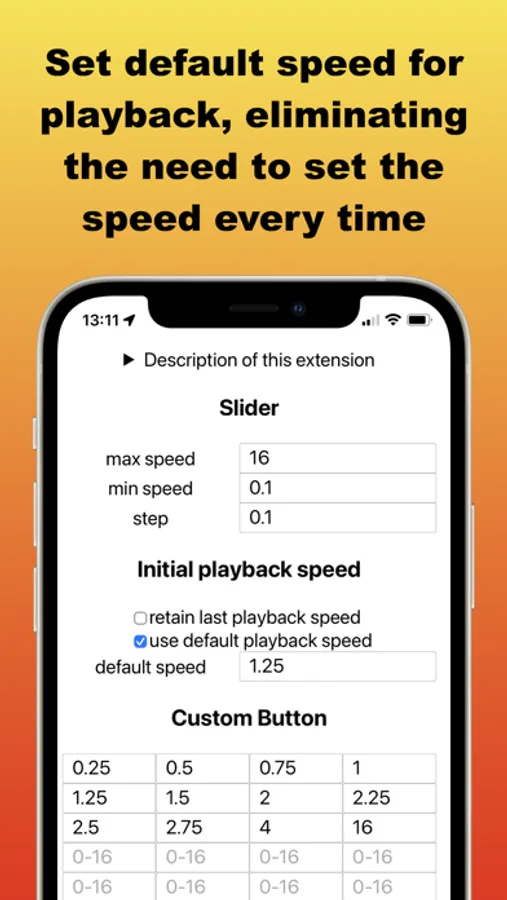
• Precision Slider – Define your own minimum, maximum, and step values for fine-tuned control (0.1x–16x).
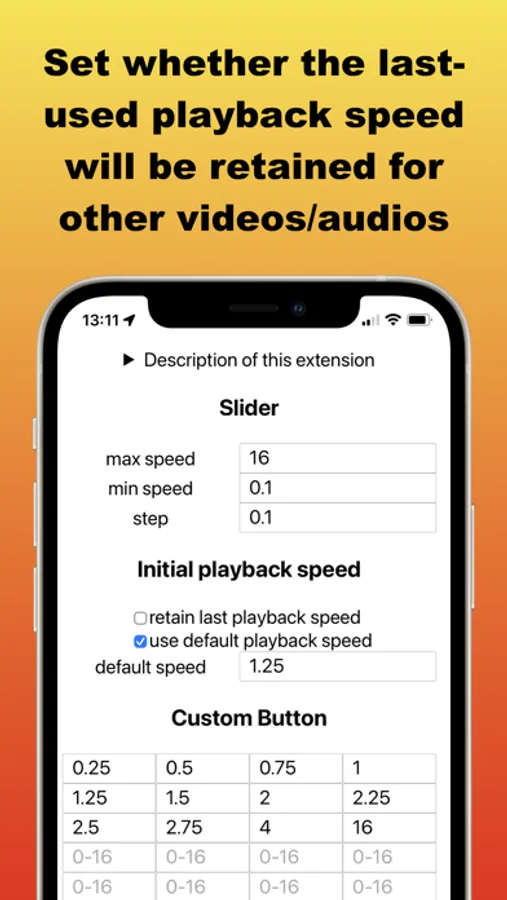
• Initial Speed Options – Choose to automatically apply the last used speed, a custom default speed, or start at normal speed.
• Keyboard Shortcuts (macOS only) – Assign custom keys to increase or decrease speed by a chosen amount, or jump directly to a specific speed. Both the speed values and key bindings are fully customizable.
Limitations:
• Works only with HTML5 media.
• Some websites may block speed control or restrict playback speeds (e.g., limit to 2x).
• Embedded videos may require opening the original source page.
• Due to the wide variety of websites, compatibility with every site cannot be guaranteed. If needed, you can contact us to check whether this extension works on a specific site before installing.
For feature requests, questions, or bug reports, please visit our support page:
https://www.wide-apps.com
Key Features:
• Quick Popup Controls – Adjust speed instantly with a slider, plus +/- buttons and customizable preset buttons.
• Precision Slider – Define your own minimum, maximum, and step values for fine-tuned control (0.1x–16x).
• Initial Speed Options – Choose to automatically apply the last used speed, a custom default speed, or start at normal speed.
• Keyboard Shortcuts (macOS only) – Assign custom keys to increase or decrease speed by a chosen amount, or jump directly to a specific speed. Both the speed values and key bindings are fully customizable.
Limitations:
• Works only with HTML5 media.
• Some websites may block speed control or restrict playback speeds (e.g., limit to 2x).
• Embedded videos may require opening the original source page.
• Due to the wide variety of websites, compatibility with every site cannot be guaranteed. If needed, you can contact us to check whether this extension works on a specific site before installing.
For feature requests, questions, or bug reports, please visit our support page:
https://www.wide-apps.com
Change Video Speed for Safari Screenshots
Tap to Rate:
Reviews for Change Video Speed for Safari
KKumarK
Perfect
Best extension of its kind that I’ve ever seen so far. Highly customizable, is getting recent updates, works for both video and audio, and the speed indicator only shows up when you change the speed and auto-hides afterward.
docaquasr
Wonderful little extension!
Does what it’s supposed to perfectly.