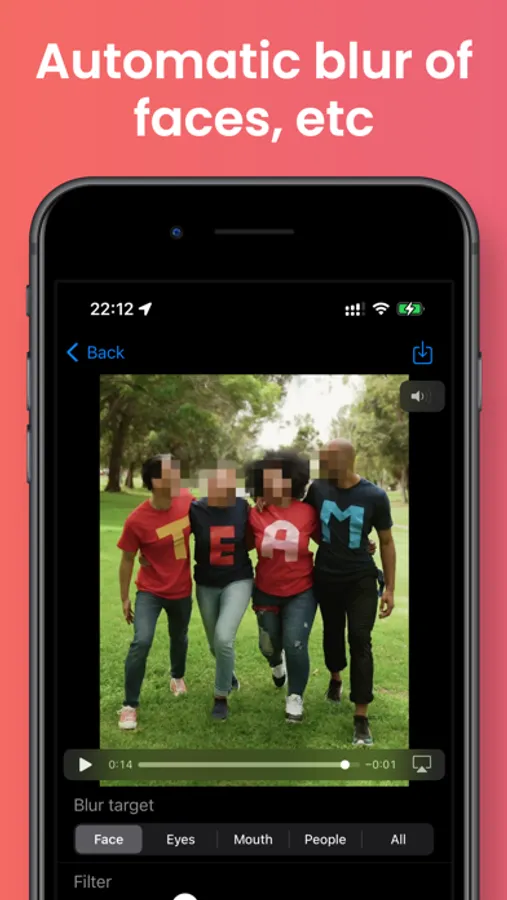
In this video editing app, you can automatically recognize objects and apply blurring or filters such as pixelize, monochrome, and sepia. Includes face detection, area-specific blurring, and full video filtering options.
AppRecs review analysis
AppRecs rating 4.3. Trustworthiness 0 out of 100. Review manipulation risk 0 out of 100. Based on a review sample analyzed.
★★★★☆
4.3
AppRecs Rating
Ratings breakdown
5 star
68%
4 star
10%
3 star
13%
2 star
0%
1 star
10%
What to know
✓
High user satisfaction
77% of sampled ratings are 4+ stars (4.3★ average)
About Auto Video Blur - Filtering
This application automatically recognizes faces, eyes, mouths, people (whole body), and text in videos and can apply blurring.
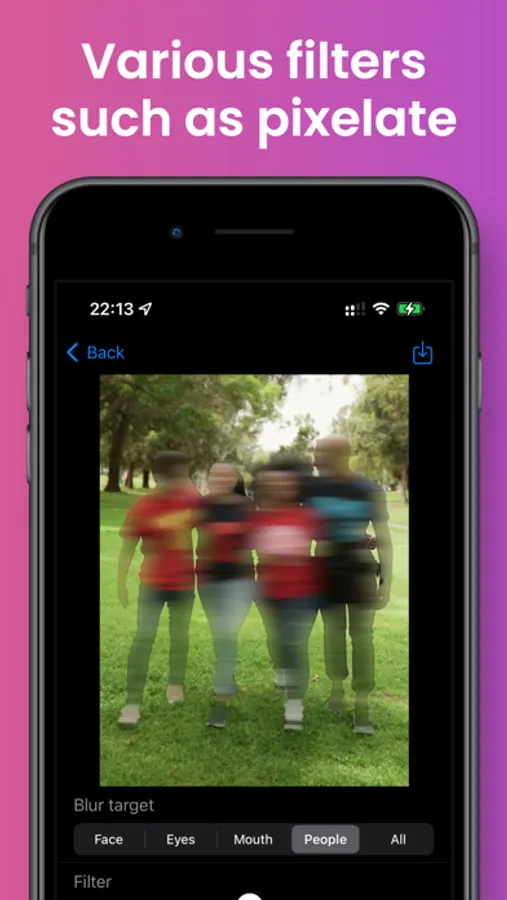
In addition to blurring, you can apply filters such as
- Pixelize
- Monochrome
- Glitter
- Camera shake
- Dotting
- Sepia
You can also apply blur to areas outside of the recognized areas.
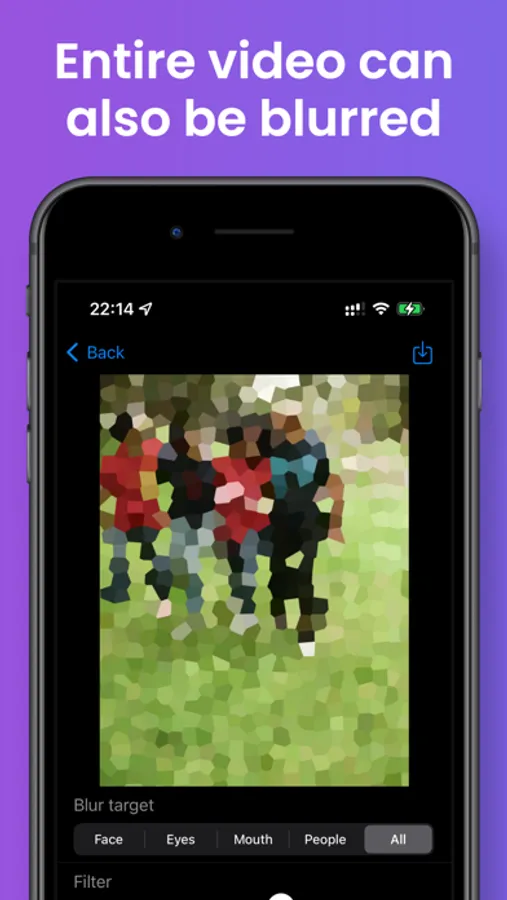
You can also easily apply a filter to the entire video.
Videos can be saved in MOV or MP4 format.
In addition to blurring, you can apply filters such as
- Pixelize
- Monochrome
- Glitter
- Camera shake
- Dotting
- Sepia
You can also apply blur to areas outside of the recognized areas.
You can also easily apply a filter to the entire video.
Videos can be saved in MOV or MP4 format.
Auto Video Blur - Filtering Screenshots
Tap to Rate: