
AppRecs review analysis
AppRecs rating 3.8. Trustworthiness 67 out of 100. Review manipulation risk 26 out of 100. Based on a review sample analyzed.
★★★☆☆
3.8
AppRecs Rating
Ratings breakdown
5 star
63%
4 star
6%
3 star
6%
2 star
0%
1 star
25%
What to know
✓
Low review manipulation risk
26% review manipulation risk
✓
Good user ratings
69% positive sampled reviews
About FaceHaze: Blur Faces in Videos
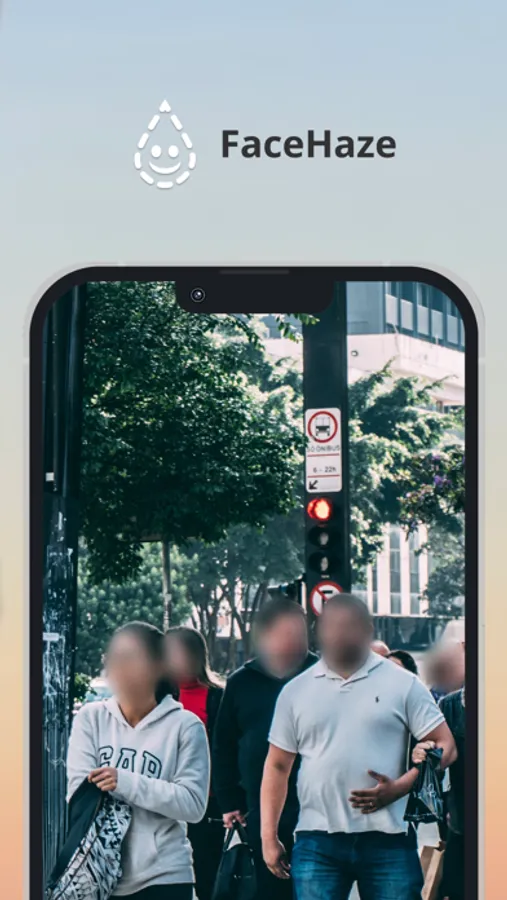
Stay in control of your privacy with the FaceHaze app. Whether you're recording at a family gathering, capturing an event, or just want to keep your personal moments safe, our app has got you covered. Plus, with the user-friendly interface and lightning-fast processing, blurring your faces has never been easier.
Don't risk your privacy by sharing unedited videos. Download the FaceHaze app today and take control of what you share online. Your moments, your privacy, your choice.
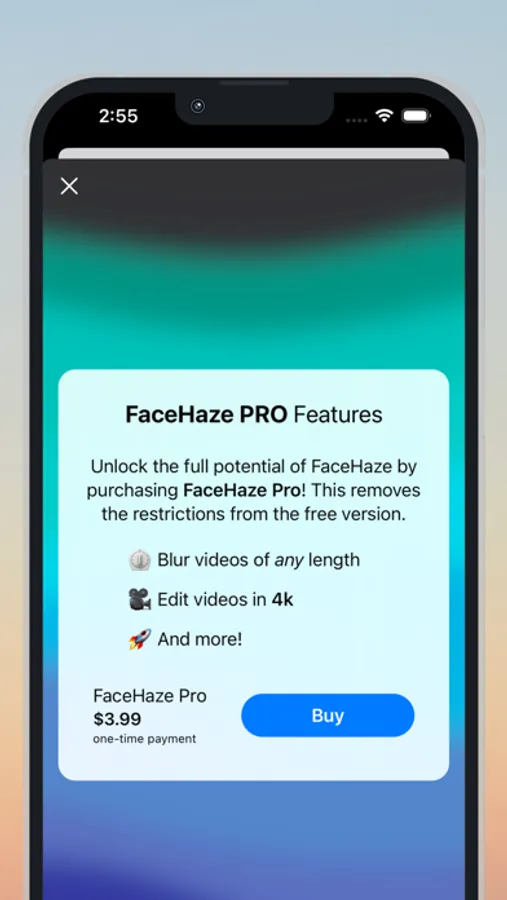
The free version limits videos to 10 seconds. You can remove this limitation by purchasing a one-time upgrade Pro version of the app as an In-App purchase.
FaceHaze: Blur Faces in Videos Screenshots
Tap to Rate:
Reviews for FaceHaze: Blur Faces in Videos
PaytonMahone16
Blur control is VERY POOR
I wish I could select the face that is blurred. Also there are times the blur disappears.
Sam Graf
Mostly Happy New Customer
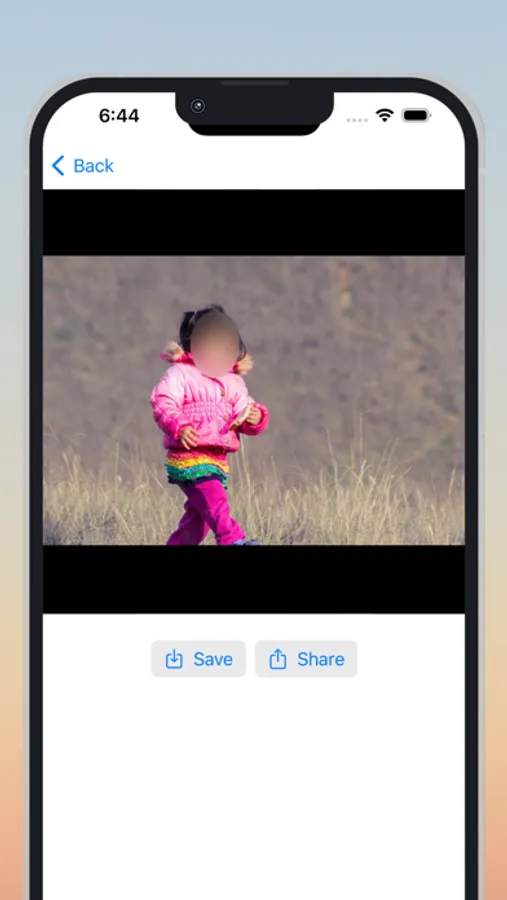
I haven’t driven this app very far, but I wanted to give a little immediate feedback. First of all, the face tracking is impressive. It’s going to be important to select clips where the face is clearly visible (that is, not a face partially obscured by a hat, for example); anything else might not give the desired results, understandably. The settings permit tweaking the blur effect by type and size. I think the available options should cover the most common individual preferences. They do in my case, at least. Now, a couple of interesting things. On my iPad Pro at least, the app needs to be run in portrait mode to see the Save and Share options. In landscape mode it looks like there is no way to save the result. That’s okay but it could cause some confusion. And then, I could not save a 4K video shot on an iPhone. There was an unidentified error. But, I could share the clip to LumaFusion. A lower resolution clip saved fine, so perhaps there’s a little glitch in the 4K save process at the moment. I would gladly give the app five stars if the save function worked as expected (or if the app was helpful about what sort of clips to avoid). In the meantime, barring any other problems, it’s hard to beat the price/features combination. I have zero buyer’s remorse.