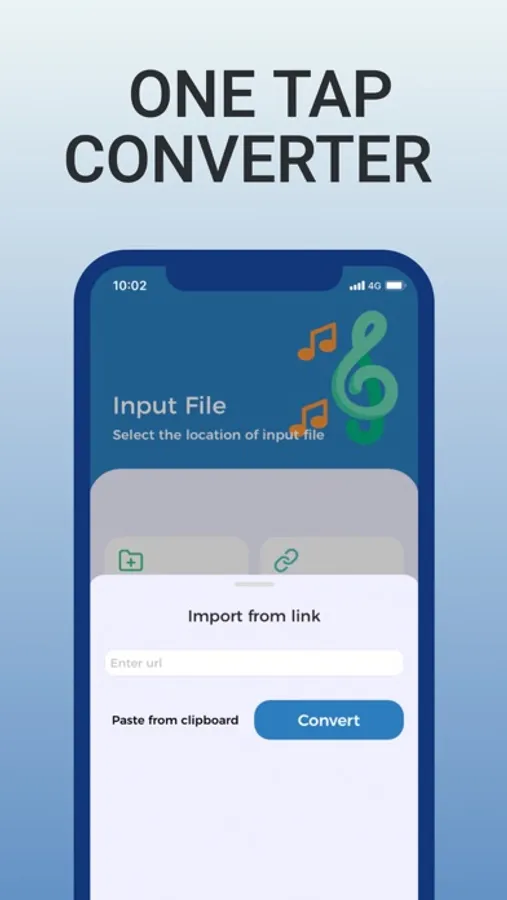
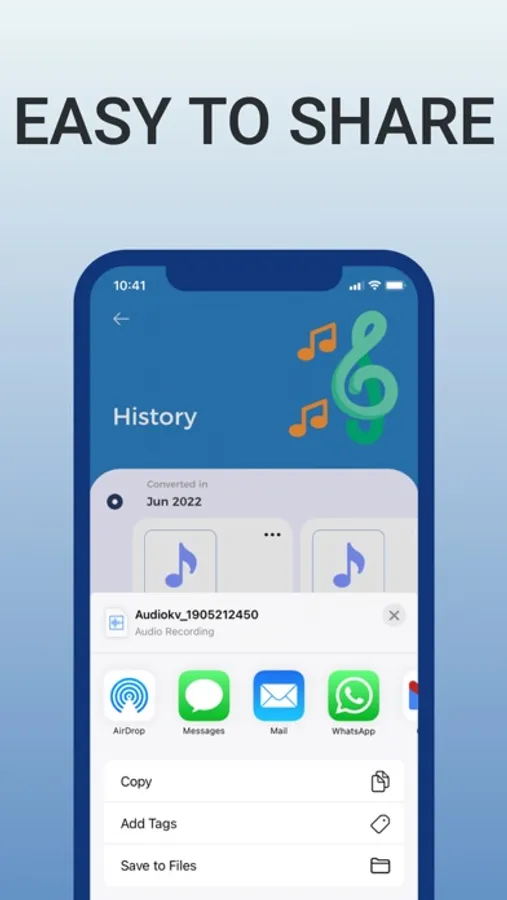
In this audio converter app, you can select video or audio files, choose a target format, and convert the files with a tap. Includes multiple input and output formats, cloud storage options, and file sharing features.
AppRecs review analysis
AppRecs rating 4.5. Trustworthiness 63 out of 100. Review manipulation risk 27 out of 100. Based on a review sample analyzed.
★★★★☆
4.5
AppRecs Rating
Ratings breakdown
5 star
61%
4 star
33%
3 star
0%
2 star
0%
1 star
5%
What to know
✓
Low review manipulation risk
27% review manipulation risk
✓
High user satisfaction
95% of sampled ratings are 4+ stars (4.5★ average)
✓
Authentic reviews
Natural distribution, no red flags
About Audio Converter: MP3 Converter
You can convert from numerous input formats given as below
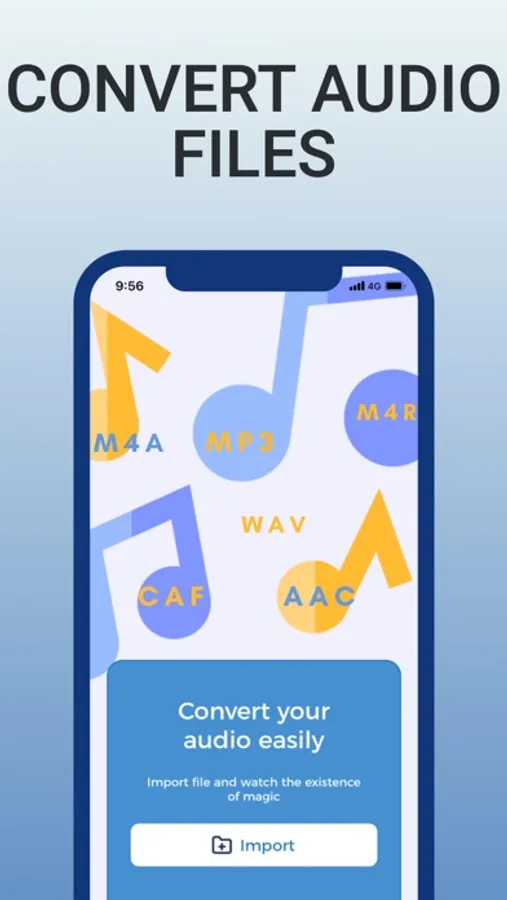
MOV, M4A, MP3, WMA, MP4, WAV, OGG, AMR, OPUS, AAC, WEBM, MID and many more.
To convert any file, you just need to follow a simple process
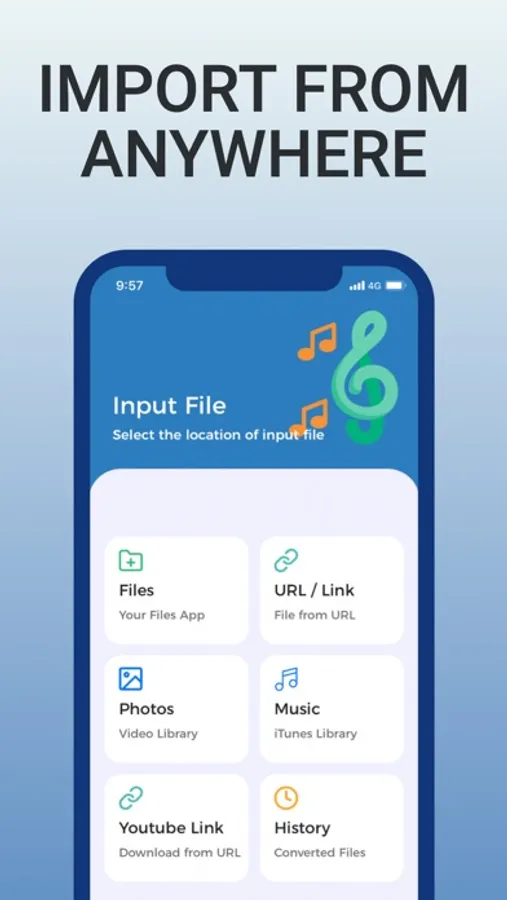
I. Select your input file which you want to convert
II. Choose the preferred output format from the option available
III. Press the button “Convert”
IV. Save your file and enjoy the output in your favorite app.
The main output formats are:
MP3, M4A, AAC, FLAC, WAV, AIFF, CAF, M4R, ADTS, AMR
After converting your file, you can save it on could also and can share the file with the help of any
social media.
Since Conversion is done on secure cloud server, it enables conversion easier, faster and consumes
less data and power. For this you need to have internet connection.
Terms of Use - https://aretechnologys.com/terms-condition-audio-converter
Privacy Policy - https://aretechnologys.com/privacy-policy-audio-converter
Audio Converter: MP3 Converter Screenshots
Tap to Rate:
Reviews for Audio Converter: MP3 Converter
DomenicWeedx
Does Exactly What I want
Great app for quick audio conversions. The MP3 to MP4 conversion is surprisingly smooth, and I love that the app provides guidance on converting only personal or rights-cleared videos. Everything feels polished and professional. Definitely worth downloading.
addy_isrealj
Good MP3 Tool on the App Store
Super intuitive! I use it mostly to convert my lecture recordings into smaller MP3 files to share with classmates. The app handles large files easily and gives you multiple quality options. No ads interrupting the workflow, which is rare these days.