With this screen recording app, you can capture your device screen and add audio commentary for tutorials or demonstrations. Includes video editing features like trimming, filters, and adjusting playback speed.
AppRecs review analysis
AppRecs rating 4.2. Trustworthiness 72 out of 100. Review manipulation risk 24 out of 100. Based on a review sample analyzed.
★★★★☆
4.2
AppRecs Rating
Ratings breakdown
5 star
69%
4 star
10%
3 star
6%
2 star
5%
1 star
11%
What to know
✓
Low review manipulation risk
24% review manipulation risk
✓
Credible reviews
72% trustworthiness score from analyzed reviews
✓
High user satisfaction
79% of sampled ratings are 4+ stars (4.2★ average)
About Screen Recorder - Ultra Record
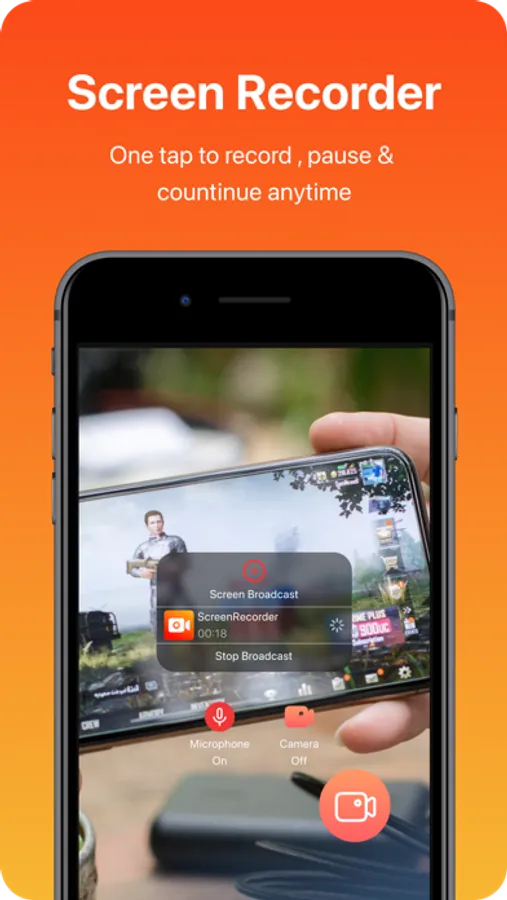
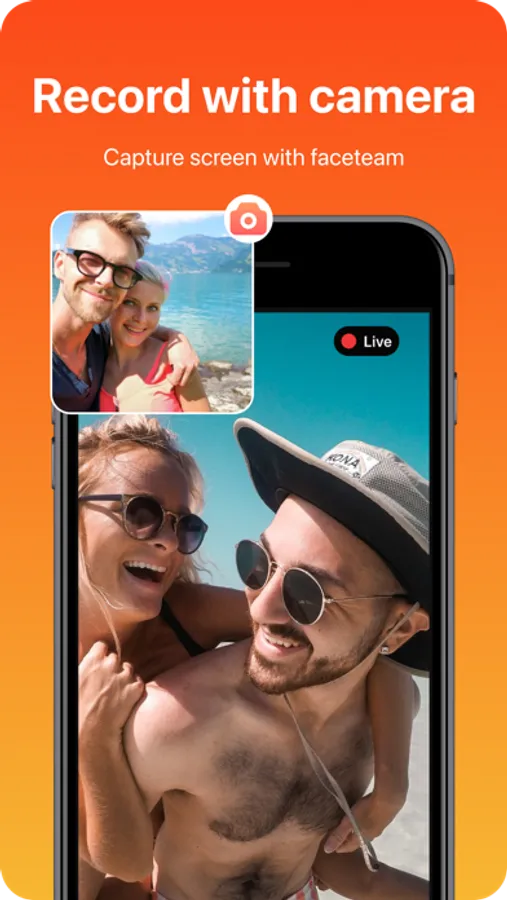
Screen Recorder allows you to record your favorite games and apps for tutorials, games walk-through, video demos and training videos on your iPhone and iPad. After recording your screen, you can add video reactions with audio commentary to further enhance your recording!
RECORD
- One tap to start recording your entire screen (requires iOS 12)
- For iOS 11, we provide easy to follow video tutorials to get you setup fast
- Record everything: games, video tutorials, apps
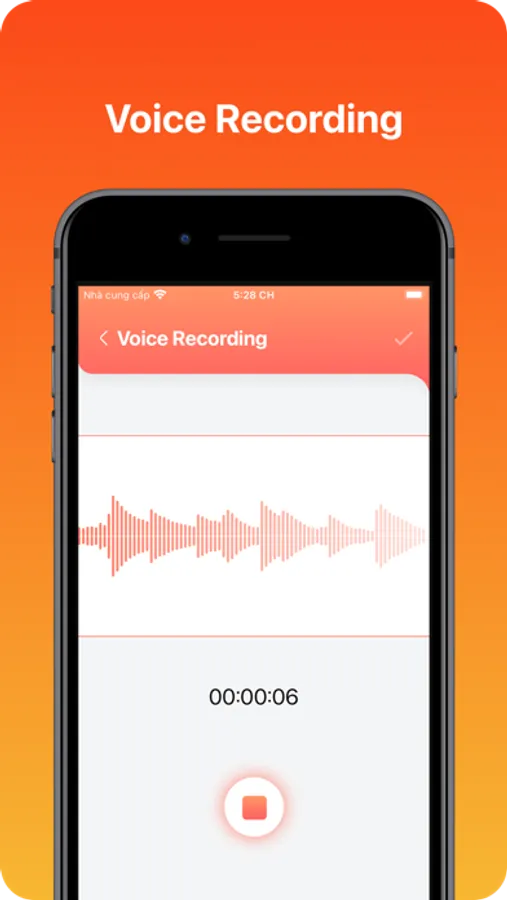
VOICE RECORDING
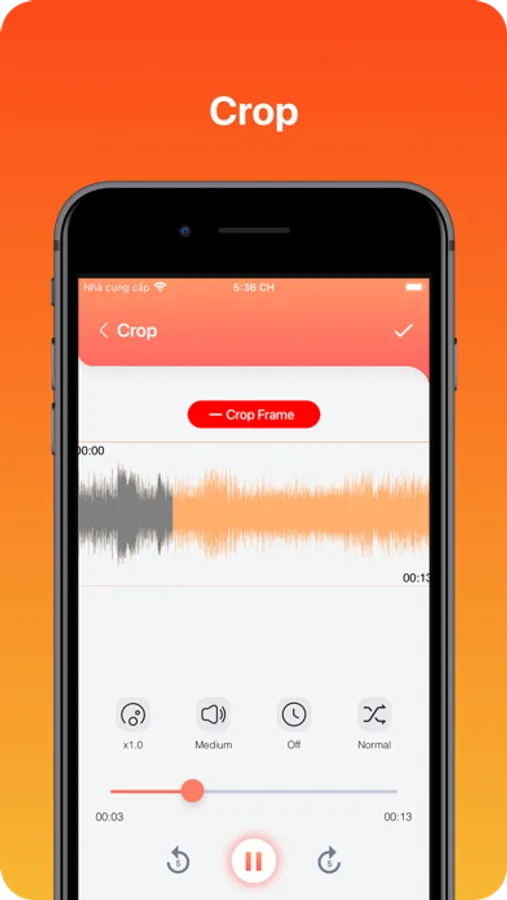
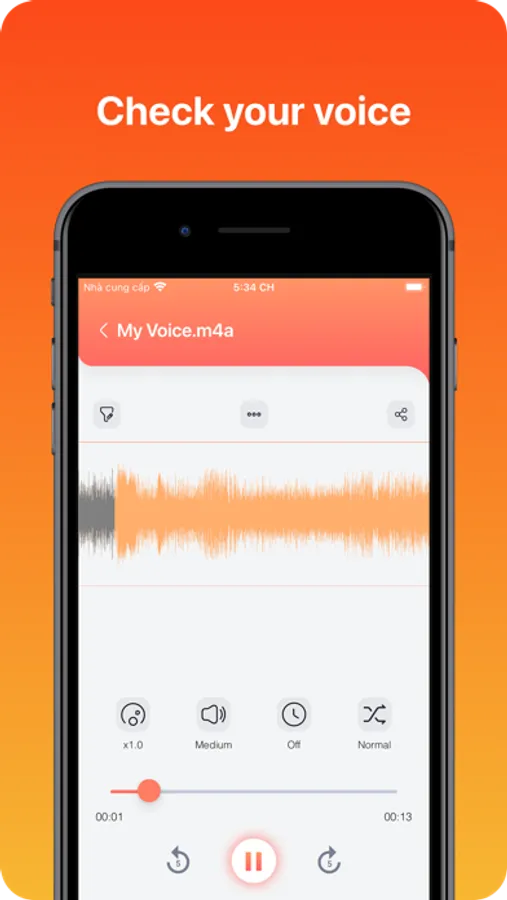
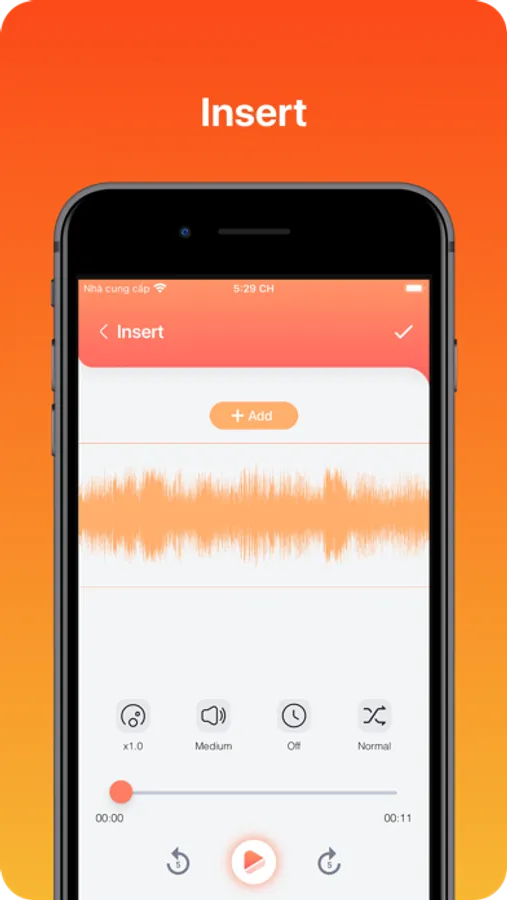
It is a powerful, full-featured audio and recording application that is beautifully designed and easy to use. You can reliably record your meetings, personal notes, speeches, lectures, songs with high quality. There is no time limits just depend on your remaining space of internal storage.
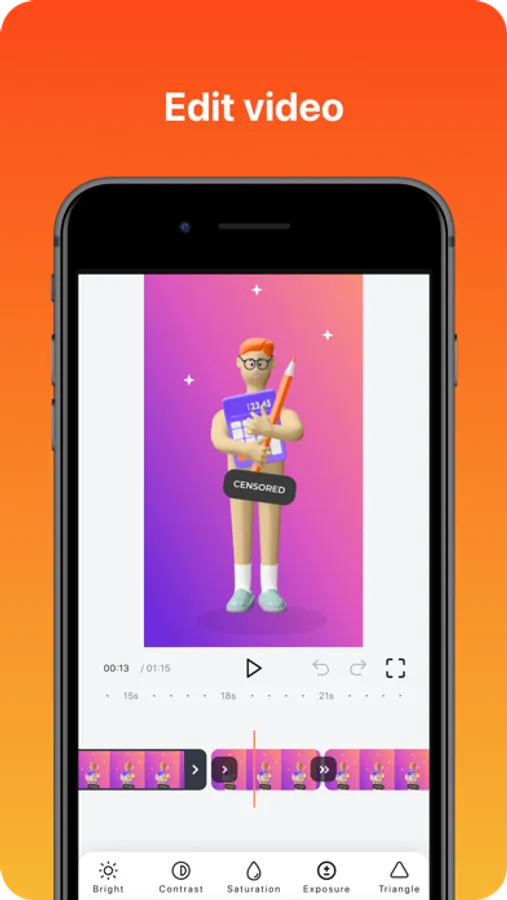
VIDEO EDITOR
- Trim your video
- Video filters
- Adjustable playback speed
- Change canvas and background color
RECORD
- One tap to start recording your entire screen (requires iOS 12)
- For iOS 11, we provide easy to follow video tutorials to get you setup fast
- Record everything: games, video tutorials, apps
VOICE RECORDING
It is a powerful, full-featured audio and recording application that is beautifully designed and easy to use. You can reliably record your meetings, personal notes, speeches, lectures, songs with high quality. There is no time limits just depend on your remaining space of internal storage.
VIDEO EDITOR
- Trim your video
- Video filters
- Adjustable playback speed
- Change canvas and background color
Screen Recorder - Ultra Record Screenshots
Tap to Rate:
Reviews for Screen Recorder - Ultra Record
Pantz McGee
Too many ads
Omg you have to watch too many ads before😡🤢😾 you can make a video🙈
Hgccs stewsdrsr
Amazing but a little bad
My cousin sisters showed me this app and its going out to a great start which is amazing but when i edit this on inshot i dont find the one i want to edit which is a little bad but its still great