
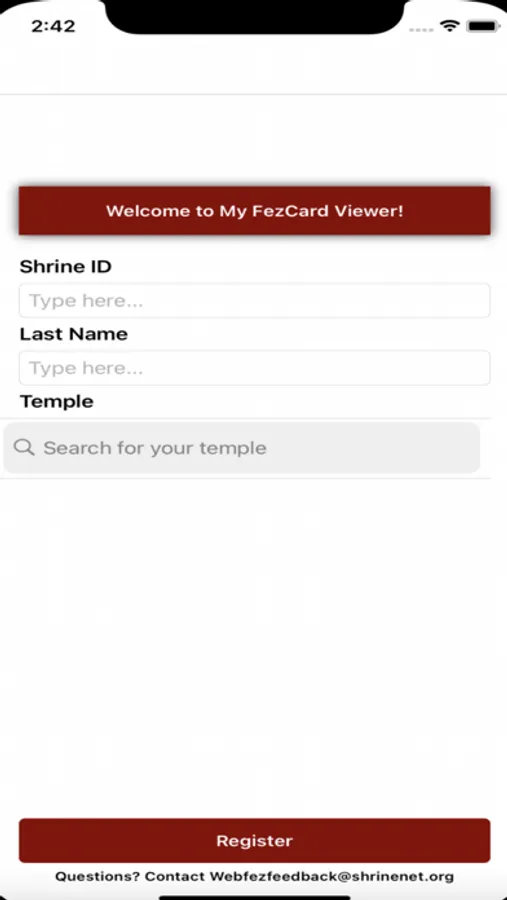
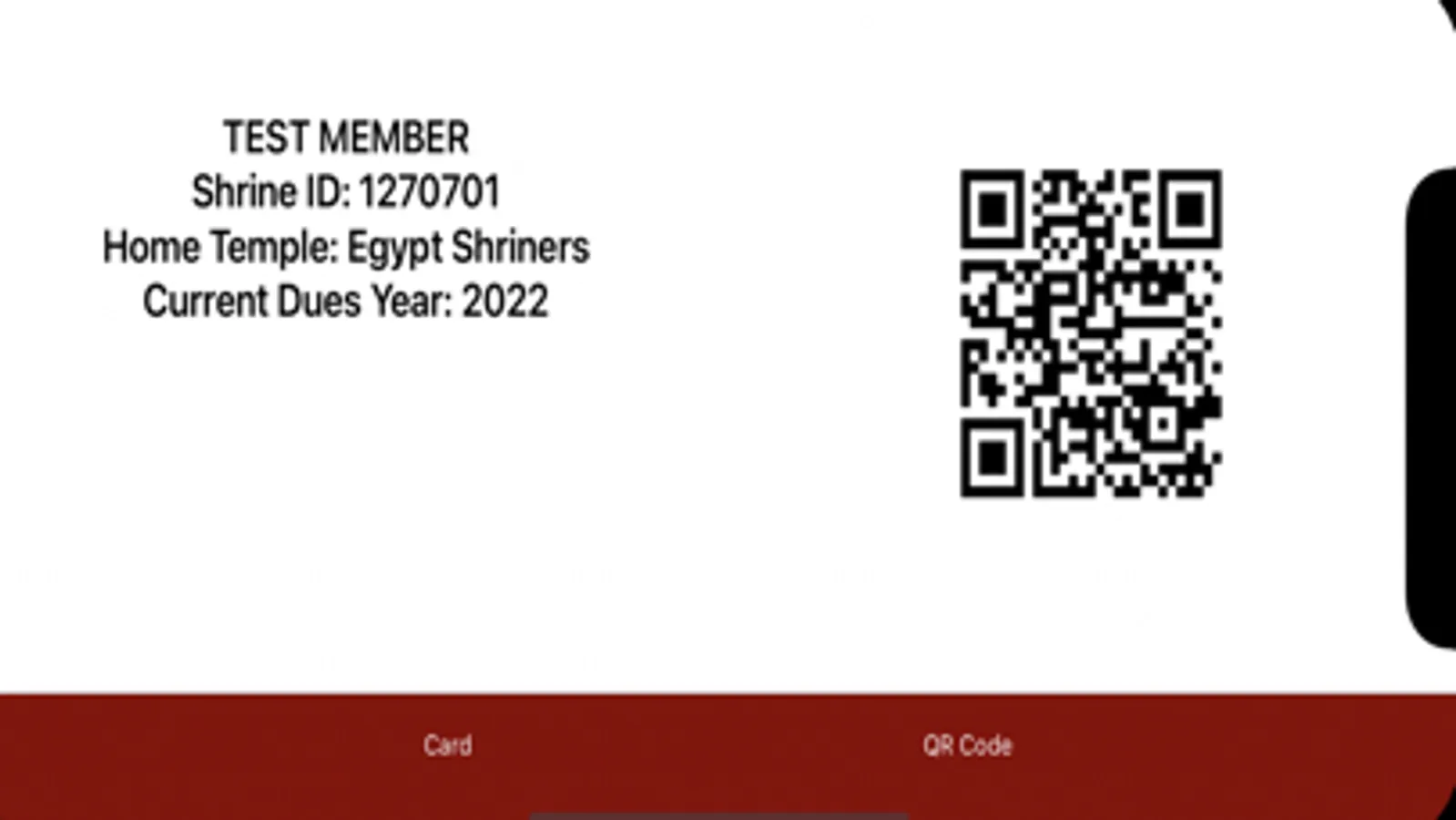
With this app, you can access and display your digital membership card easily and check in for meetings using the QR code feature. Includes digital card viewing, QR code check-in, and reward point tracking.
AppRecs review analysis
AppRecs rating 1.5. Trustworthiness 0 out of 100. Review manipulation risk 0 out of 100. Based on a review sample analyzed.
★☆☆☆☆
1.5
AppRecs Rating
Ratings breakdown
5 star
10%
4 star
2%
3 star
3%
2 star
7%
1 star
78%
What to know
✓
Authentic reviews
No red flags detected
⚠
Mixed user feedback
Average 1.6★ rating suggests room for improvement
⚠
High negative review ratio
85% of sampled ratings are 1–2 stars
About My FezCard Viewer
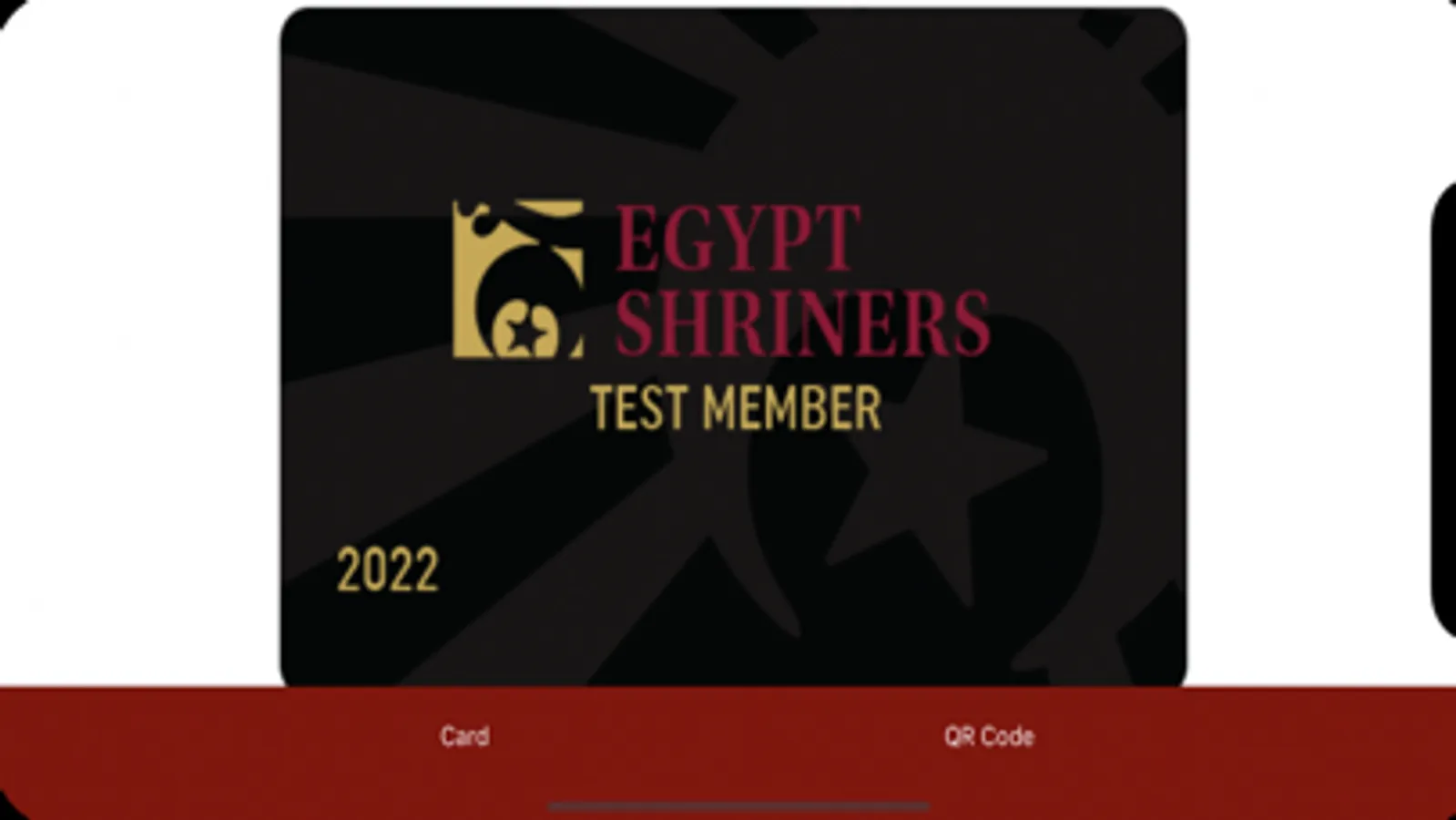
Equally exciting is the launch of the newly designed membership card. Nobles who pay their 2023 dues will have immediate access to their newly designed, black digital membership card!
Prior to paying 2023 dues, the digital membership card on the My FezCard Viewer app will appear as the gold version.
My FezCard Viewer Screenshots
Tap to Rate:
Reviews for My FezCard Viewer
FracturedKoi
Unnecessary technology forced on Nobels that don’t want it.
Update! Now the app doesn’t work at all! Kudos to the big heads who thought this was what the Nobility needed. Great job, guys, really. And you’ve discontinued the sticker program for our physical cards? Great job there too! Just keep knocking tonight of the park like this, I’m sure that’ll help membership. You know what doesn’t need constant software updates: a physical membership card!!! Seriously, the quicker you admit this was a horrible mistake, the better! Why was this forced on the Nobels? I’d imagine the vast majority of us prefer a physical membership card. Personally, I loathe digital bill payments and cards. I prefer doing as much bill payment via check and postage as possible and the decision to force digital garbage on us was not something the majority of membership had any input on.
RRStill13
Black screen
If you have an Apple phone and try and use this app but keep getting a black or blank screen trying rotating your phone 90 degrees to the left and if that doesn’t work trying rotating 90 degrees to the right. I had a friend explain this to me and it worked. Don’t ask just some glitch with Apple phones and the app. Hope this helps you out if you are having an issue like I was.