
AppRecs review analysis
AppRecs rating 3.7. Trustworthiness 74 out of 100. Review manipulation risk 21 out of 100. Based on a review sample analyzed.
★★★☆☆
3.7
AppRecs Rating
Ratings breakdown
5 star
0%
4 star
0%
3 star
43%
2 star
14%
1 star
43%
What to know
✓
Low review manipulation risk
21% review manipulation risk
✓
Credible reviews
74% trustworthiness score from analyzed reviews
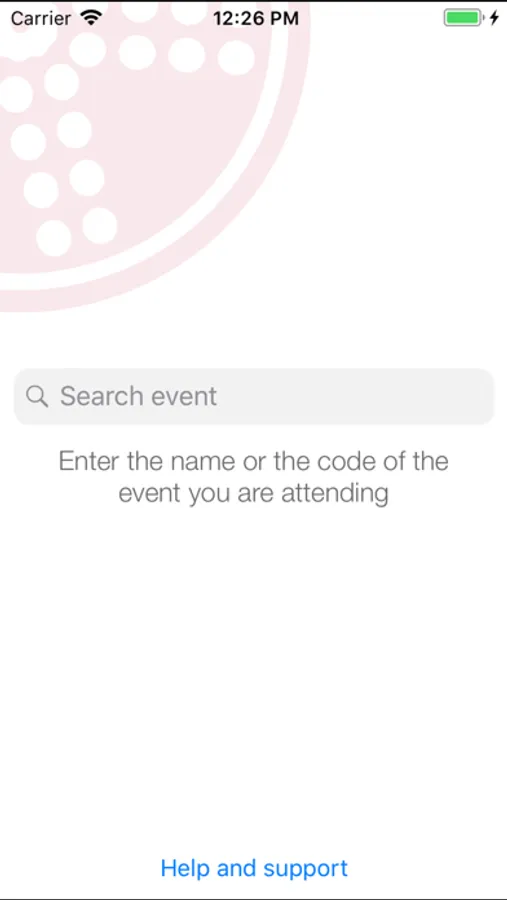
About Grenadine Event Guide
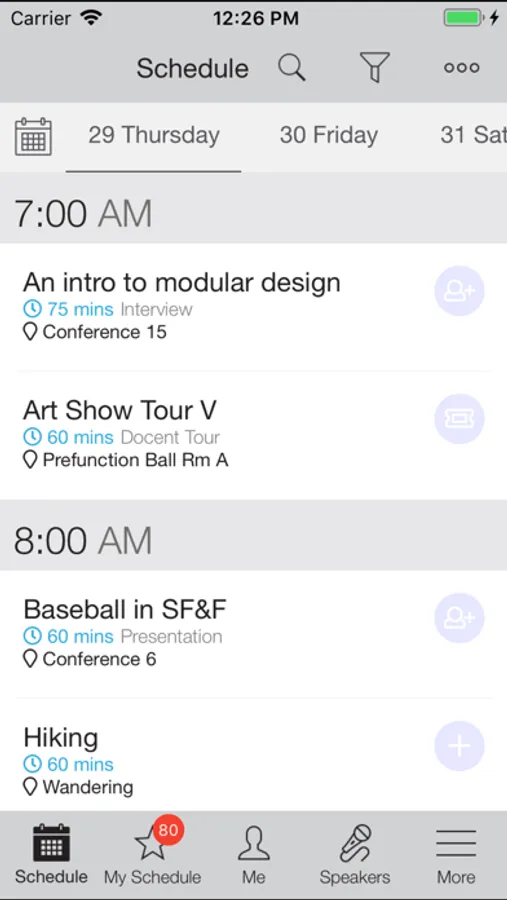
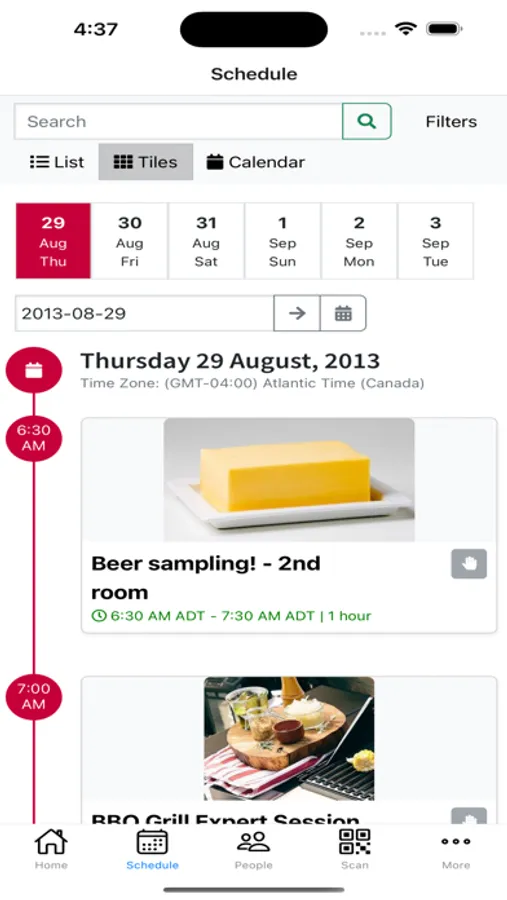
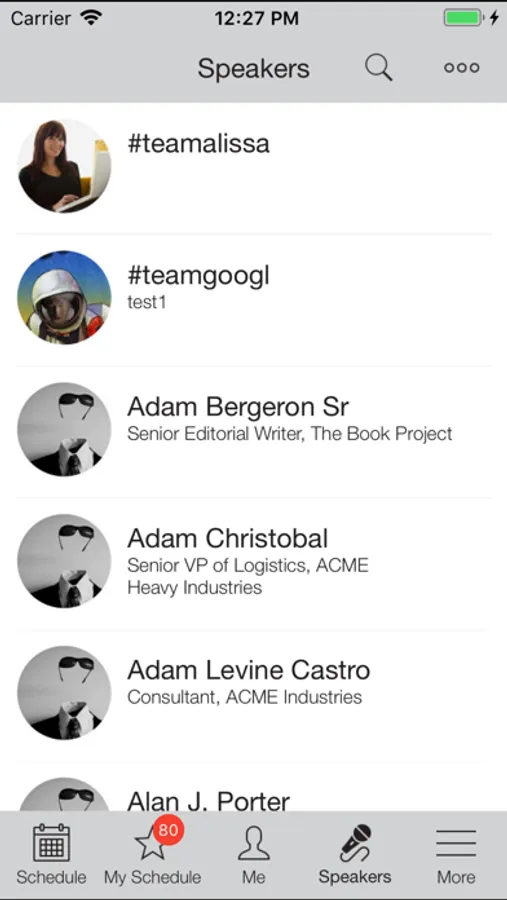
This app allows you to:
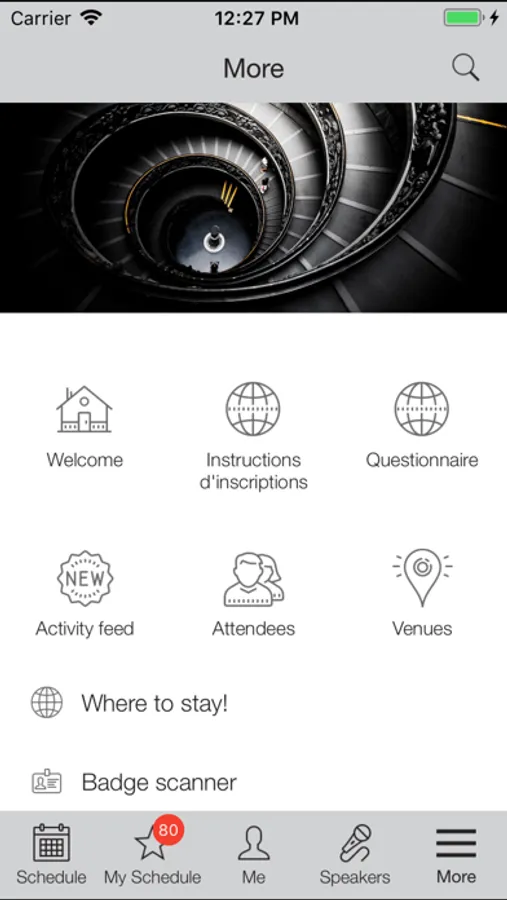
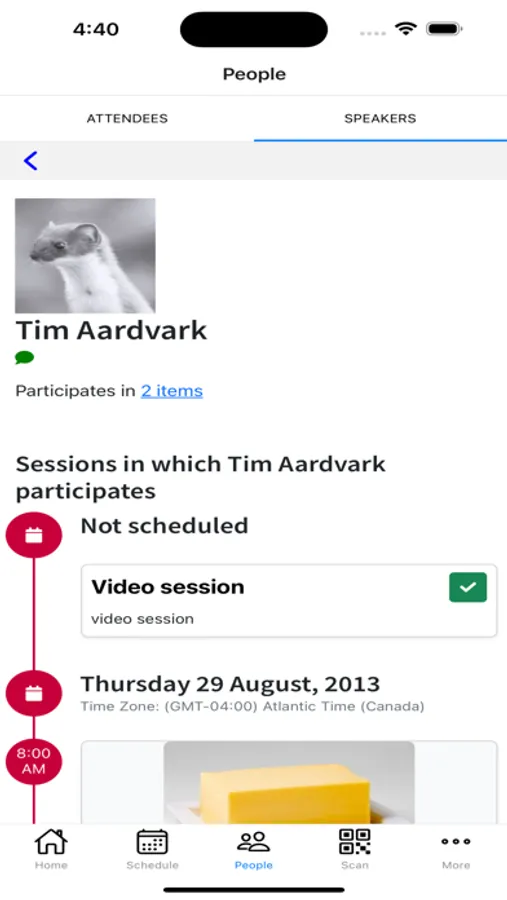
- Browse up-to-date schedules, including descriptions, pictures, speakers and participants, sponsors, exhibitors and other information.
- Speakers and participants. Browse and search speakers, including names, pictures, titles and bios.
- See lists sponsors and exhibitors
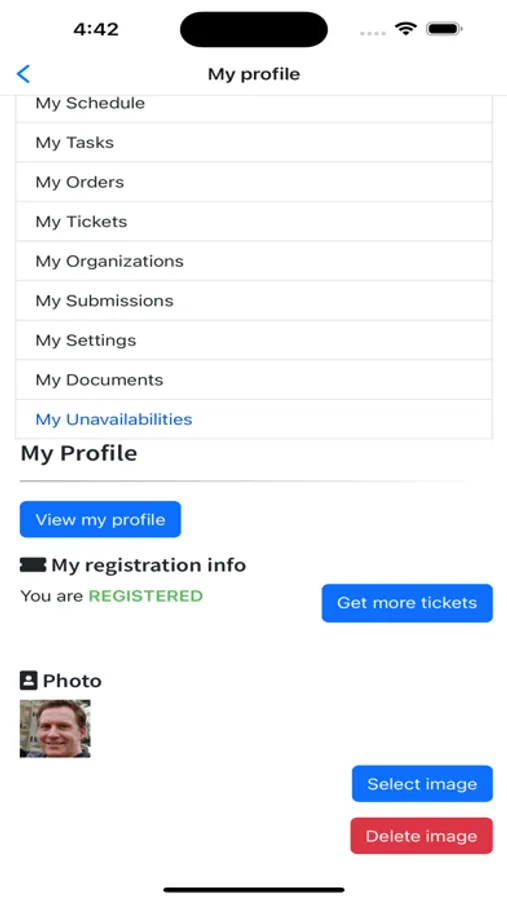
- Build your own schedule. Search for items of interest to you and add them to your own personal event schedule.
- View your speaking schedule (if you're a speaker at an event)
- Sign up for limited-attendance items.
- Get the latest updates to items, speakers and schedules during the event (requires either data or wifi connection for updates).
- Important event information, contacts and resources about your event.
Grenadine Event Guide Screenshots
Tap to Rate:
Reviews for Grenadine Event Guide
goaliegeewhiz
Still hard to read
Grenadine just now updated, and the stated reason was to fix some color, but I see that it still uses that tiny, gray font that is almost impossible to read on my iPhone. When heading to a convention event, it would be really nice to be able to tell what room I’m supposed to go to.
Alatar1
iPad support could be improved
The app does not support landscape orientation, which is the primary way iPads are used.