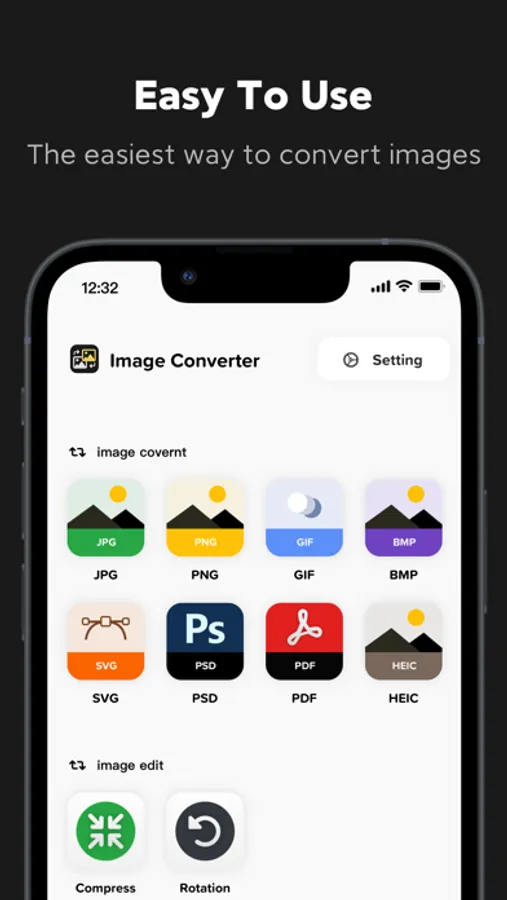
In this image converter app, you can import images from various sources, select your desired output format, and convert multiple files quickly. Includes format support for JPG, PNG, HEIC, PDF, and more, along with options for editing and renaming images.
AppRecs review analysis
AppRecs rating 4.5. Trustworthiness 65 out of 100. Review manipulation risk 21 out of 100. Based on a review sample analyzed.
★★★★☆
4.5
AppRecs Rating
Ratings breakdown
5 star
83%
4 star
3%
3 star
3%
2 star
2%
1 star
9%
What to know
✓
Low review manipulation risk
21% review manipulation risk
✓
High user satisfaction
86% of sampled ratings are 4+ stars (4.5★ average)
✓
Authentic reviews
No red flags detected
About Image Converter: HEIC/JPG/PDF
Easily convert the format of multiple image files.
Help you convert image files between the most common formats.
Easily and quickly convert image formats anytime on your iPhone, anywhere, and no longer have to worry about limited image formats.
You can choose the output formats from the below step:
1. Import images from your file or camera.
2. Edit or crop your images.
3. Choose output format from available ones.
4. Rename the converted images.
5. Reduce image size and select image compression level.
After conversion, you can immediately AirDrop your photos right to your Mac or another device. Easily convert the format of multiple image files.
The Main Function:
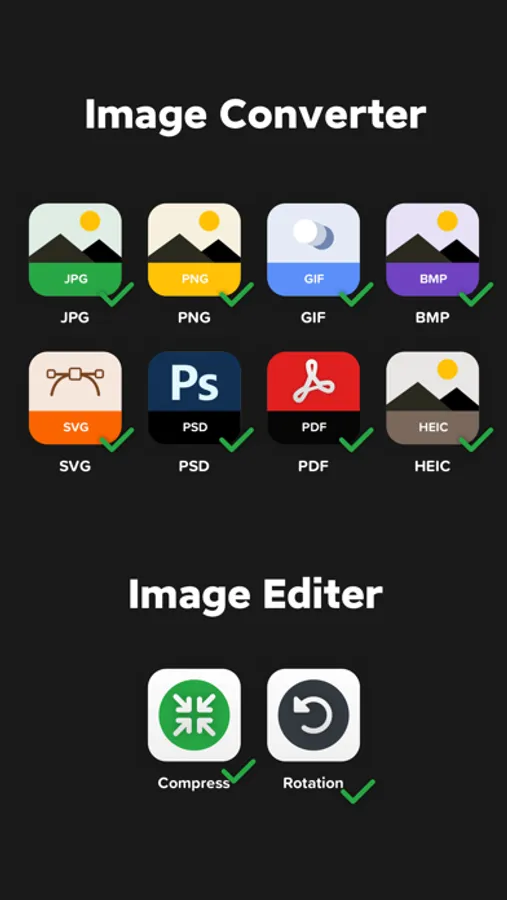
*Multiple conversion formats: support JPG, PNG, HEIC, PDF, SVG, EPS, WEBP, GIF, TIF, DOCX, AI, PAGES, and other mainstream formats for mutual conversion.
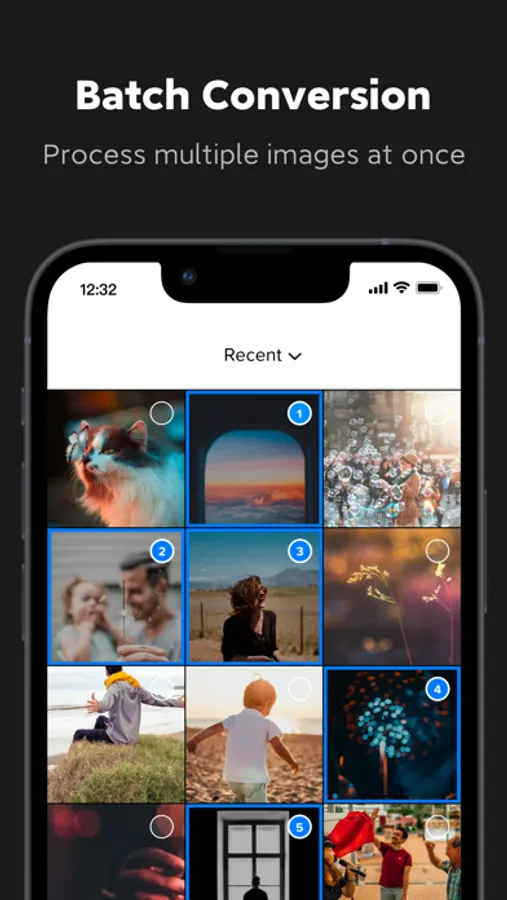
*Multiple import Methods: You can import images from different sources in different ways, including album import, folder import, network link import, etc.
*Easily export and share: After the format conversion is completed, export and share directly with one click.
*Keep conversion history: You can find the conversion history at any time, choose to share again, or delete unnecessary files.
Conversion is done on a secure cloud server, which makes conversion easier, faster and much more battery-friendly. You must have an internet connection to use this app. Files are immediately deleted from the server after conversion. While the files are immediately deleted after conversion or cancellation, you should be aware that by using this app, you agree that your files will be sent over to the internet from the app to the conversion server.
Information about the auto-renewal of subscription:
Monthly for $7.99/month
The purchase will be charged to your iTunes account. An account will be charged for renewal within 24 hours prior to the end of the current period, and identify the cost of the renewal. Manage your subscription from User Settings in iTunes after purchase. Cancel the auto-renewing subscription from there at any time. Any unused portion of a free trial period, if offered, will be forfeited when the user purchases a subscription to that publication, where applicable.
Privacy Policy: https://sites.google.com/view/image-converter-privacy-policy/homeland
Terms of Use: https://sites.google.com/view/image-converter-terms-of-use/homeland
Help you convert image files between the most common formats.
Easily and quickly convert image formats anytime on your iPhone, anywhere, and no longer have to worry about limited image formats.
You can choose the output formats from the below step:
1. Import images from your file or camera.
2. Edit or crop your images.
3. Choose output format from available ones.
4. Rename the converted images.
5. Reduce image size and select image compression level.
After conversion, you can immediately AirDrop your photos right to your Mac or another device. Easily convert the format of multiple image files.
The Main Function:
*Multiple conversion formats: support JPG, PNG, HEIC, PDF, SVG, EPS, WEBP, GIF, TIF, DOCX, AI, PAGES, and other mainstream formats for mutual conversion.
*Multiple import Methods: You can import images from different sources in different ways, including album import, folder import, network link import, etc.
*Easily export and share: After the format conversion is completed, export and share directly with one click.
*Keep conversion history: You can find the conversion history at any time, choose to share again, or delete unnecessary files.
Conversion is done on a secure cloud server, which makes conversion easier, faster and much more battery-friendly. You must have an internet connection to use this app. Files are immediately deleted from the server after conversion. While the files are immediately deleted after conversion or cancellation, you should be aware that by using this app, you agree that your files will be sent over to the internet from the app to the conversion server.
Information about the auto-renewal of subscription:
Monthly for $7.99/month
The purchase will be charged to your iTunes account. An account will be charged for renewal within 24 hours prior to the end of the current period, and identify the cost of the renewal. Manage your subscription from User Settings in iTunes after purchase. Cancel the auto-renewing subscription from there at any time. Any unused portion of a free trial period, if offered, will be forfeited when the user purchases a subscription to that publication, where applicable.
Privacy Policy: https://sites.google.com/view/image-converter-privacy-policy/homeland
Terms of Use: https://sites.google.com/view/image-converter-terms-of-use/homeland
Image Converter: HEIC/JPG/PDF Screenshots
Tap to Rate:
Reviews for Image Converter: HEIC/JPG/PDF
futynuty
Does nothing without pay
No point to be free, as cannot even try to convert anything. Requires subscription for the very first convention. What is I don’t like the way it converting? Why to pay?