
In this video recording app, you can capture photos and videos simultaneously using front and back cameras, switch cameras during recording, and stitch images together. Includes support for landscape and portrait modes, along with options to record vlogs and take selfies.
AppRecs review analysis
AppRecs rating 4.6. Trustworthiness 52 out of 100. Review manipulation risk 30 out of 100. Based on a review sample analyzed.
★★★★☆
4.6
AppRecs Rating
Ratings breakdown
5 star
81%
4 star
10%
3 star
3%
2 star
1%
1 star
6%
What to know
✓
High user satisfaction
81% of sampled ratings are 5 stars
✓
Authentic reviews
No red flags detected
About Double Camera: Video Recording
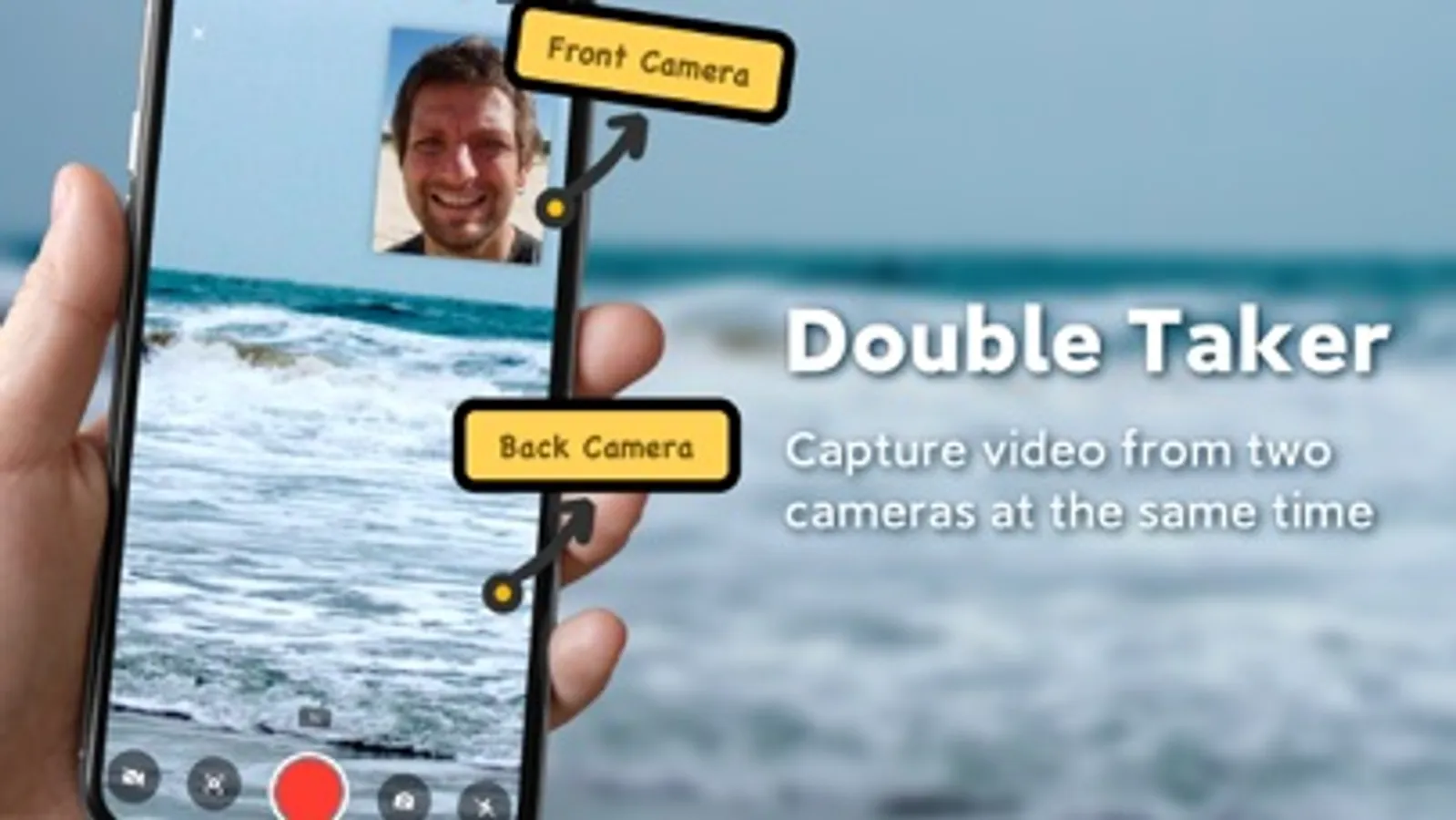
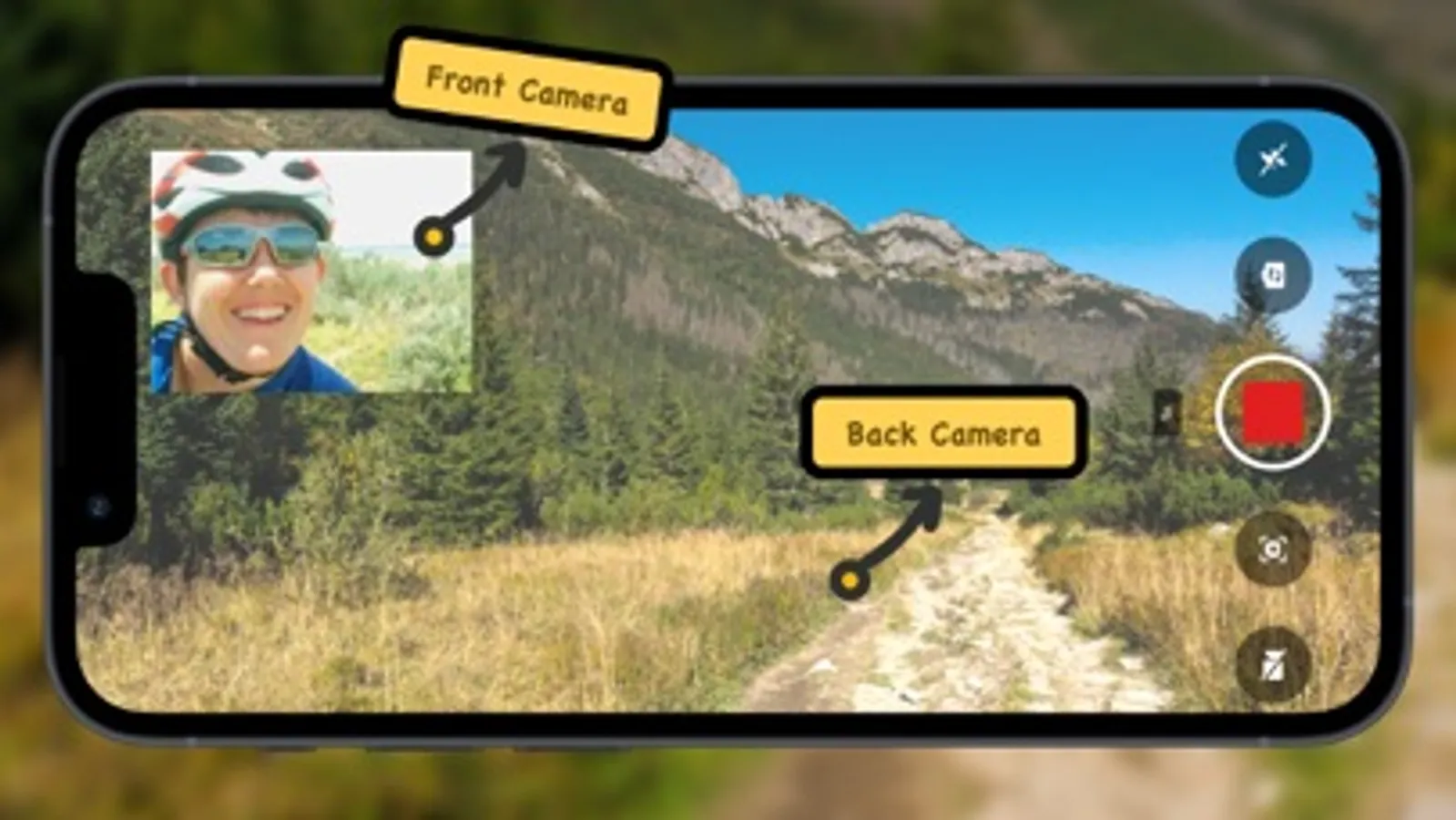
Double Taker supports double cameras with front and back to take photos or video in the meantime.
Authenticity connects with viewers and will help you capture both sides of every moment and share it with your friends and followers on social networks.
Key Feature:
Photo/Video mode
Landscape and portrait mode.
Take the scenery and the selfies at the same time.
Record Vlogs and shoot videos
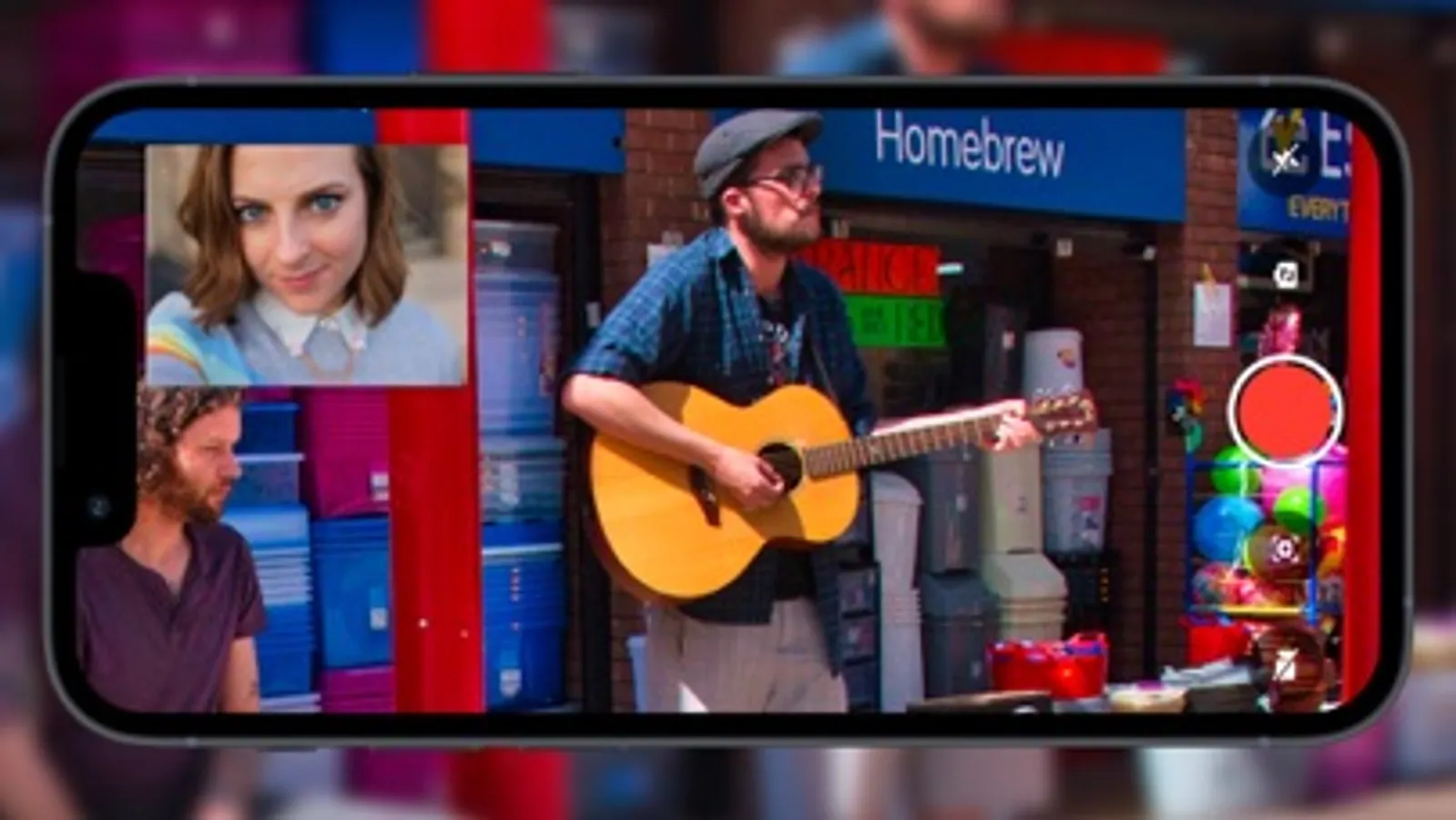
Support to either of output the pics stitched together.
Also switch cameras during a recording.
Notice:
The version of the supported devices: iPhone 11, iPhone 11 Pro, iPhone 11 Pro Max, iPhone 12、iPhone 12pro、iPhone 12pro max、iPhone 13 Pro, iPhone 13 Pro Max or iPad Pro (3rd generation)
—About Subscriptions—
-Subscribe to get all features and remove ads.-Subscriptions are billed annually. Alternatively a one time payment plan is available (this is not a subscription).
-Payment will be charged to your iTunes account at confirmation of purchase. Subscriptions will automatically renew unless auto-renew is turned off at least 24 hours before the end of the current period.
-Your account will be charged for renewal, in accordance with your plan, within 24 hours prior to the end of the current period.-You may check, manage or cancel the subscription in your iTunes account settings at any time after purchase.
Manage Subscription Route: ‘Settings’—>‘iTunes&App Store’—>‘Apple ID’—>‘View Apple ID’—>‘Subscriptions’.
Privacy Policy: https://sites.google.com/view/bicam-privacy-policy/home
Terms of Use: https://sites.google.com/view/bicam-terms-of-use/home
Authenticity connects with viewers and will help you capture both sides of every moment and share it with your friends and followers on social networks.
Key Feature:
Photo/Video mode
Landscape and portrait mode.
Take the scenery and the selfies at the same time.
Record Vlogs and shoot videos
Support to either of output the pics stitched together.
Also switch cameras during a recording.
Notice:
The version of the supported devices: iPhone 11, iPhone 11 Pro, iPhone 11 Pro Max, iPhone 12、iPhone 12pro、iPhone 12pro max、iPhone 13 Pro, iPhone 13 Pro Max or iPad Pro (3rd generation)
—About Subscriptions—
-Subscribe to get all features and remove ads.-Subscriptions are billed annually. Alternatively a one time payment plan is available (this is not a subscription).
-Payment will be charged to your iTunes account at confirmation of purchase. Subscriptions will automatically renew unless auto-renew is turned off at least 24 hours before the end of the current period.
-Your account will be charged for renewal, in accordance with your plan, within 24 hours prior to the end of the current period.-You may check, manage or cancel the subscription in your iTunes account settings at any time after purchase.
Manage Subscription Route: ‘Settings’—>‘iTunes&App Store’—>‘Apple ID’—>‘View Apple ID’—>‘Subscriptions’.
Privacy Policy: https://sites.google.com/view/bicam-privacy-policy/home
Terms of Use: https://sites.google.com/view/bicam-terms-of-use/home
Double Camera: Video Recording Screenshots
Tap to Rate:
Reviews for Double Camera: Video Recording
Konamarie
Junk
Junk and they want you to pay for it
A barrandom
Delete
Really poor experience