In this screen recording app, you can capture high-definition videos of your screen or gameplay and add face cam reactions or voice commentary. Includes video editing features such as trimming, adding text, and applying filters.
AppRecs review analysis
AppRecs rating 4.4. Trustworthiness 79 out of 100. Review manipulation risk 28 out of 100. Based on a review sample analyzed.
★★★★☆
4.4
AppRecs Rating
Ratings breakdown
5 star
76%
4 star
6%
3 star
7%
2 star
3%
1 star
7%
What to know
✓
Low review manipulation risk
28% review manipulation risk
✓
Credible reviews
79% trustworthiness score from analyzed reviews
✓
High user satisfaction
83% of sampled ratings are 4+ stars (4.4★ average)
About Record In - V Screen Recorder
The all-in-one screen recording app is designed to meet your screen video recording needs. Whether you're a content creator, a gamer, or simply looking to record your screen for any purpose like watching live shows the Screen Recorder does full-screen recording with clear sound.
Enhance the screen recordings with face cam reactions, audio commentary, video editing tools, & more features in this Video Editor and Screen Recorder tool.
Key Features of "Record In - V Screen Recorder" App:
• Professional Screen & Game Recorder:
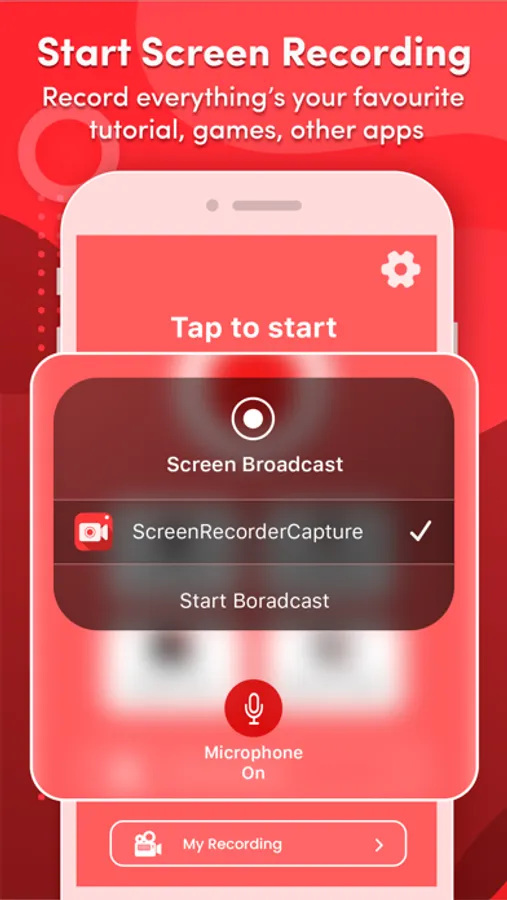
Record the entire mobile screen or any application with a high-quality screen recorder.
⁃ HD Quality: Capture every screen in high-definition ratio for smooth play.
⁃ Custom Resolution: Set up the video recording settings to suit your requirements.
⁃ Frame Rate Control: Adjust the frame rate to capture smooth motion or reduce file size.
⁃ Bitrate Control: Fine-tune recorded video quality to match your preferences, whether it's for streaming, sharing, or archiving.
• Capture FaceCam Reactions:
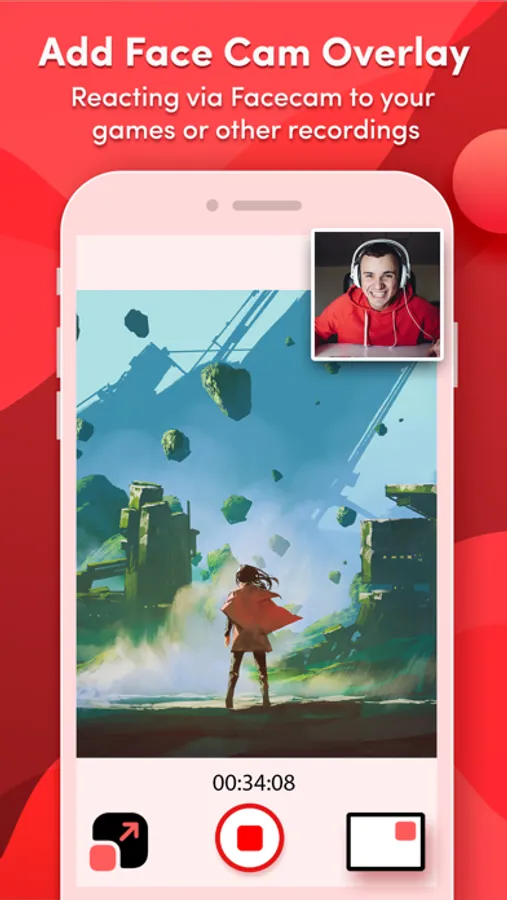
Use a facecam overlay to interact with screen captures and add your reactions to videos. Record your reactions and explanations during screen recordings.
• Voiceover Recordings:
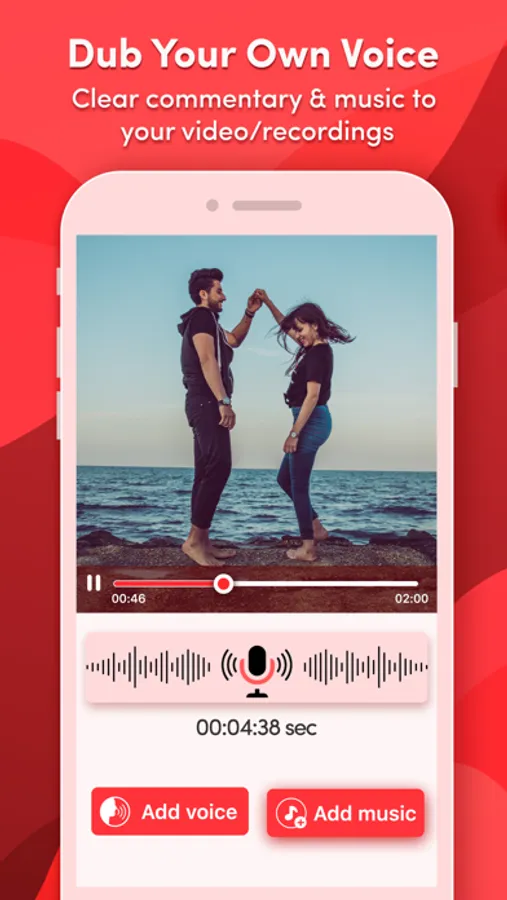
Enhance your video recordings with voice commentary and add background music to engage your audience.
• Edit Recorded Videos:
Screen Recorder-Clips Editor offers a number of features to assist with video editing:
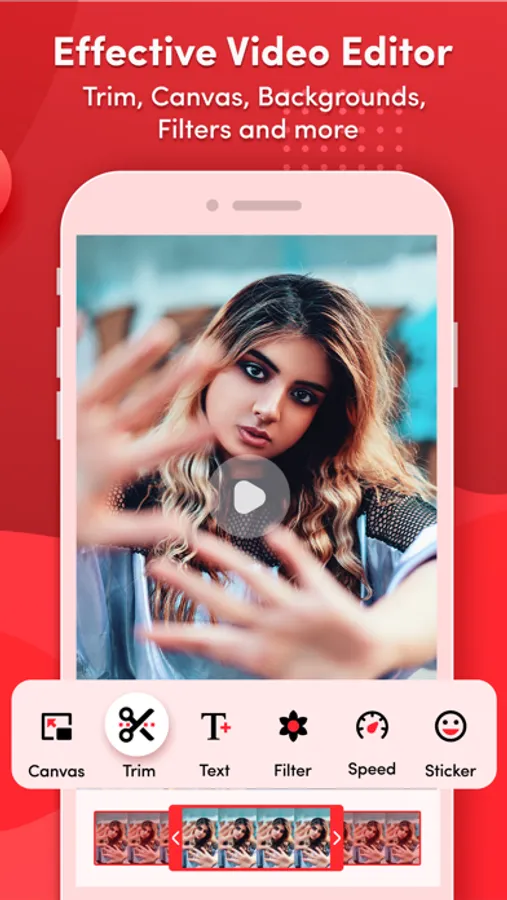
⁃ Add Text: Add appealing captions or stylish titles in videos.
⁃ Adjust Speed: Speed up or slow down your video recordings.
⁃ Trim Video: Trim recorded videos to focus on the key content.
⁃ Backgrounds: Change the background of the recorded videos.
⁃ Stickers: Add fun & engaging stickers to your screen recordings.
⁃ Multiple Filters: Use filters to make video recordings more visually appealing.
⁃ Multiple Canvas: Easily share on social media platforms by adjusting the video ratio.
• Video to GIF Converter:
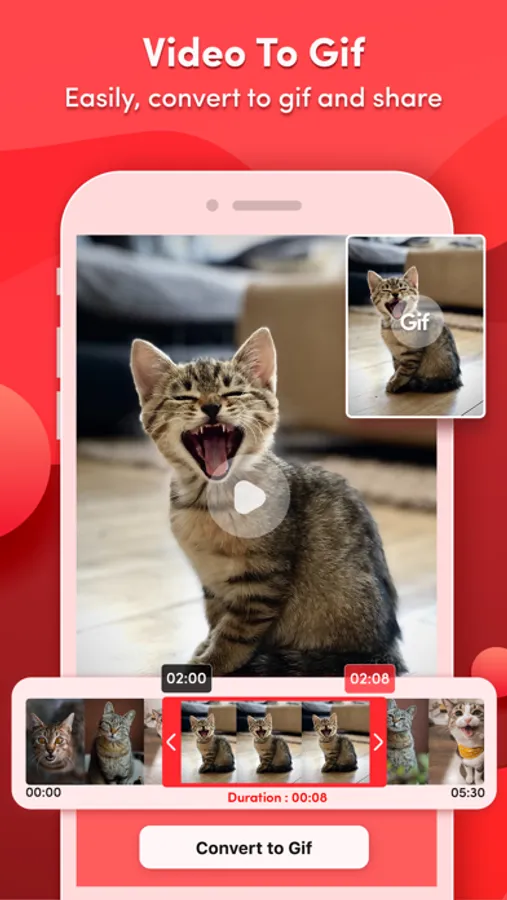
Convert screen recordings and trimmed videos into GIFs for engaging content.
• Video to Photo Converter:
Extract high-quality photos from videos for further editing.
• Access Video Recordings Quickly:
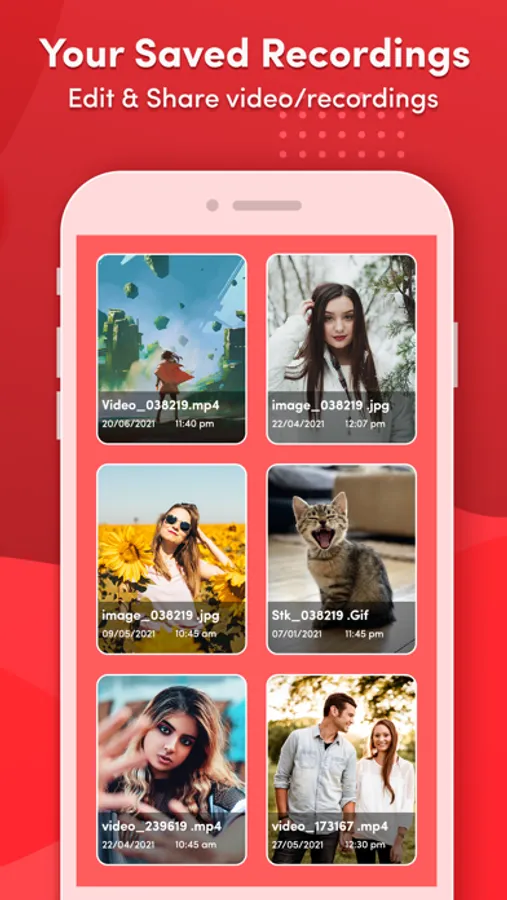
Easily access, manage, & share your screen recordings with anyone.
Enjoy this fantastic screen and video recorder to capture your favorite games and TV shows as well as share your valuable reviews to improve this all-in-one screen recorder.
"Record In - V Screen Recorder" app offer you the following auto-renewable subscriptions & Lifetime Purchase :
Premium Version (Unlock all premium content & remove ads)
Lifetime fee = $ 29.99
---------------------
Weekly fee = $ 4.99
---------------------
Monthly fee = $ 13.99
---------------------
Yearly fee = $ 15.99
The prices of "Record In - V Screen Recorder" are for United States customers. Prices in other countries may differ, and actual charges may be converted to local currency depending on your country.
On confirmation of purchase, the payment of the subscription will be charged to the iTunes Account. Normally, the Subscription automatically renews unless auto-renewal is turned off at least 24 hours before the end of the current period. The account will be charged for renewal within 24 hours before the end of the current period, and the cost of the renewal will be identified. Subscriptions may be managed by the user and auto-renewal may be turned off by going to the user's Account Settings after purchase.
Privacy Policy: https://bit.ly/3oi9FUI
Terms of Use: https://bit.ly/35J7kvl
Enhance the screen recordings with face cam reactions, audio commentary, video editing tools, & more features in this Video Editor and Screen Recorder tool.
Key Features of "Record In - V Screen Recorder" App:
• Professional Screen & Game Recorder:
Record the entire mobile screen or any application with a high-quality screen recorder.
⁃ HD Quality: Capture every screen in high-definition ratio for smooth play.
⁃ Custom Resolution: Set up the video recording settings to suit your requirements.
⁃ Frame Rate Control: Adjust the frame rate to capture smooth motion or reduce file size.
⁃ Bitrate Control: Fine-tune recorded video quality to match your preferences, whether it's for streaming, sharing, or archiving.
• Capture FaceCam Reactions:
Use a facecam overlay to interact with screen captures and add your reactions to videos. Record your reactions and explanations during screen recordings.
• Voiceover Recordings:
Enhance your video recordings with voice commentary and add background music to engage your audience.
• Edit Recorded Videos:
Screen Recorder-Clips Editor offers a number of features to assist with video editing:
⁃ Add Text: Add appealing captions or stylish titles in videos.
⁃ Adjust Speed: Speed up or slow down your video recordings.
⁃ Trim Video: Trim recorded videos to focus on the key content.
⁃ Backgrounds: Change the background of the recorded videos.
⁃ Stickers: Add fun & engaging stickers to your screen recordings.
⁃ Multiple Filters: Use filters to make video recordings more visually appealing.
⁃ Multiple Canvas: Easily share on social media platforms by adjusting the video ratio.
• Video to GIF Converter:
Convert screen recordings and trimmed videos into GIFs for engaging content.
• Video to Photo Converter:
Extract high-quality photos from videos for further editing.
• Access Video Recordings Quickly:
Easily access, manage, & share your screen recordings with anyone.
Enjoy this fantastic screen and video recorder to capture your favorite games and TV shows as well as share your valuable reviews to improve this all-in-one screen recorder.
"Record In - V Screen Recorder" app offer you the following auto-renewable subscriptions & Lifetime Purchase :
Premium Version (Unlock all premium content & remove ads)
Lifetime fee = $ 29.99
---------------------
Weekly fee = $ 4.99
---------------------
Monthly fee = $ 13.99
---------------------
Yearly fee = $ 15.99
The prices of "Record In - V Screen Recorder" are for United States customers. Prices in other countries may differ, and actual charges may be converted to local currency depending on your country.
On confirmation of purchase, the payment of the subscription will be charged to the iTunes Account. Normally, the Subscription automatically renews unless auto-renewal is turned off at least 24 hours before the end of the current period. The account will be charged for renewal within 24 hours before the end of the current period, and the cost of the renewal will be identified. Subscriptions may be managed by the user and auto-renewal may be turned off by going to the user's Account Settings after purchase.
Privacy Policy: https://bit.ly/3oi9FUI
Terms of Use: https://bit.ly/35J7kvl
Record In - V Screen Recorder Screenshots

Tap to Rate:
Reviews for Record In - V Screen Recorder
ريهام الحاتي
ممتاز
وسهل
Jax Riley
didn’t really work for me
First of all, no audio was recorded on any videos, and secondly, it didn’t let me export anything. Please fix this.