Screen Recorder – Record Video
AppLiks Sp. z O.O.
4.6 ★
123 ratings
Free
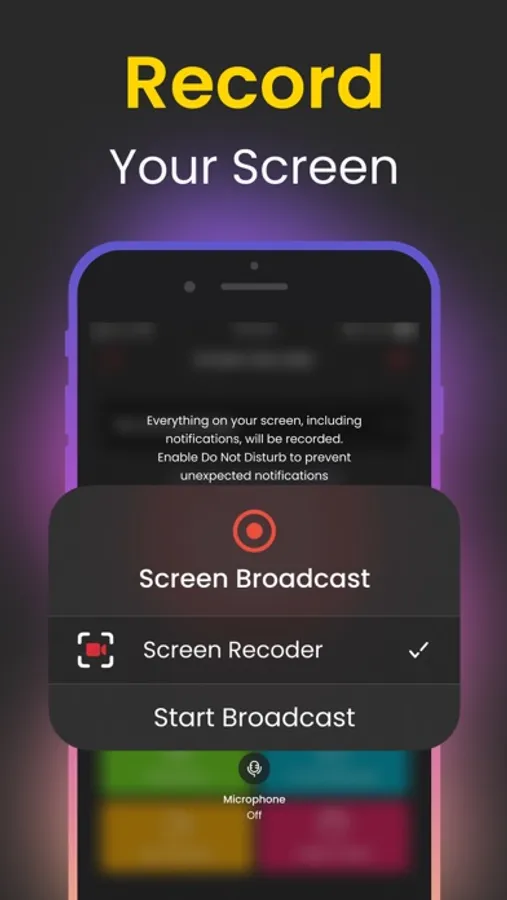
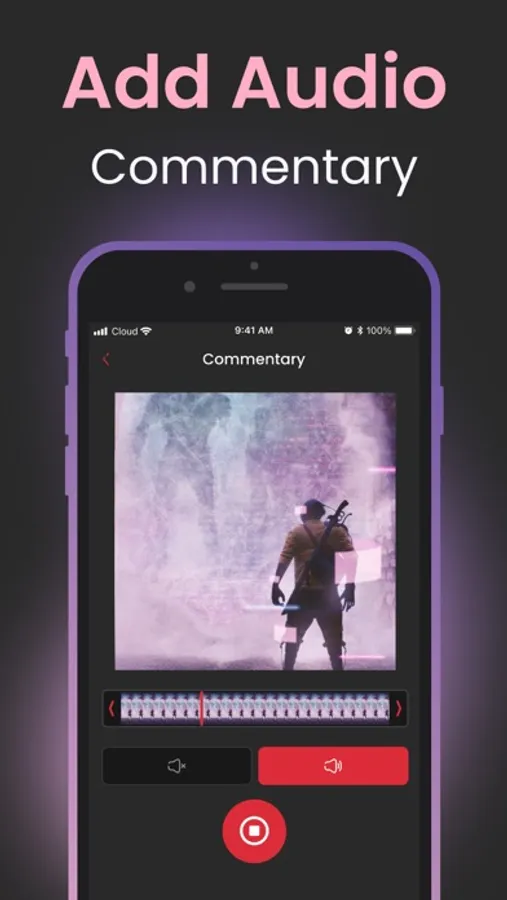
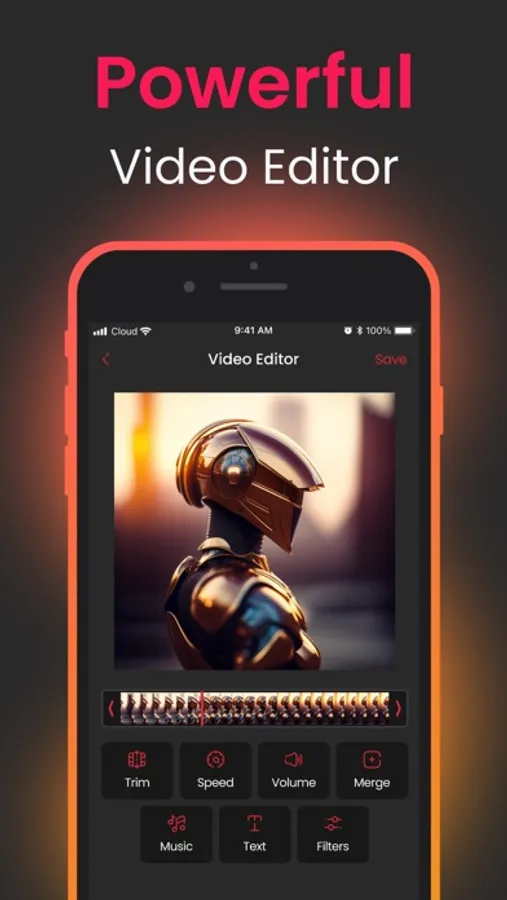
In this screen recording app, you can capture and edit videos of your device screen with customizable settings and commentary features. Includes a video editor and options for sharing recordings.
AppRecs review analysis
AppRecs rating 4.6. Trustworthiness 76 out of 100. Review manipulation risk 34 out of 100. Based on a review sample analyzed.
★★★★☆
4.6
AppRecs Rating
Ratings breakdown
5 star
84%
4 star
7%
3 star
2%
2 star
3%
1 star
4%
What to know
✓
Credible reviews
76% trustworthiness score from analyzed reviews
✓
High user satisfaction
84% of sampled ratings are 5 stars
✓
Authentic reviews
No red flags detected
About Screen Recorder – Record Video
KEY FEATURES:
• Commentary Mode;
• Video Editor;
• Customize screen recording settings.
Record the highlights of your gaming triumphs, meticulously craft app guides, unveil step-by-step instructional demos, or curate engaging training videos – all at the touch of a button. Screen Recorder seamlessly captures every pixel of your screen, ensuring that no detail goes unnoticed.
Screen Recorder is your ultimate companion for screen recording and content creation. Whether you're a seasoned creator or a novice looking to dip your toes into the world of digital content, our intuitive features ensure that your vision comes to life with unparalleled clarity and authenticity. Elevate your recordings, amplify your reactions, and immerse your audience in a captivating digital journey – all with Screen Recorder. Download now and start sharing your screen's story today!
You can purchase an auto-renewable subscription to get full access. Your subscription will be charged to your iTunes account at confirmation of purchase. The subscription automatically renews for the same price and the duration period depends on the selected plan (weekly, monthly, yearly) unless canceled at least 24 hours before the end of the current period. You can turn off the auto-renewal feature at any time by changing your account settings.
Please choose from our standard subscription options below: 1-week subscription from $2.99; 1-month subscription from $5.99; 12-month subscription from $14.99. Prices may change depending on your country.
Privacy Policy: https://appliks.com/privacy-policy
Terms of Use: https://appliks.com/terms-of-use
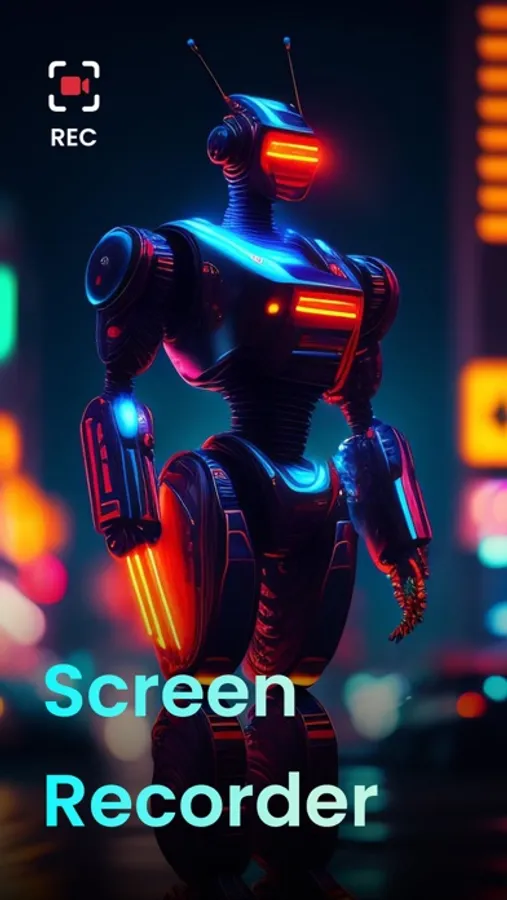
Screen Recorder – Record Video Screenshots
Tap to Rate:
Reviews for Screen Recorder – Record Video
Kuetelocz@k47
Killasmost
Kind player load
Supersmartuser
Fail
I signed up for free trial and $14.99 per year but it doesn’t let me access the app. When I press continue, it tells me I am subscribed on a pop up. Gives me two options “manage” or “ok”. When I press “ok” it sends me back to previous screen. (If I press “manage” it just shows me an option to delete my subscription). When I press “ok” and “continue” again, it sends me back through the same loop again and again, never allowing me access to the app. So disappointed, I really wanted to like and use your app. 😔