
Vivaldi Powerful Web Browser
Vivaldi Technologies
4.7 ★
3K ratings
Free
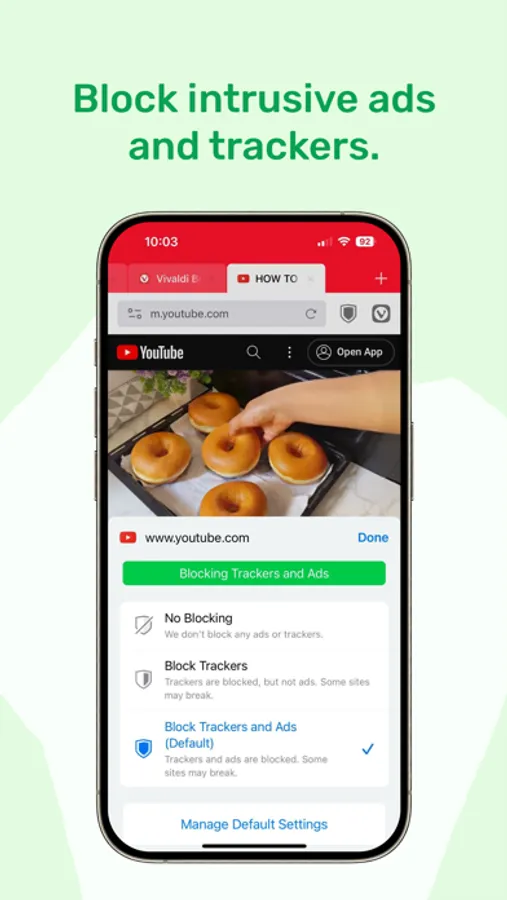
In this web browser, you can customize your browsing experience with features like tab management and privacy tools. Includes ad blocker, tracker protection, and encryption for synchronized data.
AppRecs review analysis
AppRecs rating 4.3. Trustworthiness 79 out of 100. Review manipulation risk 24 out of 100. Based on a review sample analyzed.
★★★★☆
4.3
AppRecs Rating
Ratings breakdown
5 star
86%
4 star
8%
3 star
2%
2 star
1%
1 star
3%
What to know
✓
Low review manipulation risk
24% review manipulation risk
✓
Credible reviews
79% trustworthiness score from analyzed reviews
⚠
Ad complaints
Many low ratings mention excessive ads
About Vivaldi Powerful Web Browser
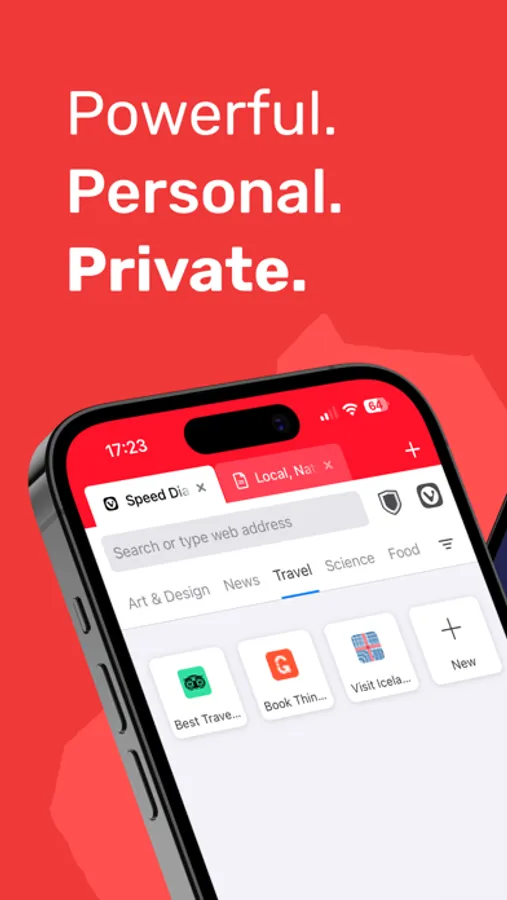
Vivaldi Browser is a powerful, personal, and private web browser. It comes packed with built-in features including desktop-style tabs, an Ad Blocker, tracking protection. Designed to put you back in control. Trusted by millions of users across the world.
FEATURES:
- Ad Blocker: Browse with minimal distractions.
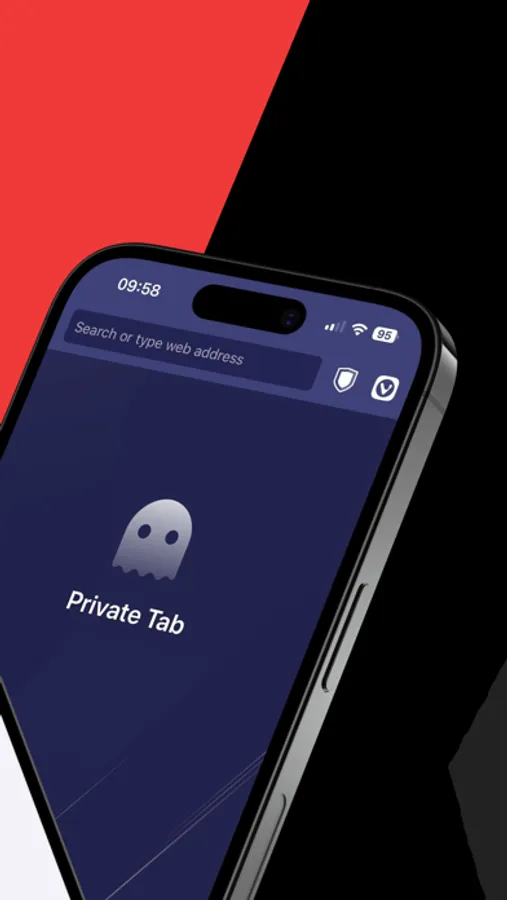
- Tracker Blocker: Stay protected with leading privacy and security features.
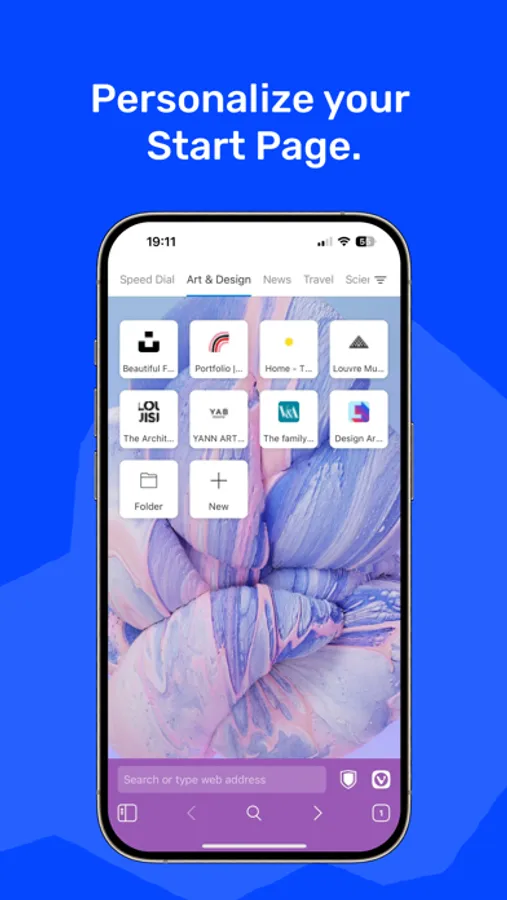
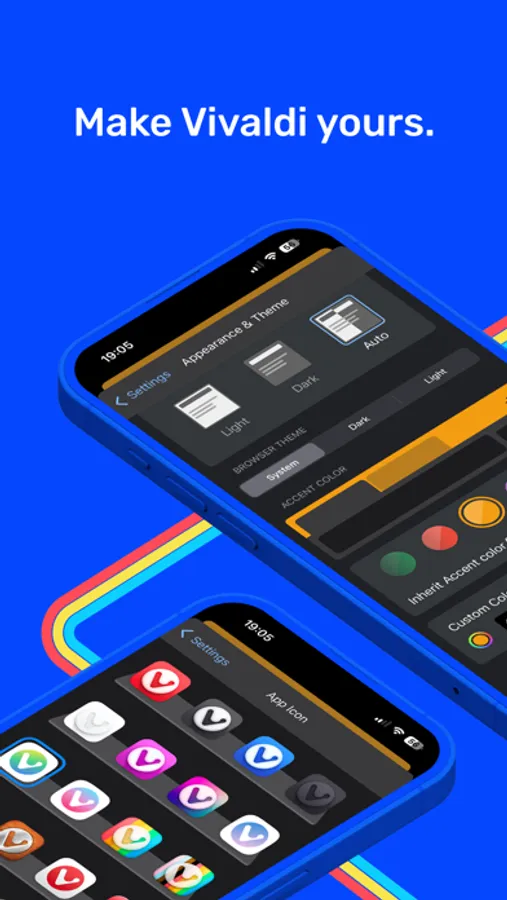
- Custom Wallpapers & Themes: Pick a theme and background that matches your style.
- Dark Mode for all webpages: Force Dark Mode to every website you visit.
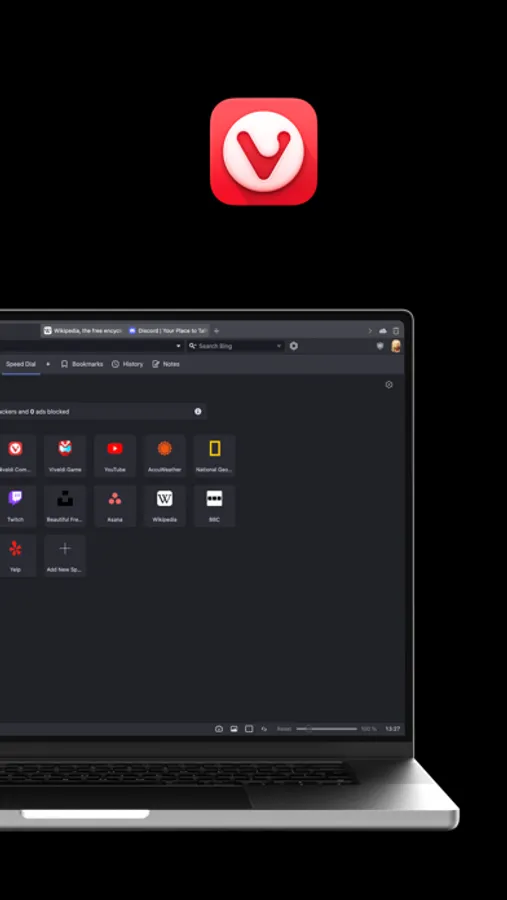
- Desktop-like tabs: Efficiently manage multiple websites at once.
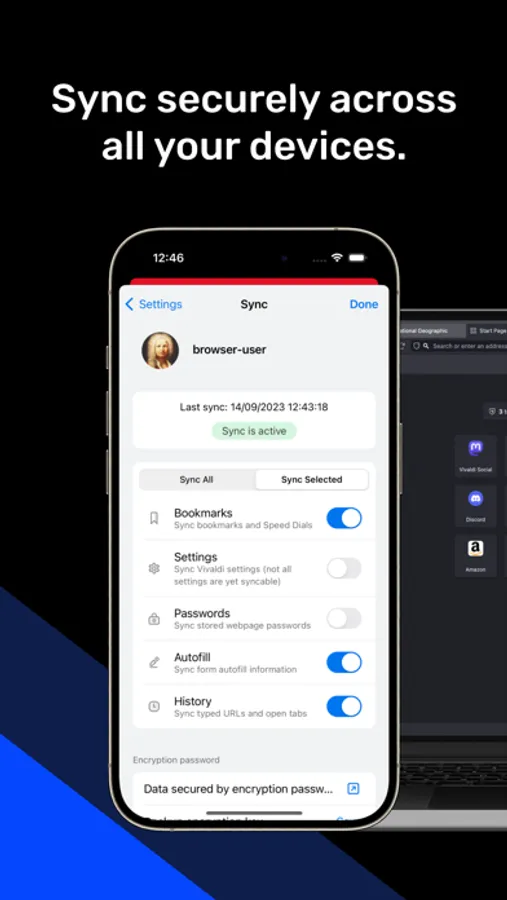
- Encrypted Sync: Seamlessly sync data across your mobile and desktop devices.
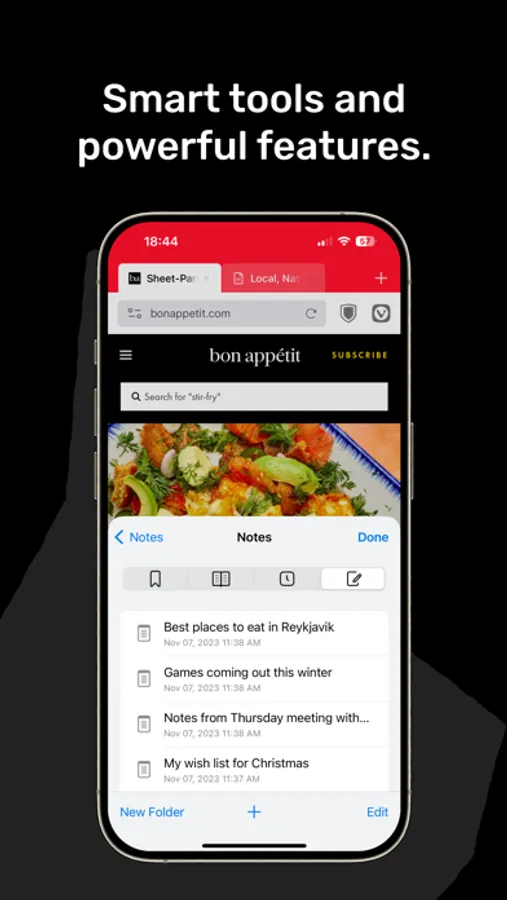
- Notes: Jot down thoughts and ideas while browsing.
- Bookmarks: Organize your favorite sites effortlessly.
- Reading Lists: Save articles for offline reading.
- Custom App Icon: Personalize Vivaldi's appearance on your home screen.
- Switch Search Engines: Choose your preferred search engine on the fly.
POWERFUL
Packed with flexible features, all built in.
PERSONAL
You make it your own, Vivaldi adapts to you.
PRIVATE
We don't track you, or your behavior.
DESKTOP-LIKE TABS
Bring the robust tab management from your desktop to your iOS device. Vivaldi on iOS features a unique Tab Bar akin to the desktop browser. To activate or deactivate the Tab Bar, head to Vivaldi menu > Settings, and tap on "Show Tab Bar" to toggle the setting.
SYNC ACROSS DEVICES
Never feel out of touch. Sync your data across devices with end-to-end encryption. From open tabs and saved logins to bookmarks and notes, everything is seamlessly available wherever you go. Add an extra layer of security with an encryption password.
SET AS DEFAULT BROWSER
Ready to make the switch? Set Vivaldi as your default browser and experience the web like never before. Here's how: Go to Settings, scroll down to Vivaldi, and select it as your Default Browser App. It's that simple!
ABOUT VIVALDI
With millions active users and a vibrant community of over 1.4 million members worldwide, Vivaldi is redefining what a web browser can be. At Vivaldi, we believe a browser should be powerful, personal, and private. With our unique philosophy of "respect, question, create, and deliver," we're crafting a browsing experience that adapts to you, not the other way around.
Some of the links in this app are affiliate links. If you make a purchase through these links, we may earn a commission at no additional cost to you. This helps support the development of Vivaldi and keeps the web browser independent. Thank you for your support!
By downloading Vivaldi, you are agreeing to the End User License Agreement at https://vivaldi.com/privacy/vivaldi-end-user-license-agreement/. Learn more about how Vivaldi handles and protects your data in our Privacy Policy at https://vivaldi.com/privacy/browser/.
FEATURES:
- Ad Blocker: Browse with minimal distractions.
- Tracker Blocker: Stay protected with leading privacy and security features.
- Custom Wallpapers & Themes: Pick a theme and background that matches your style.
- Dark Mode for all webpages: Force Dark Mode to every website you visit.
- Desktop-like tabs: Efficiently manage multiple websites at once.
- Encrypted Sync: Seamlessly sync data across your mobile and desktop devices.
- Notes: Jot down thoughts and ideas while browsing.
- Bookmarks: Organize your favorite sites effortlessly.
- Reading Lists: Save articles for offline reading.
- Custom App Icon: Personalize Vivaldi's appearance on your home screen.
- Switch Search Engines: Choose your preferred search engine on the fly.
POWERFUL
Packed with flexible features, all built in.
PERSONAL
You make it your own, Vivaldi adapts to you.
PRIVATE
We don't track you, or your behavior.
DESKTOP-LIKE TABS
Bring the robust tab management from your desktop to your iOS device. Vivaldi on iOS features a unique Tab Bar akin to the desktop browser. To activate or deactivate the Tab Bar, head to Vivaldi menu > Settings, and tap on "Show Tab Bar" to toggle the setting.
SYNC ACROSS DEVICES
Never feel out of touch. Sync your data across devices with end-to-end encryption. From open tabs and saved logins to bookmarks and notes, everything is seamlessly available wherever you go. Add an extra layer of security with an encryption password.
SET AS DEFAULT BROWSER
Ready to make the switch? Set Vivaldi as your default browser and experience the web like never before. Here's how: Go to Settings, scroll down to Vivaldi, and select it as your Default Browser App. It's that simple!
ABOUT VIVALDI
With millions active users and a vibrant community of over 1.4 million members worldwide, Vivaldi is redefining what a web browser can be. At Vivaldi, we believe a browser should be powerful, personal, and private. With our unique philosophy of "respect, question, create, and deliver," we're crafting a browsing experience that adapts to you, not the other way around.
Some of the links in this app are affiliate links. If you make a purchase through these links, we may earn a commission at no additional cost to you. This helps support the development of Vivaldi and keeps the web browser independent. Thank you for your support!
By downloading Vivaldi, you are agreeing to the End User License Agreement at https://vivaldi.com/privacy/vivaldi-end-user-license-agreement/. Learn more about how Vivaldi handles and protects your data in our Privacy Policy at https://vivaldi.com/privacy/browser/.
Vivaldi Powerful Web Browser Screenshots
Tap to Rate:
Reviews for Vivaldi Powerful Web Browser
Orville Redenpiller
Title
I don’t ever write app reviews so I’ll keep this brief. I use it as my main browser and now it’s on my phone. It’s head and shoulders the best.
Michael?!?
Really solid alt browser
My only minor hesitation is that Brave has a stronger ad filter for YouTube. Otherwise, lean, light, elegant.