Speech To Text: Voice Notes
Parsottambhai Dhameliya
4.3 ★
20 ratings
Free
In this speech-to-text app, you can dictate long or short notes without interruption and share your transcribed content instantly. Includes offline support, text to speech, and image to text features.
AppRecs review analysis
AppRecs rating 4.3. Trustworthiness 0 out of 100. Review manipulation risk 0 out of 100. Based on a review sample analyzed.
★★★★☆
4.3
AppRecs Rating
Ratings breakdown
5 star
70%
4 star
15%
3 star
5%
2 star
0%
1 star
10%
What to know
✓
High user satisfaction
85% of sampled ratings are 4+ stars (4.3★ average)
About Speech To Text: Voice Notes
Welcome to Speech To Text: Voice Notes app.
Convert speech, images, PDFs, and text seamlessly – all in one smart app!
Unlock the power of your voice, images, and documents with Speech To Text: Voice Notes – the all-in-one tool that transforms the way you interact with content.
Trusted by millions, continuous non-stop, and unlimited dictation. Battle-tested for years.
For thinkers, bloggers, writers, drivers, joggers, busy people, and anyone who prefers fast & easy typing.
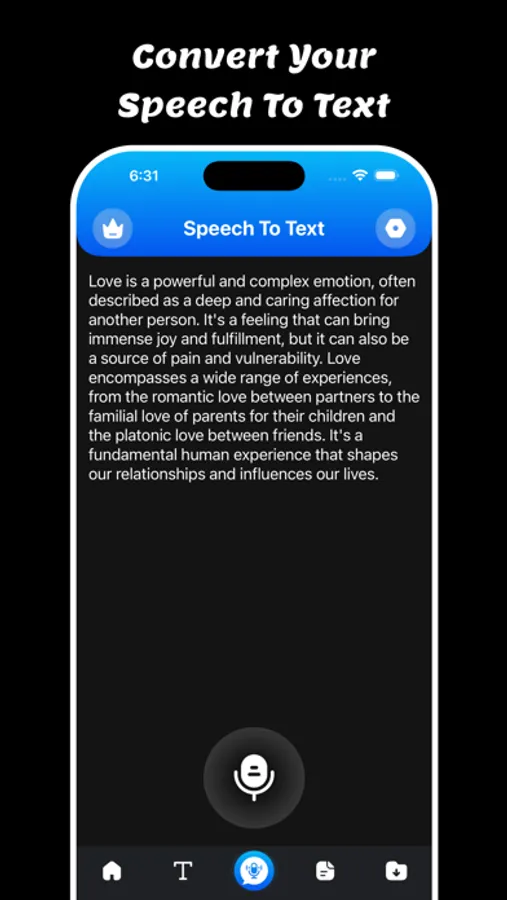
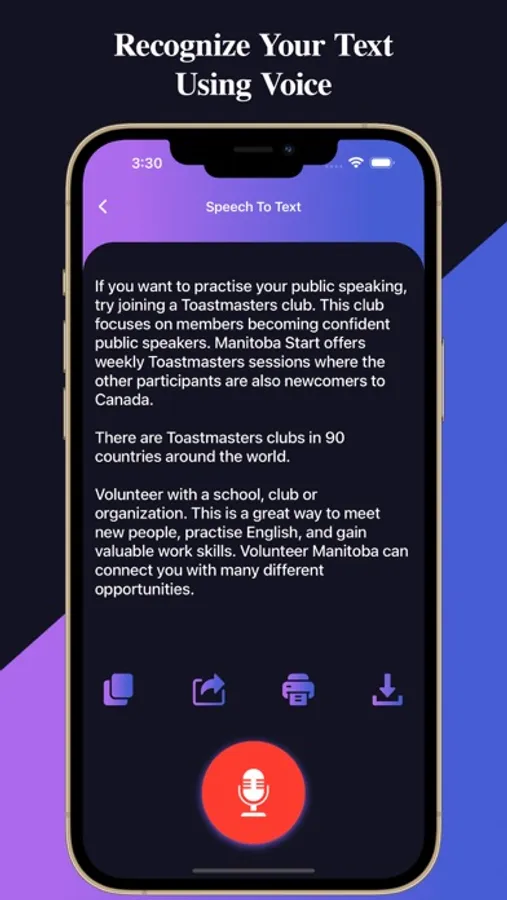
Speech To Text: Voice Notes is easy to use. Users can easy to convert Speech to text and Text to Speech using a single click.
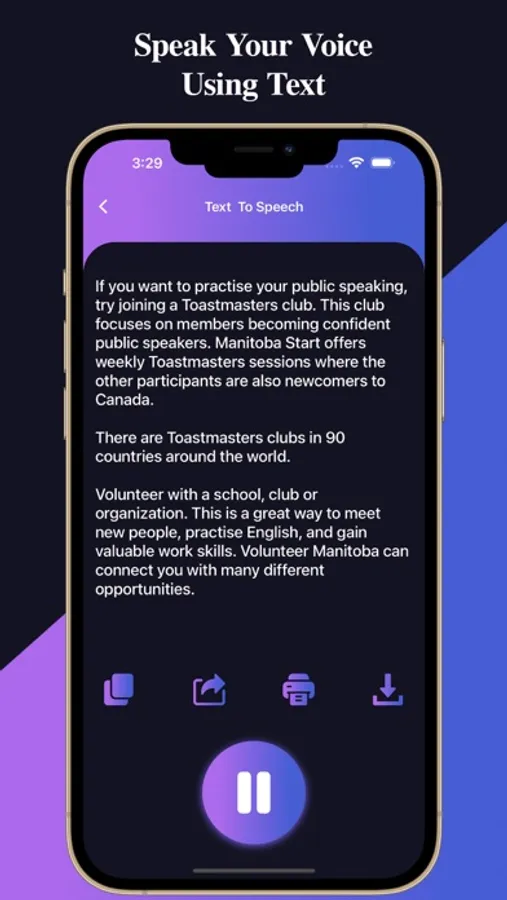
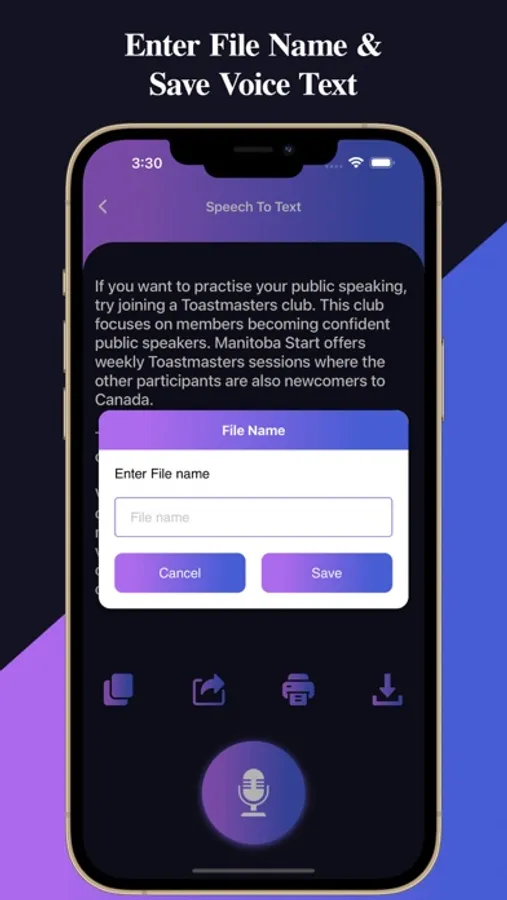
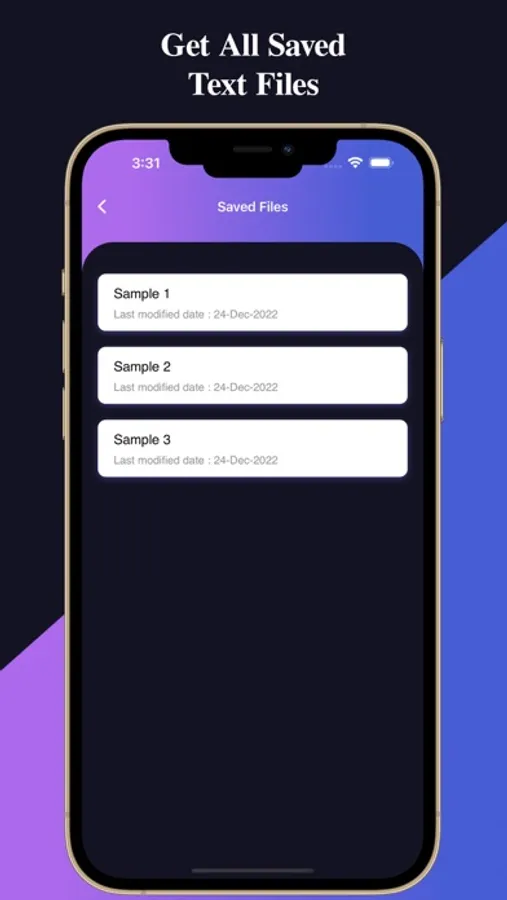
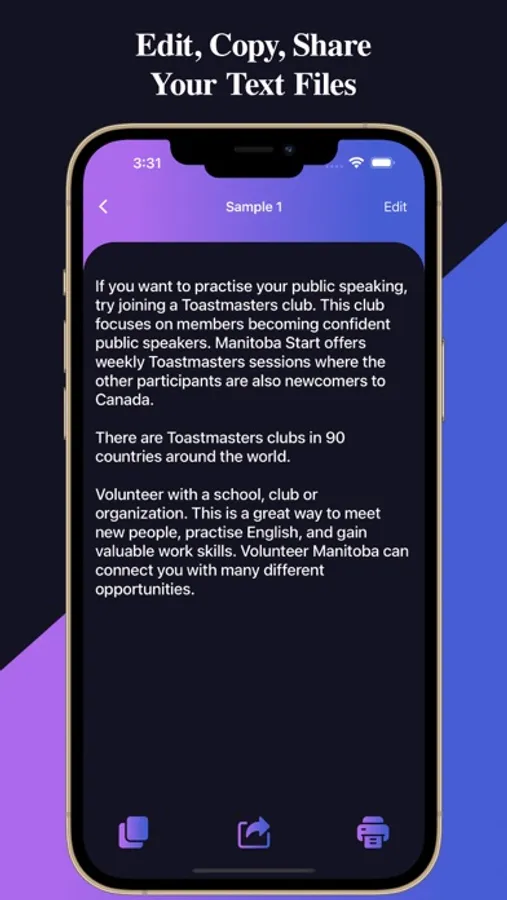
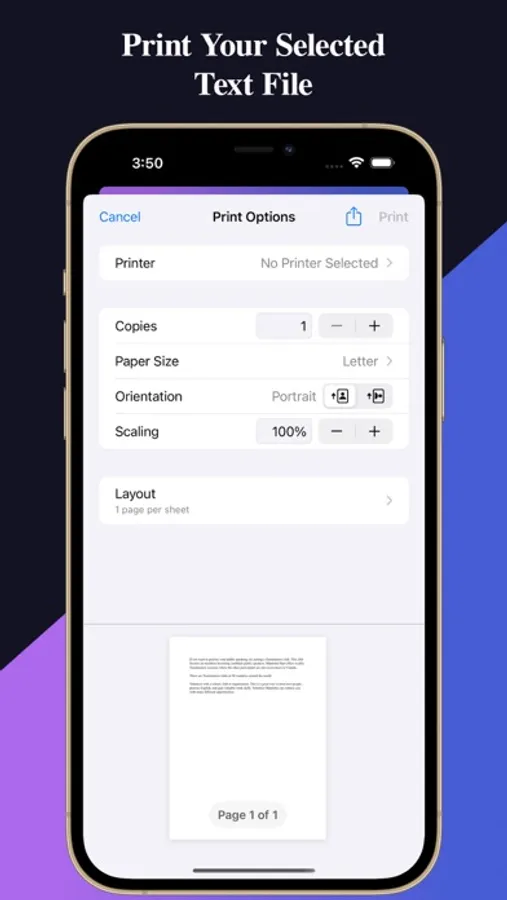
Users can copy, share, print, and save files using a single click.
Makes life easy - no more struggling to write down short or long texts. Unlike other voice-typing apps, Speech To Text: Voice Notes does not stop listening when you take a break to breathe or think. Incorporates a built-in keyboard so you can enjoy the ease of dictation for words and ease of tapping for punctuation & symbols. Designed to make writing fast and easy.
Featured:
The following features make Speech To Text: Voice Notes a powerful speech-enabled notepad, designed to empower your ideas and creativity:
- Write short or long texts easily. Dictate hands-free for hours!, Speech To Text: Voice Notes will not stop even when you take longer breaks between sentences.
- Fast, simple & light.
- Supports offline
- Speech to Text
- Text to Speech
- Share, export & print in one tap
- Auto capitalization & spacing
- Edit text, while still in dictation mode - no need to stop and restart
Key Features:
Speech to Text : Speak naturally and let the app transcribe your words instantly. Perfect for notes, ideas, or hands-free productivity.
Text to Speech : Type or paste any text and hear it spoken aloud in a natural voice. Ideal for learning, multitasking, or accessibility.
Image to Text (OCR) : Snap a photo or upload an image to extract text with high accuracy. Great for digitizing documents, signs, or printed material.
PDF to Text : Easily import PDFs and convert them to editable, shareable text. Extract data from contracts, reports, or study materials in seconds.
Download and enjoy the Speech To Text: Voice Notes.
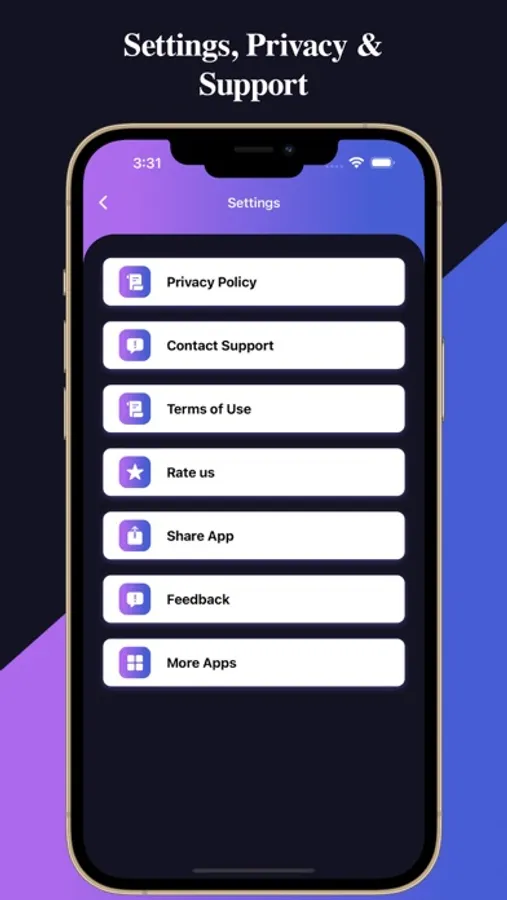
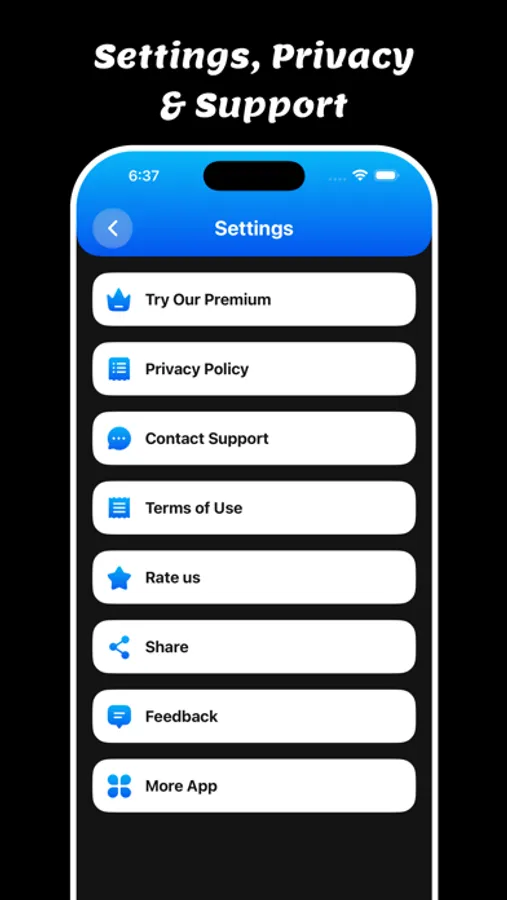
Privacy Policy: https://glistensolution.com/Apps/App_Privacy.html
Terms of use: https://glistensolution.com/Apps/App_TOS.html
Convert speech, images, PDFs, and text seamlessly – all in one smart app!
Unlock the power of your voice, images, and documents with Speech To Text: Voice Notes – the all-in-one tool that transforms the way you interact with content.
Trusted by millions, continuous non-stop, and unlimited dictation. Battle-tested for years.
For thinkers, bloggers, writers, drivers, joggers, busy people, and anyone who prefers fast & easy typing.
Speech To Text: Voice Notes is easy to use. Users can easy to convert Speech to text and Text to Speech using a single click.
Users can copy, share, print, and save files using a single click.
Makes life easy - no more struggling to write down short or long texts. Unlike other voice-typing apps, Speech To Text: Voice Notes does not stop listening when you take a break to breathe or think. Incorporates a built-in keyboard so you can enjoy the ease of dictation for words and ease of tapping for punctuation & symbols. Designed to make writing fast and easy.
Featured:
The following features make Speech To Text: Voice Notes a powerful speech-enabled notepad, designed to empower your ideas and creativity:
- Write short or long texts easily. Dictate hands-free for hours!, Speech To Text: Voice Notes will not stop even when you take longer breaks between sentences.
- Fast, simple & light.
- Supports offline
- Speech to Text
- Text to Speech
- Share, export & print in one tap
- Auto capitalization & spacing
- Edit text, while still in dictation mode - no need to stop and restart
Key Features:
Speech to Text : Speak naturally and let the app transcribe your words instantly. Perfect for notes, ideas, or hands-free productivity.
Text to Speech : Type or paste any text and hear it spoken aloud in a natural voice. Ideal for learning, multitasking, or accessibility.
Image to Text (OCR) : Snap a photo or upload an image to extract text with high accuracy. Great for digitizing documents, signs, or printed material.
PDF to Text : Easily import PDFs and convert them to editable, shareable text. Extract data from contracts, reports, or study materials in seconds.
Download and enjoy the Speech To Text: Voice Notes.
Privacy Policy: https://glistensolution.com/Apps/App_Privacy.html
Terms of use: https://glistensolution.com/Apps/App_TOS.html
Speech To Text: Voice Notes Screenshots
Tap to Rate: