OctoApp for OctoPrint/Klipper
Erhard Christian Wurthner
4.9 ★
1K ratings
Free
In this app, you can manage 3D printer connections, prepare prints, and control ongoing jobs. Includes features like file management, webcam support, multiple printer support, and plugin integrations.
AppRecs review analysis
AppRecs rating 4.5. Trustworthiness 68 out of 100. Review manipulation risk 25 out of 100. Based on a review sample analyzed.
★★★★☆
4.5
AppRecs Rating
Ratings breakdown
5 star
90%
4 star
7%
3 star
2%
2 star
0%
1 star
0%
What to know
✓
Low review manipulation risk
25% review manipulation risk
✓
High user satisfaction
90% of sampled ratings are 5 stars
About OctoApp for OctoPrint/Klipper
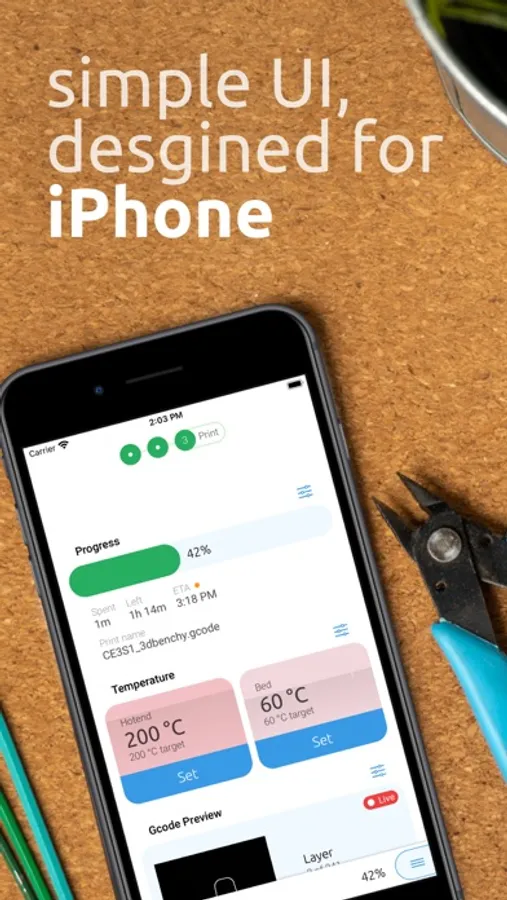
The UI is structured into three workspaces: Connect, Prepare, Print. The Connect workspace helps you get your printer connected to OctoPrint and as soon as a printer is available OctoApp will move to the Prepare workspace. Here you can get ready for your next print! Heat your hotend, swap filament or level the bed. When you are ready and start your print, OctoApp shows the Print workspace where you can control and tune your print!
This concepts allows for a simple and fast UI while not sacrificing on features!
OctoApp already offers you:
+ Easy print preparation
+ Control your print
+ Full file access and management
+ Full terminal access
+ Flow rate, Feed rate and fan controls
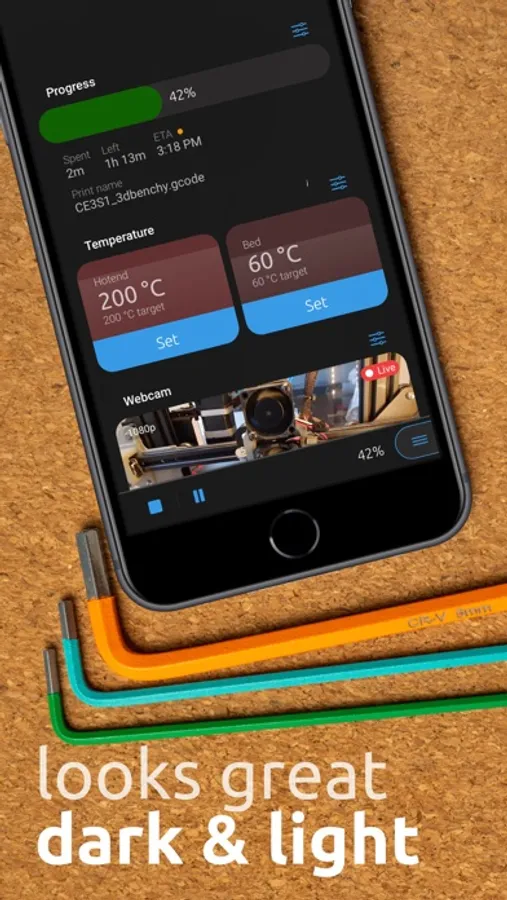
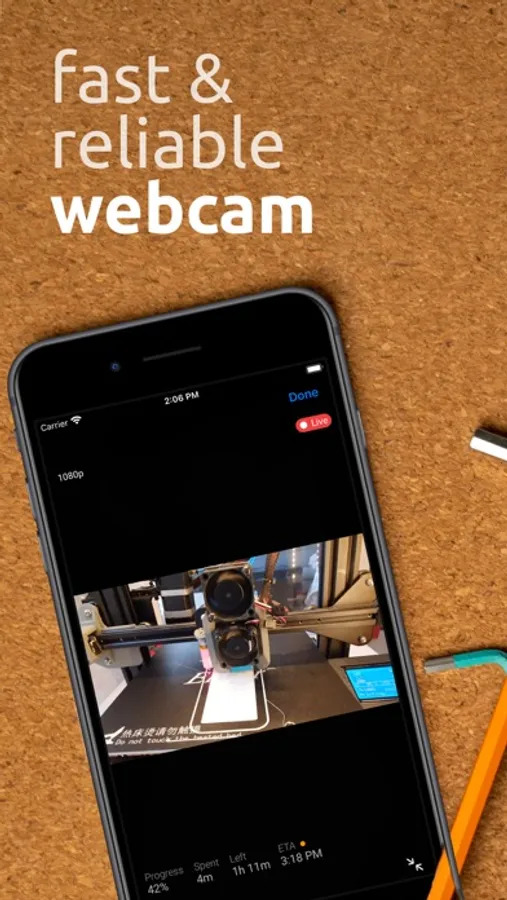
+ Webcam support (also muticam support)
+ Dark mode
+ High performance
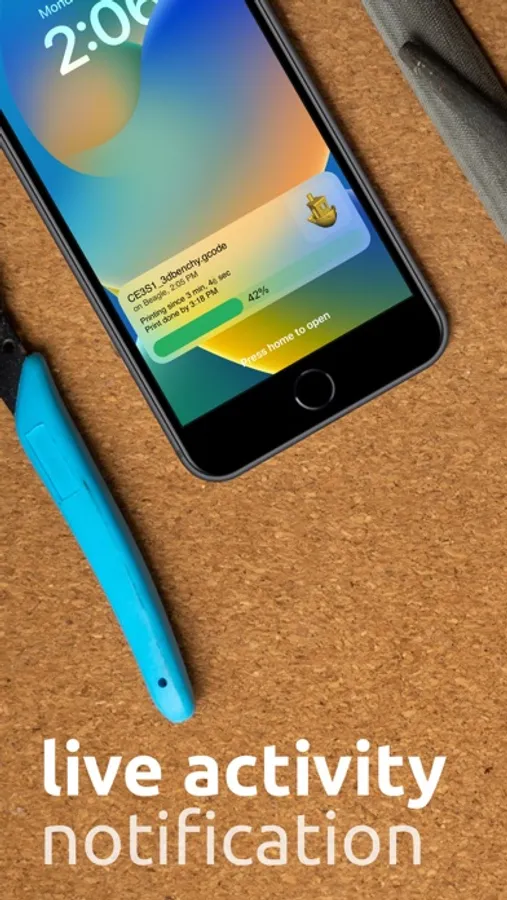
+ Notifications about your print and filament
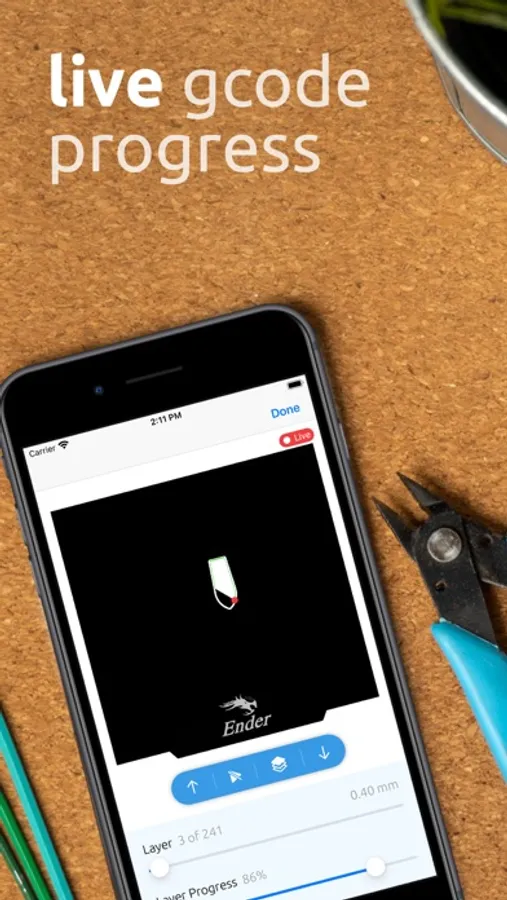
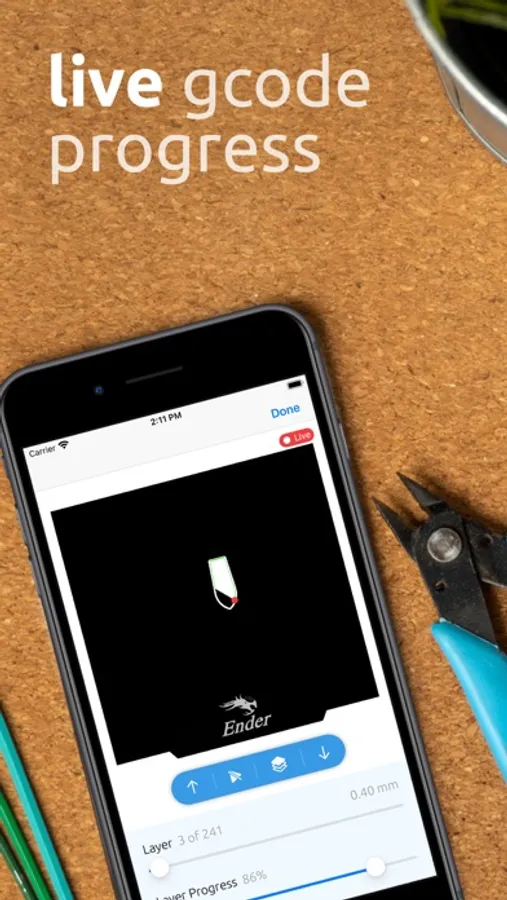
+ Gcode Viewer
+ Support for multiple printers
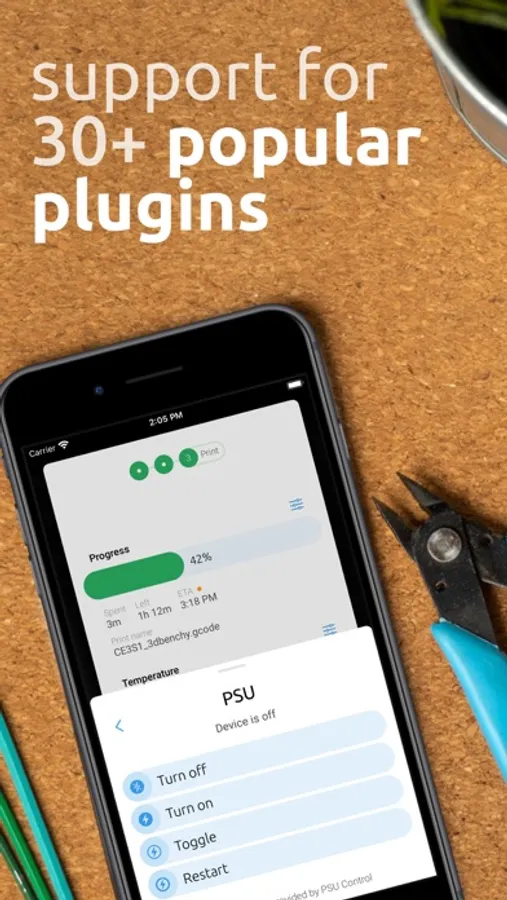
+ Many power control plugins like PSU Control or IKEA Tradfri
+ Automatic lights
+ PrintTimeGenius support
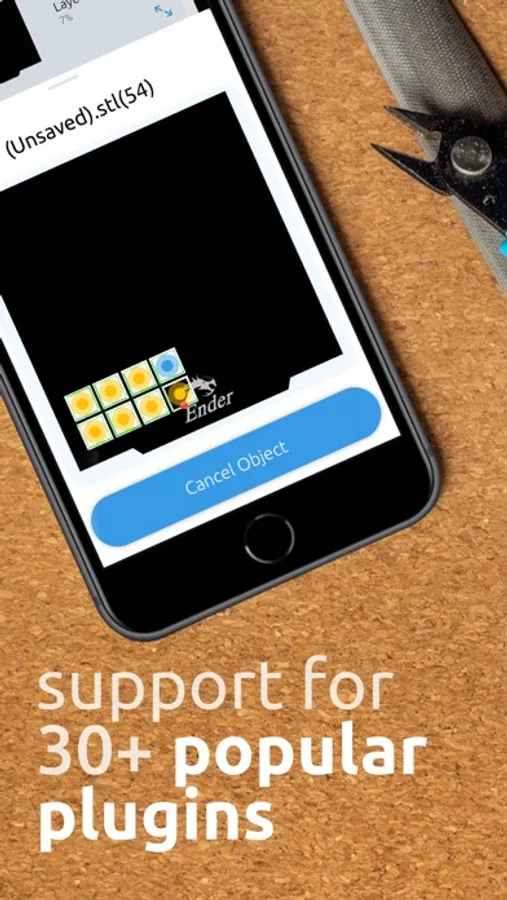
+ Support for many of your favourite plugins, like ArcWelder or SpoolManager
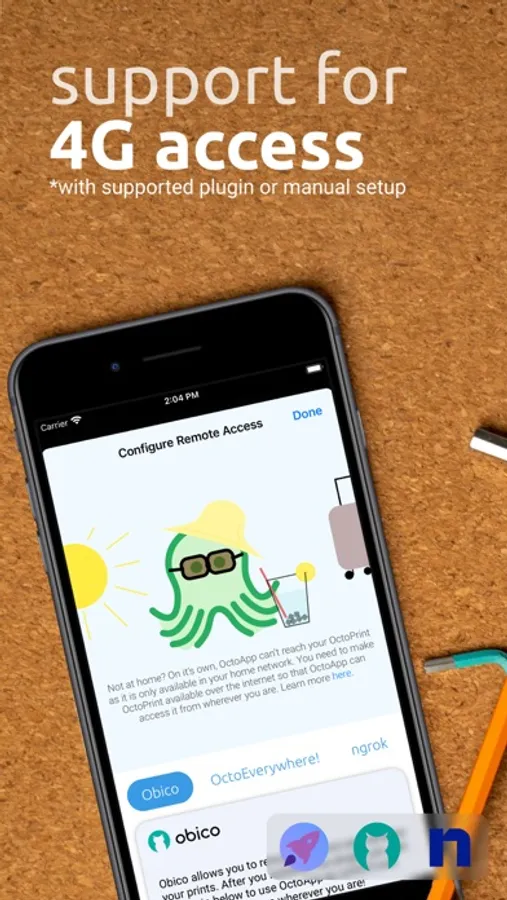
+ Remote connection with supported plugin or manual setup, the app switches automatically
+ OctoEverywhere integration
+ Obico integration
+ Works with VPNs, HTTPS and Basic Auth
+ And much, much more!
There is a new feature update roughly 4-8 weeks! Let me know what you are missing!
Important notice for remote connections: The app does not provide required servers. You can either set something up yourself and provide the app with a URL reachable over the internet or use a plugin like OctoEverywhere, The Spaghetti Detective or ngrok.
---
OctoApp is made for and compatible with but not officially associated with OctoPrint.
OctoPrint is a registered trademark. Learn more at octoprint.org
OctoApp is not associated with Obico, Bambu Lab, OctoEverywhere, Elegoo or other services integrated
---
https://octoapp.eu/terms/
OctoApp for OctoPrint/Klipper Screenshots
Tap to Rate:
Reviews for OctoApp for OctoPrint/Klipper
a1anorth
Okay for Elegoo CC
The app is fine for my Elegoo CC, but I don’t get notifications about print start, finish, etc. Given that, I prefer the CC Tool app, same information, more compact format.
ThatRedTurtle
Troublesome for security
OctoApp encourages *not* using secure connections and has no option for allowing use of self-signed certs. The app doesn’t handle https redirects well either. So in order to actually get the app to work, you have to disable https redirects or disable https entirely on the server. This limits its usefulness as you shouldn’t really do that outside of a local network.