
EdrawMax - AI Diagram Maker
Edraw Software Co., Ltd
3.6 ★
32 ratings
Free
AppRecs review analysis
AppRecs rating 3.6. Trustworthiness 74 out of 100. Review manipulation risk 25 out of 100. Based on a review sample analyzed.
★★★☆☆
3.6
AppRecs Rating
Ratings breakdown
5 star
59%
4 star
0%
3 star
6%
2 star
6%
1 star
28%
What to know
✓
Low review manipulation risk
25% review manipulation risk
✓
Credible reviews
74% trustworthiness score from analyzed reviews
About EdrawMax - AI Diagram Maker
KEY FEATURES
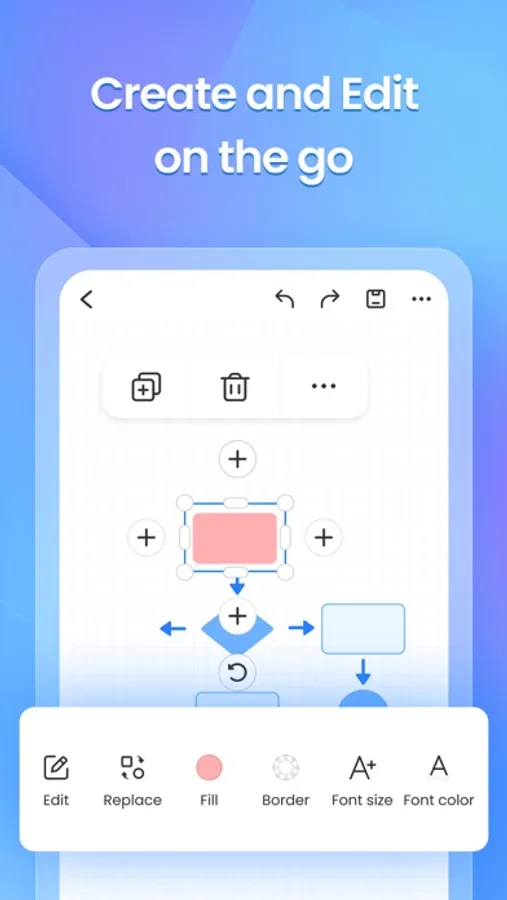
[Photo to Editable Diagram]
Snap and convert: Instantly turn paper notes or whiteboard content into editable diagrams
Auto-detects logic and layout: Preserve structure and clarity
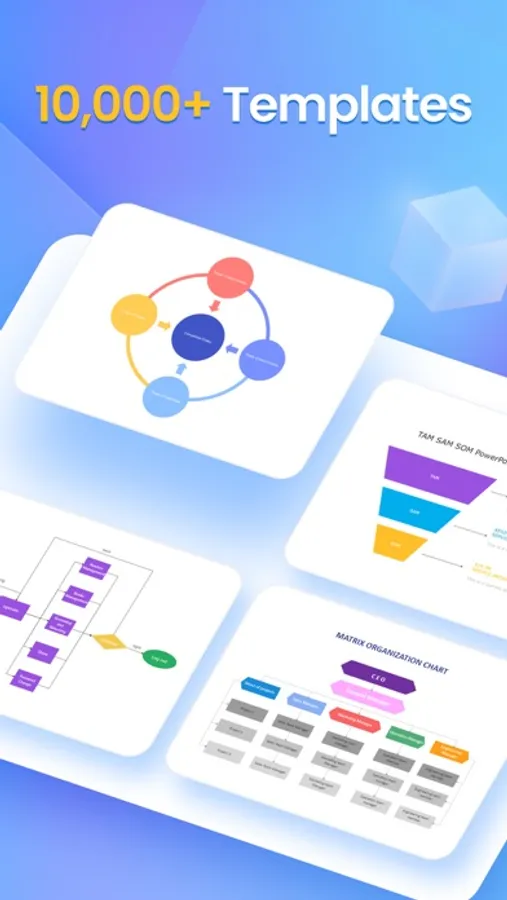
Beautiful templates: Auto-style your content for a clean, modern look
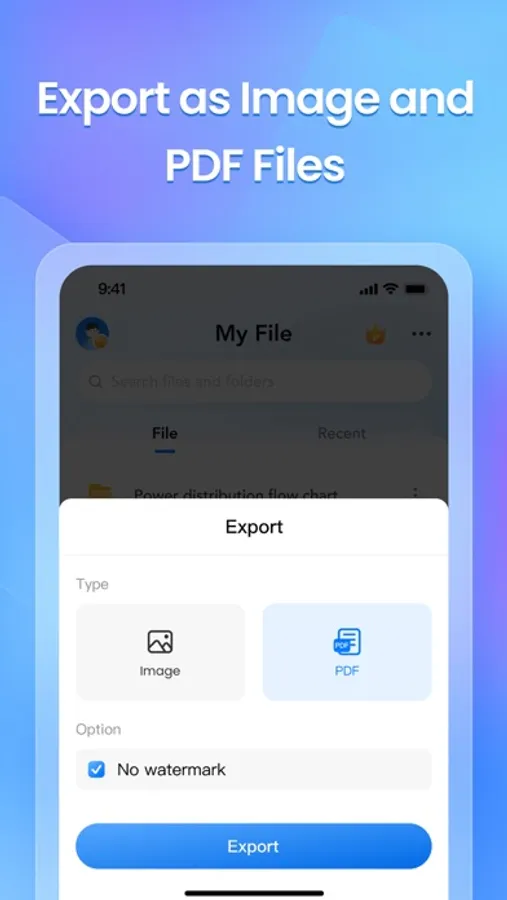
Flexible export: Save as image, PDF, or editable Edraw (.eddx) file
Great for digitizing meeting notes, study cards, paper documents, and more
[Instant Diagrams with AI Templates]
One-tap to clone: Reproduce the look and feel of any popular template
Batch generation: Quickly create multiple diagrams with a unified style
Visual inspiration: Supports timelines, infographics, flowcharts, and socials
40,000+ templates and 17,000+ symbols at your fingertips
Ideal for office workflows, design layouts, academic diagrams, resumes, and scientific models
[Smarter AI Assistant]
Multiple AI models supported: Chatgpt, Gemini and more
Side-by-side comparison: Easily evaluate answers from different AI models. Smarter answers, faster decisions.
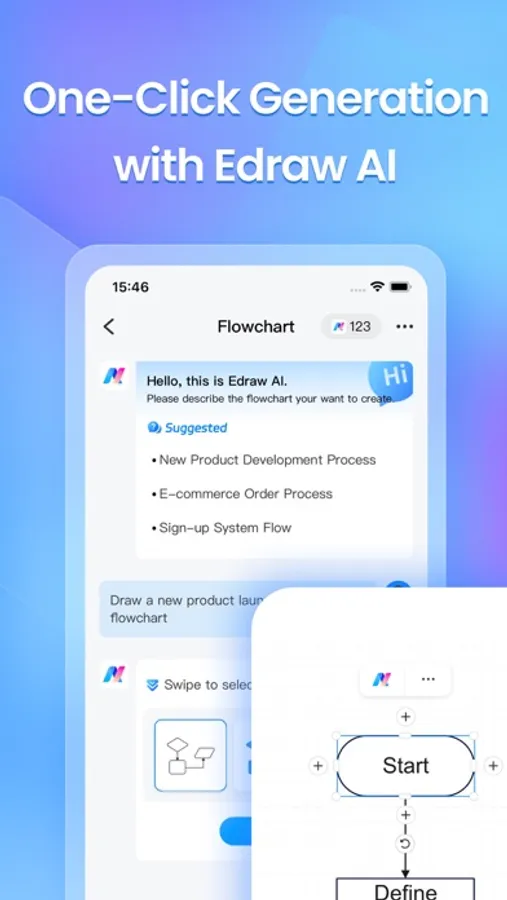
Specialized tools: AI diagram generator, AI translator, brainstorm bot, marketing copywriter, and more
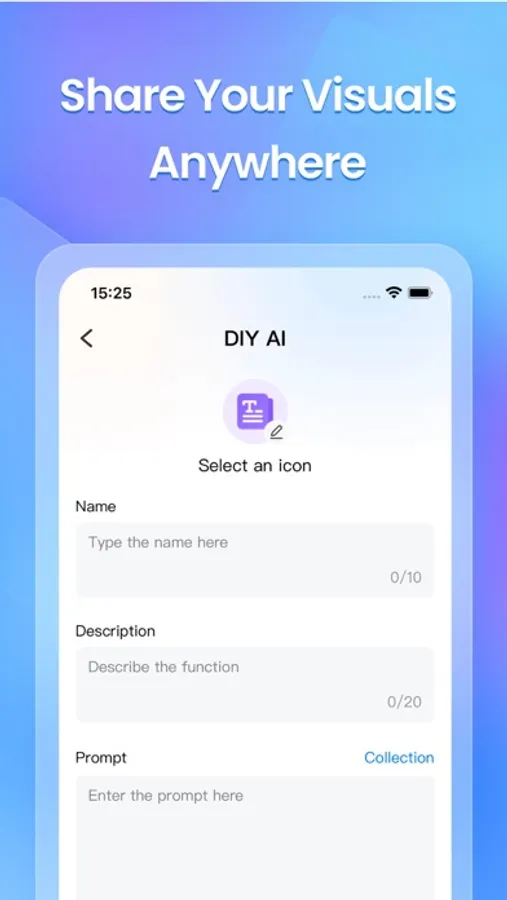
Fully customizable AI scenarios to fit your unique needs
[Multi-Platform Collaboration & Seamless Sharing]
Import Visio files and edit without compatibility issues
Export to multiple formats: PDF, image, and EDDX
Cloud sync across desktop, mobile, and online
One-tap share to email, Facebook, WhatsApp, and other social channels
Enhanced security with file encryption and share expiration settings
**Built for Every Use Case**
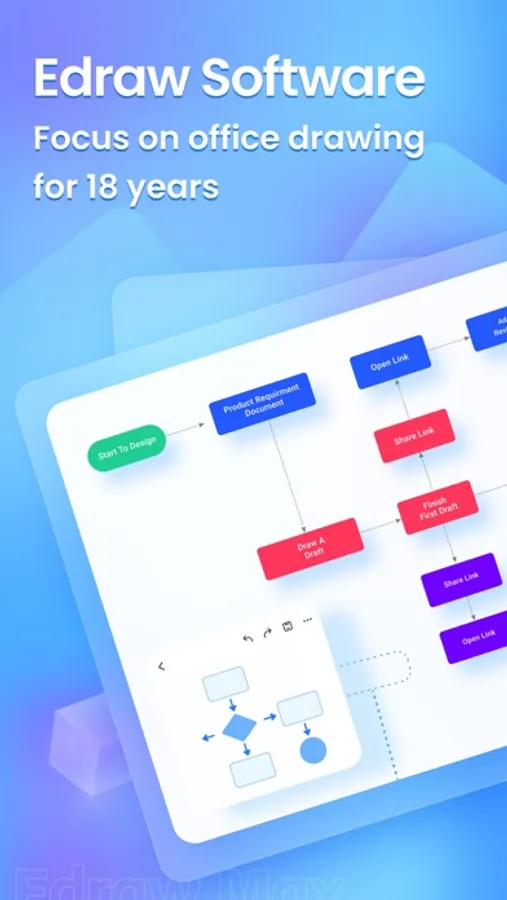
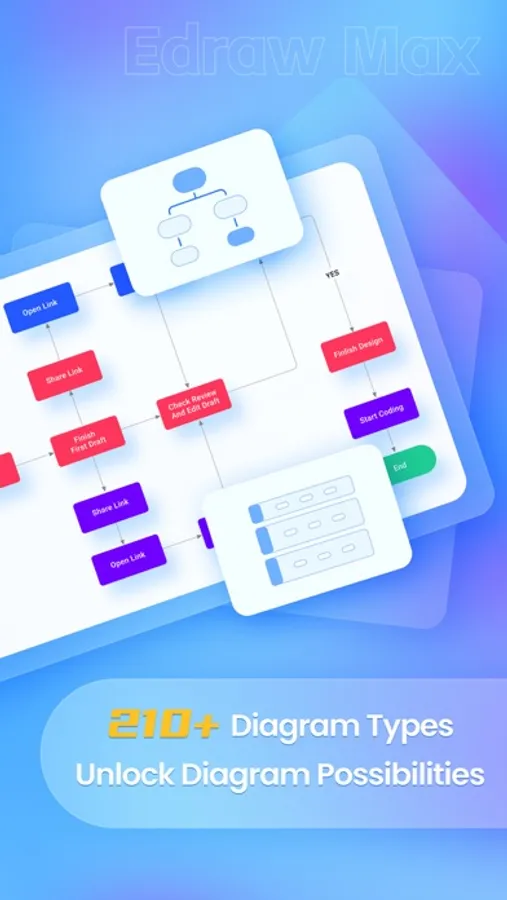
Professionals: Create org charts, process diagrams, Gantt charts, circuit diagrams, timeline diagrams, and more
Students: Easily create history timeline, family tree, and math Algorithm flowcharts
Designers: Draft home layouts, HVAC plans, office designs, evacuation routes, and even wardrobe blueprints
Educators and Researchers: Visualize lab equipment, physics/biology diagrams, astronomy models, and thesis content with ease
**In-App Purchase Information**
• Payment charged upon confirmation via iTunes account.
• Subscriptions auto-renew; disable 24hrs before current period ends in Settings > iTunes & App Store.
**Privacy & Terms**
• Privacy Policy: https://www.edrawsoft.com/privacy-policy.html
• Terms & Conditions: https://www.edrawsoft.com/terms-conditions.html
**Support You Can Rely On**
Our dedicated support team is always here to help. Have questions or feedback? We’re committed to providing timely and effective assistance.
• Email: support@edrawsoft.com
• Support Center: https://www.edrawsoft.com/support-center.html
• Website: https://www.edrawsoft.com/
• Twitter: Edraw @edrawsoft
• Facebook: Edraw Software
Love EdrawMax?
If EdrawMax makes your work or study easier, please leave us a positive review. Your feedback motivates us to keep improving and innovating!
EdrawMax - AI Diagram Maker Screenshots



Tap to Rate:
Reviews for EdrawMax - AI Diagram Maker
Kilwaukee’s Best
Terrible experience and pathetic customer service
Besides the app being difficult to navigate and not worth the headache, have fun trying to cancel your “auto renewed” membership. I closed my account, deleted the app, and clearly never used it again, however they continued to bill me for 4 more months. Closing your account is not enough. You need to cancel the auto pay with them, then close your account (which makes zero sense why cancelling your account wouldn’t just trigger the end of billing.) I made the mistake of closing my account first which then did not allow me to cancel the auto pay since I did not have an account linked to it. After countless emails back and forth, they agreed to “assist me” in cancelling the auto pay. Did I get a refund for the 4 months I did not have an account but was still billed? That’s a big fat NO. Thanks for nothing Wondershare and Edraw! I would definitely avoid this brand and their products!
Emadismic
Work
Really good for learning and teaching