In this measurement markup app, users can mark sizes and details on images with customizable styles and magnification features. Includes batch import and export, and multiple labeling options.
AppRecs review analysis
AppRecs rating 4.5. Trustworthiness 66 out of 100. Review manipulation risk 32 out of 100. Based on a review sample analyzed.
★★★★☆
4.5
AppRecs Rating
Ratings breakdown
5 star
95%
4 star
1%
3 star
4%
2 star
0%
1 star
0%
What to know
✓
High user satisfaction
95% of sampled ratings are 5 stars
✓
Authentic reviews
No red flags detected
About SizeSnap - Markup measurements
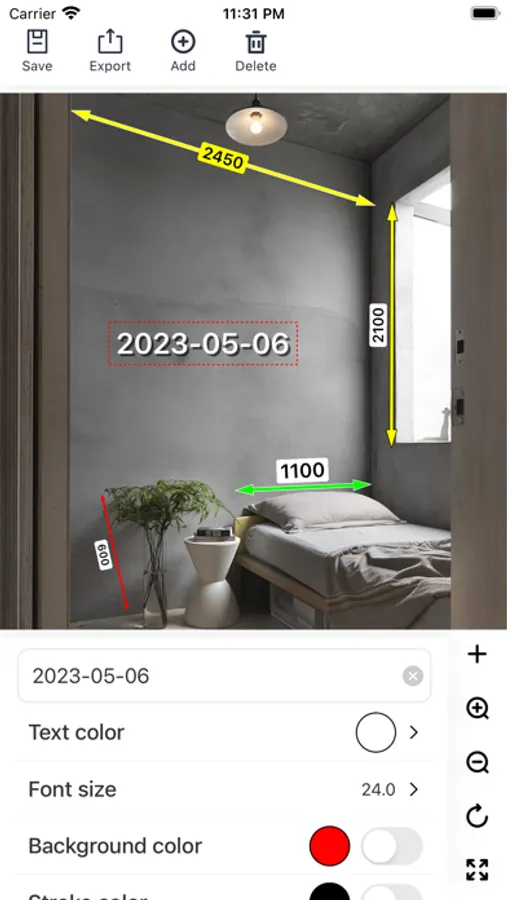
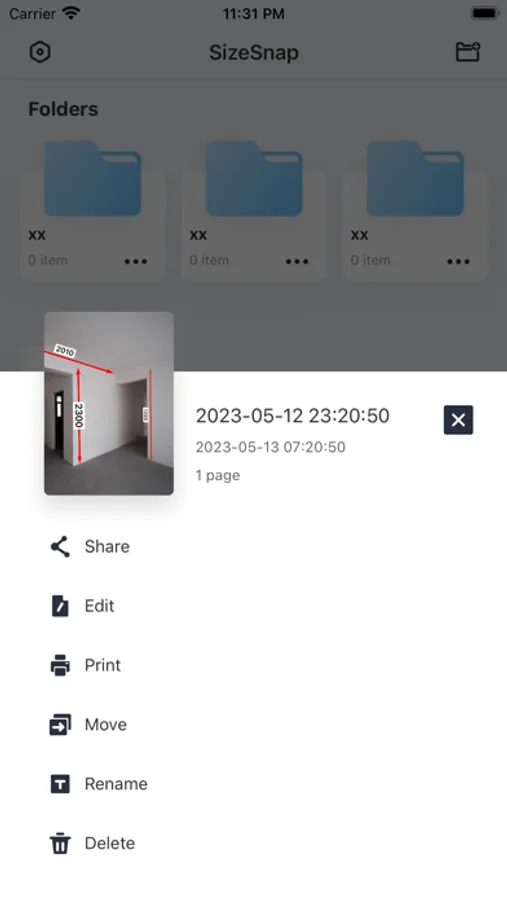
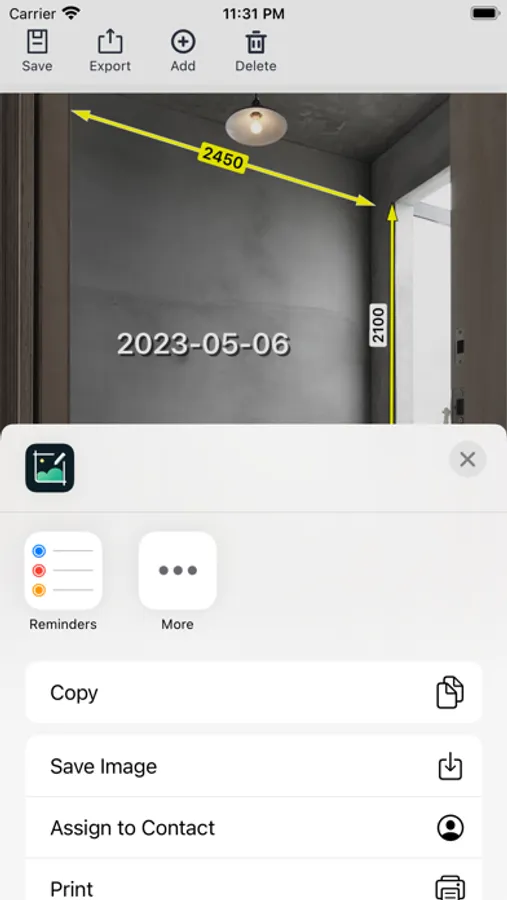
Using SizeSnap App, you can easily mark the size and other information on the picture, it is a good helper for whole-house customization, interior design, decoration and construction site measurement and marking, and e-commerce product detail picture design.
Support:
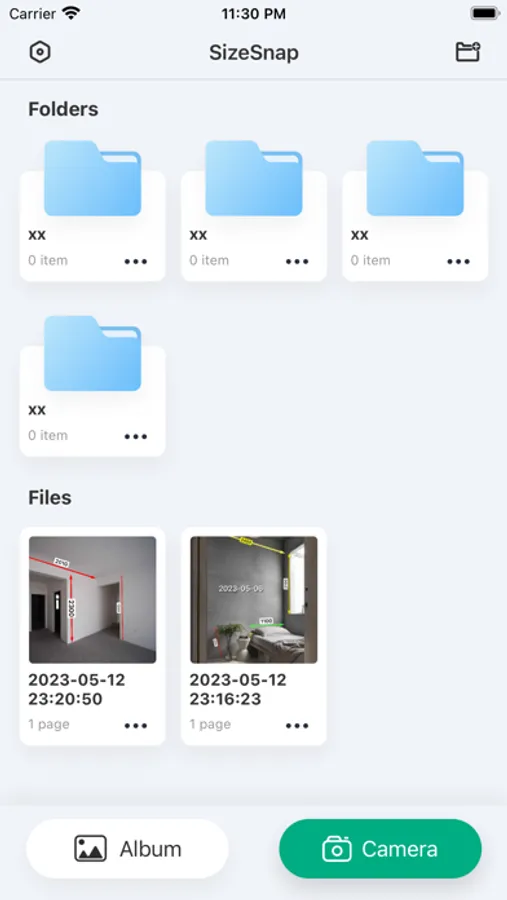
1. Batch import
2. Batch export
3. Export to PDF, JPG images, zip file
4. Folder management
5. Multiple labeling styles to choose from
6. Customizable line width, color, and font
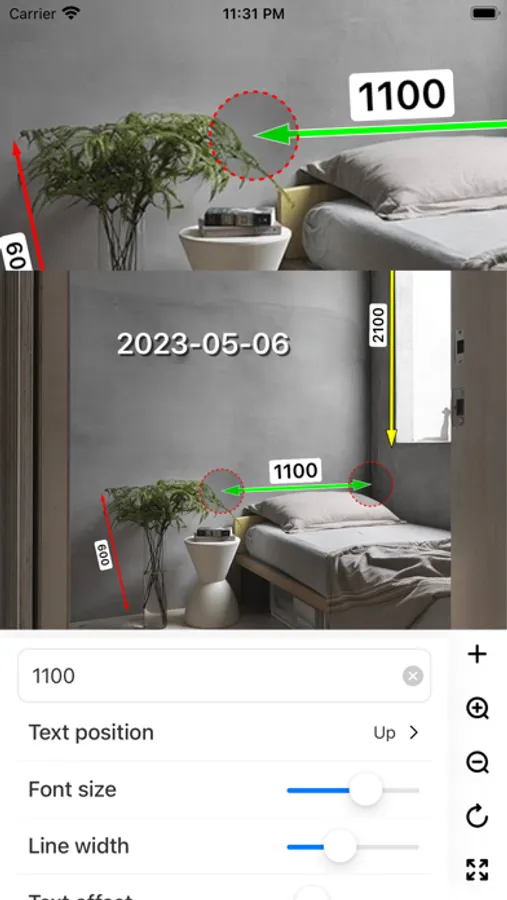
7. Magnifying glass design, so that when you mark the size information, there is no field of vision, marking the location of the more accurate
8. Rich customization settings, you can design a variety of marking styles
Support:
1. Batch import
2. Batch export
3. Export to PDF, JPG images, zip file
4. Folder management
5. Multiple labeling styles to choose from
6. Customizable line width, color, and font
7. Magnifying glass design, so that when you mark the size information, there is no field of vision, marking the location of the more accurate
8. Rich customization settings, you can design a variety of marking styles
SizeSnap - Markup measurements Screenshots
Tap to Rate:
Reviews for SizeSnap - Markup measurements
Mr.NULL404
功能完善
如果在 增加 - 圖像 -圖像半徑 處,滑到盡頭能變成圓圈(等於是添加圓形照片)才比較完善。它現在最多只能變成橢圓。 It would be more ideal if, at the "Add - Image - Image Radius" setting, sliding to the end resulted in a circle (equivalent to adding a circular photo). Currently, it can only become an ellipse at most.
hoirhgv
好用
设计狗的福音