About Digi ConnectCore Quick Setup
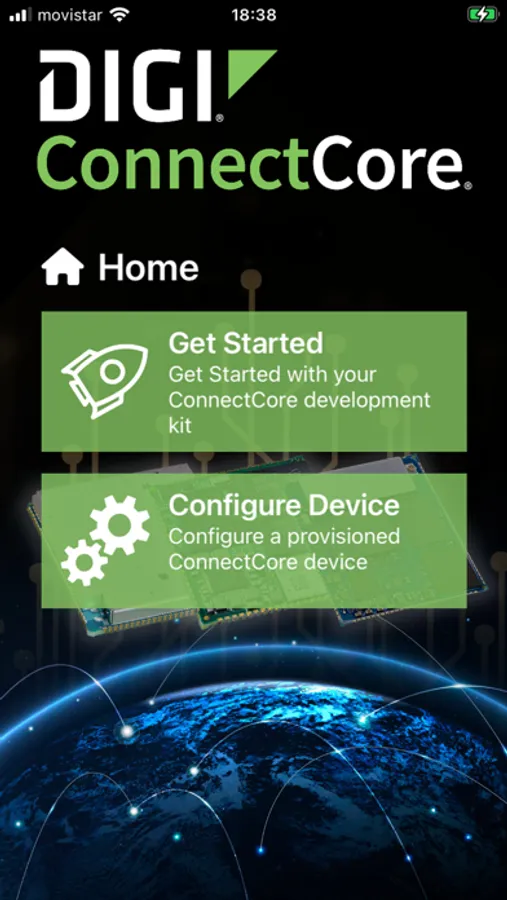
The Digi ConnectCore QuickSetup app allows you to get started with your Digi ConnectCore development kits using Bluetooth Low Energy support . These are the main functionalities of the application:
Get started with your Digi ConnectCore Kit:
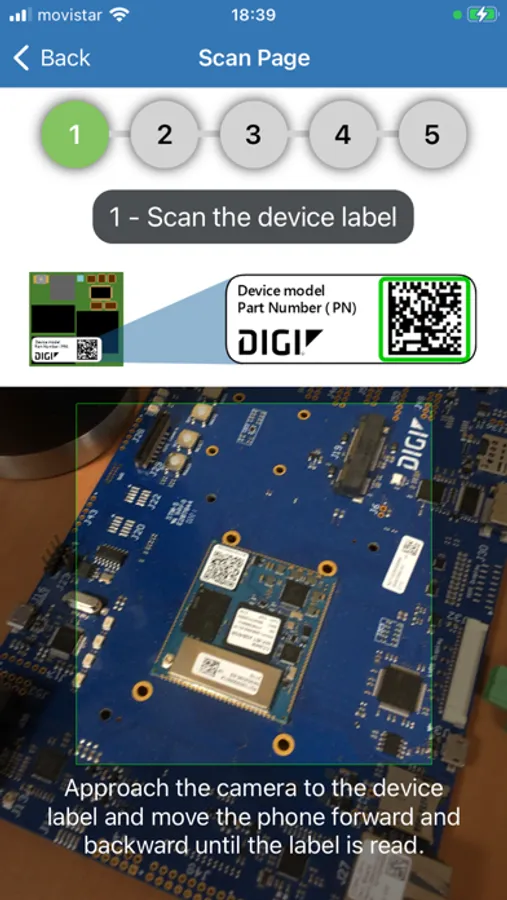
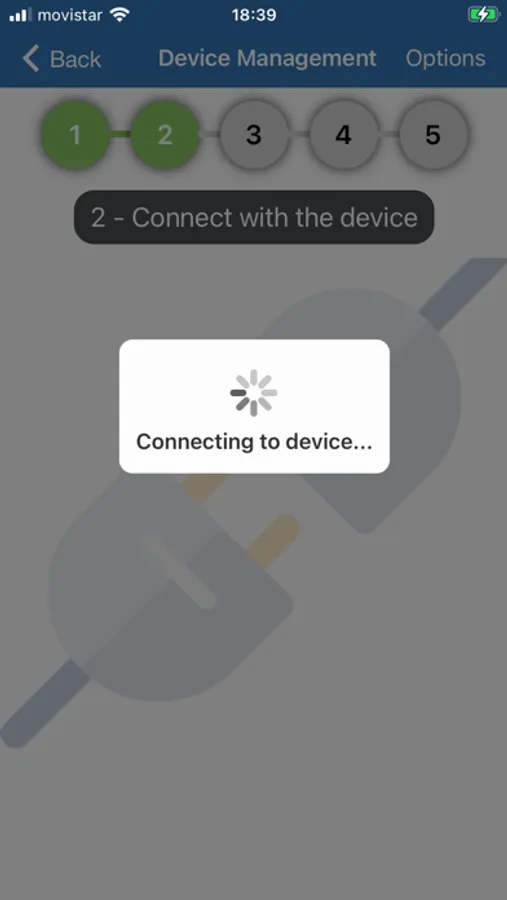
- Look for and connect to nearby ConnectCore devices through Bluetooth Low Energy by scanning the device QR label.
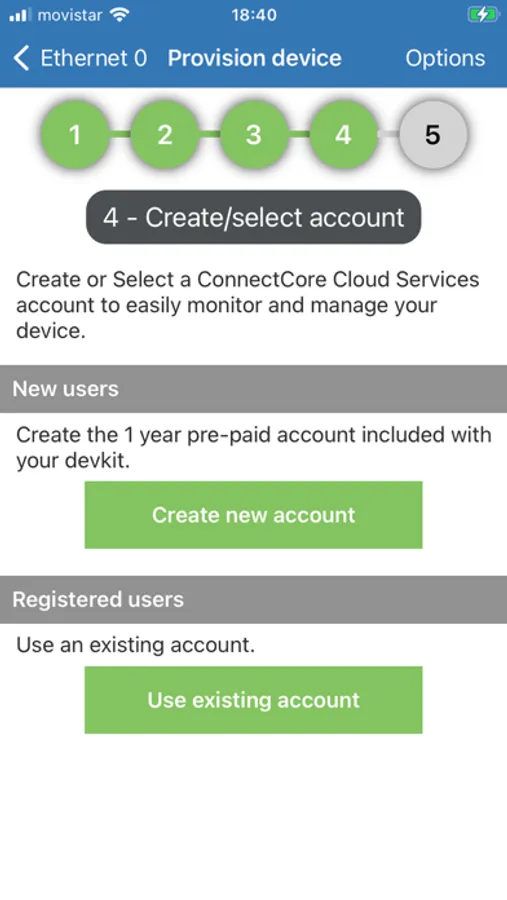
- Step by step guided initial setup of your ConnectCore development kit, including the creation of your ConnectCore Cloud Services first account.
- Provision the device within Digi ConnectCore Cloud Services.
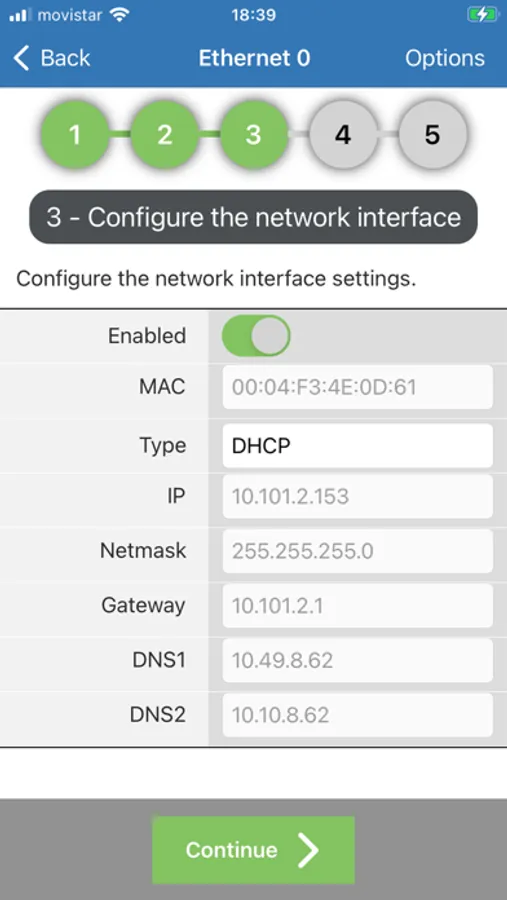
- Initial configuration of the ConnectCore device main network interface.
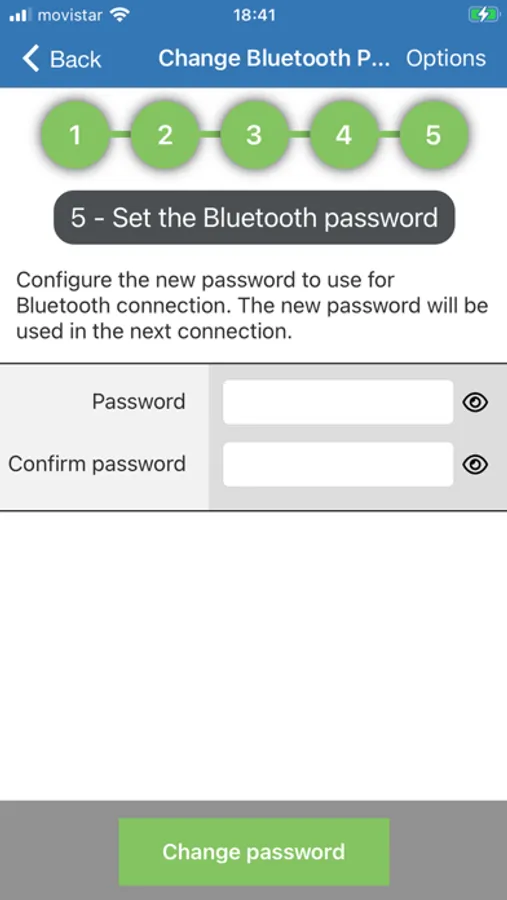
- Initial configuration of the ConnectCore device Bluetooth password.
Provision ConnectCore devices within Digi Remote Manager using multiple methods:
- Scan QR Code – Quickly add a device by scanning its QR code.
- Manual Entry – Input device details manually for greater flexibility.
- File Import – Bulk provision devices by loading their information from a file in the file system.
Get started with your Digi ConnectCore Kit:
- Look for and connect to nearby ConnectCore devices through Bluetooth Low Energy by scanning the device QR label.
- Step by step guided initial setup of your ConnectCore development kit, including the creation of your ConnectCore Cloud Services first account.
- Provision the device within Digi ConnectCore Cloud Services.
- Initial configuration of the ConnectCore device main network interface.
- Initial configuration of the ConnectCore device Bluetooth password.
Provision ConnectCore devices within Digi Remote Manager using multiple methods:
- Scan QR Code – Quickly add a device by scanning its QR code.
- Manual Entry – Input device details manually for greater flexibility.
- File Import – Bulk provision devices by loading their information from a file in the file system.
Digi ConnectCore Quick Setup Screenshots
Tap to Rate: