In this app, you can explore virtual simulations of hard drive failures to understand drive mechanics. Includes realistic failure scenarios and educational tips on data recovery processes.
AppRecs review analysis
AppRecs rating 3.6. Trustworthiness 70 out of 100. Review manipulation risk 26 out of 100. Based on a review sample analyzed.
★★★☆☆
3.6
AppRecs Rating
Ratings breakdown
5 star
37%
4 star
20%
3 star
20%
2 star
10%
1 star
13%
What to know
✓
Low review manipulation risk
26% review manipulation risk
✓
Authentic reviews
Natural distribution, no red flags
About DriveSaver - Data Recovery
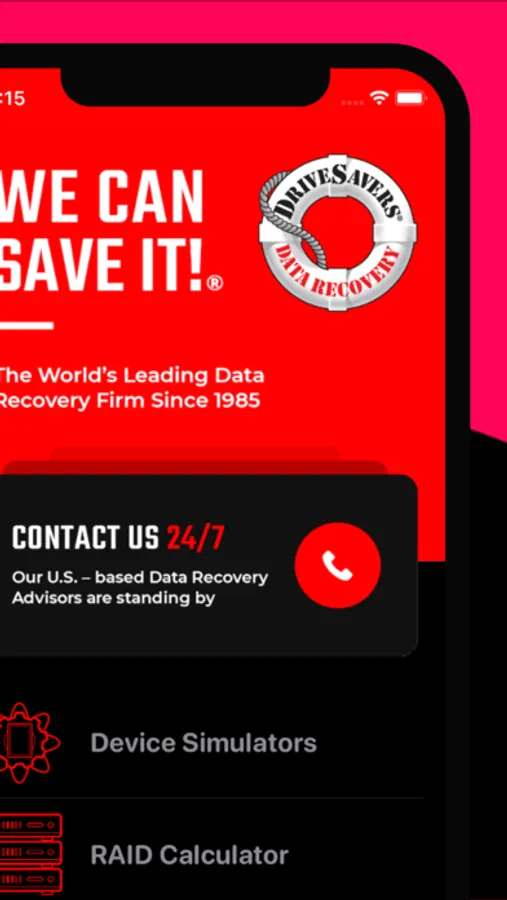
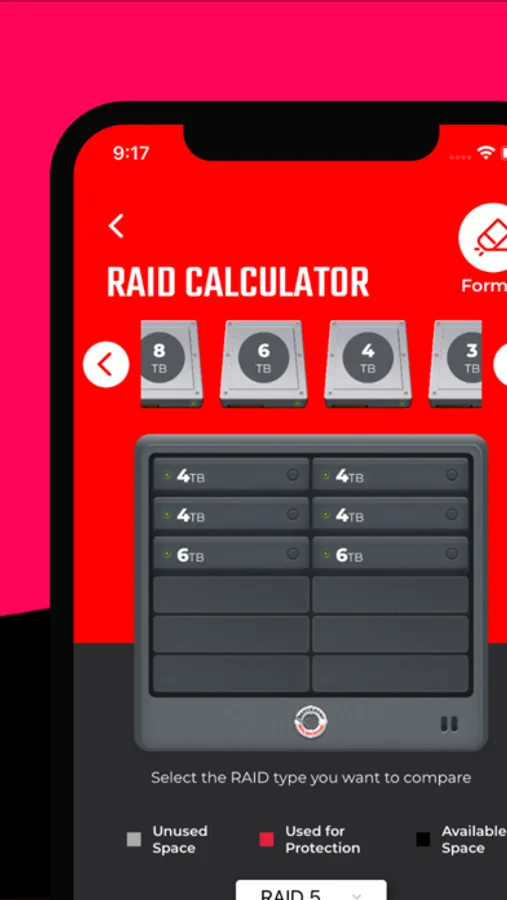
The most popular feature of the application is “Crash a Hard Drive,” a simulation of real-world drive failures that users experience daily. Watch a head crash score the platters and turn the data into dust, and, in the new version 1.1 update, see a Solid State Drive (SSD) circuit board go up in smoke chip-by-chip. DriveSaver® enables users to explore the different parts of the drive and their function. And, if data loss does occur, DriveSaver® can help prevent catastrophic loss with dos and don’ts for data recovery.
DriveSaver - Data Recovery Screenshots




Tap to Rate:
Reviews for DriveSaver - Data Recovery
Joe Migliore
Far above what I expected
The iPhone module alone is worth the free download. Chipset clusters are clearly identified and the data storage differences between SSD, HDD, and Raid, couldn’t have been more clear. I would love to see improvements to the liquid and physical damage simulations. I think people would understand why liquid damage is so destructive to device hardware with better hardware. Great app and worth the download
ACN380
Hard drive simulator?
What happened to the hard disk simulator feature of the app? I used to always use the DriveSavers simulator app to demonstrate to people the importance of backing up data and how there were many different ways drives could fail at any time.