In this offline navigation app, users can access detailed maps, get turn-by-turn directions, and record GPS tracks. Includes offline search, markers, and synchronization features.
AppRecs review analysis
AppRecs rating 4.5. Trustworthiness 77 out of 100. Review manipulation risk 21 out of 100. Based on a review sample analyzed.
★★★★☆
4.5
AppRecs Rating
Ratings breakdown
5 star
84%
4 star
9%
3 star
3%
2 star
1%
1 star
3%
What to know
✓
Low review manipulation risk
21% review manipulation risk
✓
Credible reviews
77% trustworthiness score from analyzed reviews
✓
High user satisfaction
84% of sampled ratings are 5 stars
About Guru Maps - Offline Navigation
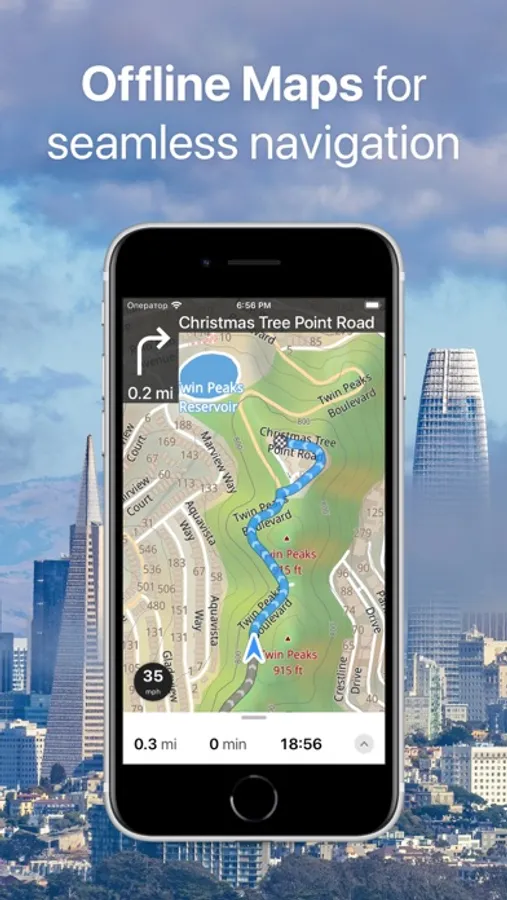
Explore the world offline with Guru Maps — detailed maps, turn-by-turn navigation, and GPS track recording that keep working when you have no signal.
Download maps once and use them anywhere (powered by OpenStreetMap). Plan routes, record adventures, save favorite places, and sync everything across devices.
KEY FEATURES
OFFLINE MAPS
• Download maps for countries or regions and use them fully offline.
• Rich detail and millions of places. Monthly map updates.
NAVIGATION THAT WORKS OFFLINE
• Voice-guided, turn-by-turn directions with automatic rerouting.
• Lane guidance for clearer driving in complex junctions.
• Modes: car, bike, truck, walk, plus straight-line navigation (great for sailing or off-road).
ROUTE PLANNING
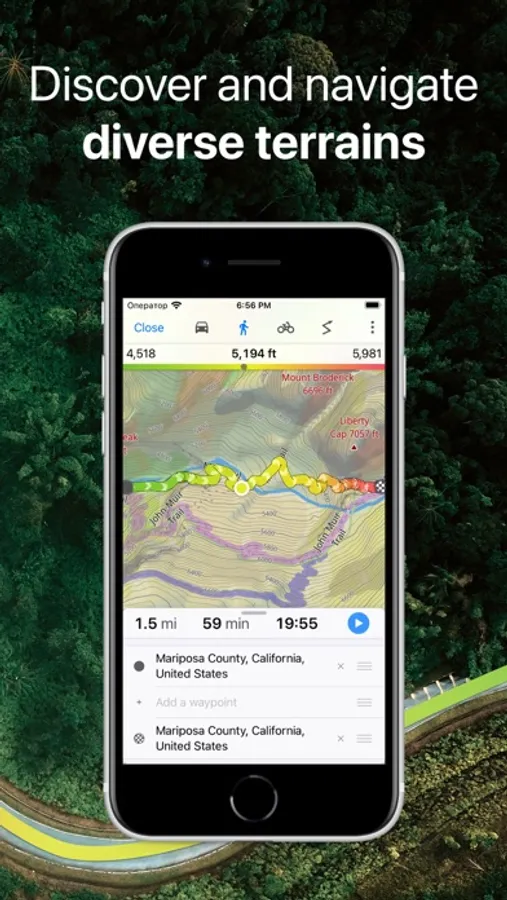
• Build multi-stop routes with custom waypoints.
• Choose fastest or shortest route and save your plans.
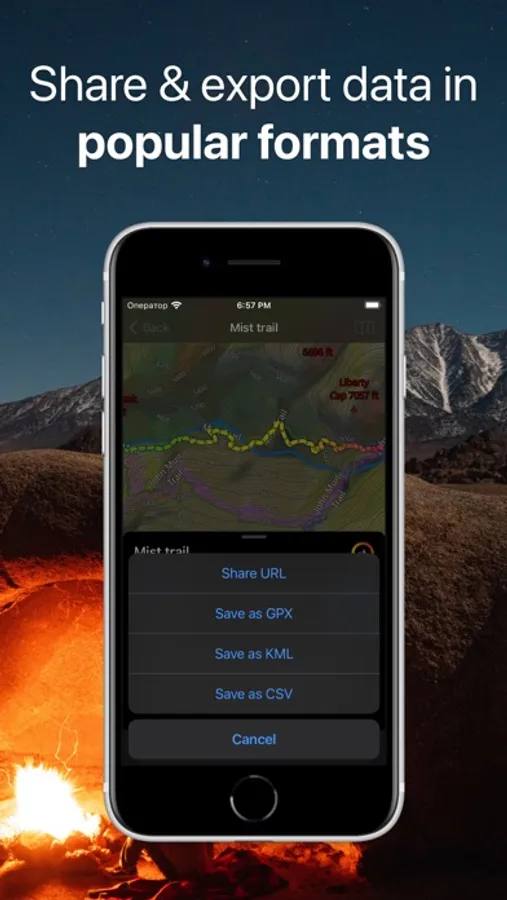
• Export routes to GPX/KML to share or back up.
TRUE 3D RELIEF & TERRAIN
• Preview hills and valleys in True 3D Relief.
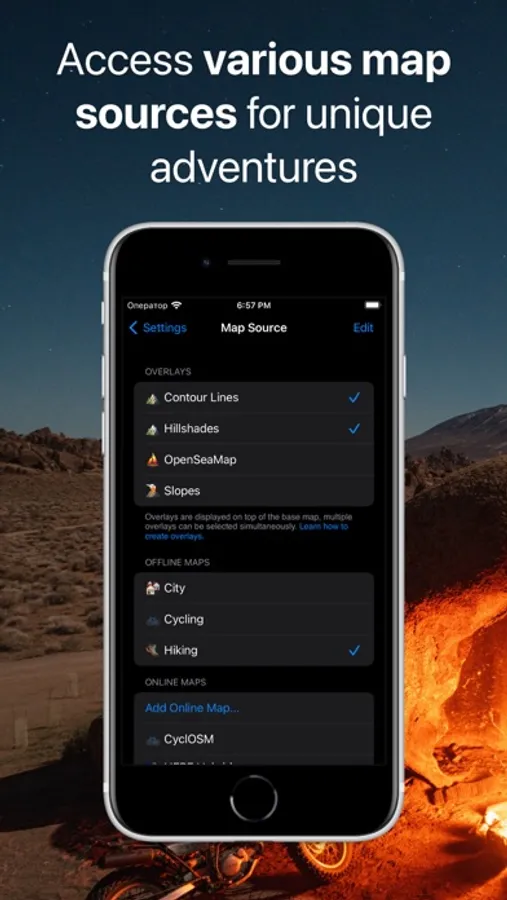
• High-detail terrain: contour lines, hillshade, and topographic overlays.
• Elevation profiles and slope charts for smarter planning.
GPS TRACK RECORDING
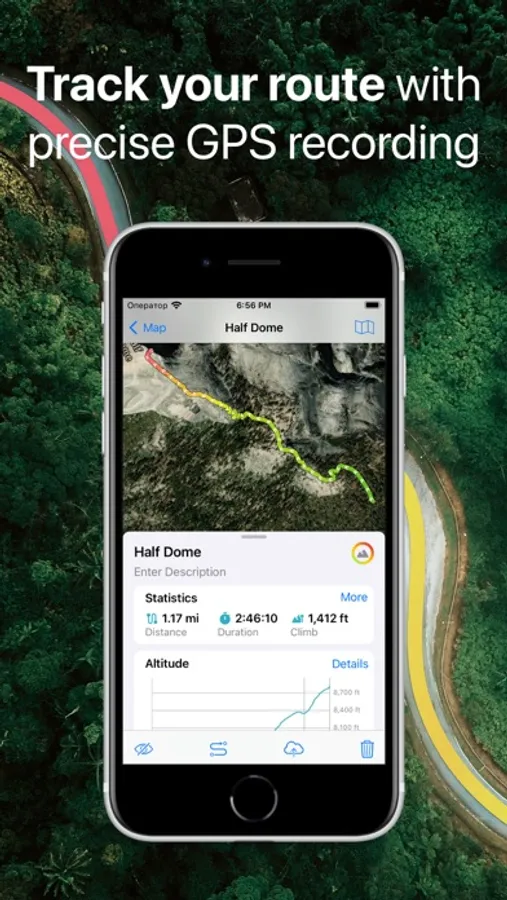
• Record tracks with one tap (even in the background).
• Live stats: speed, distance, time, altitude.
• Analyze tracks with interactive graphs and export to GPX/KML.
FAST OFFLINE SEARCH
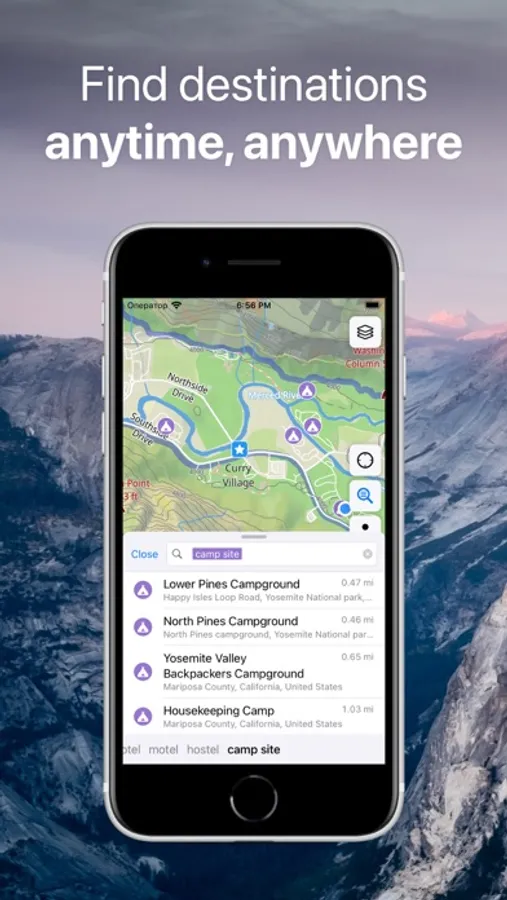
• Search by name, address, category, or coordinates — offline.
• Instant results as you type, with multi-language support.
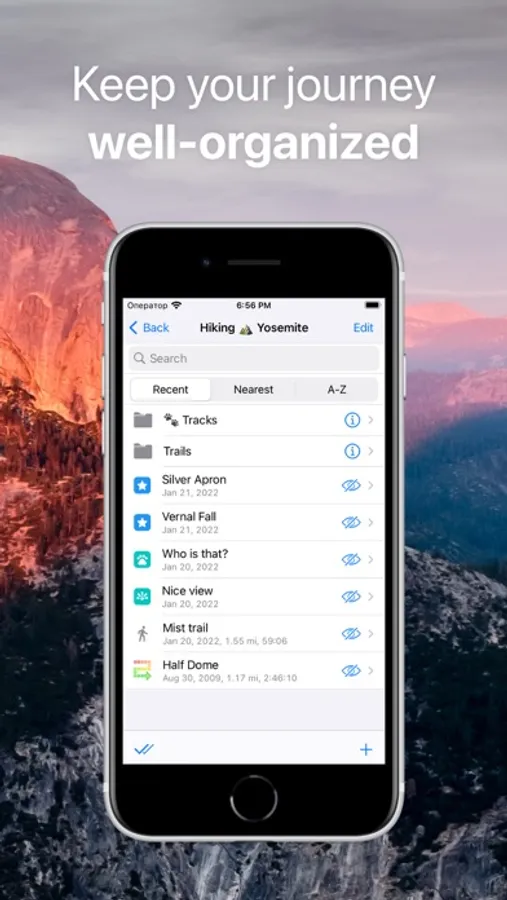
BOOKMARKS & ORGANIZATION
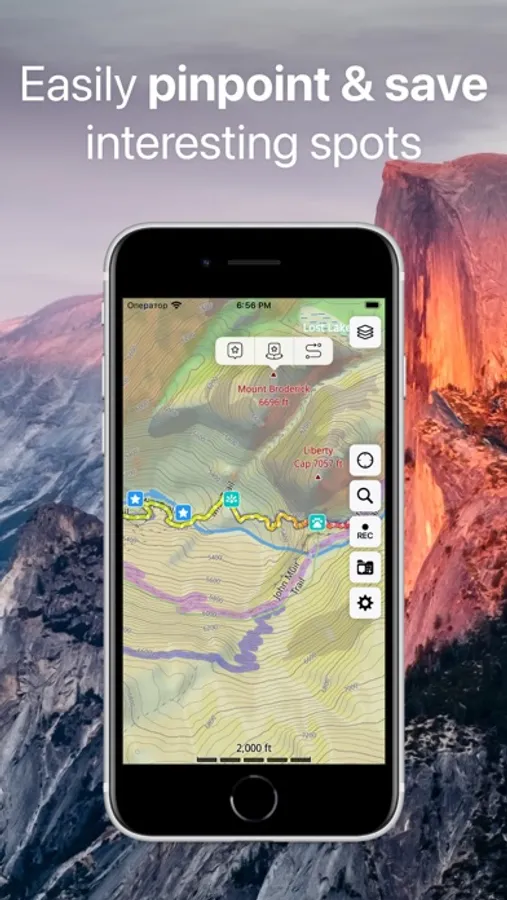
• Save places with custom pins and icons.
• Organize everything into folders and collections.
OPENING HOURS
• See opening hours for places when available.
SYNC ACROSS DEVICES
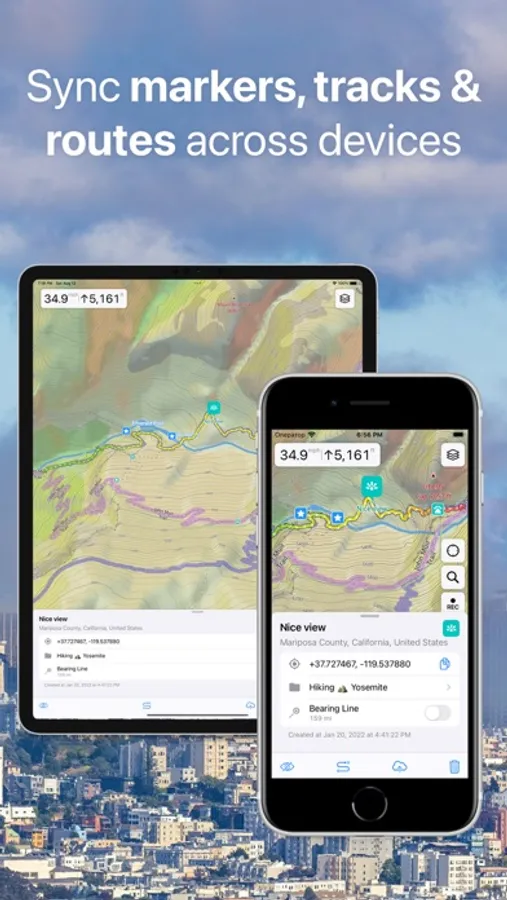
• Sync and back up your markers, tracks, and collections with one Guru account across different platforms.
CARPLAY
• Use Guru Maps on Apple CarPlay with offline maps and voice directions.
NO ADS. PRIVACY FIRST.
• No advertising. Your location stays on your device.
Power features: one-finger zoom, compass & scale, coordinate grids (MGRS/UTM), GeoJSON overlays, MBTiles/sqlitedb import, and more.
Upgrade to Pro for:
• Unlimited offline map downloads
• Unlimited markers and GPS tracks
• Pro map sources, including Satellite and specialist layers (cycling, outdoors, marine, ski, etc.)
Choose monthly or yearly subscription (7-day free trial) — or a one-time lifetime purchase.
Download Guru Maps and explore with confidence — anywhere, anytime.
Terms of Service & Privacy Policy: https://gurumaps.app/terms_of_service
Continued use of GPS running in the background can dramatically decrease battery life.
Download maps once and use them anywhere (powered by OpenStreetMap). Plan routes, record adventures, save favorite places, and sync everything across devices.
KEY FEATURES
OFFLINE MAPS
• Download maps for countries or regions and use them fully offline.
• Rich detail and millions of places. Monthly map updates.
NAVIGATION THAT WORKS OFFLINE
• Voice-guided, turn-by-turn directions with automatic rerouting.
• Lane guidance for clearer driving in complex junctions.
• Modes: car, bike, truck, walk, plus straight-line navigation (great for sailing or off-road).
ROUTE PLANNING
• Build multi-stop routes with custom waypoints.
• Choose fastest or shortest route and save your plans.
• Export routes to GPX/KML to share or back up.
TRUE 3D RELIEF & TERRAIN
• Preview hills and valleys in True 3D Relief.
• High-detail terrain: contour lines, hillshade, and topographic overlays.
• Elevation profiles and slope charts for smarter planning.
GPS TRACK RECORDING
• Record tracks with one tap (even in the background).
• Live stats: speed, distance, time, altitude.
• Analyze tracks with interactive graphs and export to GPX/KML.
FAST OFFLINE SEARCH
• Search by name, address, category, or coordinates — offline.
• Instant results as you type, with multi-language support.
BOOKMARKS & ORGANIZATION
• Save places with custom pins and icons.
• Organize everything into folders and collections.
OPENING HOURS
• See opening hours for places when available.
SYNC ACROSS DEVICES
• Sync and back up your markers, tracks, and collections with one Guru account across different platforms.
CARPLAY
• Use Guru Maps on Apple CarPlay with offline maps and voice directions.
NO ADS. PRIVACY FIRST.
• No advertising. Your location stays on your device.
Power features: one-finger zoom, compass & scale, coordinate grids (MGRS/UTM), GeoJSON overlays, MBTiles/sqlitedb import, and more.
Upgrade to Pro for:
• Unlimited offline map downloads
• Unlimited markers and GPS tracks
• Pro map sources, including Satellite and specialist layers (cycling, outdoors, marine, ski, etc.)
Choose monthly or yearly subscription (7-day free trial) — or a one-time lifetime purchase.
Download Guru Maps and explore with confidence — anywhere, anytime.
Terms of Service & Privacy Policy: https://gurumaps.app/terms_of_service
Continued use of GPS running in the background can dramatically decrease battery life.
Guru Maps - Offline Navigation Screenshots
Tap to Rate:
Reviews for Guru Maps - Offline Navigation
lnkljn
Tank you
🌱❤️🙏
bm-nospam
My Go-To Mapping App for Offline Use
I keep this app on all of my portable devices and appreciate the fact that I can download whole regions of maps for use when I’m outside of the range of cell service. Very handy.