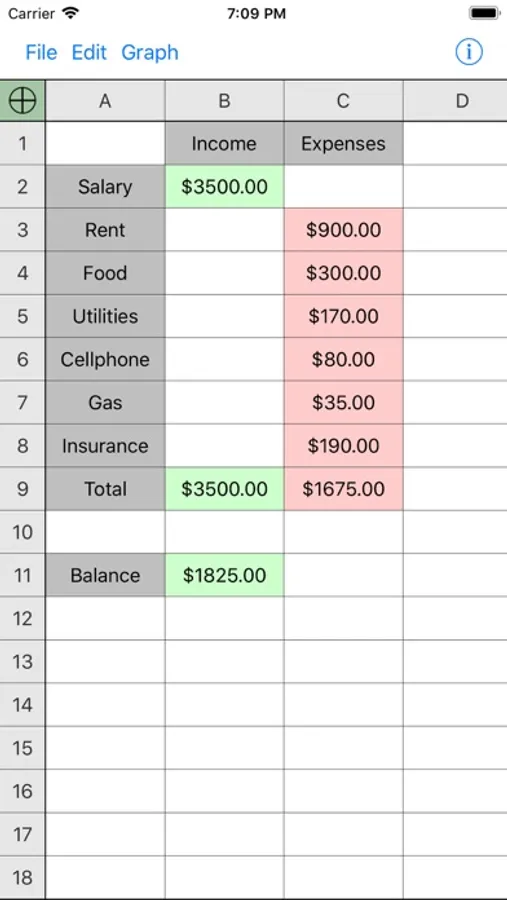
In this spreadsheet app, you can enter formulas, drag them across cells, and import or export CSV files. Includes built-in functions like SUM, AVERAGE, IF, and trigonometry, with support for graphing and sorting options.
AppRecs review analysis
AppRecs rating 3.9. Trustworthiness 80 out of 100. Review manipulation risk 20 out of 100. Based on a review sample analyzed.
★★★☆☆
3.9
AppRecs Rating
Ratings breakdown
5 star
51%
4 star
25%
3 star
7%
2 star
6%
1 star
11%
What to know
✓
Low review manipulation risk
20% review manipulation risk
✓
Credible reviews
80% trustworthiness score from analyzed reviews
✓
Good user ratings
76% positive sampled reviews
About Utility Spreadsheet
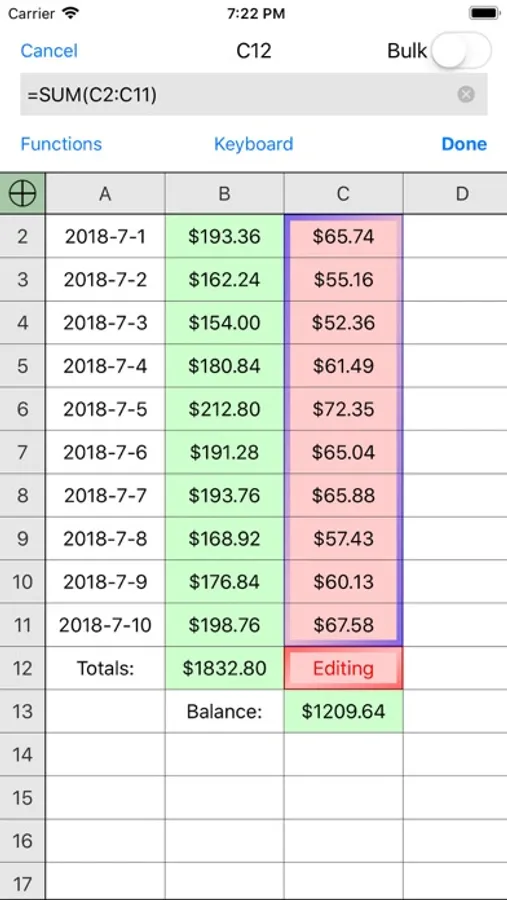
Our expanded keyboard keeps the operator and number keys available so you don't have to switch back and forth to write an equation.
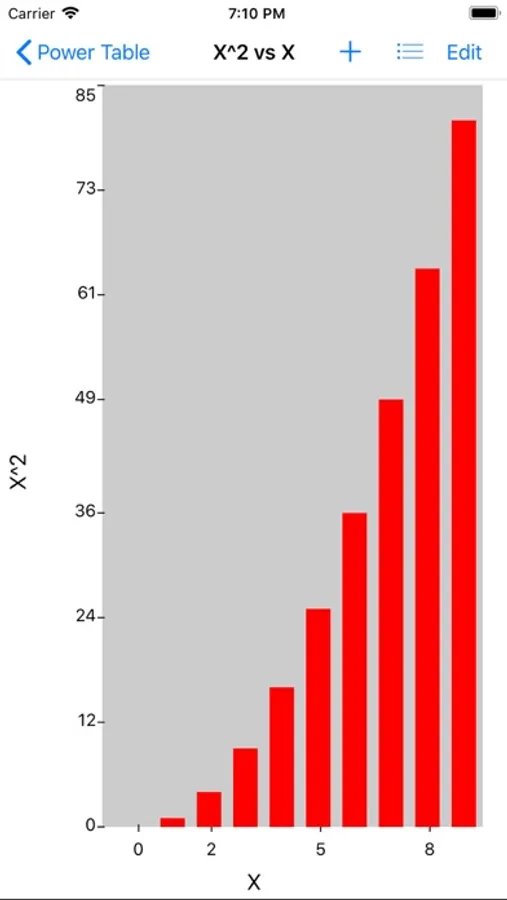
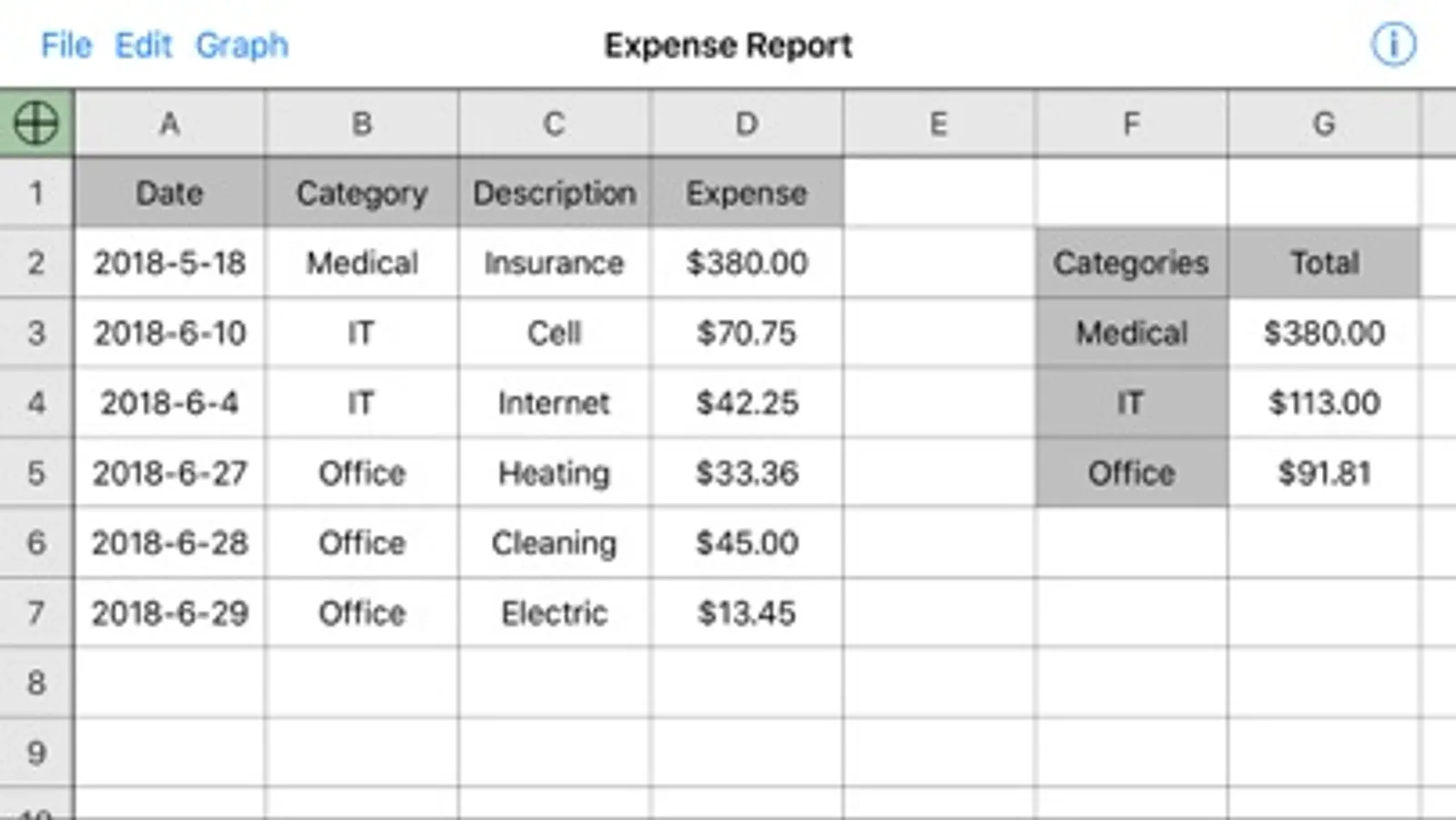
Capabilities include formula dragging, limited graphing, sorting, freezing headers, and import/export of csv files for compatibility with many other spreadsheet programs.
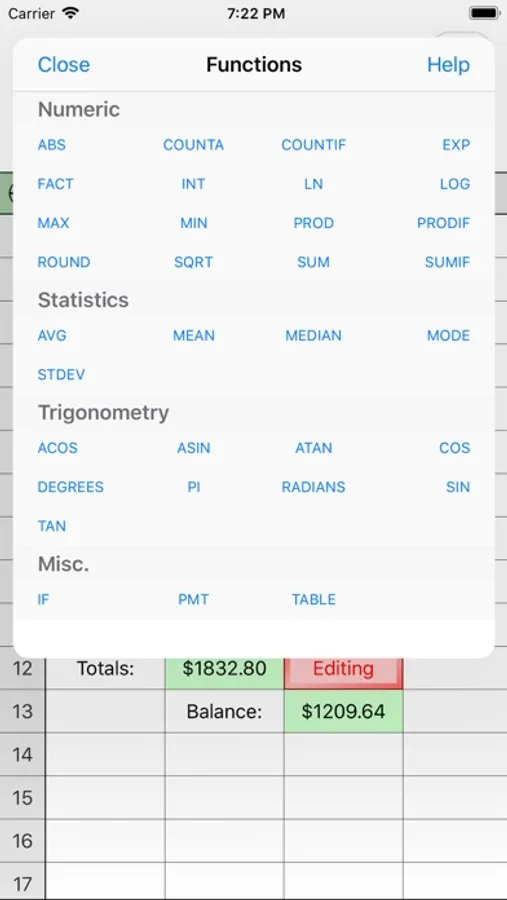
Has built-in support for the following functions, with more to come in future updates!
SIN, COS, TAN, ASIN, ACOS, ATAN, RADIANS, DEGREES, SUM, PROD, SUMIF, FACT, MEAN, MEDIAN, MODE, STDEV, SQRT, EXP, LN, LOG, IF, ABS, PMT, MIN, MAX
Suggestions or comments? Email us at the support address, and help us make Utility Spreadsheet even better!
Utility Spreadsheet Screenshots
Tap to Rate:
Reviews for Utility Spreadsheet
jkj98765
JRivas
Powerful yet easy to use. I use it for everything, including shopping lists, extensive check-lists and financial analysis. I, however, miss the “cut and paste” inside a cell feature you used to have and ask that you bring it back. With this feature, you can still search the internet by pasting info into your browser copied right from a cell. 🤞 🙏 UPDATE: Thanks for putting back the cut & paste! This makes moving data around much easier and faster. I have a new request for your consideration: add FV (Future Value) to the Functions. Inflation can screw up any budget, but with FV, you can calculate forward easily without having to use a separate financial calculator and then transfer figures back and forth. Thank you so much.
terry-2617
Nice simple app
Easy to use, has all the functionality I need, lightweight and simple.