With this server monitoring app, you can check host and service availability, run network diagnostics, and view real-time status updates. Includes support for custom services, email notifications, and network device lookups.
AppRecs review analysis
AppRecs rating 4.3. Trustworthiness 69 out of 100. Review manipulation risk 25 out of 100. Based on a review sample analyzed.
★★★★☆
4.3
AppRecs Rating
Ratings breakdown
5 star
85%
4 star
10%
3 star
2%
2 star
0%
1 star
4%
What to know
✓
Low review manipulation risk
25% review manipulation risk
✓
High user satisfaction
85% of sampled ratings are 5 stars
✓
Authentic reviews
No red flags detected
About Net Status - Server Monitor
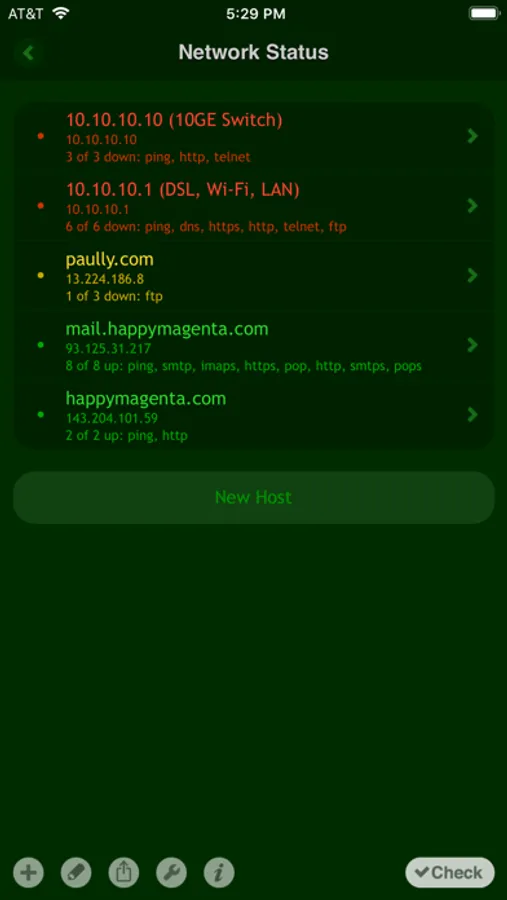
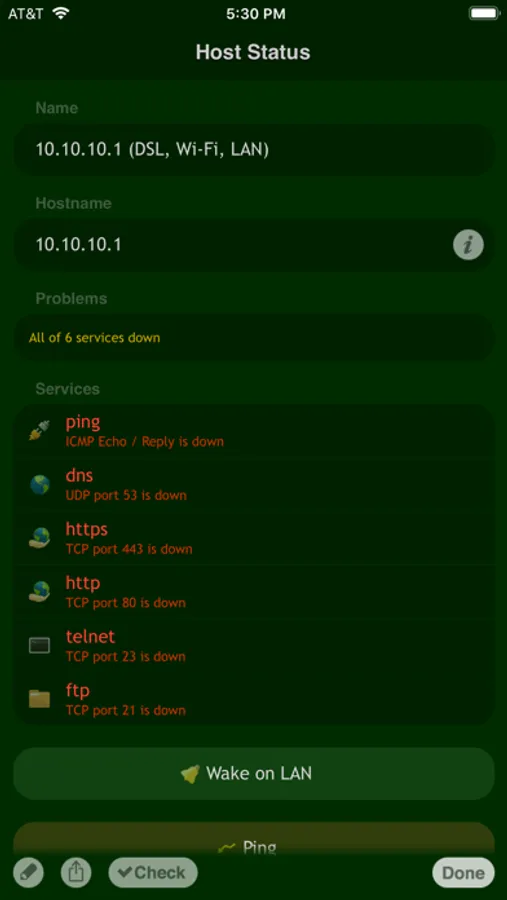
The tool checks network services your hosts run for availability and presents the information in a convenient way in order to speed up the diagnostics of network problems. With Net Status you can quickly and easily determine which hosts and services are down from your monitoring list.
Net Status employs asynchronous algorithms that allow Net Status to operate really fast. Fractions of a second are needed to check a host with quite a number of running services. Even problematic hosts won't slow down the check process for a time much longer than a timeout you specify.
FEATURES
- Group hosts into multiple checklists
- Automatic scan of hosts for running services
- E-mail check results
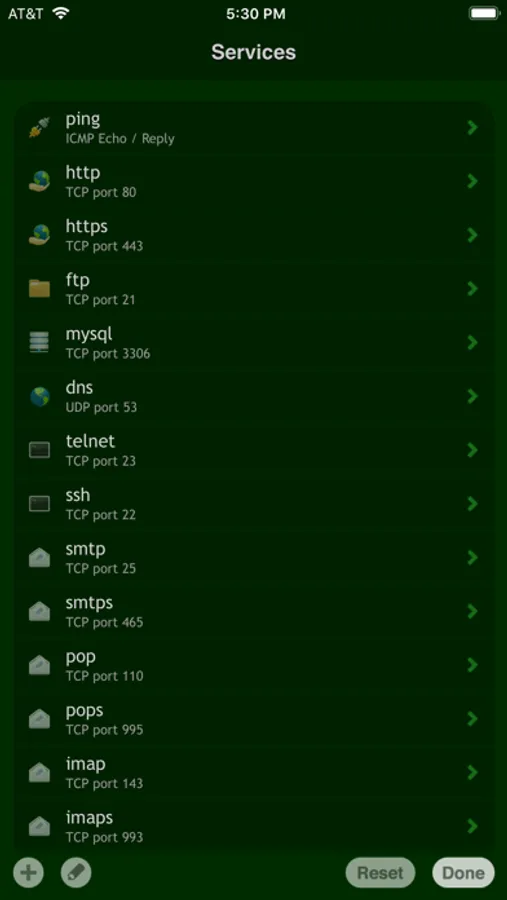
- Predefined services for your convenience
- Possibility to add custom services
- Checks ICMP, TCP and UDP
- MAC address and hardware vendor lookup
- Wake on LAN or Wi-Fi
- Wake over the Internet (using proper routers)
- Ping hosts with integrated tool
- WHOIS hostnames, IP addresses
- Ultrafast asynchronous network I/O
DEMO VIDEOS
http://j.mp/netstatus_vids
MORE GREAT APPS
· Spyglass - augmented reality & GPS navigator
· Scany - Wi-Fi/LAN network scanner
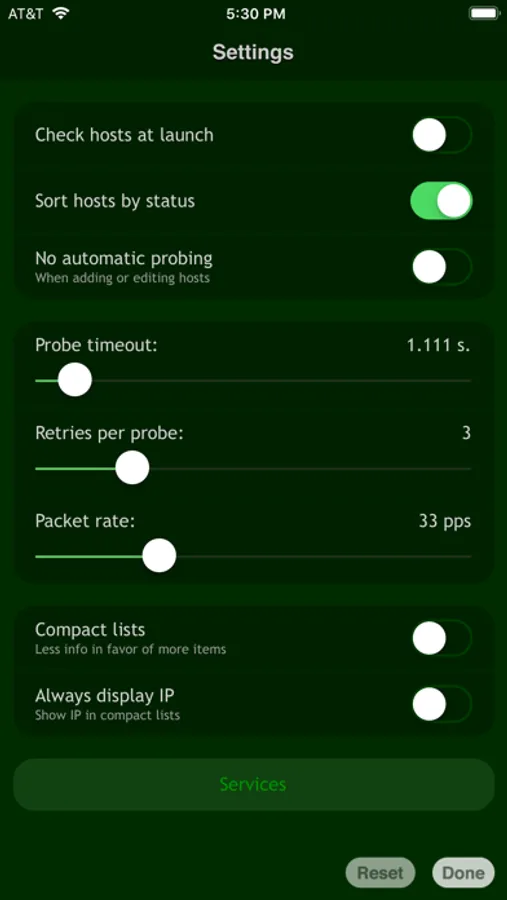
Net Status - Server Monitor Screenshots

Tap to Rate:
Reviews for Net Status - Server Monitor
Hubert Dobrosiński
The App Does Not Work
The app doesn’t meet its purpose as far as M2 Pro Mac Mini is concerned. Regardless of whether I combine my M2 Pro Mac Mini WiFi local IP address with its corresponding MAC address, or its Ethernet local IP address with its corresponding MAC address, my M2 Pro Mac Mini does not wake up from the sleep state. MacOS Ventura 13.2.1 built-in Firewall is turned off, as well as is the FileVault and Lockdown Mode, and I don’t have any third-party antivirus piece of software installed, so, as far as I know, there is nothing that could block the Magic Packet from making through. Not through Net Status, but I have used the Wake-on-LAN function with my previous Windows PC and my current wireless router without an active Firewall before, and so I know that Wake-on-LAN should work. Why it doesn’t work with my MacOS Ventura 13.2.1 M2 Pro Mac Mini, exposed to all incoming connections, I have no idea.
Tom Cal
Nice app
Nice app. Works as advertised. Would be nice to have support for better alerts, a widget, and nonstandard ports.