In this app, you can diagnose and analyze network devices, scan networks, and perform port checks. Includes device detection, network analysis tools, and port scanning features.
AppRecs review analysis
AppRecs rating 4.4. Trustworthiness 76 out of 100. Review manipulation risk 26 out of 100. Based on a review sample analyzed.
★★★★☆
4.4
AppRecs Rating
Ratings breakdown
5 star
73%
4 star
11%
3 star
4%
2 star
2%
1 star
10%
What to know
✓
Low review manipulation risk
26% review manipulation risk
✓
Credible reviews
76% trustworthiness score from analyzed reviews
✓
High user satisfaction
84% of sampled ratings are 4+ stars (4.3★ average)
About Scany
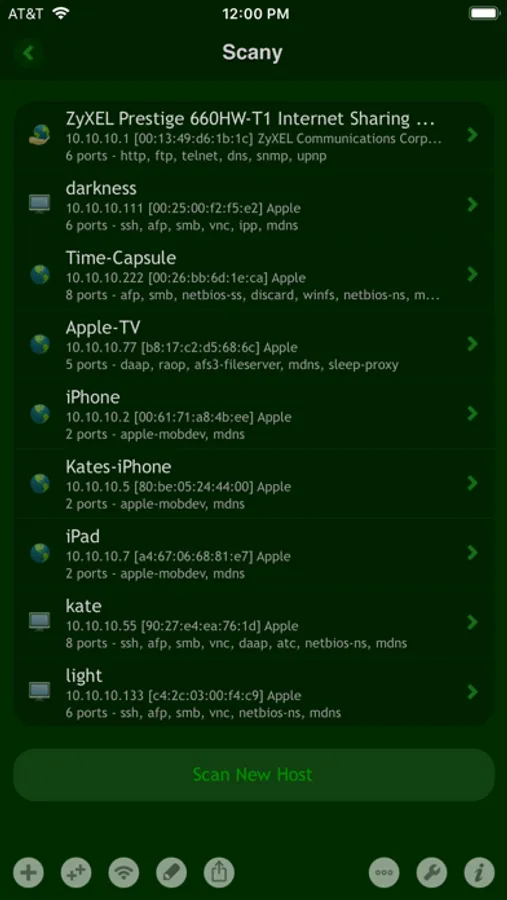
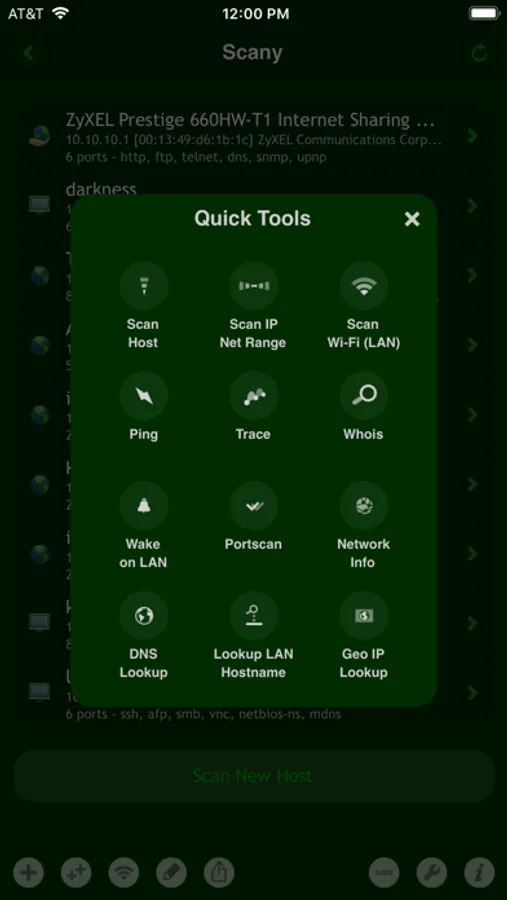
Scany finds computers and devices connected to a LAN or Wi-Fi shows their names, addresses and manufacturers, and includes a wide set of network analysis tools, specially crafted to transcend existing analogs, including ping, trace, WHOIS, DNS lookup, port scanner and many more.
Built from the ground up for mobile by an experienced network administrator, Scany outmatches other apps in many respects.
WI-FI LAN & INTERNET SCANNER
· Wi-Fi/LAN and custom/Internet network ranges scanning
· detection of all network devices + hidden
· IP addresses, vendor names, IP countries info and more
· Bonjour, mDNS, Mac OS X and iOS network names
· NetBIOS, Samba, LLNMR and Windows PC network names
· UPnP and SSDP/DLNA device network names
· Unicode and international network names support
· device models detection (on OS X and iOS)
· shared printers detection (on OS X)
· "online", "firewalled" and other host states detection
· superfast smart algorithms optimized for huge networks
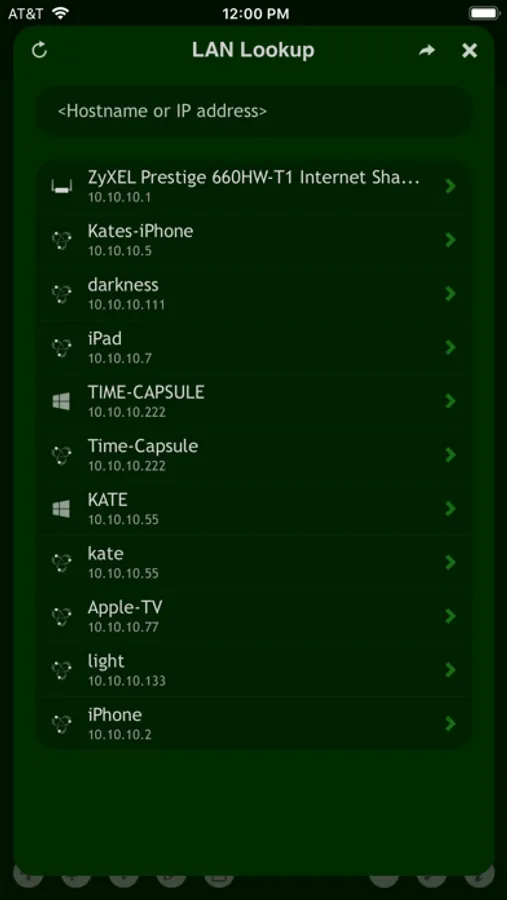
INSTANT LAN/WI-FI BROWSER/LOOKUP
· instant detection of all network names on LAN/Wi-Fi
· no need for a full deep network scan for a quick LAN overview
· instant IP lookup by a LAN hostname (or vice versa)
· type in (non-DNS) LAN hostname in almost all built-in tools
· works with all supported Mac, PC and device names
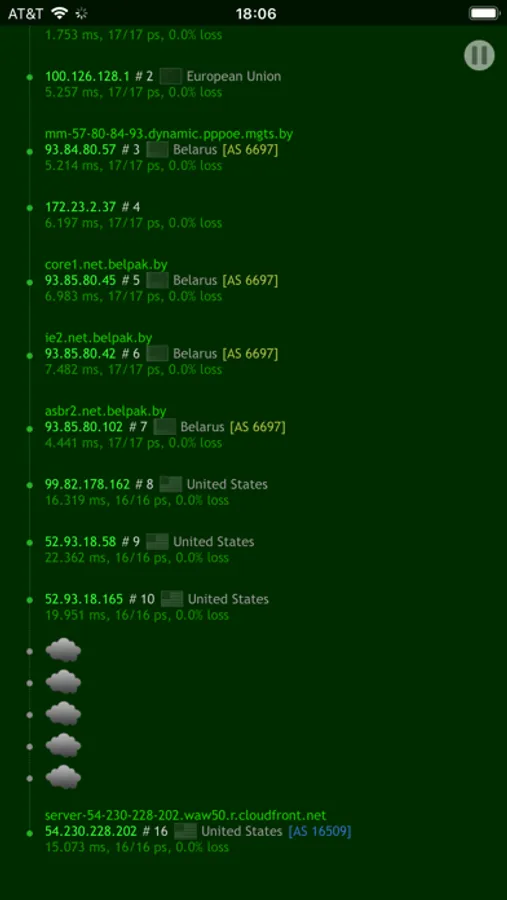
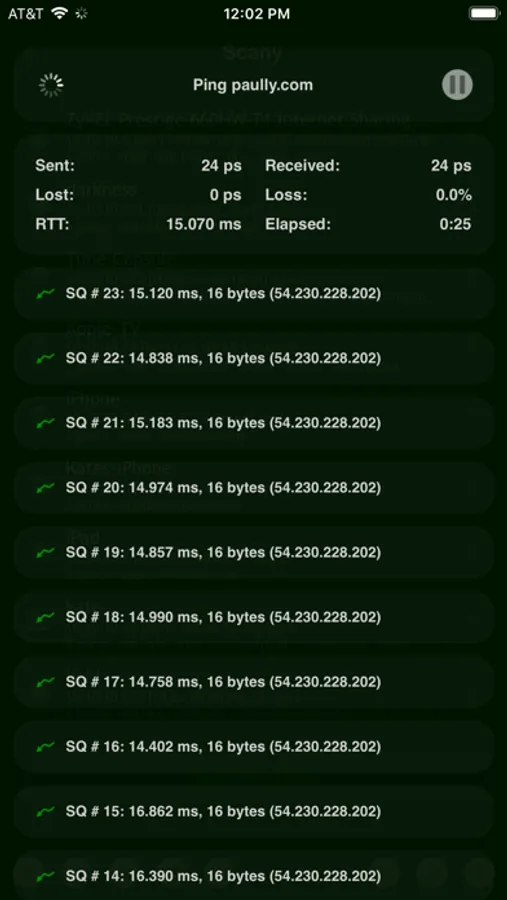
PING & TRACEROUTE
· real-time network path traceroute monitor and ping
· network path bottlenecks and packet loss visualization
· IPs, hostnames and info for each hop
· reverse hostnames, AS numbers and countries info
· multi-node and multi-path hops detection
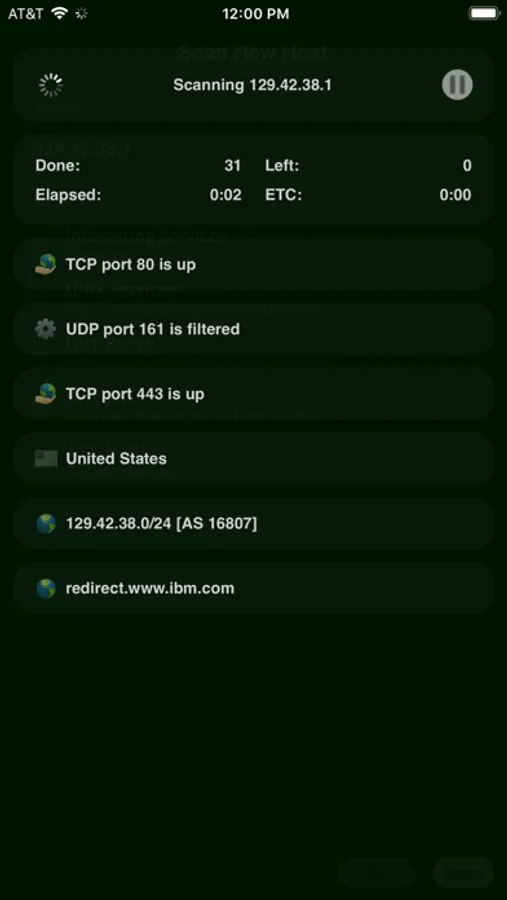
PORT SCANNER
· superfast detection of predefined and custom ports
· open, filtered/firewalled and closed TCP/UDP ports detection
· detection of extra services/ports with protocol level probes
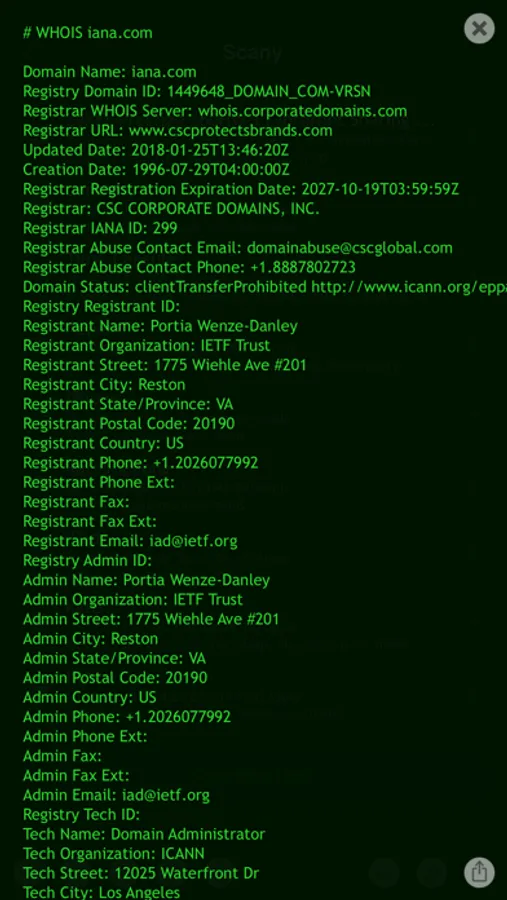
DEEP WHOIS LOOKUP AND TRACE
· WHOIS of any IP, domain or AS number
· IPv4 and IPv6 WHOIS support
· all top level domains (TLD) support
· support for all internationalized domain names (IDN)
· support for WHOIS trace across a chain of WHOIS servers
· custom servers usage (type "-h host" in query)
· custom ports usage (type "-p port" in query)
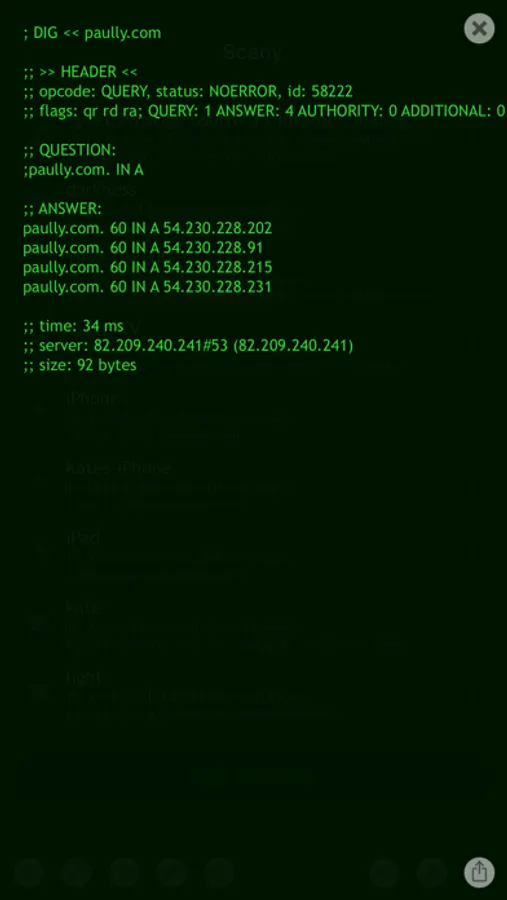
DNS DIG, LOOKUP AND TRACE
· support for A, AAAA, ANY, CNAME, PTR, NS, MX, SOA, SRV records
· support for "-t type" option or just add record type into query
· support for "+trace" and "+all" options typed in query/hostname field
· support for custom DNS server and port via "-h host" and "-p port" options
· support for DNS queries to local multicast IP addresses (automatically)
WAKE ON LAN, WI-FI OR OVER INTERNET
· wake on LAN/Wi-Fi or cellular/Internet
· detection of router external IP for pre-saved/pre-scanned hosts
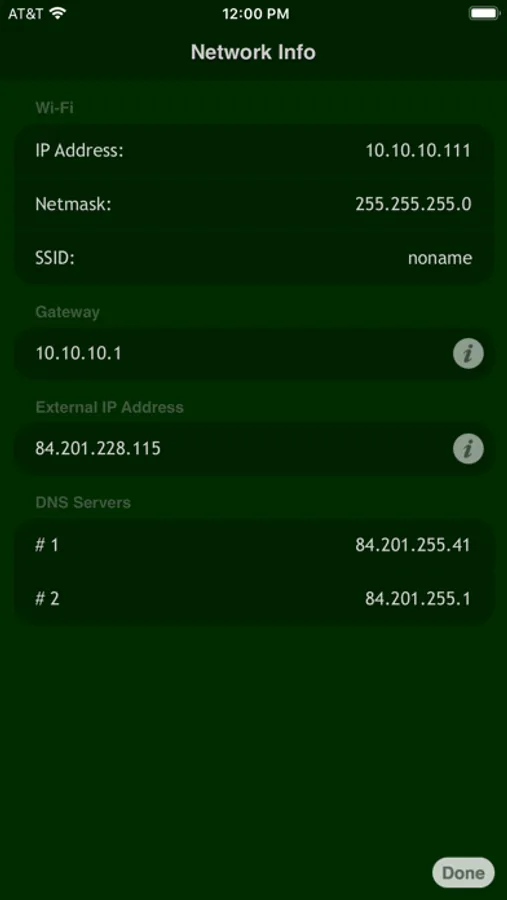
NETWORK INFORMATION
· Wi-Fi IP address and network mask info, SSID, BSSID
· cellular and VPN IP addresses and network masks
· external router IP address detection
· default gateway/router IP address detection
· DNS servers detection
EXTENSIVE EXPORT, IMPORT AND HISTORY
· copy and email all data and history
· export and import separate hosts, entire or all groups
· export separate lists of Bonjour, PC, UPnP/SSDP or a list of all hostnames
· export a list of free IP addresses
· export a list of busy IP addresses
· export text and .SCANY files via email as attachments
· open .SCANY files from email in Scany or Net Status
· export as text, .TXT and/or .CSV files via email
· choose data fields to export
MORE
· regular updates and careful support
· universal binary for all devices
· demo videos on our site: http://j.mp/scany_vids
Scany Screenshots

Tap to Rate:
Reviews for Scany
GJK8
Such a handy app!
I have been using this app for years. It has consistently worked well for me and has been my default tool for locating devices and open ports on my networks.
Joe a527
wow. so bad
downloaded and paid for app to see if the channel for wifi needed to be changed. you need a computer science degree to use this app. totally useless for the average non IT pro. i mean would it hurt to put some easy to use things in like a channel traffic icon or something to help those who arent experts on wifi networks? useless in any way i can tell.