
In this GPS-logger app, you can record, view, and manage GPS tracks using your iPhone or Apple Watch. Includes offline map access, waypoint marking, photo attachment, and data synchronization.
AppRecs review analysis
AppRecs rating 3.7. Trustworthiness 82 out of 100. Review manipulation risk 19 out of 100. Based on a review sample analyzed.
★★★☆☆
3.7
AppRecs Rating
Ratings breakdown
5 star
49%
4 star
12%
3 star
13%
2 star
12%
1 star
15%
What to know
✓
Low review manipulation risk
19% review manipulation risk
✓
Credible reviews
82% trustworthiness score from analyzed reviews
✓
Good user ratings
60% positive sampled reviews
About myTracks - The GPS-Logger
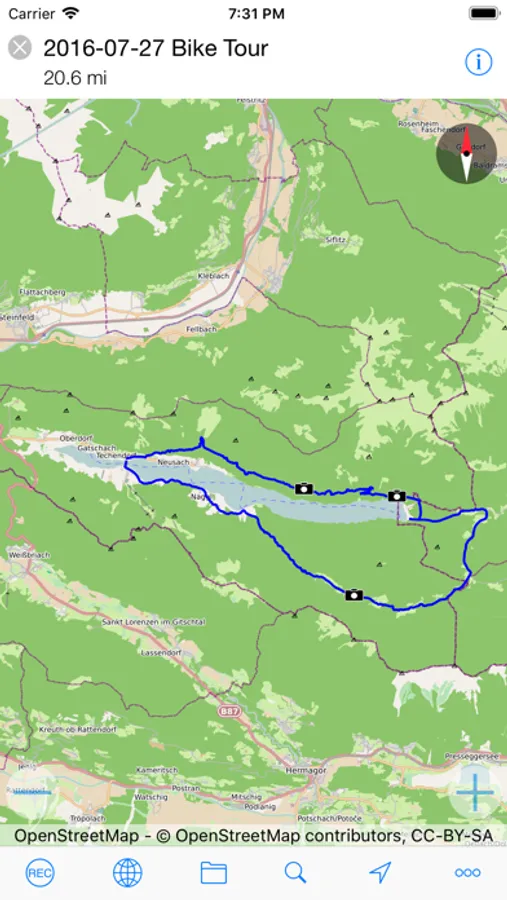
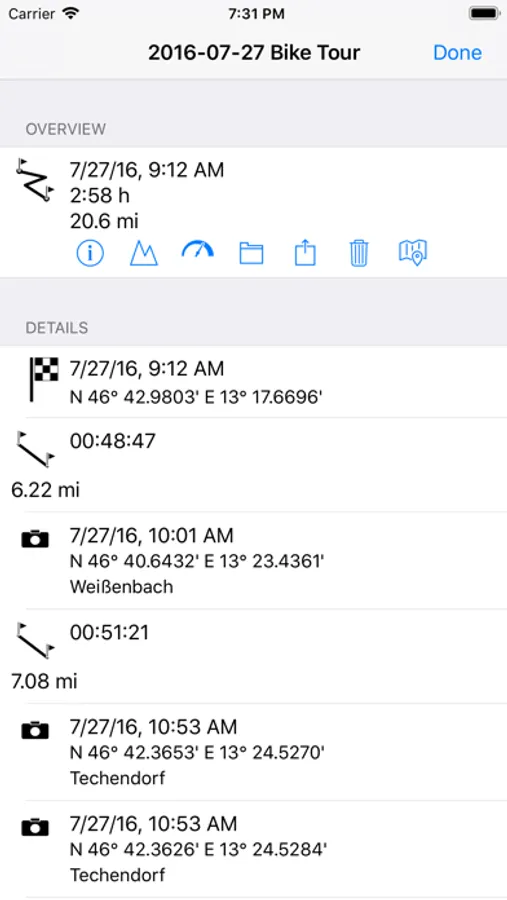
You can start and stop GPS recordings individually or use the energy-saving diary mode, where myTracks automatically creates a single track with the most important positions for each day. You can conveniently manage the GPS tracks in the track library. From there you can export the tracks or the associated photos, e.g. by e-mail and publish them on social networks.
The integrated Apple Watch app shows information about the current GPS recording. This includes the start time, distance covered, current, minimum and maximum altitude and the current map section. The GPS recording of the iPhone can be started and stopped via the Apple Watch and waypoints can be added. Since myTracks 5 you can also record directly with the Apple Watch.
Features of myTracks:
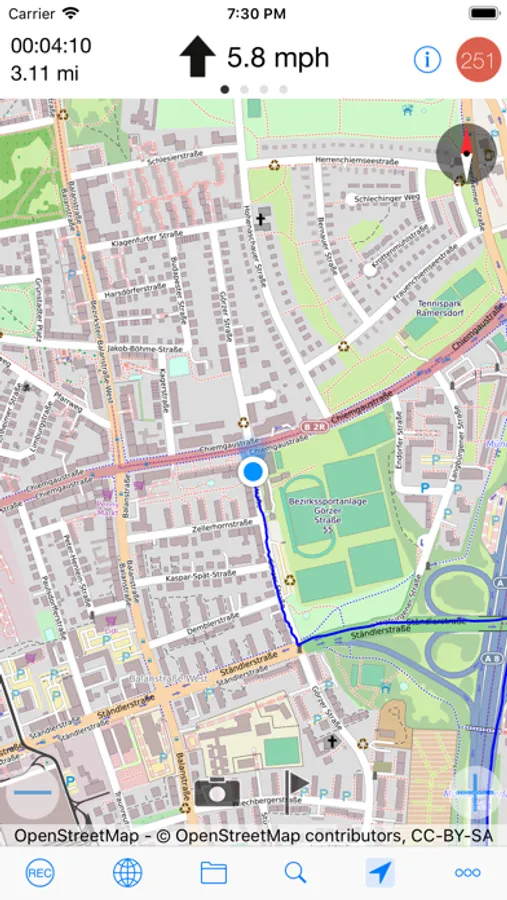
- Record GPS tracks with iPhone or Apple Watch
- Display of the tracks on various maps
- Optionally, the maps are also available offline, i.e. no internet connection is required.
- Waypoints and photos can be added to the track during a GPS recording.
- GPS tracks can be sent via email.
- Photos can be emailed or posted on social networks.
- The GPS tracks can be sent as GPX, KML, KMZ or ZIP files or opened in other apps.
- Recorded GPS tracks can be synced to Mac.
- GPS tracks and photos can be synced via iCloud.
- Apple Watch app including recording function
- myTracks is ad-free
In principle, myTracks can be used free of charge. However, some features require a premium subscription.
IMPORTANT INFORMATION:
Continued use of the GPS function (even in the background or on standby) can dramatically reduce battery life.
LANGUAGES:
- German
- English
- French
- Japanese
- Chinese
TERMS OF USE:
https://www.apple.com/legal/internet-services/itunes/dev/stdeula/
myTracks - The GPS-Logger Screenshots
Tap to Rate:
Reviews for myTracks - The GPS-Logger
His the
Wonderful app
Simple and straight to the point. It does everything it advertises perfectly and does it all without collecting any user data!
jimla7925
myTracks review
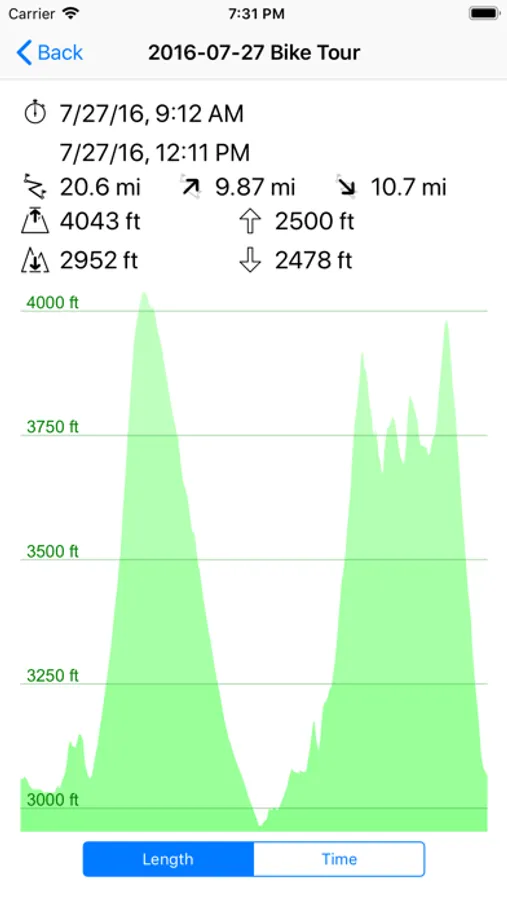
Excellent GPS app for recording hikes. Plus: low cost offline subscription, vector Open Street Maps reduce storage, multiple map areas download, iCloud sync with Mac app, track photos, statistics: length, duration, elevation profile, speed profile. Minus: offline map rotation is jerky.