With this comic viewer, you can open and read scanned comics, manga, magazines, and books on your device, supporting compressed file formats. Includes support for ZIP, CBZ, RAR, CBR, and PDF files.
AppRecs review analysis
AppRecs rating 4.3. Trustworthiness 72 out of 100. Review manipulation risk 21 out of 100. Based on a review sample analyzed.
★★★★☆
4.3
AppRecs Rating
Ratings breakdown
5 star
70%
4 star
8%
3 star
10%
2 star
0%
1 star
12%
What to know
✓
Low review manipulation risk
21% review manipulation risk
✓
Credible reviews
72% trustworthiness score from analyzed reviews
✓
High user satisfaction
78% of sampled ratings are 4+ stars (4.3★ average)
About ComicGlass
■ Why Choose ComicGlass?
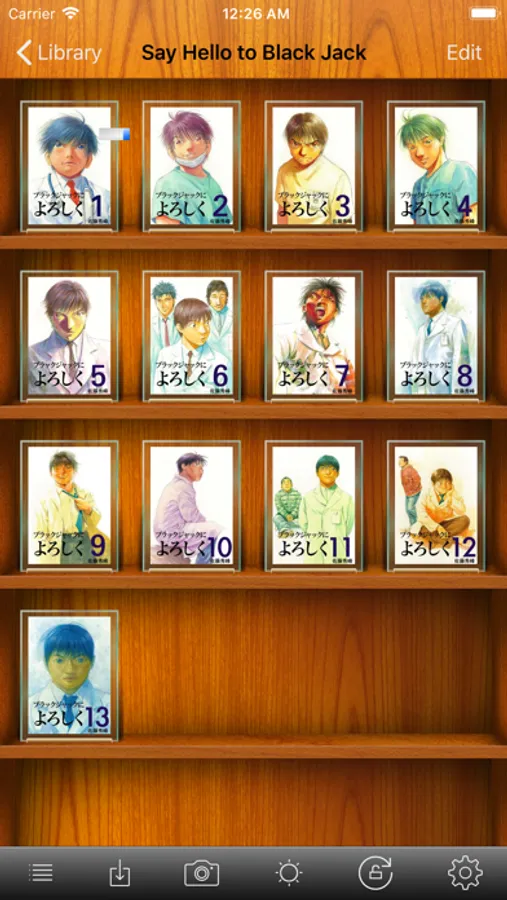
User-Centric Design: Packed with "must-have" features and granular settings for the ultimate daily reading experience.
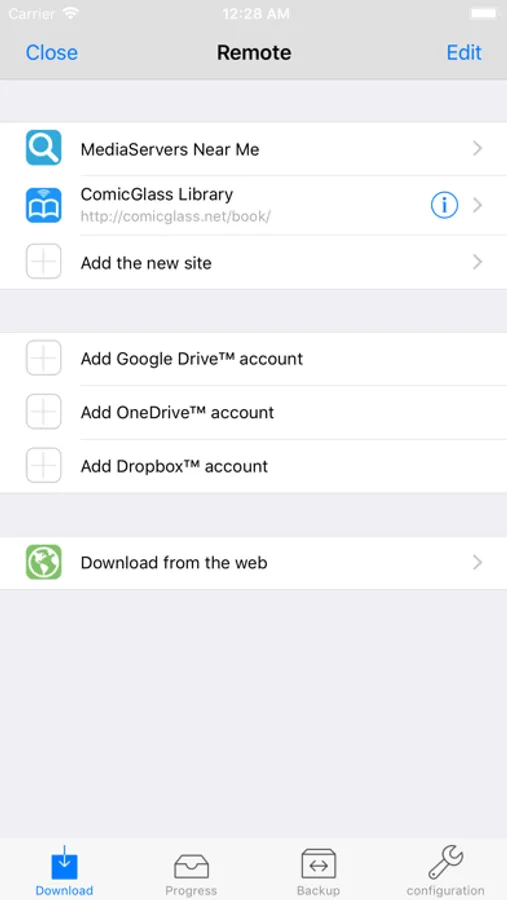
Access Anywhere: View files from your PC/Mac, NAS, or cloud storage instantly, no matter where you are.
Broad Format Support: From standard ZIP and PDF to the latest WebP, AVIF, and 7-Zip, we’ve got you covered.
Buy Once, Enjoy Everywhere: A universal app for both iPhone and iPad. Get the best experience on all your devices with a single purchase.
■ Powerful Features
【Versatile File Management】
Easy Transfer: Use our dedicated Windows/Mac tool for effortless syncing, or simply use OS-standard file sharing and cloud storage.
Sync Your Progress: "Bookmarks" stay synced across devices via iCloud. Start reading on your iPhone outside and pick up right where you left off on your iPad at home.
Network Ready: Supports SMB (Windows File Sharing), FTP, WebDAV, and various cloud services.
Cloud Support: Google Drive / Dropbox / OneDrive / OneDrive for Business / Box / iCloud.
【Advanced Reading Experience】
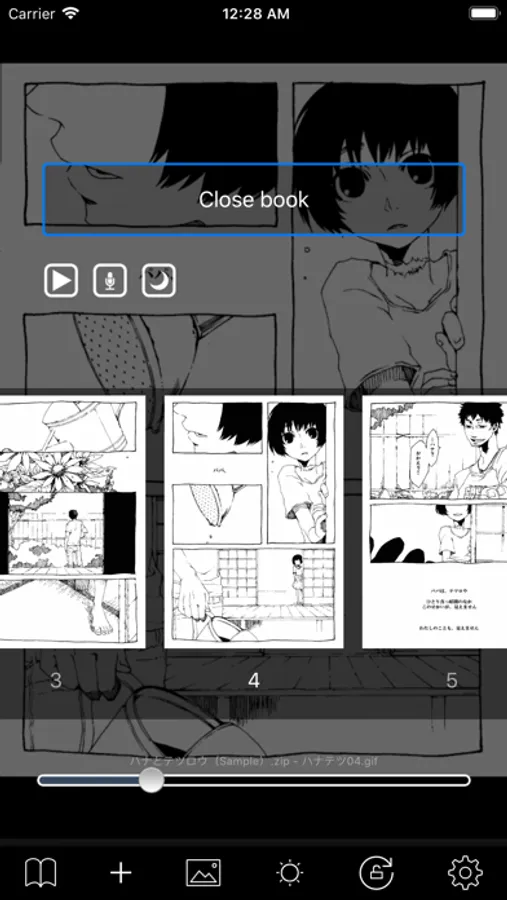
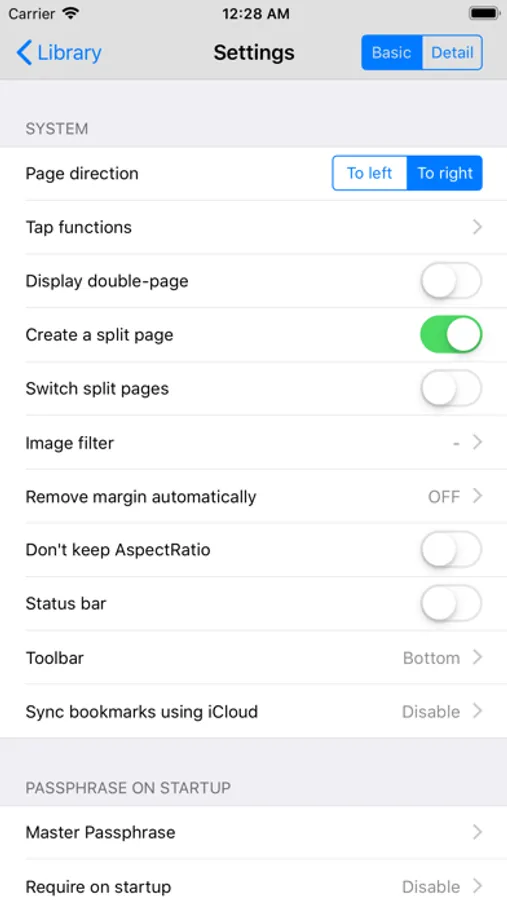
Fully Customizable: Fine-tune your experience with double-page spread views, right-to-left/left-to-right reading directions, margin cropping, and more.
Streaming: Stream files directly from your PC, NAS, or Cloud storage without the need for downloading them to your device.
■ Supported Formats
Archives: ZIP, CBZ, RAR, CBR, 7-Zip
Documents: PDF
Images: JPEG, PNG, BMP, WebP, AVIF, TIFF, GIF
ComicGlass Screenshots
Tap to Rate:
Reviews for ComicGlass
Jokiestrunk
Crashing when reading from SMB
Especially when it is solid archive.
Nathaniel_Wu
Please add JPEG XL support
JPEG XL/JXL saves a lot of space and supports lossless transcoding of JPEG files, so it's very ideal for archiving comics, please add support. iOS/iPadOS/macOS all have added built-in support for JXL for some time, so it should be very easy to implement support in your app. Thanks.