With this app, you can install custom fonts in TrueType, OpenType, or TrueType Collection formats on your iPhone or iPad. Includes support for adding fonts via file sharing or "Open in" options, previewing installed fonts, and accessing FontBundles.net.
AppRecs review analysis
AppRecs rating 4.5. Trustworthiness 78 out of 100. Review manipulation risk 26 out of 100. Based on a review sample analyzed.
★★★★☆
4.5
AppRecs Rating
Ratings breakdown
5 star
84%
4 star
6%
3 star
2%
2 star
1%
1 star
7%
What to know
✓
Low review manipulation risk
26% review manipulation risk
✓
Credible reviews
78% trustworthiness score from analyzed reviews
⚠
Pricing complaints
Many low ratings mention paywalls or pricing
About AnyFont
With AnyFont it is finally possible to install any additional font in TrueTypeFont- (.ttf), OpenTypeFont- (.otf) or TrueType Collection- (.ttc) format on your iPhone or iPad. These fonts can then be used throughout the system in other apps like Word, PowerPoint, Pages, Keynote and many more.
No more unexpectedly replaced fonts in presentations because the iPhone or iPad does not know them. The perfect solution for everybody who creates presentations on a Mac or PC to show them on their iPad.
Extremely easy to use. An extensive FAQ and an introductory tutorial help you to understand the app.
Check out this video tutorial: https://www.youtube.com/@AnyFont-iOS
Features:
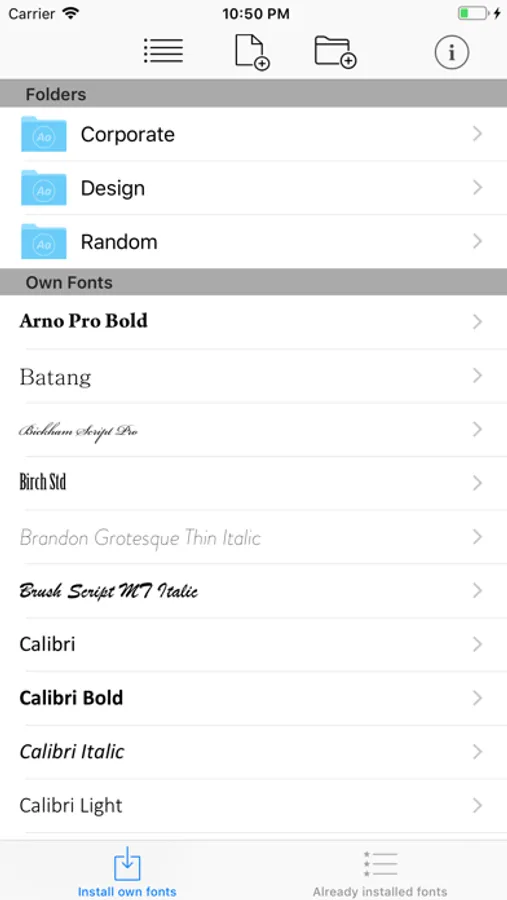
- Add new fonts as .ttf, .ttc or .otf file using iTunes file sharing or the „Open in…“ dialog from other apps like Mail or Dropbox
- Add single fonts or multiple fonts as a ZIP- or TTC-file
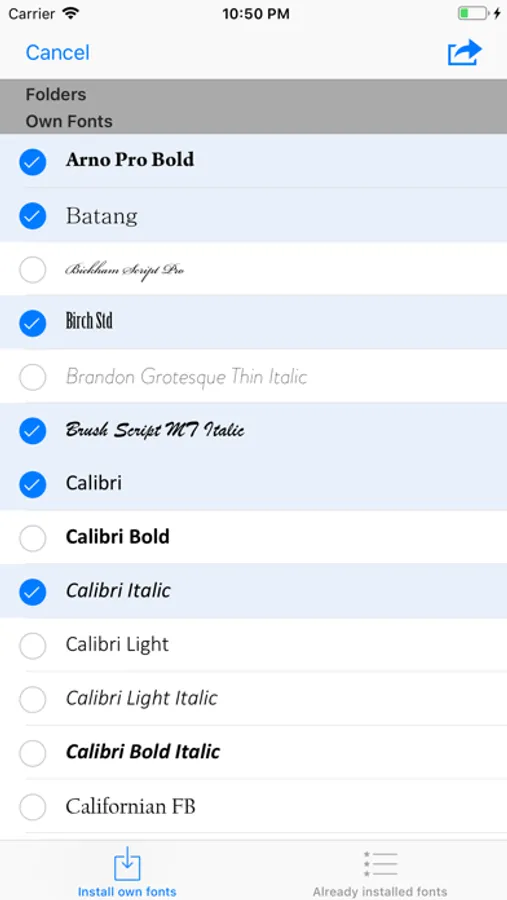
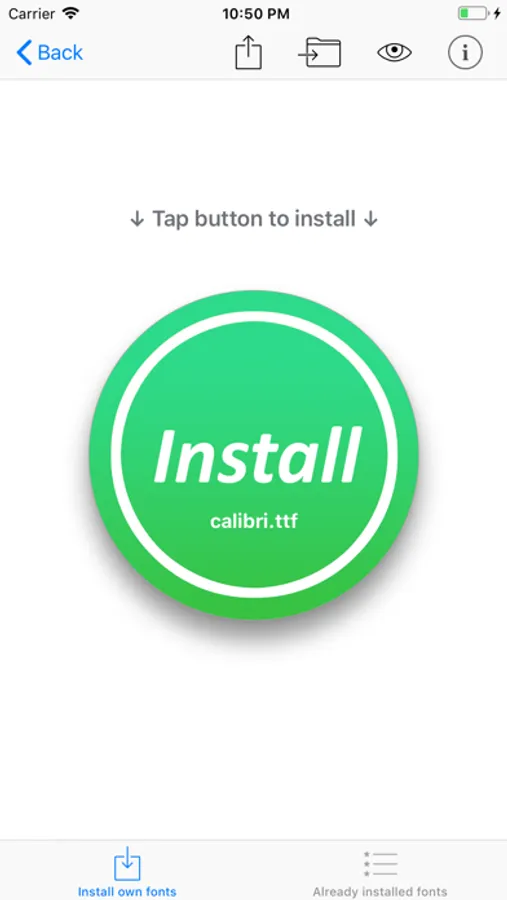
- Install single fonts or multiple fonts at once
- Preview your fonts in AnyFont’s storage
- Access FontBundles.net from within AnyFont
- Optional bundle of 1,000+ fonts (In-App Purchase)
- Complete list of all installed fonts on the device
- Support for Dark Mode (requires iOS 13)
Working with:
- Word, Excel and PowerPoint
- Numbers, Keynote and Pages
- Cricut Design Space
- Office Suite Pro
- Office²HD
- and many other apps!
AnyFont website: https://www.anyfont.app
Tutorial Video: https://www.youtube.com/@AnyFont-iOS
NOTE: It is not possible to change the system-font on your device with AnyFont. With AnyFont you can install additional fonts on your device which can then be used by other apps which make use of the device's font book.
NOTE II: Some fonts using Cyrillic or Asian characters may not be supported by this way of installing fonts due to their size. The maximum size of a configuration profile for a font is 20 MB.
NOTE III: You don't have to purchase the optional font bundle to use AnyFont. You can always add your own fonts to install them on your device.
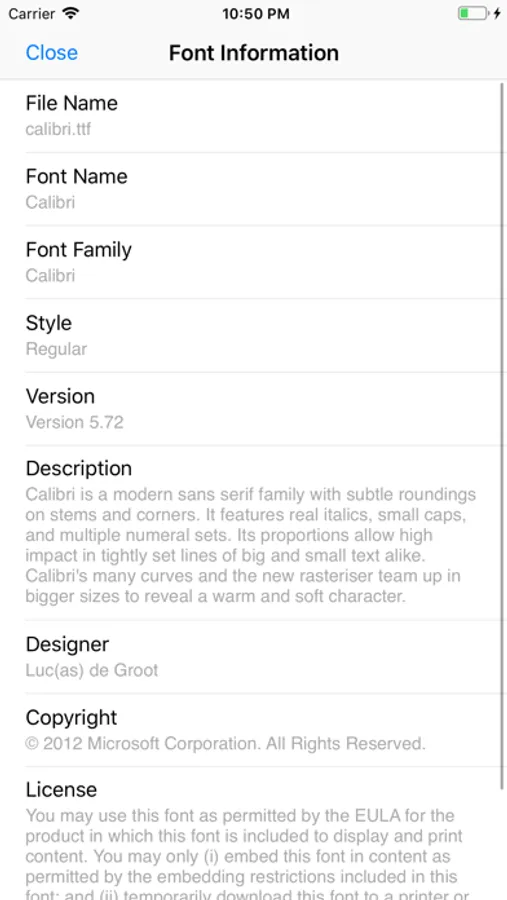
AnyFont Screenshots
Tap to Rate:
Reviews for AnyFont
Wingnut’s Mom
Working nicely
I’ve only been using it for a day or so, but I really like it.
24434everyday
False advertising
This is supposed to be able to select an entire folder of fonts and install them, instead you have to pick each font individually. Nobody has time for that. Lies! It was also advertised as not needing to create profiles to be installed. More lies. This is just supposed to install fonts into the system fonts. That’s not how this works! And the UI for the app indicates an entire folder can be selected. If the developer doesn’t like the feedback then fix the UI and stop advertising outside the App Store that the app works in a manner it does not. INCLUDING ON YOUTUBE, which should not be a substitute for in-app documentation! This app absolutely does not perform according to the methods described on YouTube or blog ads, nor does it behave as described in the UI.