
AppRecs review analysis
AppRecs rating 5.0. Trustworthiness 79 out of 100. Review manipulation risk 24 out of 100. Based on a review sample analyzed.
★★★★★
5.0
AppRecs Rating
Ratings breakdown
5 star
50%
4 star
0%
3 star
0%
2 star
50%
1 star
0%
What to know
✓
Low review manipulation risk
24% review manipulation risk
✓
Credible reviews
79% trustworthiness score from analyzed reviews
About Practical Guide for Linux
#1 Guide in Operating Systems > Unix / Linux
#1 College OS Guide
Making First Steps (passwd, su)
Logging Out, Shell (exit, Ctrl-d)
Special Characters (Ctrl-c, Ctrl-h, Ctrl-d)
Metacharacters (?, *, [])
Environment (env)
How To Change Environment Variables (.profile, .login)
Navigating The File System (absolute, relative paths)
How To Use Paths I (pwd, cd)
How To Use Paths II (cd ..)
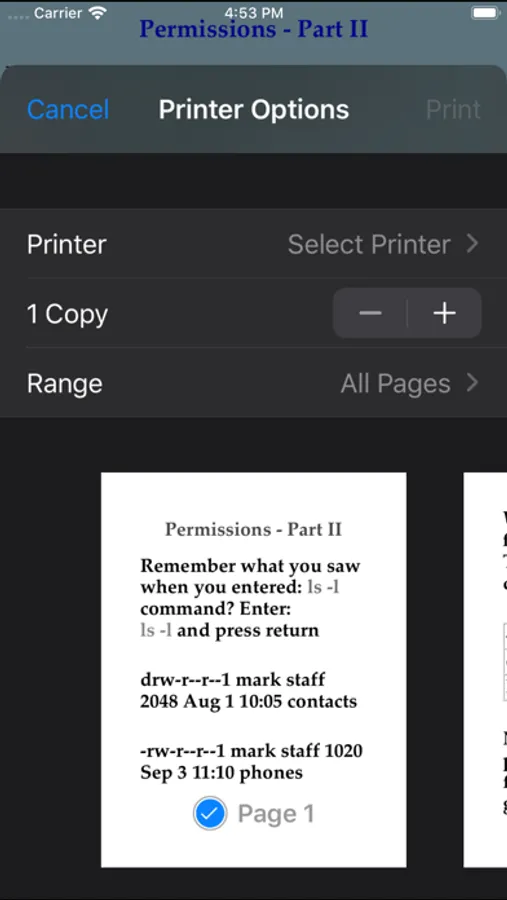
Files and Directories - Part I (ls, ls -l)
Files and Directories - Part II(ls -al)
Files and Directories - Part III (ls -R)
Permissions - Part I (id)
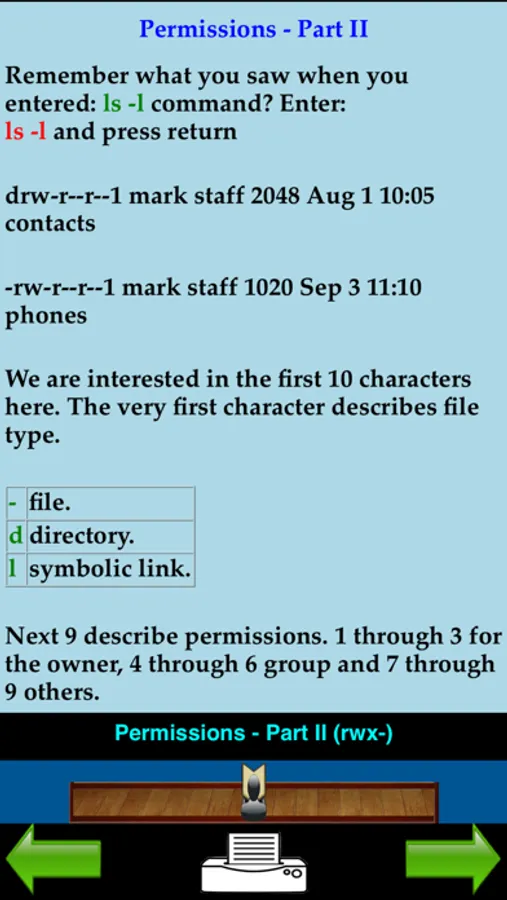
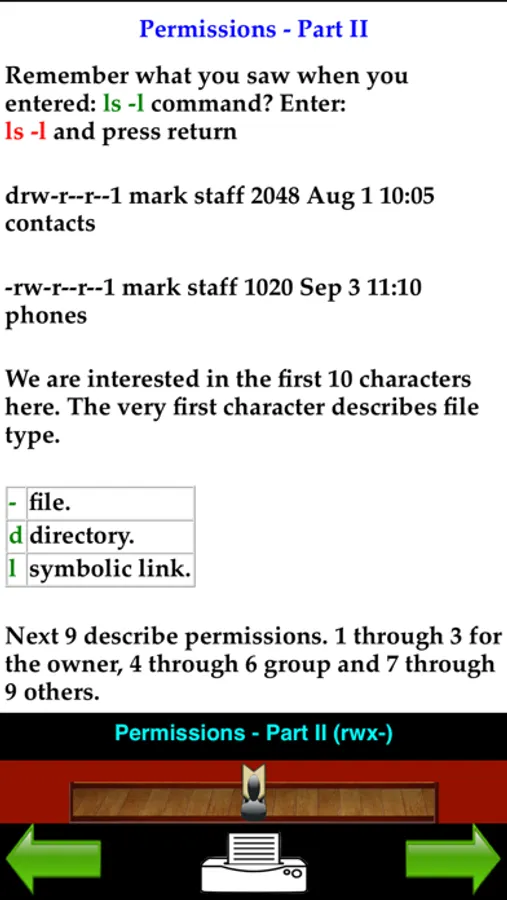
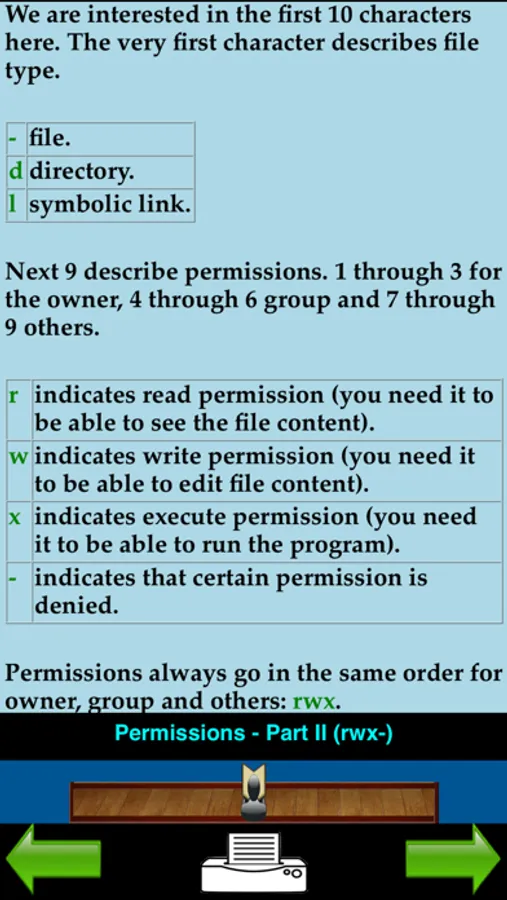
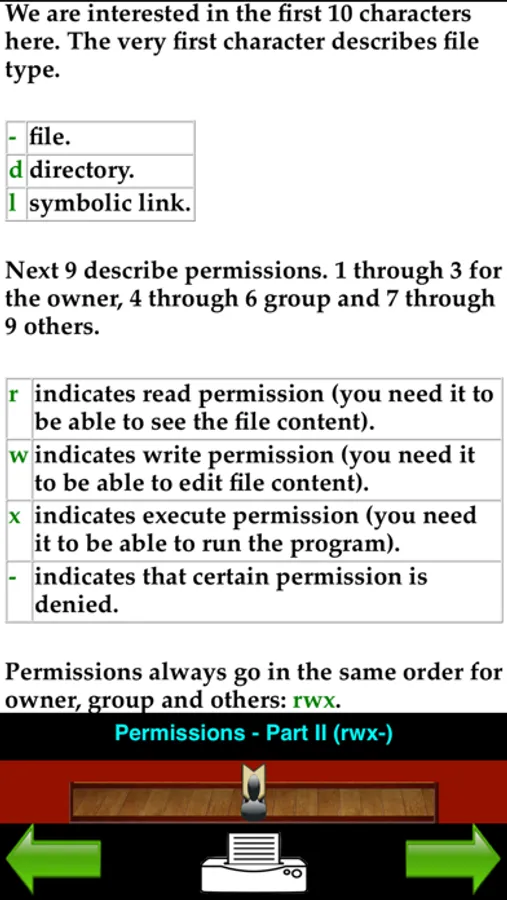
Permissions - Part II (rwx-)
Permissions - Part III (how to read)
Permissions - Part IV (chmod)
Viewing Files (more, cat, head, tail)
Searching in Files - Part I (grep options)
Searching in Files - Part II (grep examples)
Renaming Files (mv)
Copying Files (cp)
Deleting Files (rm)
Links (ln)
Compare Files (diff)
Compare Directories (dircmp)
Creating Directories (mkdir)
Finding Files and Directories (find)
Create and Edit Files With vi - Part I
Create and Edit Files With vi - Part II (insert mode)
Create and Edit Files With vi - Part III (searching)
Create and Edit Files With vi - Part IV (editing)
Create and Edit Files With vi - Part V (deleting)
Create and Edit Files With vi - Part VI (saving)
Create and Edit Files With vi - Part VII (line-edit mode)
Printing Files (lp, lpr)
Archiving Files (tar)
Transferring Files Between Computers (nslookup, ping)
Telnet
FTP - Part I (connecting)
FTP - Part II (transferring files)
More UNIX Commands (uname, arch)
Date and Time (date, cal)
Find Out About Other Users - Part I (who)
Find Out About Other Users - Part II (finger)
History
Disk Space (df, du, gzip, gunzip)
Memory (free, uptime)
Processes (Jobs) - Part I (ps)
Processes (Jobs) - Part II (ps -ef, kill, fuser)
Processes (Jobs) - Part III (at)
Electronic Mail - Part I (elm)
Electronic Mail - Part II (command mode)
Advanced UNIX - Redirection Part I (>, >>)
Advanced UNIX - Redirection Part II (|)
Practical sed and awk - Part I (sed)
Practical sed and awk - Part II (sed example)
Practical sed and awk - Part III (sed example)
Practical sed and awk - Part IV (awk)
Practical sed and awk - Part V (awk example)
The best way to learn UNIX and Linux for all.
Designed for all devices, full support for Air Print.
Practical Guide for Linux Screenshots
Tap to Rate:
Reviews for Practical Guide for Linux
crasshipster
Keeps it simple, readable, and useful
I have just started, but I had to stop to write a review. The author starts off with noting how heady and overwhelming Linux books, etc., can be and then rejects the premise. My experience - though I know nothing much about it I love it, if you want to kill a computing conversation dead - say "Linux". All eyes glaze over. He starts from the base, the very beginning, and builds up in small increments from there - in a logical order. You'll end up with a better understanding of computing in general. Linux is awesome, but why? Read the app. Like many things but more so, Linux can be as simple or as complex as you like or need. I've made sure to keep a Linux PC handy - for years. I have done simple to complex things with the command line given step-by-step instruction, with no clue as to what I was doing. I haven't actually "learned" at all. I don't know which parts of the stuff I'm typing in are commands or what they're doing. Anything I think to do I have to look up, even if it's simple. I'm looking forward to learning and using Linux on my own level - and going from there. Thanks for a great, accessible, highly readable, info app.
Banzai11
Practical, clear and in-depth!
If you need a practical Unix/Linux reference with examples and clear explanations, then this is the one to get! I completely agree that this is truly one app to have for all your Unix/Linux needs.






![Learn MongoDB Offline [PRO] icon](https://apprecs.org/ios/img/icons/webp/150/1620872048/fLB1LKm5123F6DY1d-PRMSbxMlHrZgdYU8MkFs83-nM-icon)