AppRecs review analysis
AppRecs rating 3.6. Trustworthiness 80 out of 100. Review manipulation risk 21 out of 100. Based on a review sample analyzed.
★★★☆☆
3.6
AppRecs Rating
Ratings breakdown
5 star
52%
4 star
9%
3 star
13%
2 star
4%
1 star
22%
What to know
✓
Low review manipulation risk
21% review manipulation risk
✓
Credible reviews
80% trustworthiness score from analyzed reviews
✓
Good user ratings
61% positive sampled reviews
About Sing Harmonies
"Great for vocalists who have difficulty hearing or singing harmonies."
https://makingmusicmag.com/8-spectacular-apps-for-singers/
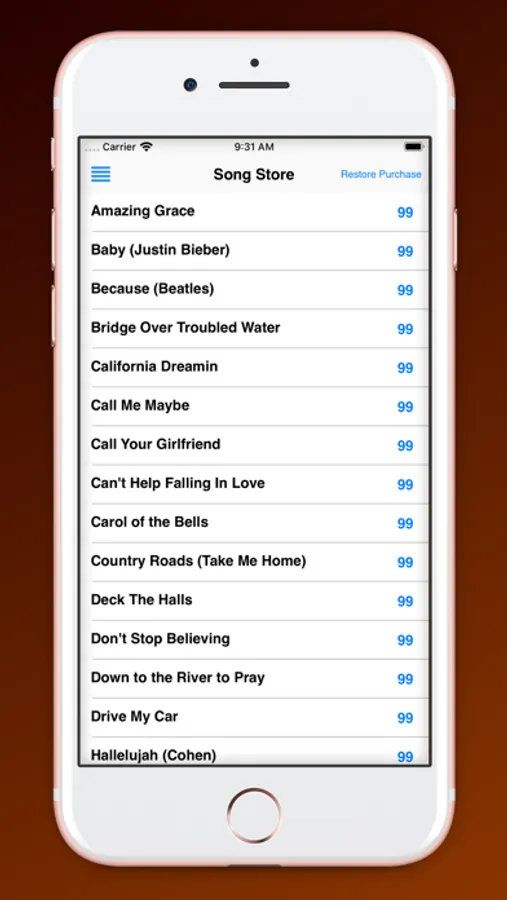
The 50 additional songs available through in-app purchase include "Hallelujah", "Amazing Grace", “Sound of Silence”, “Take Me Home, Country Roads”, "Shallow", "Seven Bridges Road”, “Let it Be”, and many more. Detailed song info is at https://singharmonies.com/.
"One of the best iPad apps for singers.”
https://www.apppicker.com/applists/2488/the-best-ipad-apps-for-singers
DETAILS
• No music reading, previous singing experience, or training necessary.
• Support, song info, harmonizing tips and more can be found at https://www.singharmonies.com.
• The vocal harmony arrangements range from easy to challenging. Vocal arrangements, difficulty level, and keys are on the song info page at https://www.singharmonies.com/song-info.
• Works with iPhone, iPod Touch, and iPad with iOS 9 and later.
• All ages can use.
• Please note that the app cannot be used with songs in other music libraries on your device.
HOW TO USE
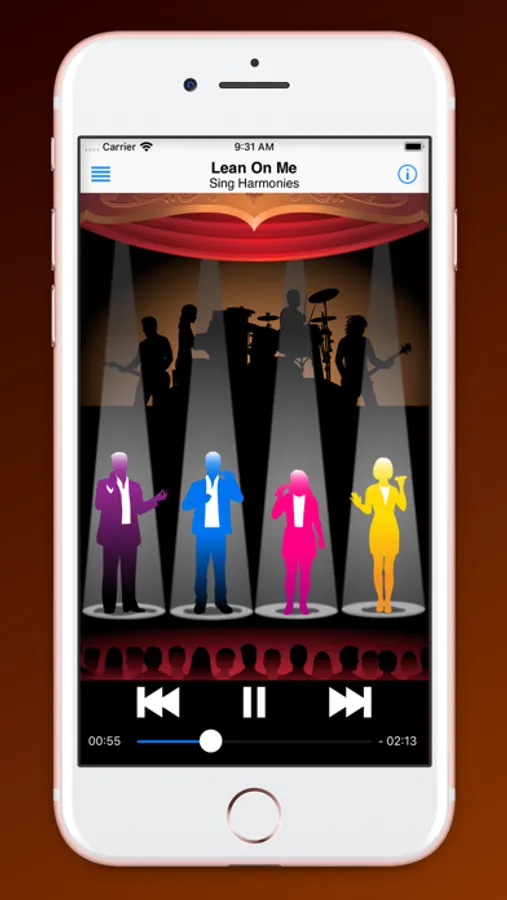
• Tap ‘play’ to hear a 4-part harmony version of the song. Tap any singer to rotate through the three volume settings: full, soft, and silent. Tap the band in the background to turn the music track on or off.
• To hear and learn any of the parts, mute the three other singers and sing along with the solo voice, with or without the music track. Then tap any or all of the other singers and sing your part along with them.
• The voices can be added or muted as the song progresses, and can be played at half volume as a guide while the other voices are set at full volume.
• Move to different parts of the song with the slider at the bottom of the screen.
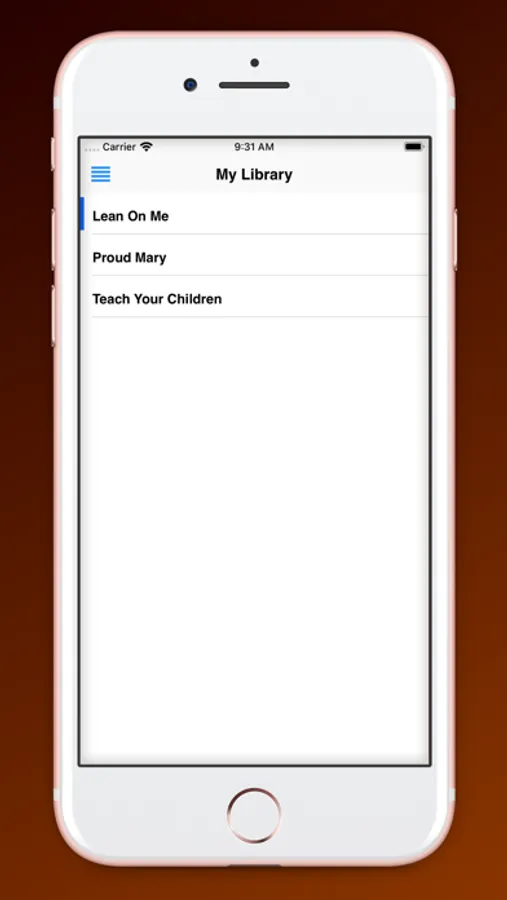
• Tap the menu icon to navigate to other areas of the app. Tap My Library to view and select any the songs you can currently play. Tap Song Store to see available songs and to purchase more songs. Tap More Info for instructions and support.
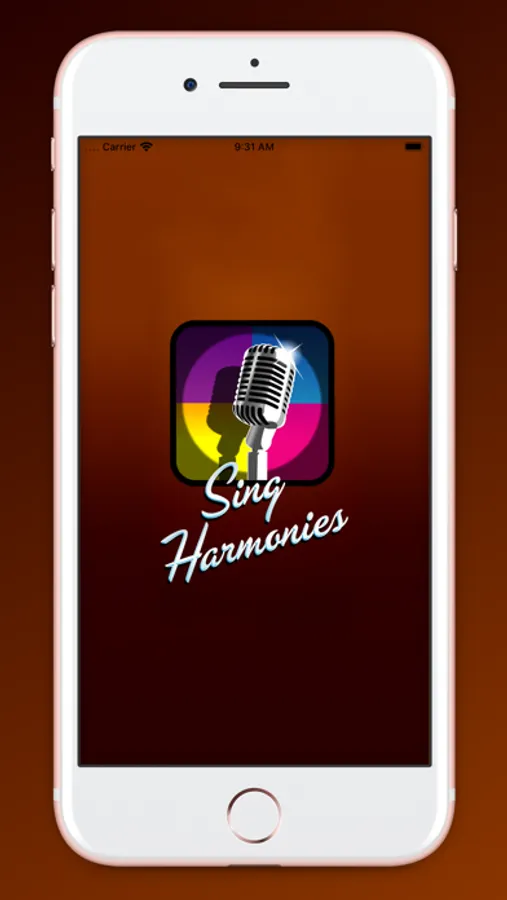
Sing Harmonies Screenshots
Tap to Rate:
Reviews for Sing Harmonies
Mack2800
GREAT FOR LEARNING HARMONIES!!!
I love this APP and I hope it stays around awhile. I know that the author of the app advised that they will no longer be updating with. Ew songs BUT there is enough already there to really learn. I love how you can pick parts and silence or bring down other parts - it's a great app!!!!
MackieMookie
Wonderful
Best thing since sliced bread. If you never got the chance to join a school/church choir and learn to harmonize, this is your saving grace! Mac Smith Ph.D.