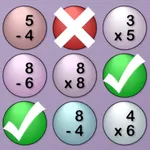
With this educational app, users can practice addition problems, customize difficulty, and utilize built-in tools like the scratchboard and step-by-step problem solver. Includes iCloud synchronization, Apple Pencil support, speech input, and multitasking features.
AppRecs review analysis
AppRecs rating 4.4. Trustworthiness 71 out of 100. Review manipulation risk 25 out of 100. Based on a review sample analyzed.
★★★★☆
4.4
AppRecs Rating
Ratings breakdown
5 star
69%
4 star
17%
3 star
4%
2 star
4%
1 star
6%
What to know
✓
Low review manipulation risk
25% review manipulation risk
✓
Credible reviews
71% trustworthiness score from analyzed reviews
✓
High user satisfaction
86% of sampled ratings are 4+ stars (4.4★ average)
About MathBoard Addition
The perfect starting point for mastering addition—now with iCloud Sync, Apple Pencil, speech input, and support for iPadOS 26’s new windowing system.
MathBoard® Addition is the FREE “addition only” version of the award-winning MathBoard app, designed to help students of all ages learn to solve math problems—not just memorize answers.
This highly configurable app adapts to each student’s skill level, from early learners beginning with single-digit addition to more advanced students tackling algebra-style equations. Whether at home or in the classroom, MathBoard Addition provides a supportive, hands-on learning environment that promotes true comprehension.
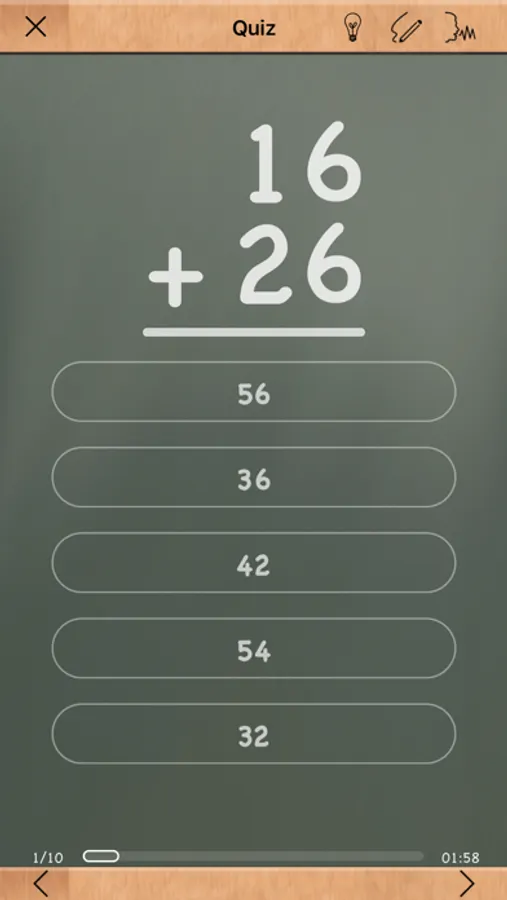
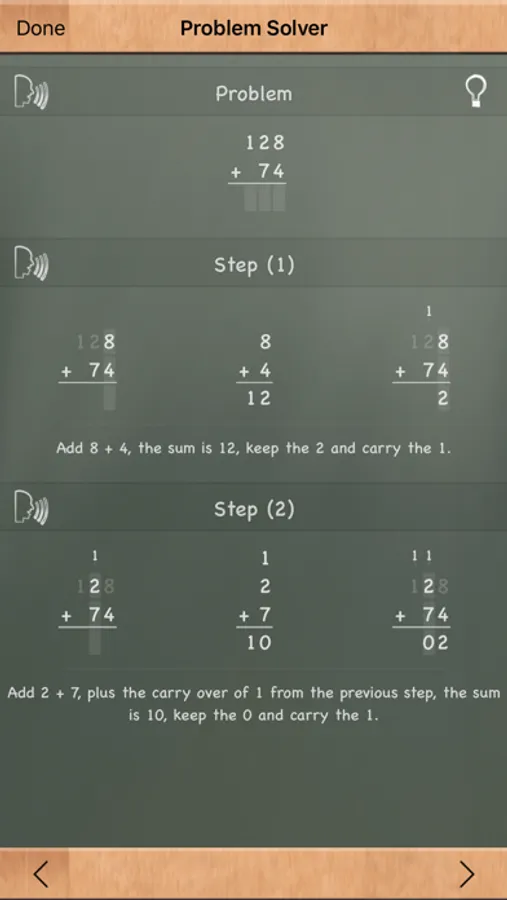
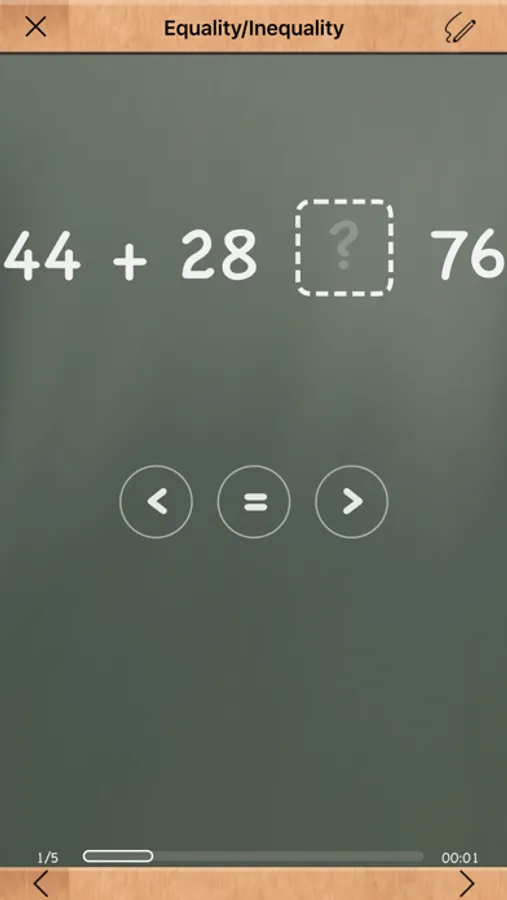
Students can solve problems using a built-in scratchboard, get help through the step-by-step Problem Solver, and engage with learning activities like Find the Sign, Equality/Inequality, and Match Math (a memory game). Best of all, the app grows with your learner—difficulty settings, question styles, and number ranges are all customizable.
Key Features
• Configurable number ranges and digit formats (e.g., two-digit over one-digit)
• Smart “wrong answer” generation to reduce guessing
• Algebra-style equation support (e.g., 6 + x = 12)
• Multiple answer formats: multiple choice and fill-in-the-blank
• Built-in Problem Solver teaches step-by-step solutions
• Built-in scratchboard for working out problems
• Quick reference tables for counting and addition
• Timed activities with countdown or stopwatch options
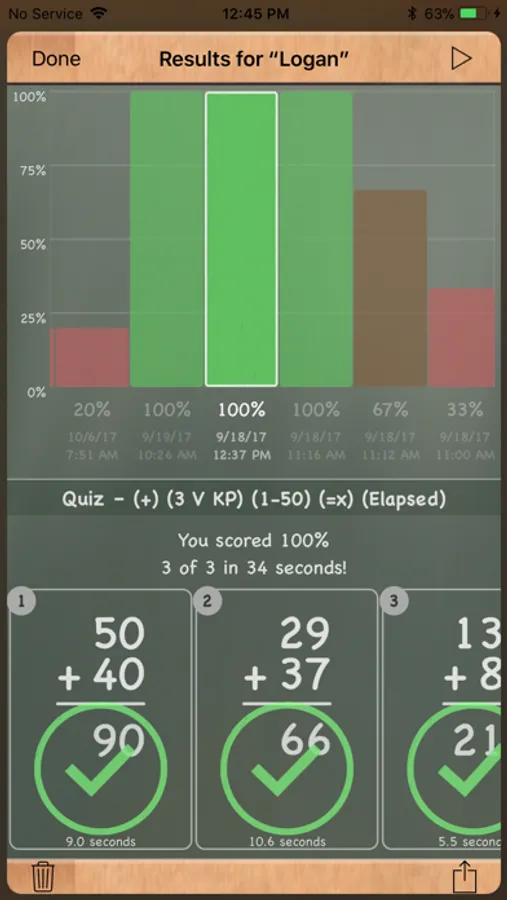
• Save and share equation settings or student results
• Support for multiple student profiles
Optimized for the Latest Apple Tech
• iCloud Syncing across devices
• Apple Pencil and Magic Keyboard support
• Speech Input and Text to Speech
• iPadOS 26 windowing for multitasking
Whether you’re teaching in the classroom or practicing at the kitchen table, MathBoard Addition offers a focused and engaging way to build math confidence—one equation at a time.
MathBoard® Addition is the FREE “addition only” version of the award-winning MathBoard app, designed to help students of all ages learn to solve math problems—not just memorize answers.
This highly configurable app adapts to each student’s skill level, from early learners beginning with single-digit addition to more advanced students tackling algebra-style equations. Whether at home or in the classroom, MathBoard Addition provides a supportive, hands-on learning environment that promotes true comprehension.
Students can solve problems using a built-in scratchboard, get help through the step-by-step Problem Solver, and engage with learning activities like Find the Sign, Equality/Inequality, and Match Math (a memory game). Best of all, the app grows with your learner—difficulty settings, question styles, and number ranges are all customizable.
Key Features
• Configurable number ranges and digit formats (e.g., two-digit over one-digit)
• Smart “wrong answer” generation to reduce guessing
• Algebra-style equation support (e.g., 6 + x = 12)
• Multiple answer formats: multiple choice and fill-in-the-blank
• Built-in Problem Solver teaches step-by-step solutions
• Built-in scratchboard for working out problems
• Quick reference tables for counting and addition
• Timed activities with countdown or stopwatch options
• Save and share equation settings or student results
• Support for multiple student profiles
Optimized for the Latest Apple Tech
• iCloud Syncing across devices
• Apple Pencil and Magic Keyboard support
• Speech Input and Text to Speech
• iPadOS 26 windowing for multitasking
Whether you’re teaching in the classroom or practicing at the kitchen table, MathBoard Addition offers a focused and engaging way to build math confidence—one equation at a time.
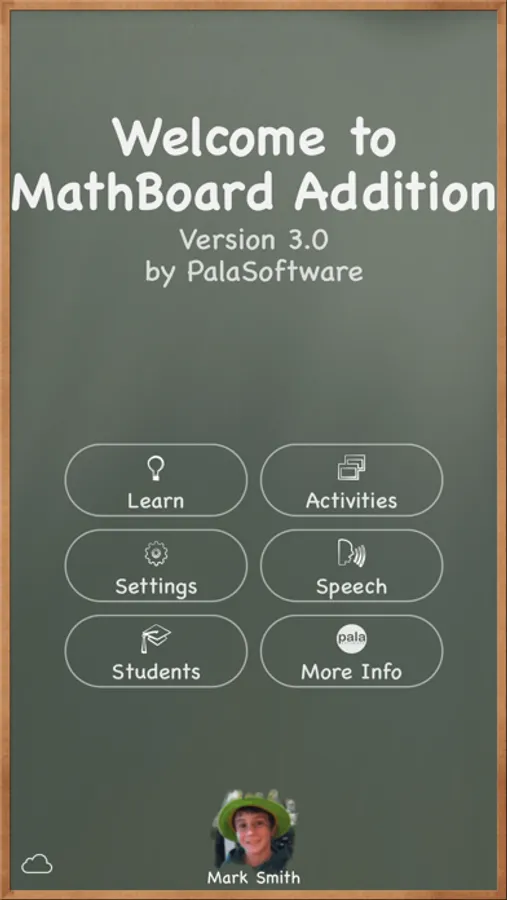
MathBoard Addition Screenshots
Tap to Rate:
Reviews for MathBoard Addition
izzy 2015
I ❤️💜💙💛🧡💚 this app
It’s also
Hwoschrjvj
Buying
Get the full version guys now now now(#whichtherewasntafullversion!)hehehehe