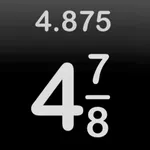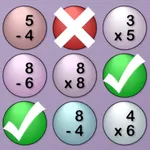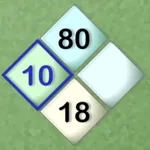
With this educational app, you can practice understanding, simplifying, and comparing fractions using interactive activities and the built-in Problem Solver. Includes progress tracking and customizable settings for different skill levels.
AppRecs review analysis
AppRecs rating 4.3. Trustworthiness 76 out of 100. Review manipulation risk 23 out of 100. Based on a review sample analyzed.
★★★★☆
4.3
AppRecs Rating
Ratings breakdown
5 star
72%
4 star
8%
3 star
8%
2 star
3%
1 star
8%
What to know
✓
Low review manipulation risk
23% review manipulation risk
✓
Credible reviews
76% trustworthiness score from analyzed reviews
✓
High user satisfaction
80% of sampled ratings are 4+ stars (4.3★ average)
About MathBoard Fractions
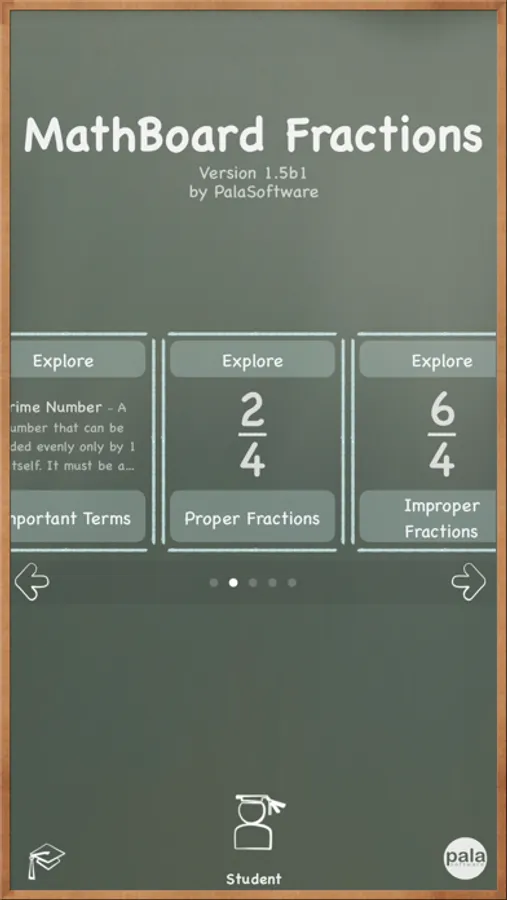
MathBoard Fractions is a comprehensive learning app designed to help students of all ages understand, practice, and excel at working with fractions. Whether you’re just getting started or ready to tackle complex operations, MathBoard Fractions offers the perfect mix of instruction, interaction, and evaluation.
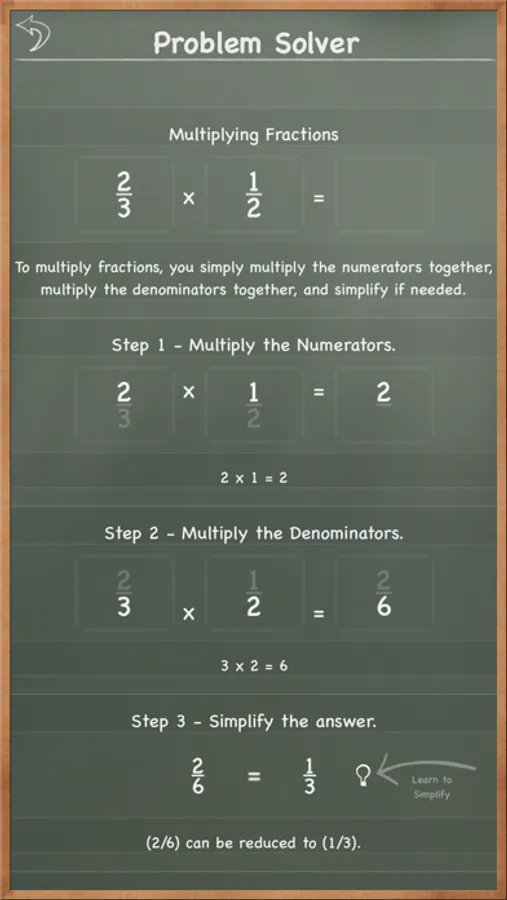
Through engaging activities and a built-in Problem Solver, students will explore key concepts, see worked examples, test their understanding, and learn how to arrive at the correct answer—not just what it is.
Activities Include:
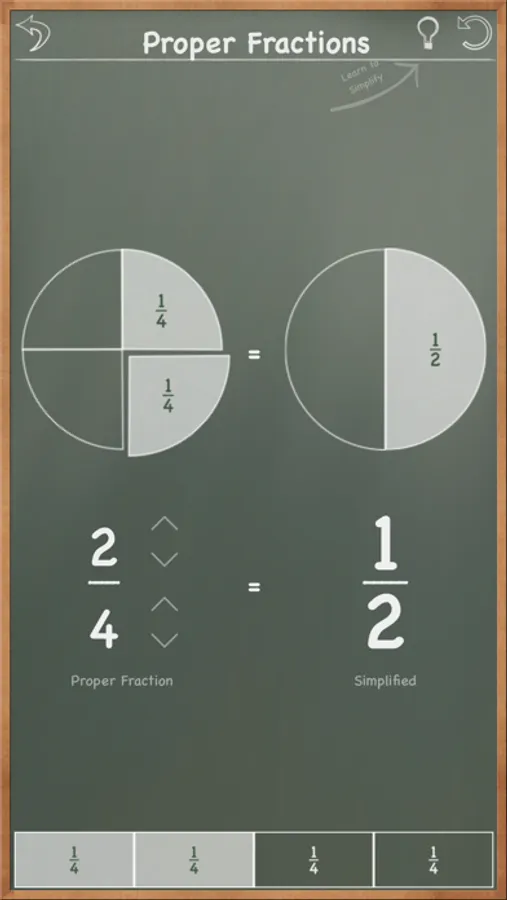
• Understanding proper and improper fractions
• Matching visual quantities to fractions
• Simplifying fractions
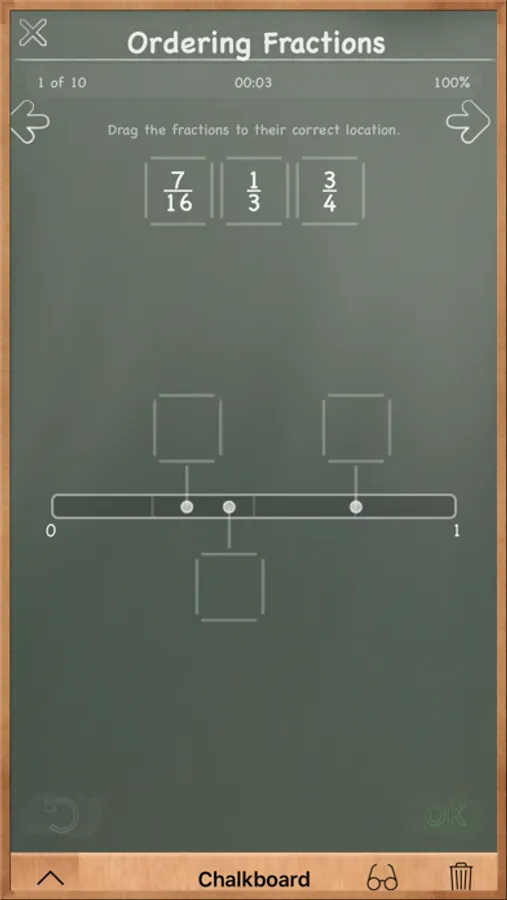
• Comparing and ordering fractions
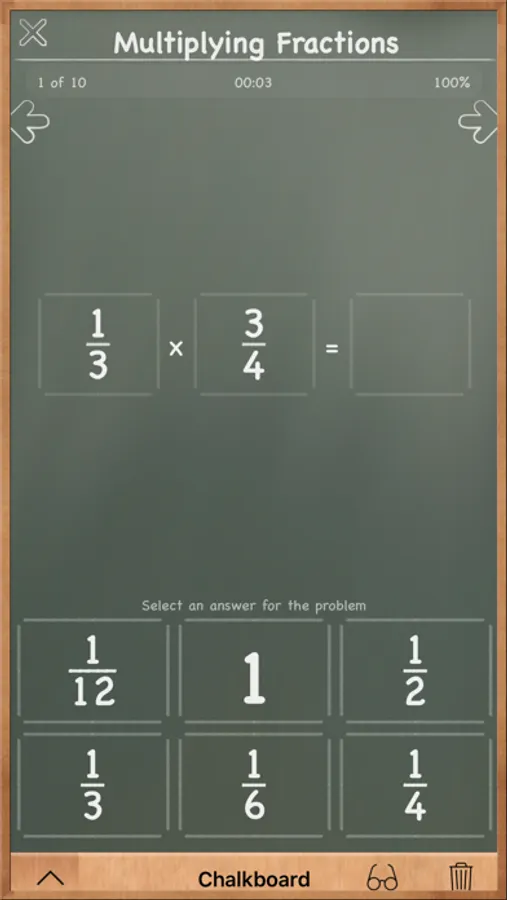
• Adding, subtracting, multiplying, and dividing fractions
*Built-In Problem Solver:
Students can walk through the solution steps for:
• Simplifying fractions
• Finding the Greatest Common Factor (GCF)
• Finding the Least Common Denominator (LCD) using:
• Least Common Multiple
• Prime Factorization
• Comparing and ordering fractions
• Solving addition, subtraction, multiplication, and division problems
*Progress Tracking
Track student progress across individual activities or overall. Results can be saved, reviewed in the Problem Solver, or shared via email—perfect for teachers and parents.
*Customizable Settings:
MathBoard Fractions adapts to different skill levels and teaching goals:
• Set maximum values and denominator ranges
• Choose whether to use simplified or whole-number fractions
• Enable or disable common denominators
• Select timed or non-timed activities
• Choose between multiple choice or student-supplied answers
Whether used at home or in the classroom, MathBoard Fractions transforms fractions from frustrating to fun—building real understanding that lasts.
MathBoard Fractions Screenshots
Tap to Rate:
Reviews for MathBoard Fractions
kah0824
Rip off
Waste of money and confusing
sorry4ever
Undo vs Eraser
Why do we have to use a teeny-tiny fake eraser to erase? Why not just hit an "undo" button? An undo button that lets you undo in increments would be great. For example, the Microsoft Word program lets you undo each last step you performed. I would love to see an undo button in this app too. It would make things faster and easier. I mean, isn't math difficult enough? It would be a good excuse for updating the app too. Updates are always a good thing and one button is all I am suggesting. I think that an undo button would make this lovely application more pleasant to use. I know that using an old fashioned eraser is fitting, but I find that the eraser is not effective in that I still see remnants of the chalk after I erase. No offense, but I find that annoying. Thanks for this great app. I would be very grateful for an undo button. It's a great app and I am giving it 5 stars.