In this contact management app, users can organize, edit, and search contacts easily. Includes group editing, email and SMS messaging, and backup options.
AppRecs review analysis
AppRecs rating 4.3. Trustworthiness 79 out of 100. Review manipulation risk 20 out of 100. Based on a review sample analyzed.
★★★★☆
4.3
AppRecs Rating
Ratings breakdown
5 star
78%
4 star
8%
3 star
3%
2 star
3%
1 star
7%
What to know
✓
Low review manipulation risk
20% review manipulation risk
✓
Credible reviews
79% trustworthiness score from analyzed reviews
✓
High user satisfaction
86% of sampled ratings are 4+ stars (4.5★ average)
About GContact
Features
New Features(New!)
Add todo task feature for contacts.
Features
1. Contact could be gathered in the groups automatically by company names.
2. Groups could be created, edited, or deleted freely.
3. You could also create, delete, and edit a single contact.
4. It support to search for contacts
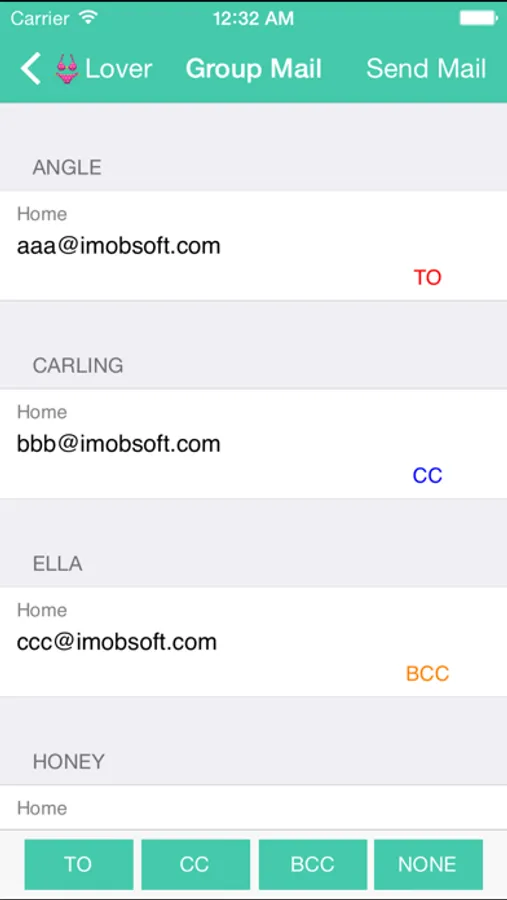
5. And send email to all group members
6. Fantastic respond speed
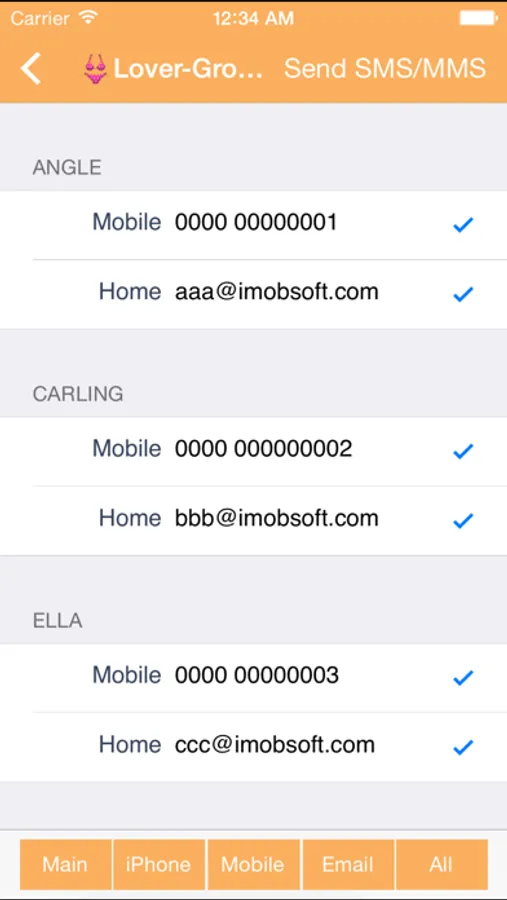
7. Support to send sms/mms to all group members
*The group mms just support the emoji only,picture and camera it can not be support in this version.
8.You could change the group's sort
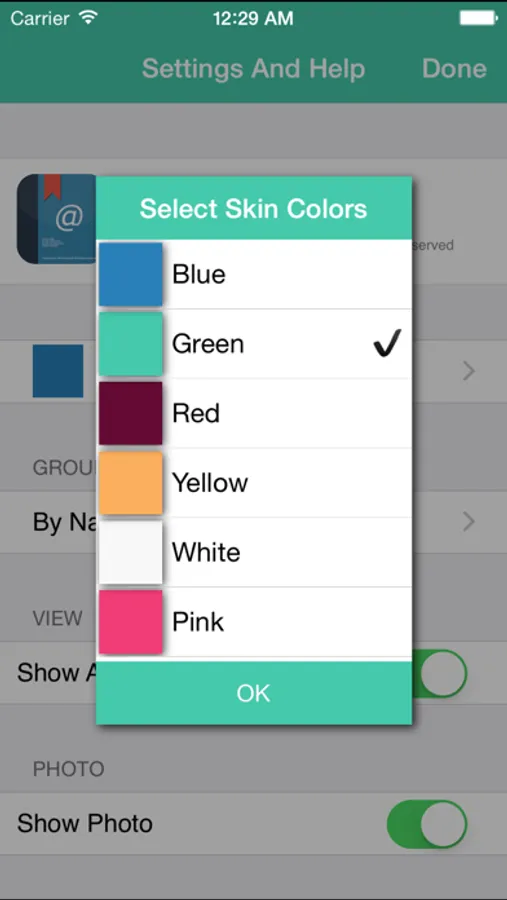
9.You could change the group's color
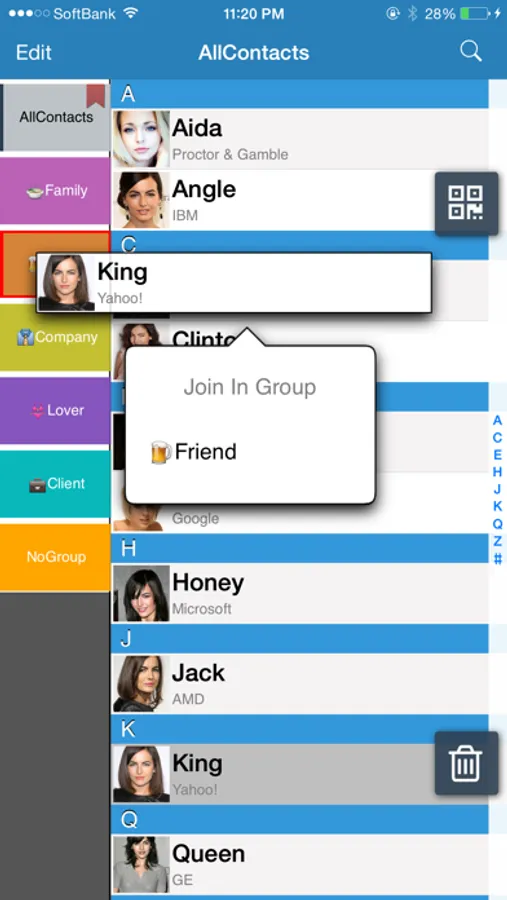
10.drag & drop for the group editing
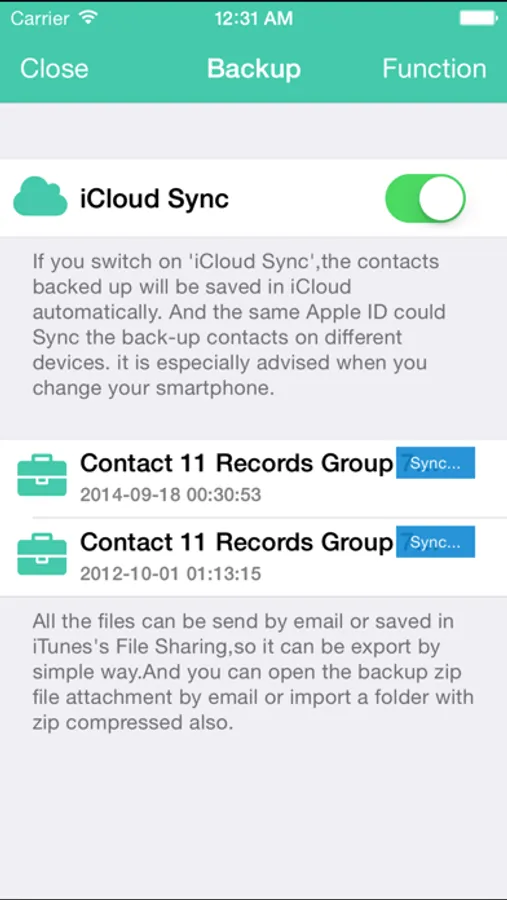
11.Contacts backup and save to iCloud
12.QR code reader
13.Backup your contacts and shared your archive file by iTunes connect or EMail
Mark: English,Japanese,Chinese versions are available.
Tips:
Click group bottom twice continuously, you will see the menu including “Edit Group Members” “Change Group Name/Color” “Delete Group” “Send Group Mail” “Send Group SMS/MMS" “Cancel”.
We do apologize for the inconvenience to customers which caused by our incomplete illustration.
The following is the summary of questions mentioned by customers. Thanks you so much for your treasure feedbacks.
FAQ:
1. How to add contacts to groups
(1) Please have a browse of the tip mentioned above for reference.
(2) Firstly, click a contact in “No Group”, which you would like to add to a certain group. And then you will see a menu including “Contact Detail” “Join in group” “Cancel”. Once you choose and click “Join In Group”, the contact could be ready to add to your favor group.
2. How to delete the group which has been already added?
(1) Please have a browse of the tips mentioned above for reference.
(2) If you have cancelled GContact software, and plan to delete the groups remained in Apple’s Contacts, there are several ways to deal with it. One is deleting the groups by Exchange or Itune, and connecting your iphone or itouch to the computer, then doing synchronization. Another one is installing GContact again, and deleting the groups by it.
Because the function of deleting groups is not supported by Contacts, and only supported by SDK software of Apple.
3. How to change the name of groups?
Please have a browse of the tips mentioned above for reference.
4.Why some groups are added automatically, although we did not do any edition on it?
We are afraid it is not caused by GContact, but may be caused by other
familiar software or others’ computers, while doing synchronization on it.
GContact Screenshots
Tap to Rate:
Reviews for GContact
ramoore44
Inconsistent App Behavior
This is a great looking app for the iphone but be for-warned, it acts up on occasion and appears not stable. At times when you press on a group tab, your contacts do not appear and all you get is a blank screen. At other times when you click on a contact, you also get a blank screen. It looks as though your contacts are gone for good, but after a while when you click on a group or a contact again, they return. This is odd and scary functionality! Also there is no way to contact support that I have found. Needs work.
GroupHelp
Need Help
App dos not work on my new Apple Watch when I open the app on my watch it shows a blank black screen and only has the word group in the upper left corner. It does not do anything if I tap it…help please…I don’t have twitter which is where it sends me when I click app support